20+ Free AI Generators You Can Use Today
Created: 11/03/2026
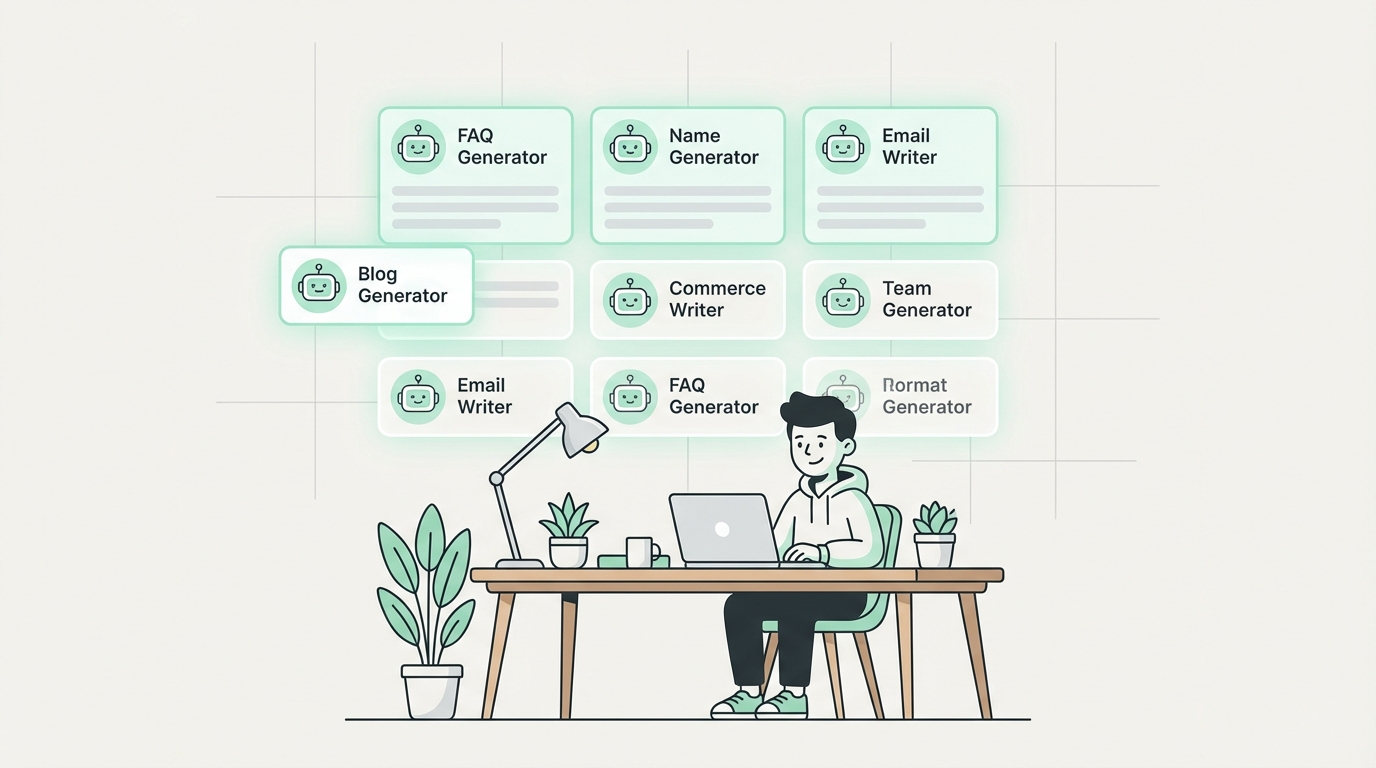
A few months ago, I was helping a friend launch her handmade jewelry business. She needed a business name, a handful of FAQ answers for her website, and a bunch of product descriptions - all in the same afternoon. She didn't have a copywriter on speed dial. She didn't want to spend $500 on a freelancer for content she needed in 48 hours.
What she did have was a browser, a free afternoon, and a list of AI tools that actually worked. Two hours later, she had everything she needed. That's the reality of what free AI generators can do for you today - and it's not magic, it's just smart use of the right tools.
Below is a list of 20+ free AI generators covering content, names, emails, FAQs, titles, and more. Each one is practical and free to use without a credit card. I've organized them by category so you can jump to what you actually need.
Content & Writing Tools
1. Content Rewriter and Expander
You've written something, but it's too short, too stiff, or the tone is off. This tool rewrites it for you. Paste in a sentence, paragraph, or full email and it comes back cleaner. It works for product captions, blog paragraphs, social posts, and customer emails. There's a tone selector - professional, casual, friendly - so the output actually sounds like you want it to.
Best for: Editing content you already wrote but aren't happy with.
If you're using AI tools a lot, the quality of your prompts matters more than most people realize. This generator takes your goal - say, 'write product descriptions for a skincare brand targeting women over 40' - and turns it into a detailed, structured prompt you can drop into any AI model. Choose between creative, technical, or detailed styles depending on the task.
Best for: Anyone who uses ChatGPT or Claude daily and wants better outputs.
Email & Customer Support Tools
Writing replies to customer messages is one of those tasks that feels simple but eats time. The Response Generator is built for exactly that. Paste the original message, pick a tone - empathetic, formal, concise - and get a ready-to-send reply in seconds. It handles reviews, support tickets, and general inquiries equally well.
Best for: Small business owners and support teams fielding repetitive messages.
Similar to the Response Generator, but specifically tuned for email threads. Paste the email you received, and it drafts a reply. It handles follow-ups, cold email responses, and internal team emails. If you're a solo founder managing your own inbox, this one saves real time every week.
Best for: Professionals who spend more than an hour per day on email.
Open rates live and die by subject lines. This generator takes your email message and produces 5 to 10 subject line variations. You choose the tone - urgent, curiosity, direct, friendly - and the output gives you real options. Great for newsletters, promotional campaigns, and cold outreach sequences.
Best for: Email marketers and founders running their own campaigns.
Business & Brand Naming Tools
Naming a business is surprisingly painful. You brainstorm for hours, check a domain, and it's taken. These tools speed that process up significantly.
Enter a keyword and choose a style - modern, professional, playful - and the tool gives you name ideas with domain availability checks. I've seen people generate their final business name in under 10 minutes using this. It's not a replacement for brand strategy, but it's a fast starting point.
Best for: Early-stage founders naming a new product or service.
Geared toward corporate or startup contexts. Input your industry and preferred style, and it returns short, brandable company names. It also checks availability before you fall in love with a name that's already registered.
Best for: Tech startups, agencies, or service businesses launching new ventures.
More personality-driven than the company name tool. You pick a vibe - premium, playful, minimalist - and it generates names that match. Useful for product lines, sub-brands, or DTC businesses where tone matters as much as clarity.
Best for: Consumer brands, e-commerce stores, and creative agencies.
Built for professional services - law firms, consulting practices, accounting firms. Names generated here lean credible and formal, and they come domain and registration-check ready.
Best for: Professionals starting a new practice or rebranding an existing one.
Yes, there's a dedicated tool for this. Input your theme - cozy, industrial, neighborhood, artisan - and it returns short, memorable cafe names. These are built to be used, not just admired. A solid shortlist in under a minute.
Best for: Food and beverage entrepreneurs planning a new space.
FAQ & Survey Tools
11. AI FAQ Generator
One of the most practically useful tools in the list. Tell it your product or service, and it generates a set of FAQ questions and answers you can drop straight onto your website. Tone and style are customizable. For my friend with the jewelry business, this took about four minutes and produced 12 solid FAQs she hadn't even thought to write.
Best for: Anyone building a new website, product page, or support center.
Ask a question, get a clear answer. You control the tone (formal, casual) and length (short, detailed). This is genuinely useful for study, work presentations, and building customer support knowledge bases. It's also handy when you need a quick, well-worded answer to a question someone sent you, and you want to check your reasoning.
Best for: Students, teachers, support teams, and anyone doing research fast.
Creating good survey questions is harder than it looks. Poorly worded questions produce garbage data. This tool generates clear, unbiased questions based on your topic and goal. You can build customer feedback forms, research questionnaires, and employee satisfaction surveys in minutes. Choose the format - multiple choice, open-ended, Likert scale - and the output is ready to paste into your survey platform.
Best for: Researchers, product teams, and marketers running customer surveys.
Title & Headline Tools
Give it your topic, pick a style - listicle, how-to, question-based, curiosity - and it spits out blog post, video, or ad titles. What makes this one worth using is the variety. Instead of five versions of the same headline, you get genuinely different angles. Good for when you're staring at a blank doc and can't figure out how to frame your piece.
Best for: Bloggers, content marketers, and YouTube creators.
Specifically tuned for YouTube. You choose between clickbait, SEO-optimized, and curiosity-driven styles. The SEO version is genuinely useful - it factors in how people search, not just what sounds catchy. If your channel is trying to grow organic reach, start your title process here.
Best for: YouTubers focused on growing search-driven views.
User Research & Persona Tools
Building a persona from scratch takes hours if you do it properly - interviews, surveys, synthesis. This tool doesn't replace that, but it's a fast way to create a working hypothesis persona when you're early-stage. Input your product and target audience, and it generates a detailed profile with goals, pain points, and buying triggers. Use it to align your team on who you're actually building for.
Best for: Product teams, marketers, and startup founders in early discovery.
Fun & Creative Name Generators
These might seem niche, but writers, game designers, and hobbyists use them constantly. Here are the best ones.
Generate elf names based on character type and style. Dark Elf, Noble, Warrior, High Fantasy - each produces distinctly different names. A Dungeon Master designing a campaign can populate a village in minutes. Writers building fantasy worlds use this to stay consistent with naming conventions.
Same idea, focused on female elf characters. Styles include high fantasy, dark elf, noble, mystical, and warrior. Good for character-driven fiction where naming feels important to the world-building.
Generate ship names for fiction, games, or just fun. Classical, powerful, mythical, dark, futuristic - each style has its own flavor. Useful for sci-fi and naval fiction writers who need consistent naming across a fleet.
20. Fantasy Username Generator
Create gaming usernames based on theme - dark fantasy, magical, ancient, warrior. These aren't random character strings; they're coherent names with a distinct personality. Good for gamers setting up new accounts or streamers building a brand persona.
21. Stylish Nickname Generator
Input your name and pick a style - cool, gamer, edgy, aesthetic, cute, or trendy. The output is actually usable, not cringe-inducing. Useful for new social media accounts or anyone rebranding their online presence.
22. Couple Name Mixer
Mix two names and get combined couple nicknames for social media or hashtags. It's lighthearted but surprisingly popular. Wedding planners use it for personalized hashtag ideas; couples use it for Instagram bios. Simple, fast, and actually fun.
23. Dog Name Generator
Generate dog name ideas based on breed and personality. Cute, funny, classic, unique, strong - there's a category for every dog. New pet owners consistently use this as one of their first stops. If you've ever spent 45 minutes trying to name a puppy, you understand why this exists.
How to Get the Most Out of These Tools
A few things I've noticed after using AI generators regularly:
• Be specific with your inputs. 'Coffee shop' gives generic results. 'A cozy Italian espresso bar in a college neighborhood targeting grad students' gives you something you can actually use.
• Generate multiple batches. The first output is rarely the best. Run the same tool 2-3 times with slightly different inputs and compare.
• Use the output as a draft, not a final product. Edit what you get. These tools save the blank-page problem, but your voice and context still matter.
• Combine tools. Use the User Persona Maker to define your audience, then use the Survey Question Generator to build research questions for that exact persona. Chain the tools.
Final Thought
None of these tools will do your thinking for you. But they'll handle the parts that used to eat time without adding value - the blank page, the naming brainstorm, the fifth draft of a subject line.
My friend launched her jewelry store that same week. She told me the FAQ generator alone was worth an afternoon of her time. That's the right way to think about these tools - not as magic, but as a faster starting point.
Pick two or three from this list that match what you're working on right now. Try them today. The tools are free, and the inputs take about 30 seconds.