Which AI tool helps in automating a customer service chat
Created: 03/01/2026
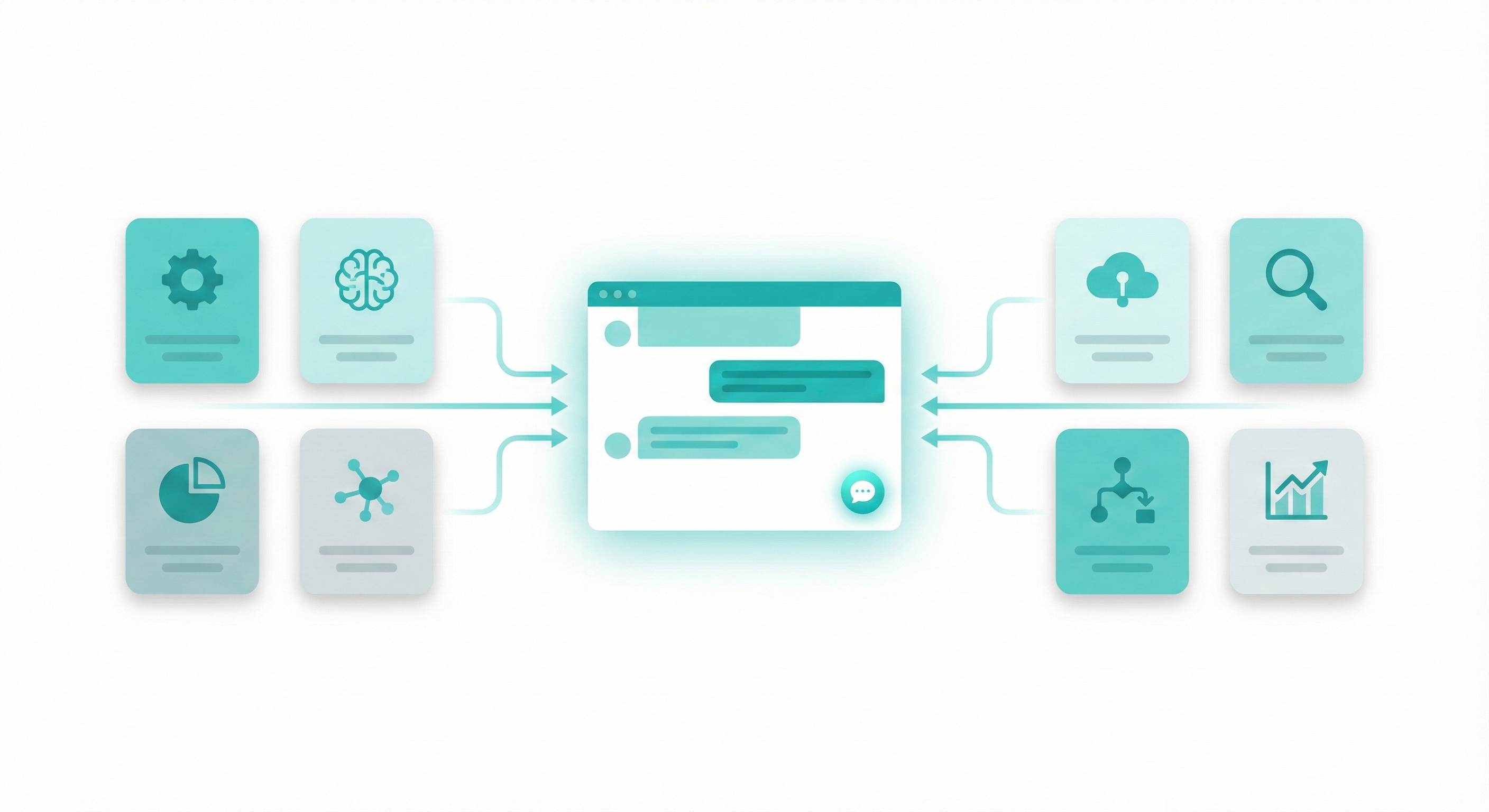
If you run a business, customer queries never stop. Website visitors ask the same questions again and again. Pricing, refunds, delivery timelines, and account issues. Handling all of this manually slows teams down and frustrates customers.
This is where an AI tool built for customer support helps. The right customer service chatbot can reply instantly, stay consistent, and work all day without breaks.
What an AI customer service chatbot actually does
A customer service chatbot is an AI system trained on your business data. It understands customer questions and replies with relevant answers in real time.
It can handle tasks like
• answering FAQs
• guiding users to the right page
• collecting leads
• booking demos
• escalating complex issues to humans
For a business, this means fewer repetitive tickets and faster response times.
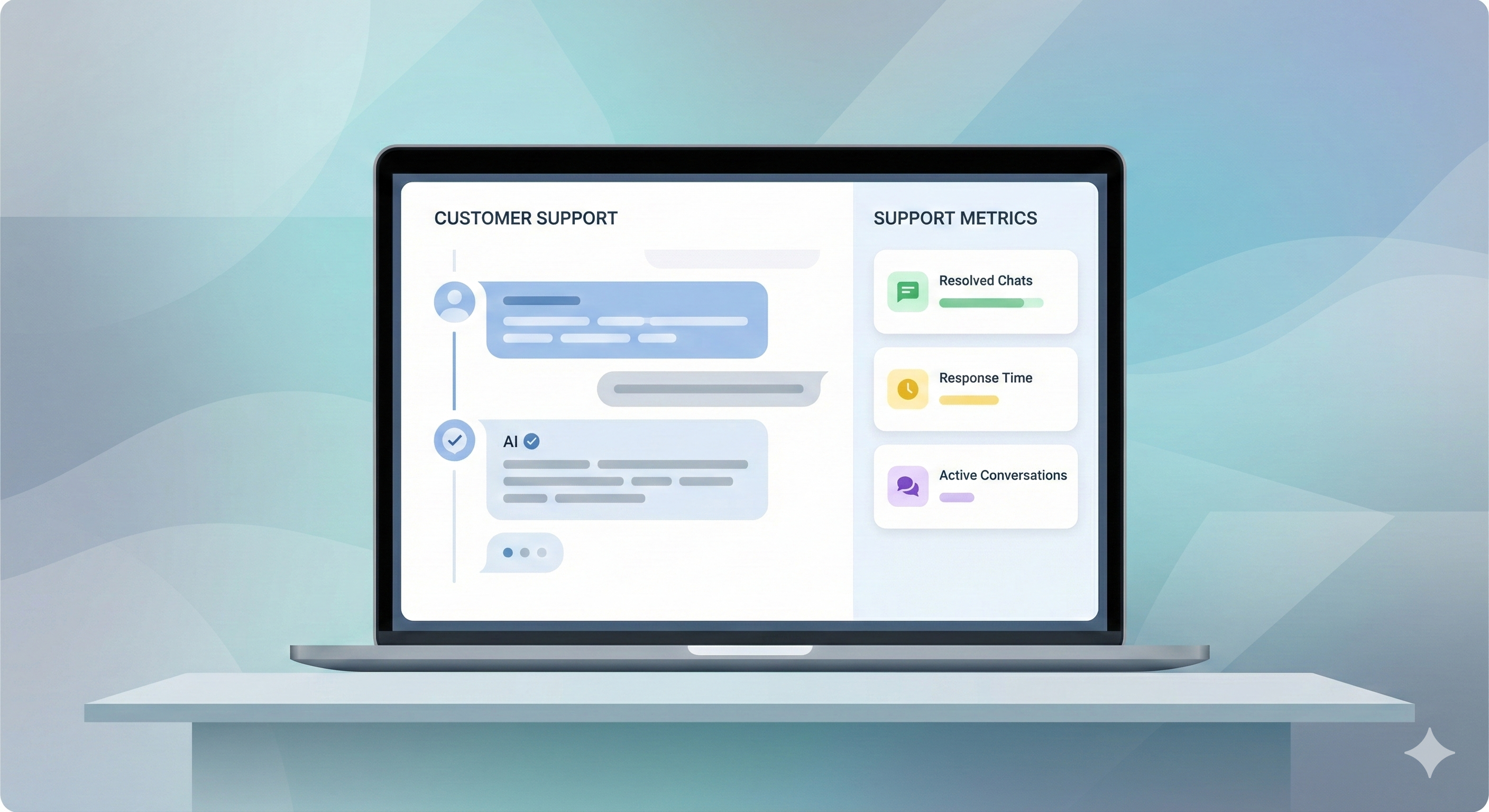
Try an AI Customer Support Chatbot
Create a simple support agent and see how it handles real customer questions.
How Simplagents Stands Out
Simplagents takes a different approach to customer service automation. Instead of forcing you to build complex decision trees or write scripts for every possible conversation, it uses advanced AI to understand what customers are asking.
Here's what makes it practical:
Setup takes hours, not weeks. You connect your knowledge base, add your product documentation, and the system starts answering questions. There's no need to map out every possible conversation path.
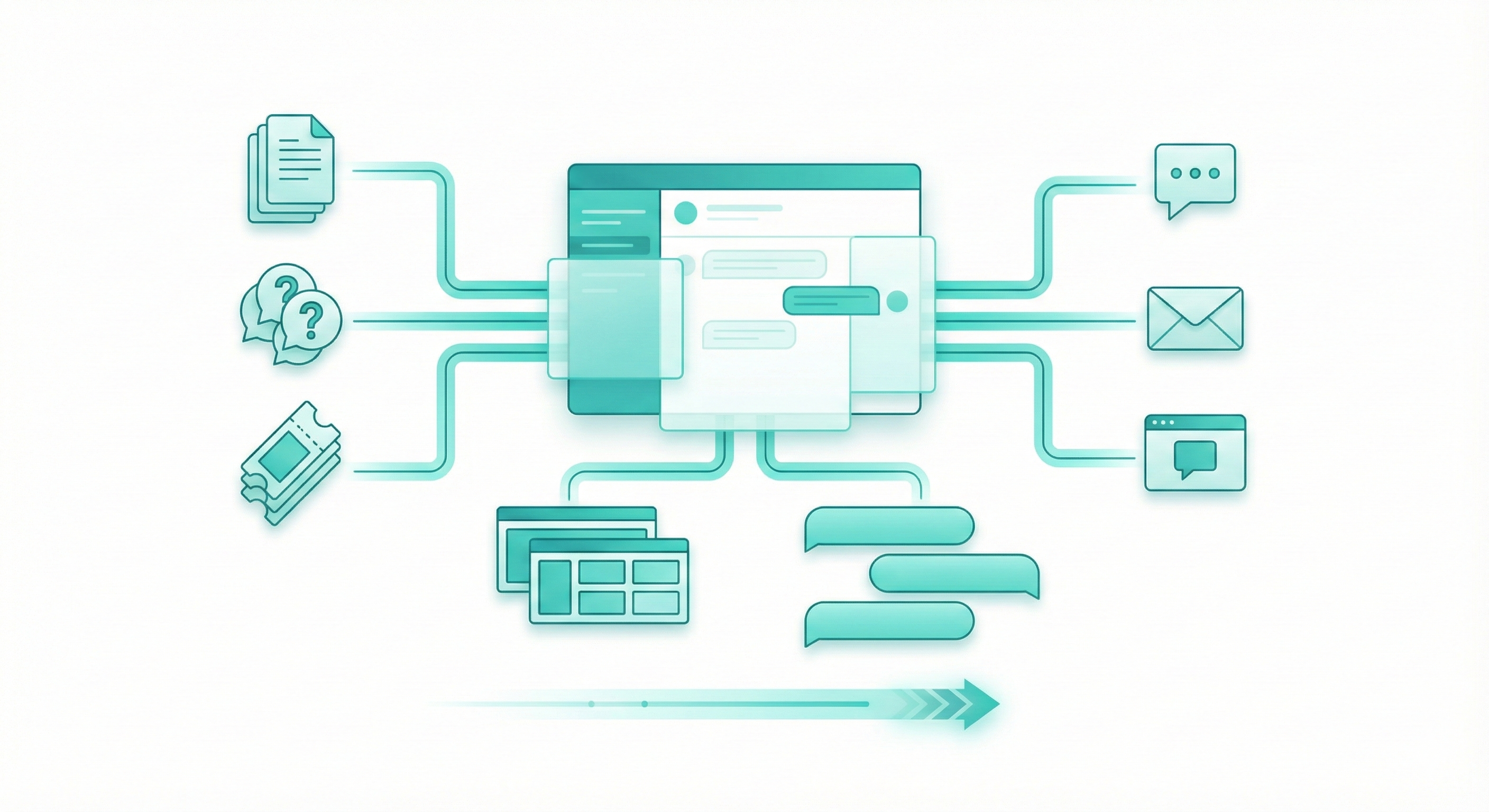
It works across channels. Whether customers reach out through your website, WhatsApp, or email, Simplagents maintains context and delivers consistent answers.
The AI actually learns your business. Feed it your support tickets, FAQs, and product docs. It figures out how you communicate and matches that tone in customer conversations.
One retail company using Simplagents saw their first-response time drop from 12 minutes to under 30 seconds. Their support team went from stressed and reactive to proactive, reaching out to customers who might need help before they even ask.
What to Look For When Choosing Your Tool
You'll see lots of options out there. Some are basically fancy FAQ systems. Others require a developer team just to set them up. Here's what actually matters:
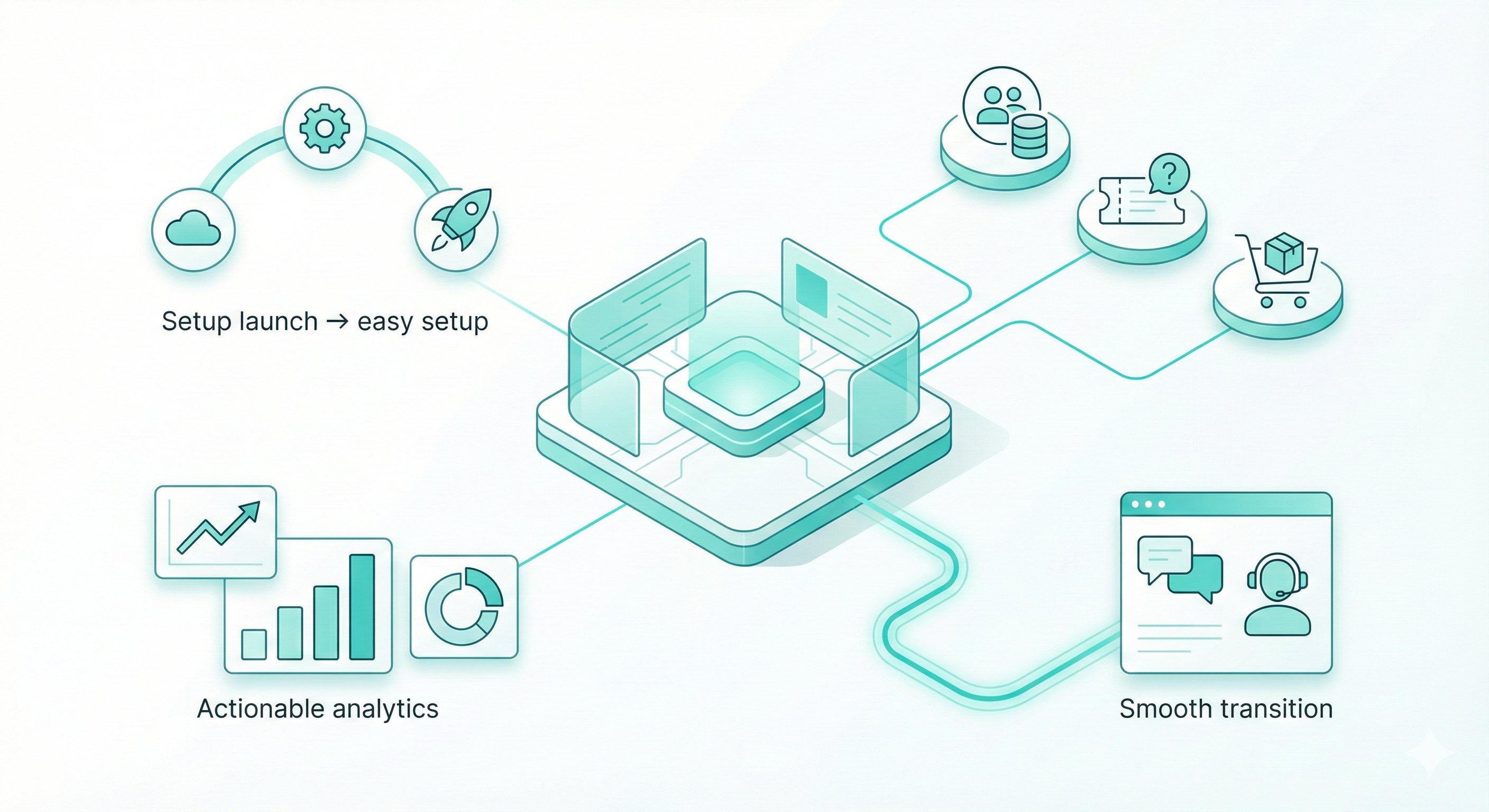
Speed of deployment. Can you get it running this week, or does it need three months of configuration?
Integration capabilities. Does it connect with your CRM, helpdesk, and e-commerce platform? If it can't access your systems, it can't provide useful answers.
Analytics that make sense. You need to know what questions customers are asking, where the chatbot struggles, and how satisfaction scores change over time. Pretty dashboards mean nothing if they don't help you improve.
Human handoff. Sometimes customers need a real person. The transition from bot to human agent should be smooth, with full context passed along. Nobody wants to repeat their problem three times.
Real Examples of Chatbot Success
A software company integrated Simplagents and immediately automated responses to their most common questions: billing inquiries, password resets, and feature explanations. Their support tickets dropped by 60% in the first month.
An online retailer used their customer service chatbot for business to handle order tracking, return requests, and product recommendations. During their holiday rush, the chatbot managed 10,000 conversations while their human team focused on complex issues like damaged shipments and custom orders.
A B2B service provider trained their chatbot on technical documentation. When prospects visit their website, they get instant answers about integrations, pricing tiers, and implementation timelines. Their sales team now spends time on qualified leads instead of answering basic questions.
Getting Started with Customer Service Automation
Start small. Pick your three most common support questions and make sure your chatbot handles them perfectly. Then expand from there.
Document your tone and style. Your chatbot should sound like your brand. If you're casual and friendly, the bot should be too; if you're formal and professional, same thing.
Monitor the conversations. In your first few weeks, check what customers are asking and how the bot responds. You'll spot gaps quickly and can fill them before they become problems.
Set clear expectations. Let customers know they're talking to a bot. Give them an easy way to reach a human if needed. Transparency builds trust.
Conclusion
The best AI tool for automating customer service chat is the one that actually works with your business, not against it. You need something that's easy to implement, connects with your existing systems, and genuinely helps your customers get answers fast.
Simplagents offers that combination. It's built for businesses that want better customer service without rebuilding their entire support infrastructure. The AI handles the repetitive questions, your team handles the complex ones, and your customers get help when they need it.
Your support team has better things to do than answer the same ten questions all day. Let technology handle the routine stuff. Focus your humans on the conversations that actually matter.
Try an AI Customer Support Chat
Create a simple support agent and see how it handles real customer questions.