Best platforms to create a custom GPT model for website use
Created: 29/12/2025
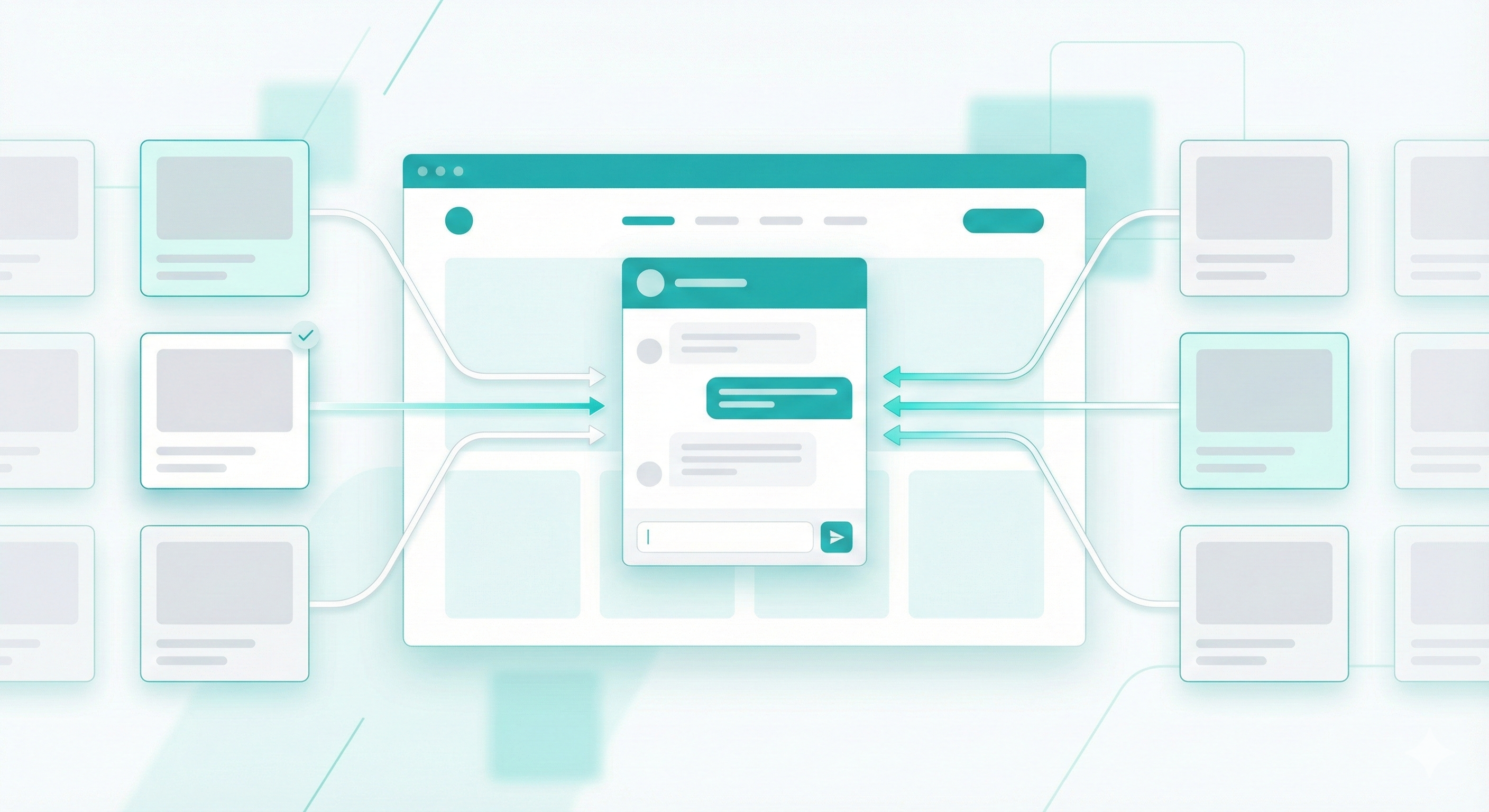
Building a custom GPT for your website isn't some far-off tech dream anymore. It's happening right now, and businesses are using these AI models to handle customer support, generate content, and automate repetitive tasks.
The difference between generic ChatGPT and a custom model? Your custom GPT knows your products, understands your brand voice, and answers questions based on your actual business data. It's trained on your documentation, FAQs, and knowledge base.
Let me walk you through the platforms that actually work for creating a customGPT for website integration.
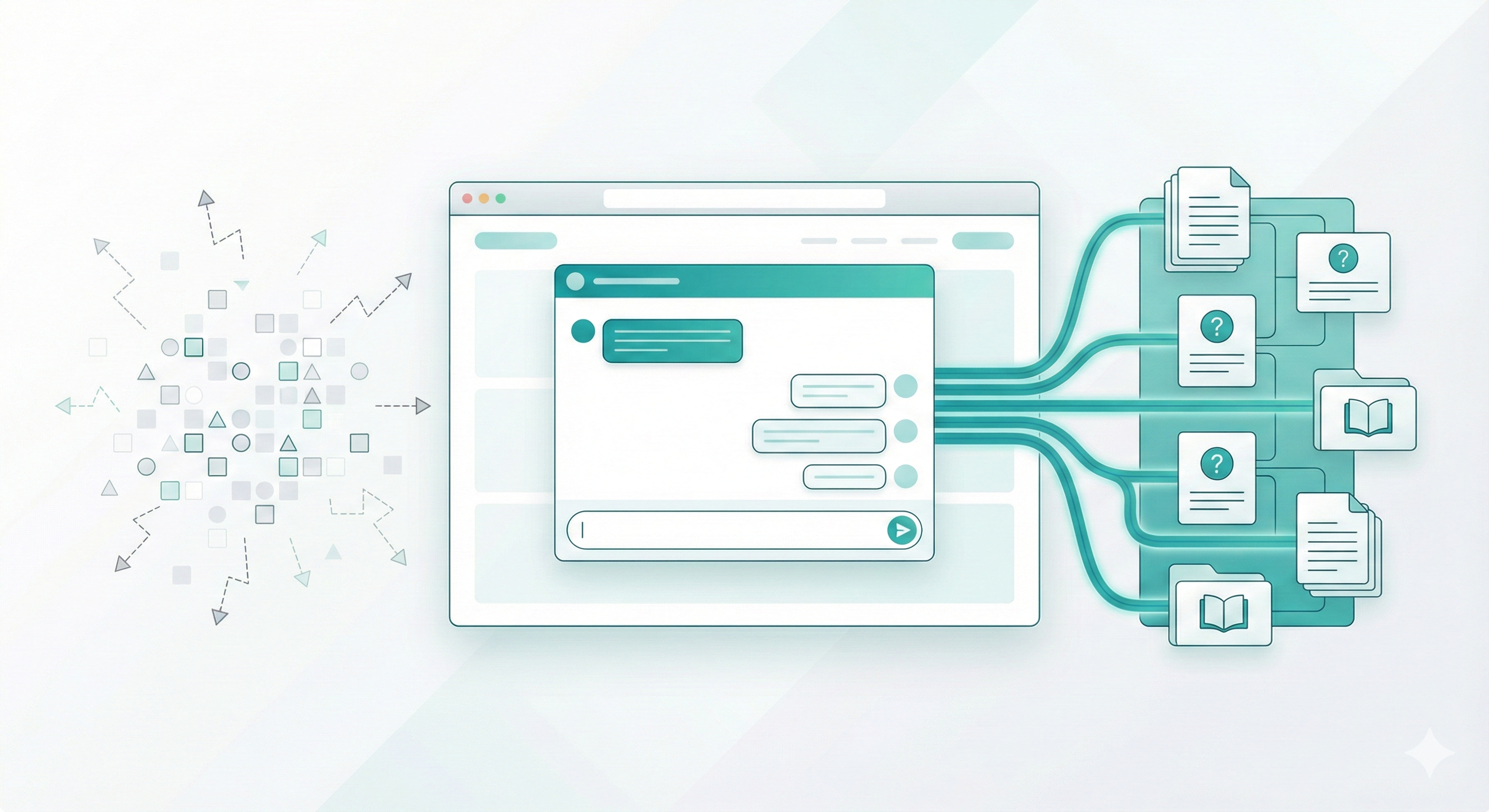
What a custom GPT for a website should do
Before choosing a tool, get clear on the basics.
A useful customgpt for business should
Answer questions from your own content
Follow your brand tone
Stay accurate and up to date
Work inside your website
Handle basic tasks like lead capture or booking
Respect user data
If a platform misses two or three of these, skip it.
Simplagents
Simplagents is built for businesses that want a custom GPT on their website without code.
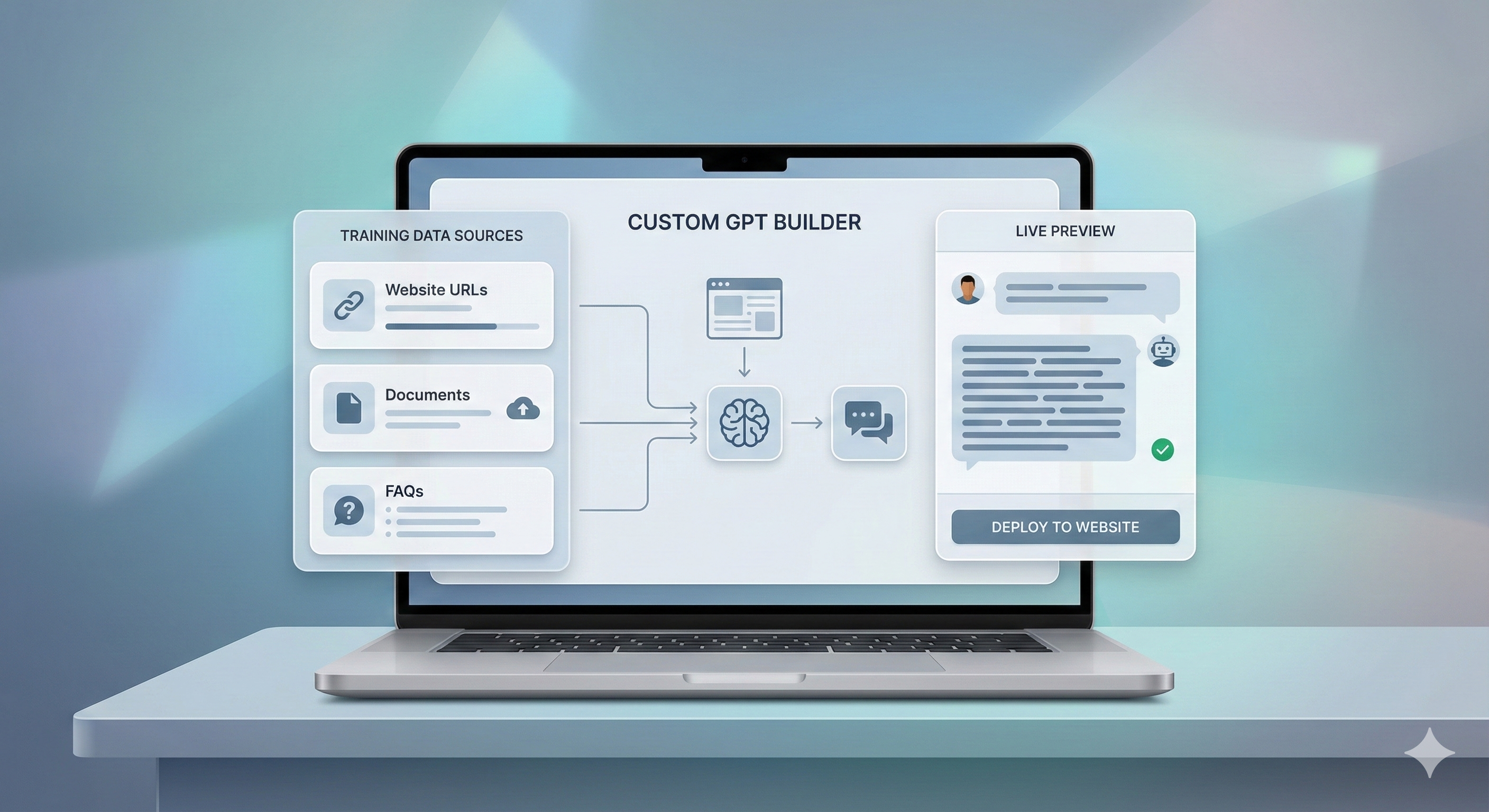
You start with templates. Upload documents, connect a website, or sync FAQs. The system builds a customGPT trained only on your data. You can deploy it as a chatbot on your site in minutes.
What makes it different:
• White-label embedding on your website
• No coding required for basic setup
• Trains on your PDFs, docs, and web pages
• Visitors don't need separate accounts
• Customizable chat interface that matches your branding
This works best if you want speed and clarity. For founders, marketers, and support teams, Simplagents removes setup friction. It fits well for SaaS, ecommerce, services, and internal tools.
If your goal is a practical customGPT for website and business use, this is one of the easiest paths.
OpenAI GPTs with API
OpenAI's platform lets you build custom versions of ChatGPT without writing code. You feed it your business documents, set instructions, and it learns your brand.
What works well:
• Simple setup through conversational interface
• Direct integration with ChatGPT Plus
• Good for internal team tools
The limitations:
• Users need ChatGPT accounts to access your custom model
• Not ideal for public-facing website chatbots
• Limited control over the underlying model behavior
If you're building something for your team, this works. For customer-facing applications on your website, you'll need something more flexible.
Botpress
Botpress gives you more control if you want to build complex conversational flows. It's open-source, and you can self-host.
Best for:
• Multi-step conversations with specific logic
• Integration with backend systems
• Teams with developer resources
The learning curve is steeper than other options. You'll need someone comfortable with APIs and webhooks. But if you want a customgpt for website use that connects to your CRM, inventory system, or booking platform, Botpress handles it.
Stack AI
Stack AI connects multiple AI models and lets you chain them together. You can combine GPT-4 with your own data sources, APIs, and business logic.
Good for:
• Complex workflows that need multiple AI steps
• Teams that want to experiment with different models
• Businesses with specific data processing needs
The interface feels more technical than Simplagents or OpenAI's custom GPTs. You're building workflows visually, which gives you power but requires more setup time.
Voiceflow
Voiceflow is strong for teams that want to design conversations visually.
It supports GPT models and website deployment. The learning curve is higher, but control is solid.
Best for
• Conversation designers
• Product teams
• Complex user journeys
You will need time to design and test.
What Actually Matters When Choosing
Forget the feature lists for a minute. Here's what makes or breaks a customGPT for business:
Training data quality: The AI is only as good as what you teach it. Can you easily upload and update your content? Some platforms make this painful.
Response accuracy: Test the platform with real questions your customers ask. Generic responses don't help anyone.
Embedding options: How does it look on your website? Can you customize the design? Does it match your brand or look like a generic chatbot widget?
Analytics: You need to know what people are asking and where the AI struggles. Good platforms show you this data clearly.
Maintenance: Business information changes. Product features update. Prices shift. Can you retrain the model easily, or does it require developer time every update?
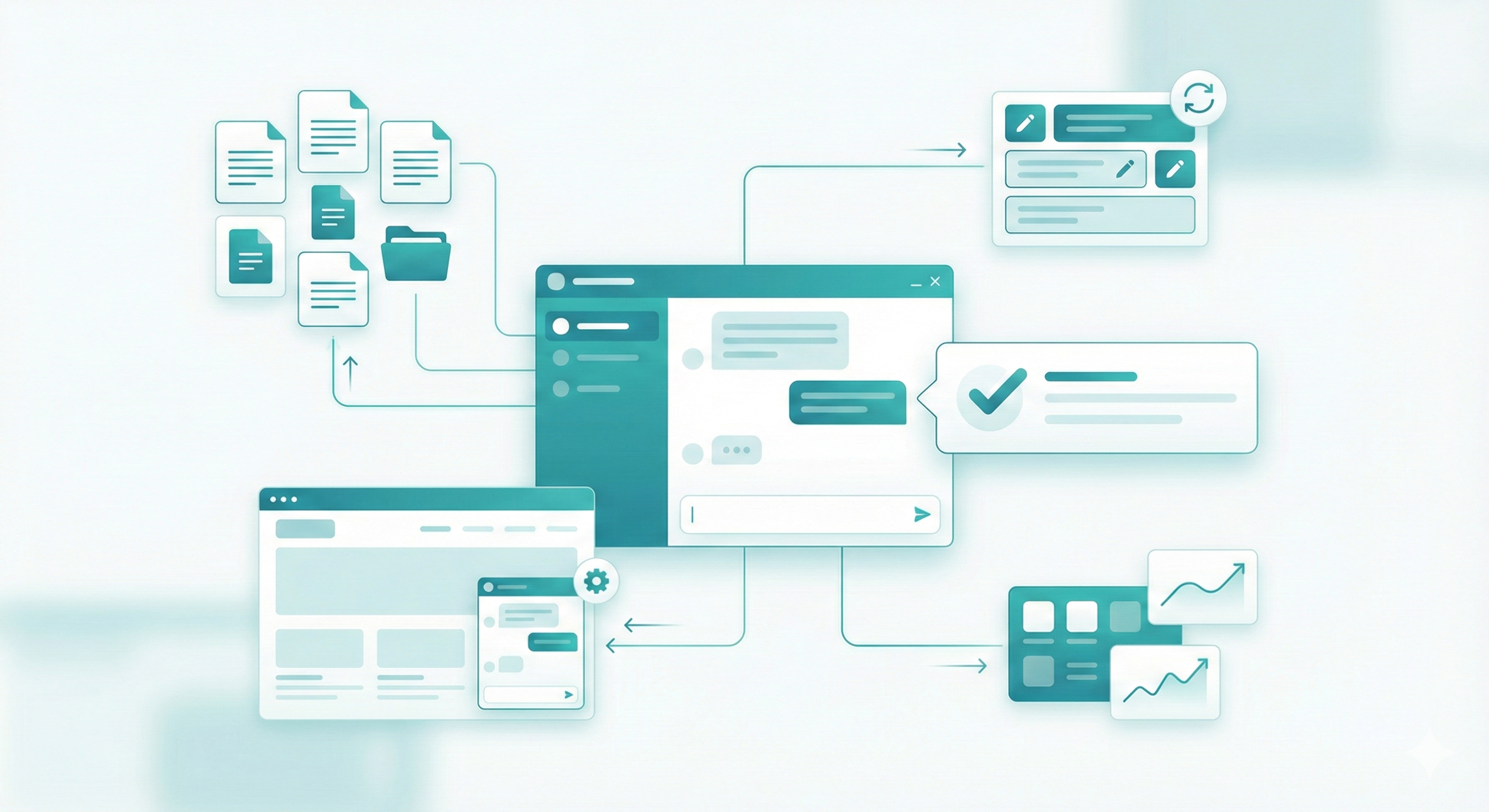
Common mistakes to avoid
Training on too much irrelevant data
Letting the bot answer outside your content
Ignoring tone and brand voice
Skipping analytics and feedback
A customGPT only works if it stays focused.
Conclusion
A custom GPT for website use is now table stakes. The tools are ready. The gap is execution.
For most businesses, speed and clarity matter more than raw flexibility. Platforms like Simplagents make sense when you want results without overhead.
Pick a platform that matches your team, your timeline, and your use case. Build small. Test with real users. Improve from there.
Try a Custom Website GPT
Build a website-ready AI agent using your own content. Customize responses, test behavior, and deploy it where visitors need help.