How to create a decent survey that everyone will take
Created: 09/01/2026
Most surveys fail because they feel like work. Long forms cold questions and no clear reason to answer. If you want people to respond you need to respect their time and talk like a human.
Here is how to do it right.

Try a Better Survey Experience
Create a short, engaging survey and see how completion rates improve.
Keep It Short and Focused
Nobody wants to answer 30 questions. Aim for 5-8 questions max. Before you add a question, ask yourself: "Do I really need this answer, or am I just curious?"
Cut everything that isn't essential. Your response rate will thank you.
Write Questions Like You're Having a Conversation
Forget formal language. Write like you're talking to a friend. Instead of "Please rate your satisfaction level with our customer service on a scale of 1-10," try "How was your experience with our support team?"
See the difference? One feels like paperwork. The other feels human.
Stop Using the Traditional Form Format
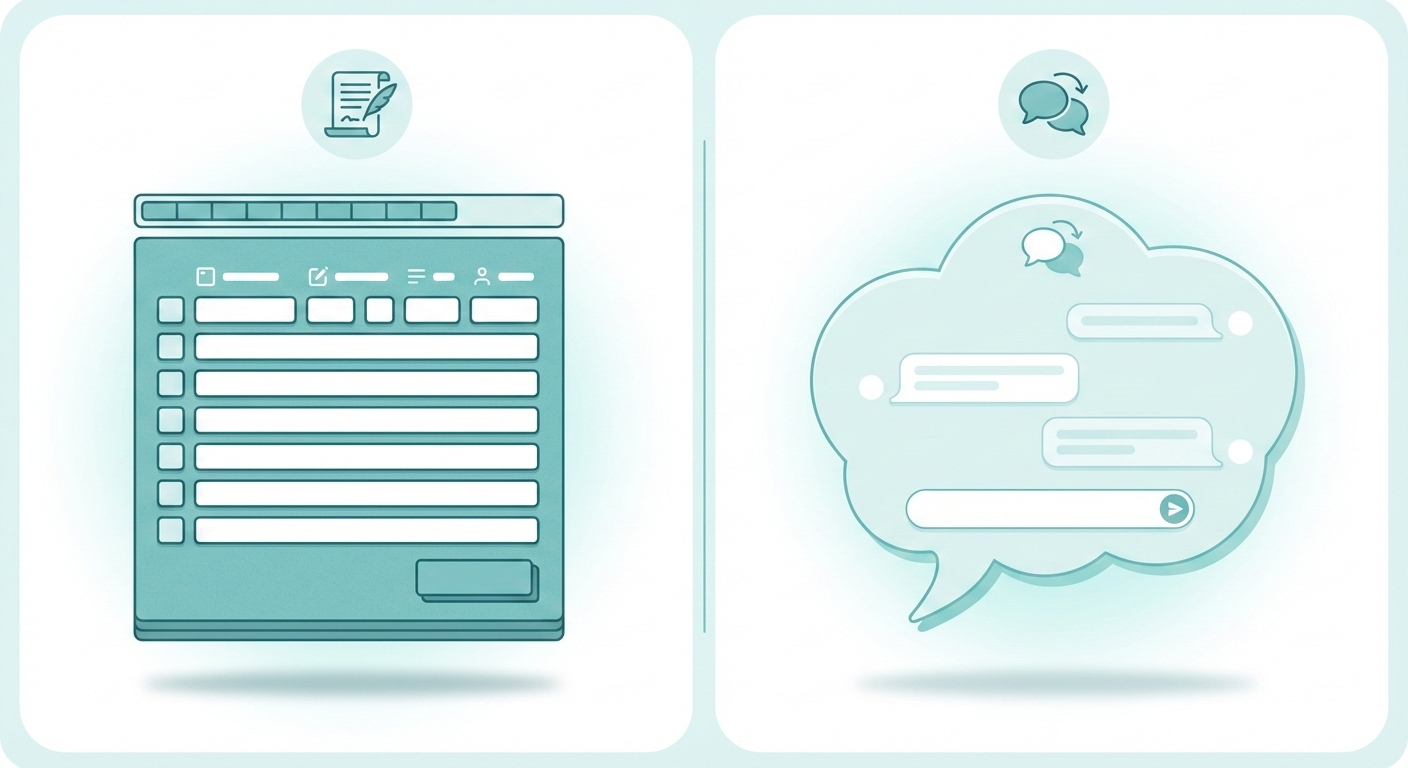
Here's where most surveys lose people. That wall of dropdown menus and checkboxes? It screams "boring office work."
This is where tools like Simplagents change the game. Instead of a static form, you get a chatbot-style survey that asks one question at a time. It feels like texting, not filling out paperwork. People engage more because it doesn't feel like work.
You can customize it to match your brand's voice and design. The questions flow naturally, and people actually finish.
Ask One Thing at a Time
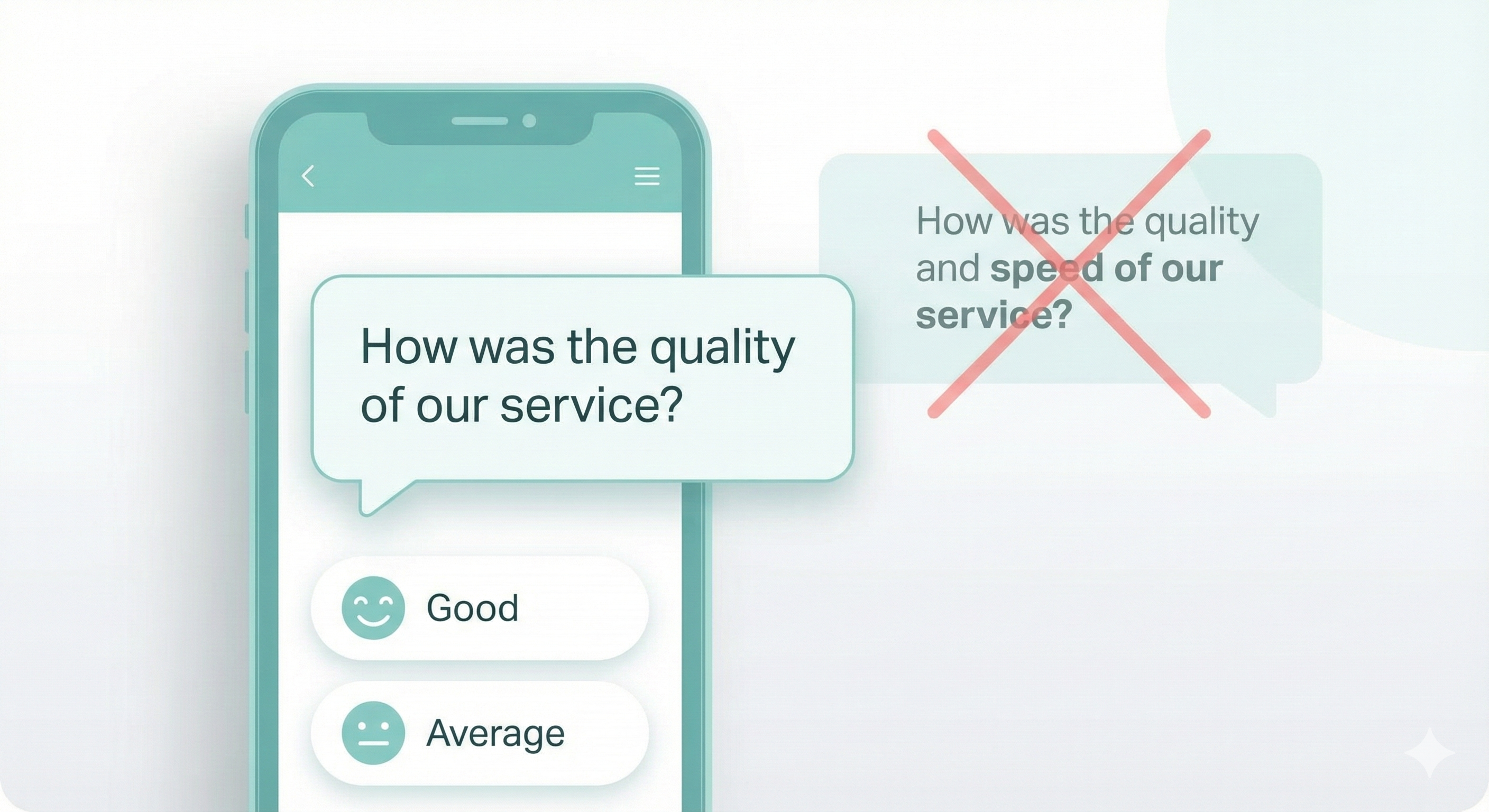
Don't combine questions. "How was the quality and speed of our service?" is actually two questions. Split them up. It's clearer and easier to answer.
Make It Mobile-Friendly
Over half your responses will come from phones. If your survey looks broken on mobile or requires zooming and pinching, people will quit.
Chatbot-style surveys work better here because they're built for how people actually use their phones.
Be Transparent About Time
Tell people upfront: "This takes 2 minutes" or "5 quick questions." When people know what to expect, they're more likely to start and finish.
And be honest. If you say 2 minutes, it better be 2 minutes.
Use Progress Indicators
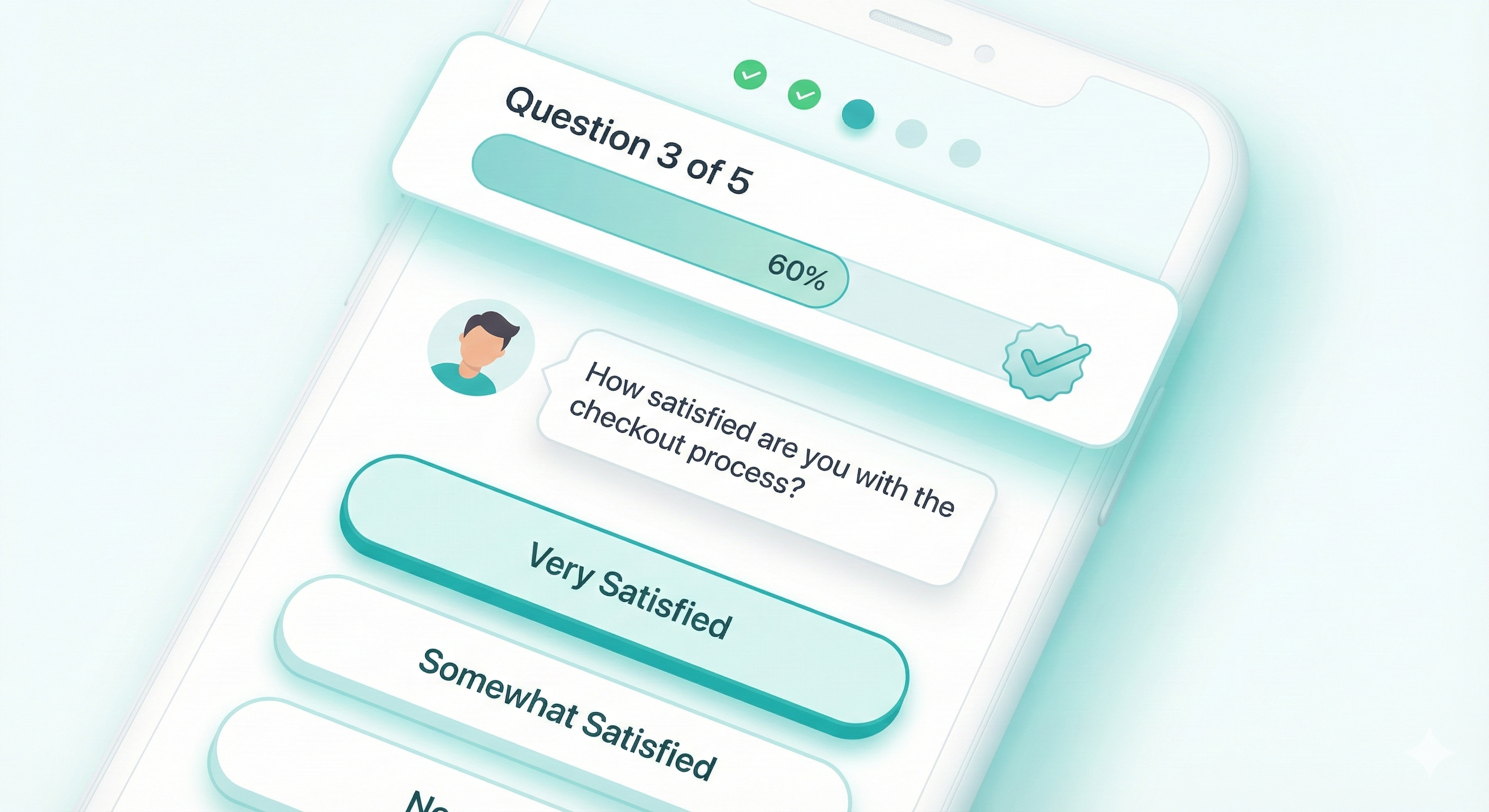
Show people where they are. "Question 3 of 5" or a simple progress bar keeps them motivated. Nobody likes feeling trapped in an endless survey.
Give Them a Reason to Care
Why should someone spend their time on this? Maybe you're improving your product. Maybe their feedback shapes your next feature. Tell them.
People are more generous with their time when they know it matters.
Skip the Mandatory Questions (Mostly)
Required fields for everything feels aggressive. Make only the critical questions mandatory. Let people skip what they're not comfortable answering.
You'll get more complete surveys from willing participants than half-finished ones from annoyed people.
Say Thank You
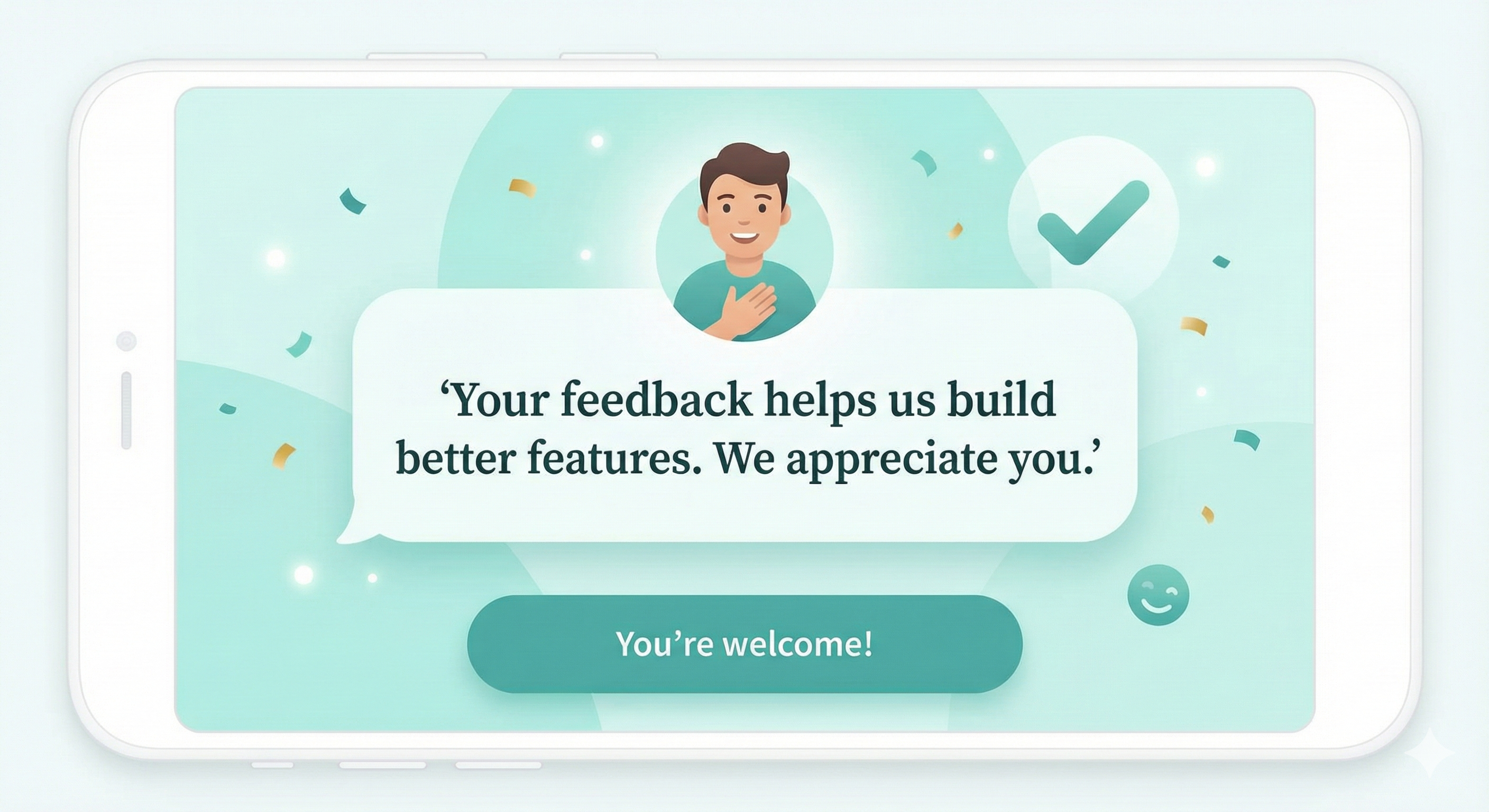
End with genuine appreciation. "Thanks for your time" feels generic. Try "Your feedback helps us build better features. We appreciate you" instead.
Test It Yourself First
Before sending anything out, take your own survey. Time it. Look for confusing wording. Check it on your phone. If you find it annoying, everyone else will too.
Conclusion
Good surveys respect people's time and make responding easy. They're short, conversational, and work on any device. When you use conversational formats like simplagents chatbot surveys, you remove the friction that makes people quit halfway through.
Stop making surveys feel like tests. Make them feel like conversations. Your response rates will show the difference.
Create a Survey People Finish
Build surveys that feel easy to answer and keep respondents engaged from start to finish.