How to Create an Online Survey Questionnaire That People Actually Complete
Created: 05/01/2026
Start With One Clear Goal
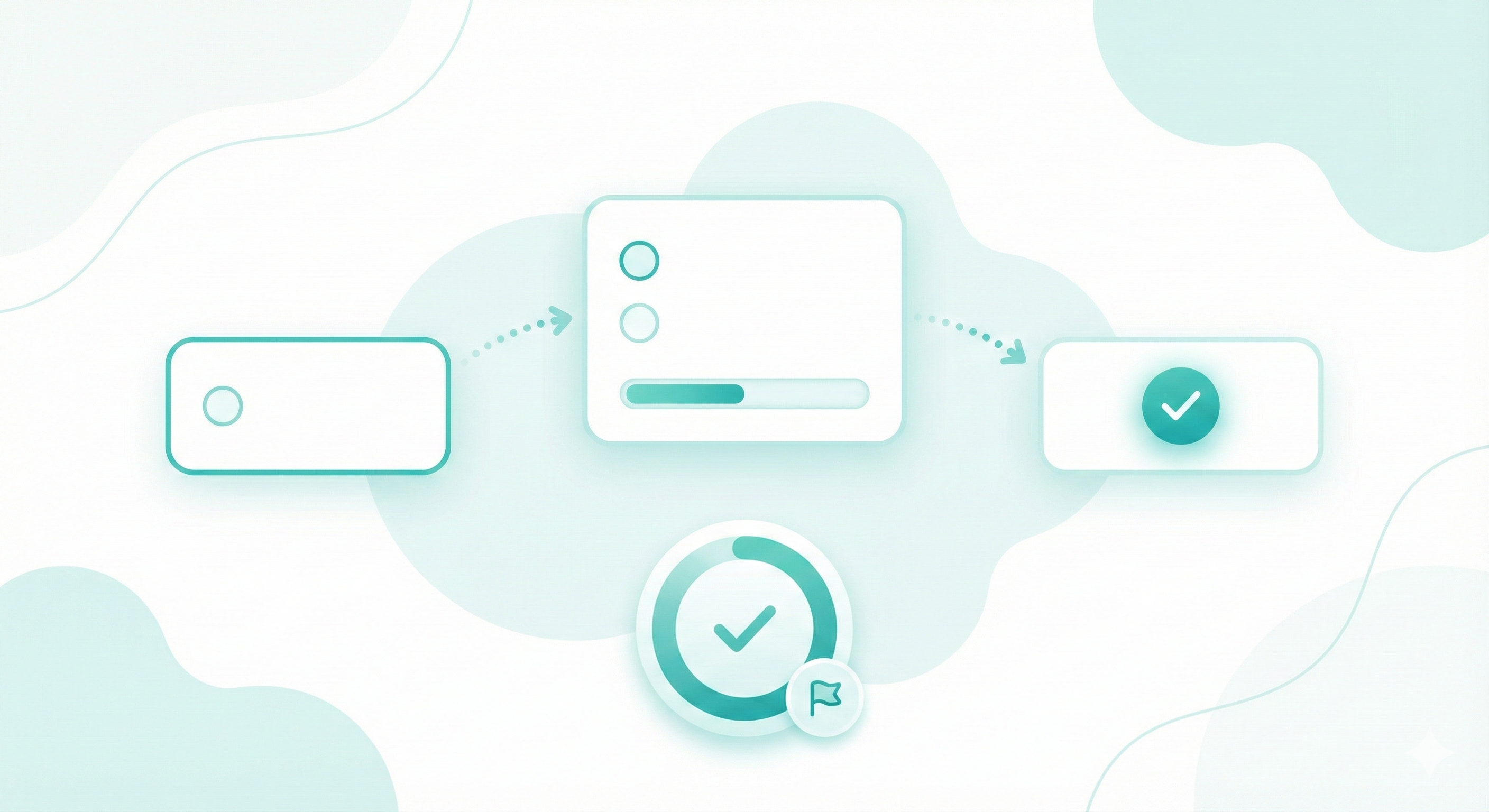
Every good survey form starts with focus. Decide what you want to learn before writing questions.
Examples
• Customer satisfaction after a purchase
• Feedback on a new feature
• Lead qualification for sales
If the goal feels broad, narrow it. One survey. One purpose.

Choose the Right Survey Type
Match the survey online format to your goal.
Common options
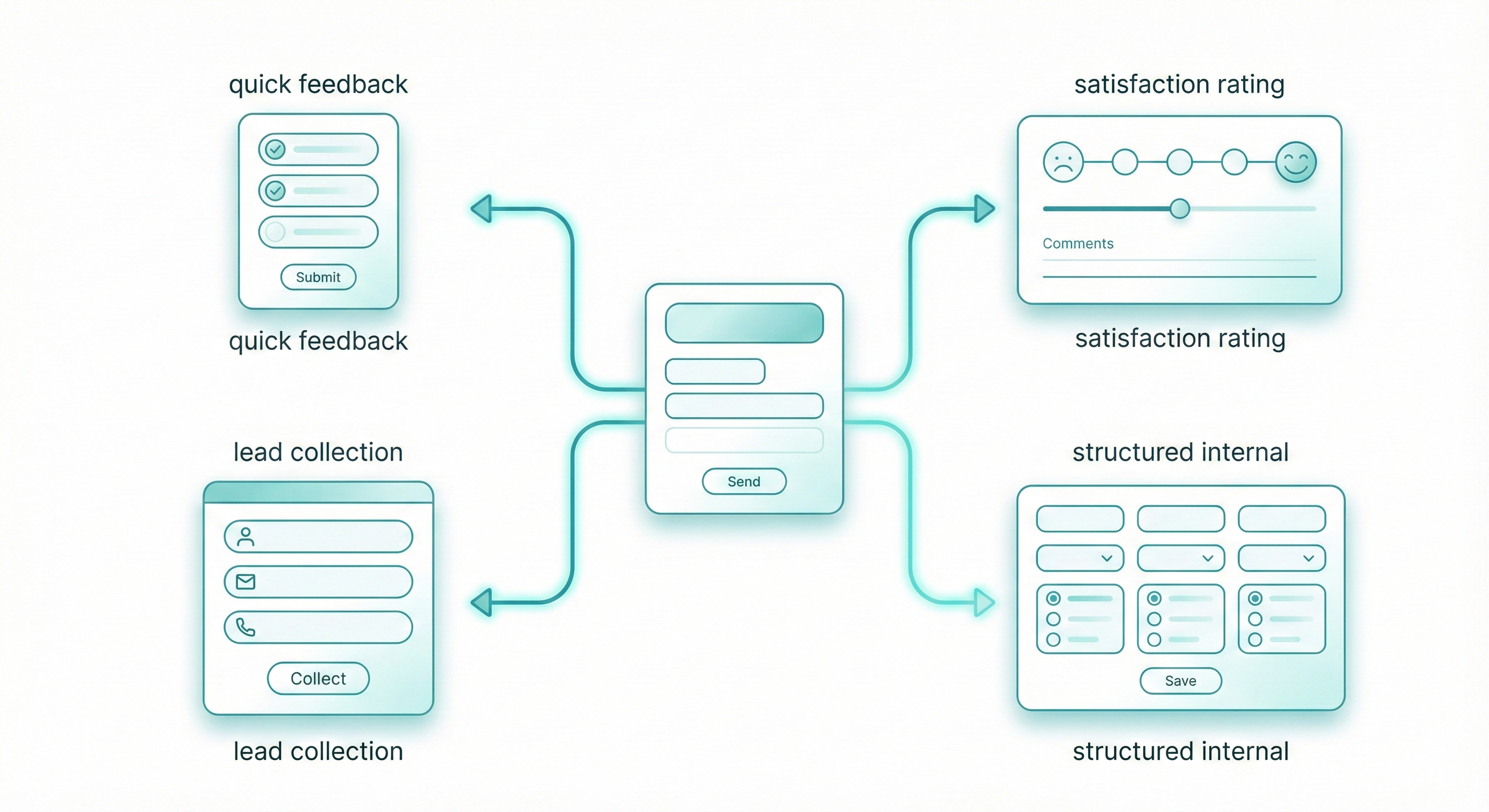
• Feedback survey for quick opinions
• Satisfaction survey with rating questions
• Lead survey to collect contact details
• Internal survey for teams
Each type affects how many questions you ask and how direct they should be.
Write Questions People Understand
Bad questions get bad answers. Here's how to write good ones:
• Be specific. "How was your experience?" means nothing. "How long did you wait before someone helped you?" gives you useful data.
• Use simple language. If you need to explain what a question means, rewrite it. A confused respondent either skips the question or answers randomly.
• Ask one thing at a time. "Was the staff friendly and knowledgeable?" combines two questions. Someone might think the staff was friendly but clueless. Break it into two questions.
• Avoid loaded language. "How much do you love our amazing new feature?" pushes people toward positive answers. "What's your opinion of our new feature?" lets them respond honestly.
• Give complete answer options. If you ask "How often do you shop here?" and your options are "Daily, Weekly, Monthly," you've left out people who shop every few months or once a year.
Ready to Build Your Survey?
Create an online survey that’s easy to answer and easy to manage.
3 Month Free Trail
Pick the Right Question Types
Different question formats work for different situations.
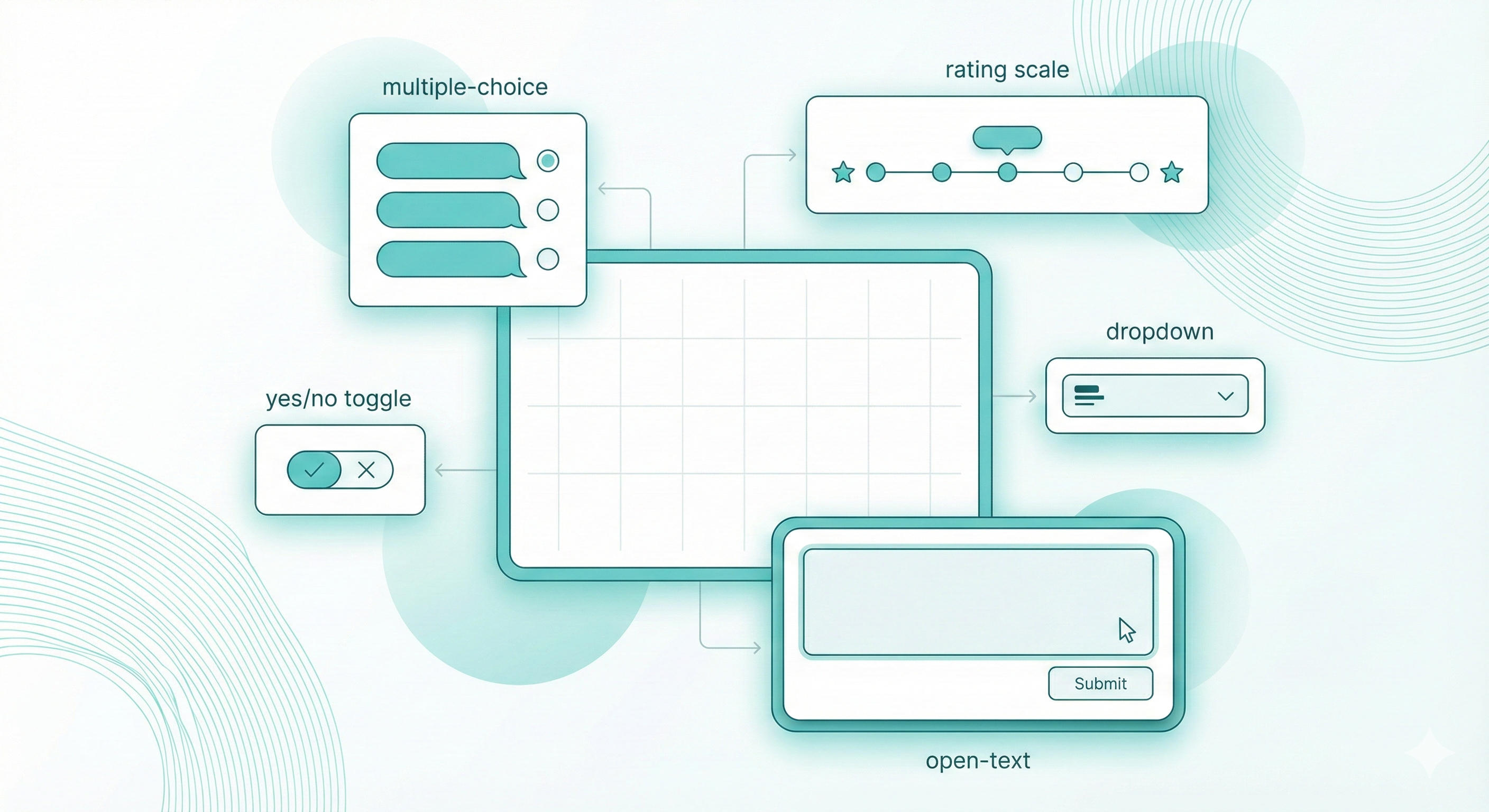
Multiple choice questions give you quantifiable data and make surveys quick to complete. Use them when you have a limited set of possible answers. Example: "Which of these features would you use most?" with 4 to 5 options.
Rating scales measure the intensity of feeling. A 1 to 5 scale or star rating works for satisfaction, likelihood to recommend, or agreement with statements. Keep your scale consistent throughout the survey.
Yes/no questions work for simple factual answers. "Did you contact customer support in the last 30 days?" qualifies people for follow-up questions about that experience.
Open text fields capture detailed feedback but take longer to complete and analyze. Use one or two at most, usually at the end. "What should we improve?" or "Any other comments?" lets people share what you didn't think to ask.
Dropdown menus save space when you have many options. They work well for demographics like country, state, or age ranges.
Structure Your Survey for Completion
The order of your questions affects completion rates dramatically.
Start with easy, engaging questions. Get people invested before asking anything sensitive or complex. If you need demographic information, put it at the end. People who've already answered your main questions will finish the demographics. People who see demographics first often quit.
Group related questions together. All questions about your website in one section, all questions about shipping in another. This feels more organized and flows better.
Use logic branching when it makes sense. If someone answers "No" to "Have you used our mobile app?", skip the five questions about the app experience. Simplagents and most survey tools let you set these rules easily.
Keep it short. Seven to ten questions is plenty for most surveys. If you absolutely need more, tell people upfront how long it takes. "This 15-question survey takes about 4 minutes" sets expectations.
Using Simplagents for Online Surveys
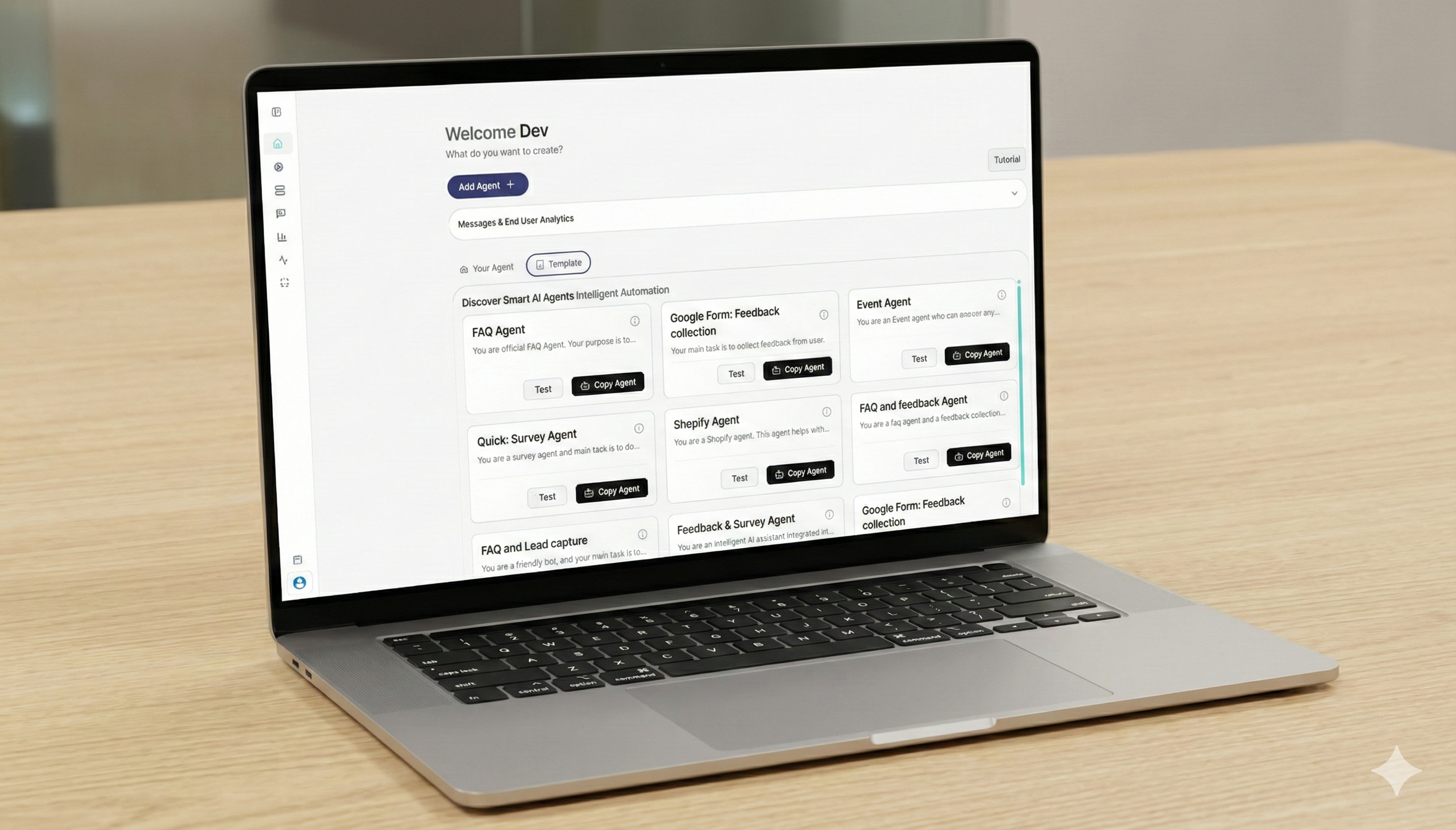
Simplagents helps you move beyond basic forms.
With Simplagents.com, you can
• Create a survey form without code
• Run a survey online and share it as a link or QR code
• Collect responses in one place
• Use AI to summarize answers
• Trigger follow-ups automatically
For example, a service business can send a free survey after each job. The system groups feedback and highlights common issues without manual work.
Test Before You Launch
Send your survey online to five people first. Ask them to complete it and tell you about any confusing questions, typos, or technical glitches.
Actually watch someone take your survey if possible. You'll spot problems you never considered. A question that seems clear to you might confuse everyone else.
Check that all your logic branching works. Click through every possible path to make sure people see the right questions based on their previous answers.
Review Responses and Act
A survey only matters if you use the data.
• Look for patterns
• Repeated complaints
• High and low ratings
• Common suggestions
Tools like Simplagents help turn raw survey answers into clear summaries so you can act faster.
Conclusions
Creating an online survey questionnaire is simple when you keep it focused and short. Start with a clear goal, write direct questions, and use a free survey tool that fits your needs.
A clean survey form respects the user’s time and gives you better answers.
Create a Survey People Finish
Build online surveys with clear questions, simple flows, and high completion rates. Create, test, and share your survey in minutes.