How to collect attendee information securely
Created: 27/12/2025
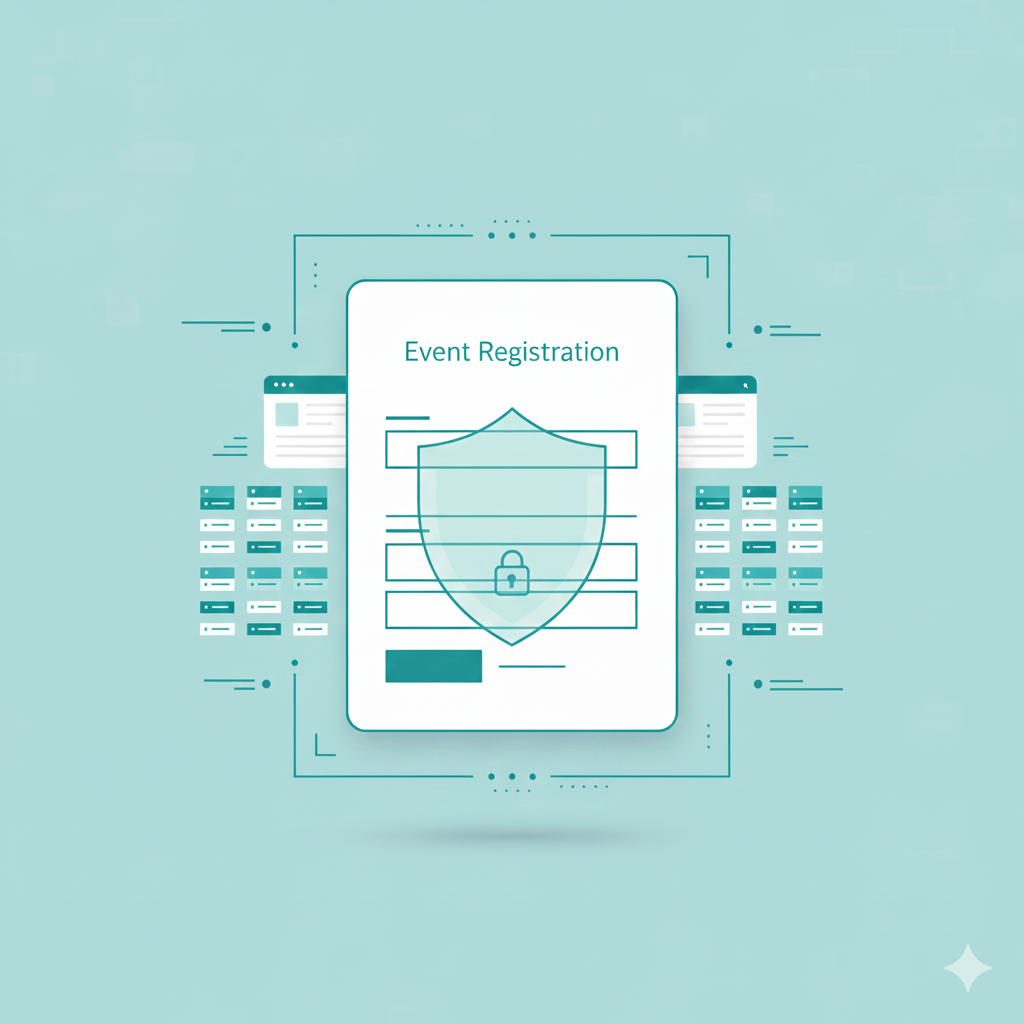
Collecting attendee details sounds simple. In practice, it is where many events fail. Forms leak data. Emails get forwarded. Spreadsheets end up shared with too many people. And attendees notice. If they do not trust how you handle their information, they skip registration or abandon the form halfway.
This guide explains how to collect attendee information securely through an event registration form, what to ask for, what to avoid, and how to set it up fast using a tool like Simplagents.
Why secure data collection matters for events
When someone fills out a registration form for an event, they share personal details. Name, email, phone number, company, sometimes payment info. You are responsible for protecting it.
Poor handling creates three problems.
First, legal risk. Data protection laws expect basic safeguards. Even small events are not exempt.
Second, lower conversions. Long or unsafe-looking forms scare people away.
Third, operational mess. Manual forms lead to errors, duplicates, and missing fields.
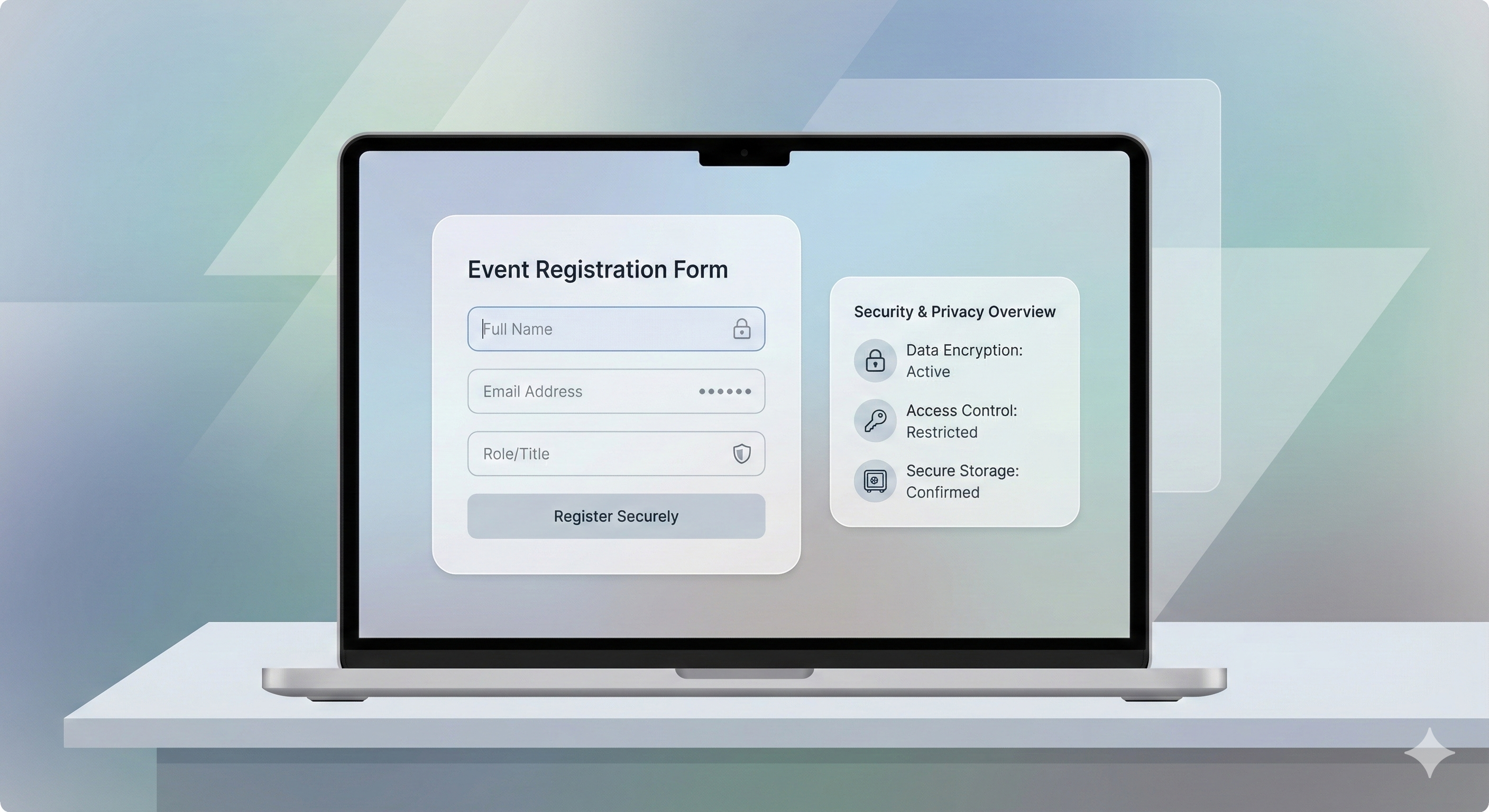
A secure event registration form solves all three.
Ready to Collect Attendee Data Securely?
Build secure forms for events and registrations in minutes.
What information should you collect and what to skip
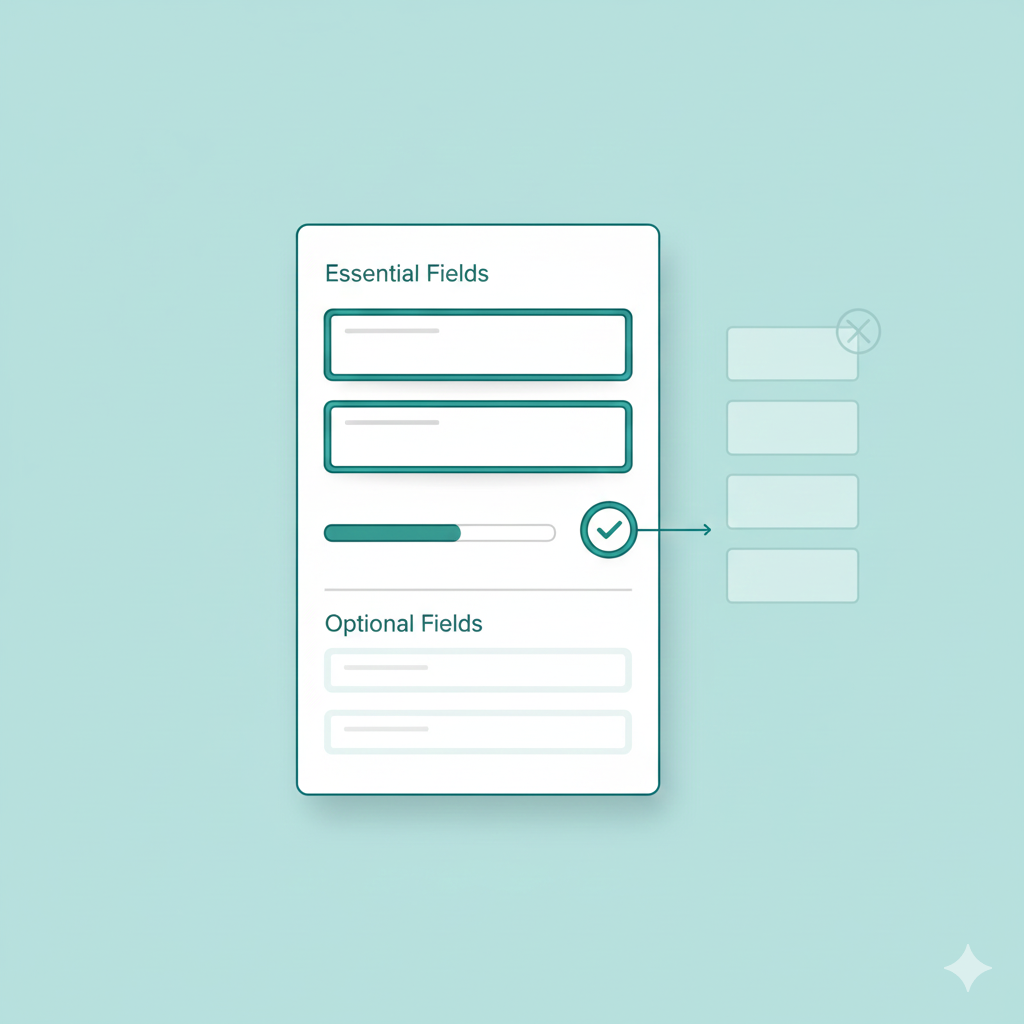
Before you build a form, decide what you actually need.
Essential fields for most events
• Full name
• Email address
• Phone number if needed for updates
• Ticket type or session choice
• Payment confirmation if the event is paid
Optional fields based on event type
• Company name for B2B events
• Role or job title
• Dietary preferences for in-person events
• Questions for speakers
Avoid asking for data you will not use. Every extra field increases drop off and risk.
Best practices for secure event registration forms
Use a trusted form system
Avoid collecting data through random HTML forms that email responses to your inbox. Emails are easy to forward and hard to control.
Use a platform that stores data securely and limits access.
Keep access controlled
Only the people running the event should see attendee data. Avoid shared spreadsheets with open links.
Use clear consent language
Tell attendees how their data will be used. A simple line near the submit button works.
Example
We will use your details only for event communication.
Avoid file uploads unless needed
File uploads add risk. If you do not need resumes or documents, skip them.
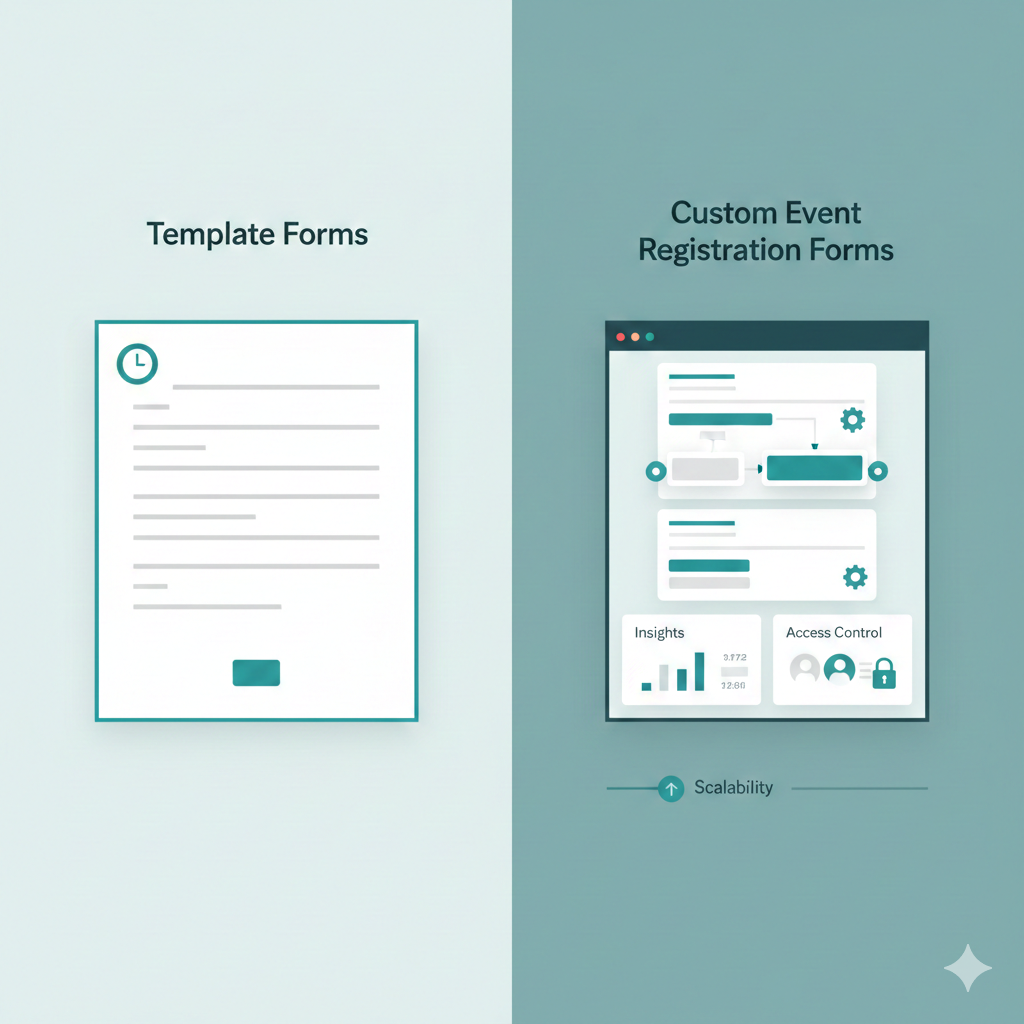
Using an event registration form template vs custom forms
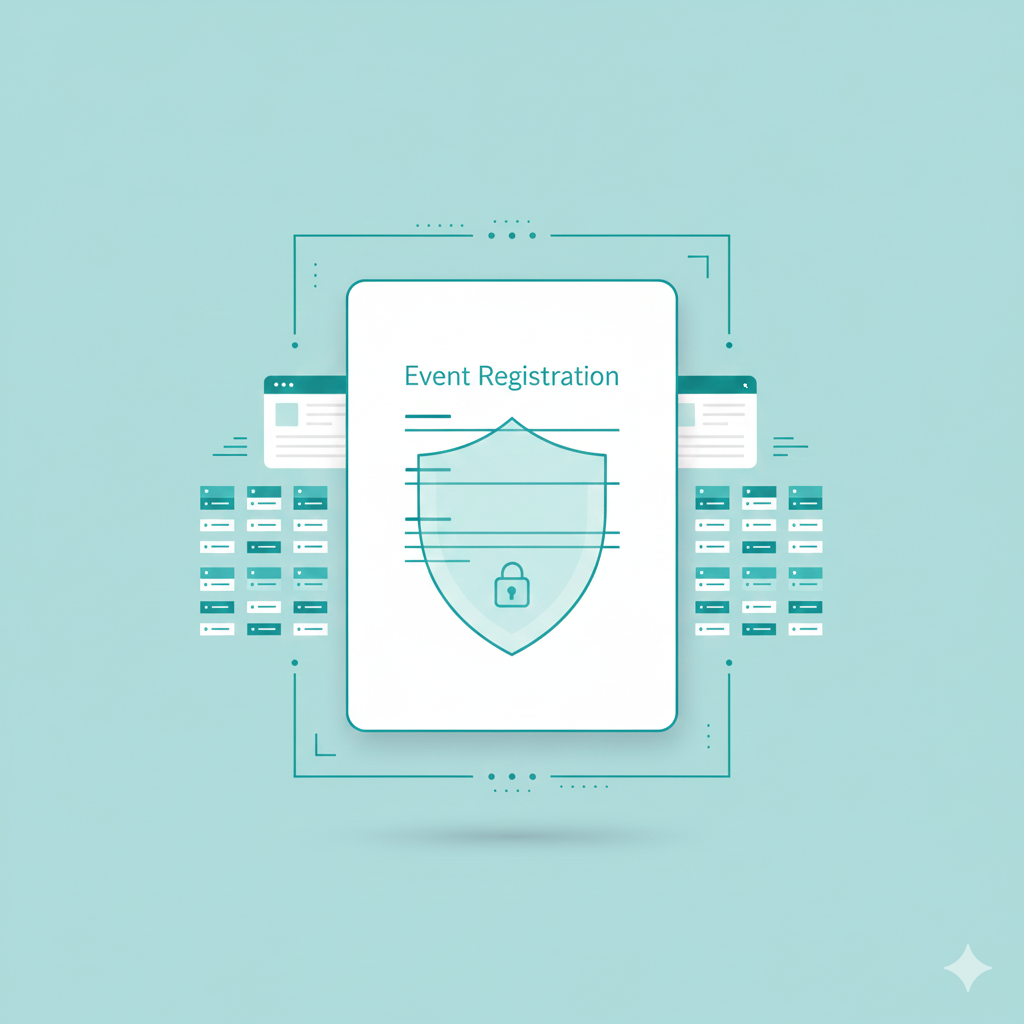
Many organizers search for an event registration form template or an event registration form free tool. Templates help you start fast, but security depends on how they are handled.
PDF forms and basic Google Forms work for simple use cases. They struggle when you need control, insights, and scale.
A dedicated event registration form tool lets you customize fields, manage access, and track registrations in one place.
How Simplagents helps collect attendee data securely
shambho.ai lets you create an event registration form without code while keeping data organized and controlled. You set up an event agent that collects exactly what you need.
Here is how it works.
Step 1: Choose your event agent
Start by selecting an event agent inside shambho.ai. This agent acts as your registration form and data collector.
Step 2: Customize what you want to collect
Pick the fields you need: name, email, phone, ticket type, or custom questions. You decide what is required and what is optional.
This keeps the form short and relevant.
Step 3: Embed it on your website or send a link
You can embed the event registration form on your site or share a direct link. Both options work smoothly on desktop and mobile.
This makes it easy to promote across landing pages, emails, and social posts.
Step 4: Get insights instantly
All responses stay in one dashboard. You see registrations as they come in, without exporting files or checking emails.
This helps you spot trends early and fix issues before the event.
Common mistakes to avoid
• Collecting data through email replies
• Using public spreadsheets with open access
• Asking for unnecessary personal details
• Forgetting mobile users
• Waiting until the last week to test the form
Each of these leads to lost registrations or data issues.
Conclusion
A secure event registration form protects both you and your attendees. It doesn't need to be complicated, but it does need to be intentional.
Focus on collecting only essential information, use encrypted connections and storage, comply with privacy regulations, and choose tools built with security in mind.
Your attendees are trusting you with their information before they ever walk through your event doors. Honor that trust with proper security from day one.
Start simple, test thoroughly, and remember that a smooth, secure registration experience sets the tone for your entire event.
Try a Secure Registration Form
Create a simple attendee form and see how securely responses are collected and stored.