Embed an Event Registration Form
Created: 25/12/2025
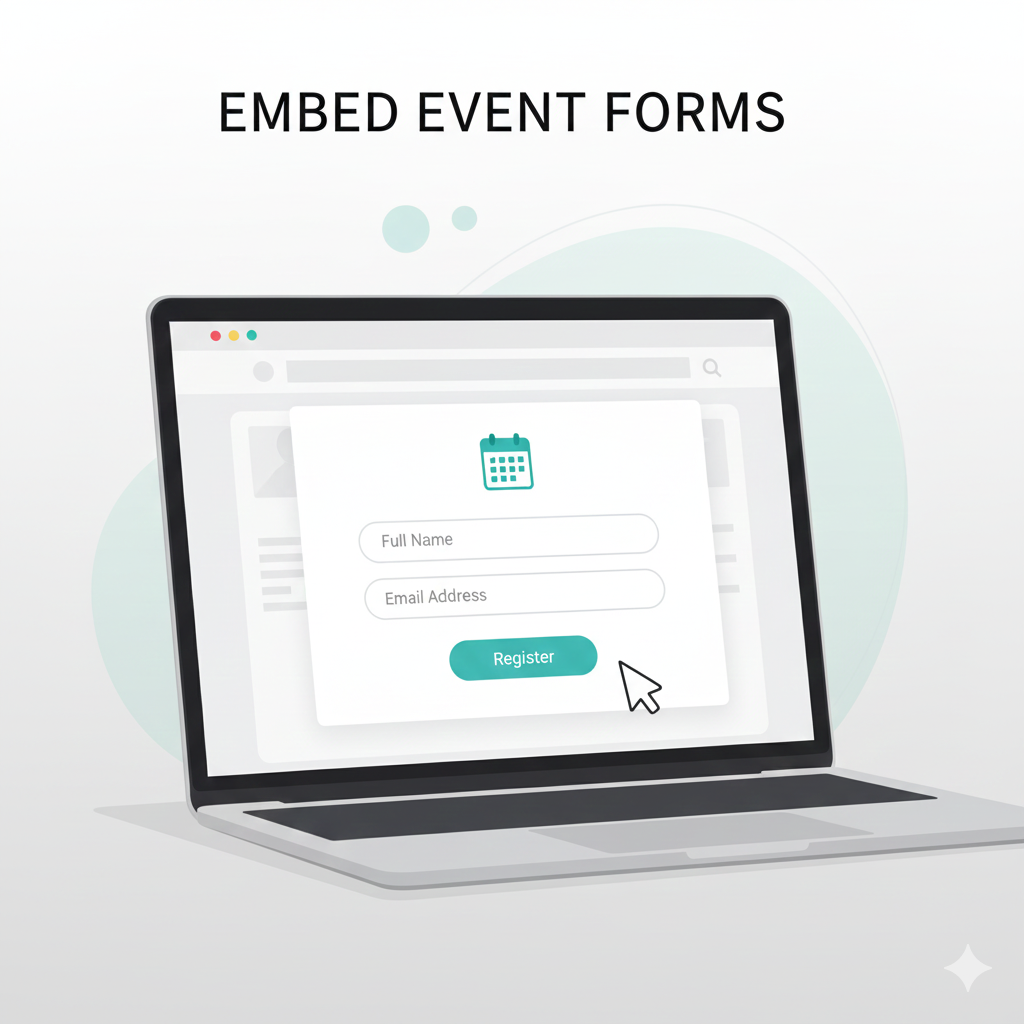
Planning an event means juggling a hundred tasks at once. Between coordinating vendors, managing budgets, and promoting your event, the last thing you need is a complicated registration process that confuses attendees or wastes your time.
A smooth registration experience matters. If people can't sign up easily, they won't sign up at all. And if you're stuck manually tracking responses in spreadsheets, you're losing hours you could spend on actual event planning.
The good news? Getting a registration form on your website doesn't require coding skills or expensive developers. Let me walk you through the easiest way to do this.
.png)
Try an Embedded Event Form
Create a simple event registration form and see how easily it fits into your website.
Why embedding an event registration form matters
Sending people to external forms creates friction. New tabs. Slow loads. Trust issues. Every extra click drops conversions.
An embedded event registration form keeps users focused. They read about the event and register in the same flow. This works well for webinars, workshops, meetups, product launches, and conferences.
You also gain control. Branding stays consistent. Tracking becomes easier. And updates happen without resending links.

What a good event registration form includes
Before you embed anything, decide what data you actually need. Long forms reduce signups. Short forms improve completion.
Most events only need:
• Full name
• Email address
• Phone number if required
• Event session or date
• Ticket type if paid
• One optional custom question
That is enough for most cases.
If you need inspiration, start from an event registration form template. Templates help you avoid missing fields and keep forms clean.
Options to embed an event registration form
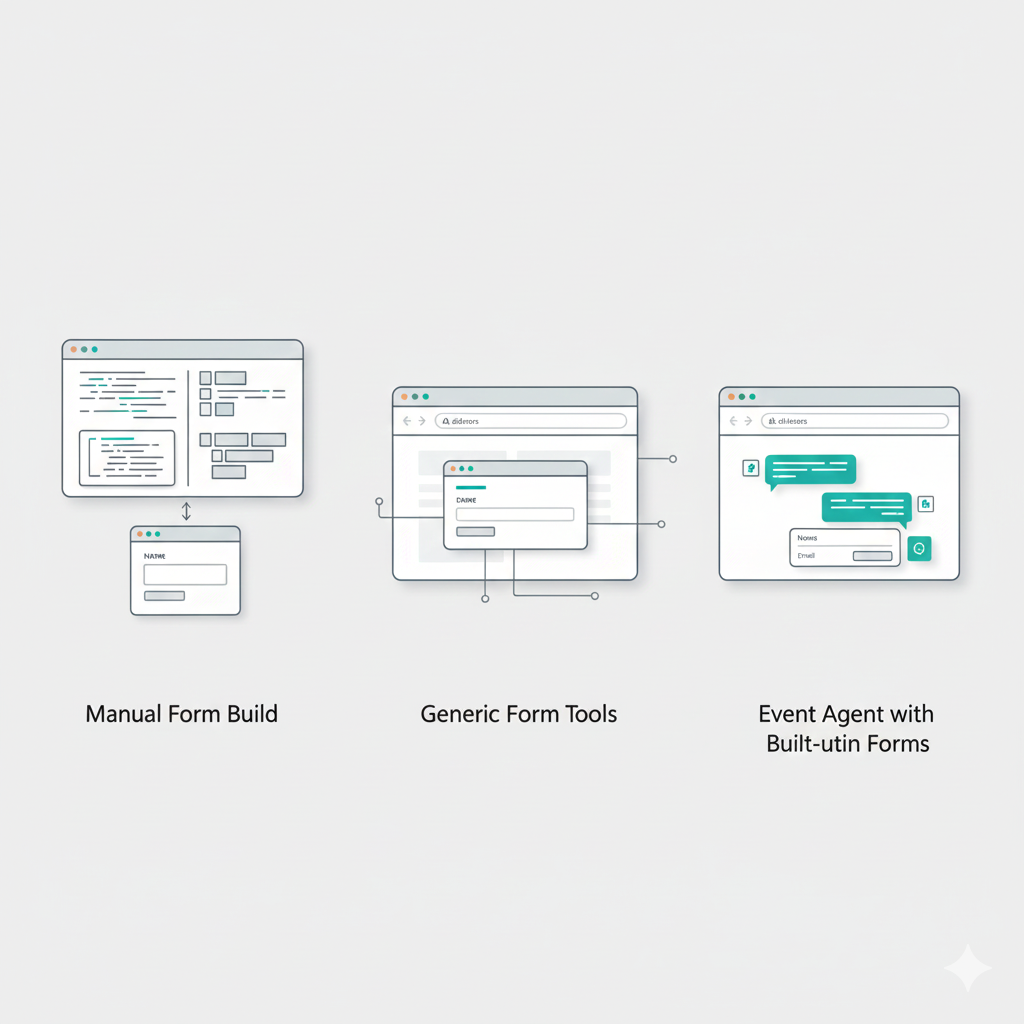
You have three common options.
1. Build a form manually
You can code a form using HTML, CSS, and backend logic. This gives full control but takes time. You also need validation, storage, and confirmation emails.
This works if you have a developer and simple needs.
2. Use generic form tools
Tools like basic online forms help you create an event registration form for free. You copy an embed code and paste it on your site.
This is faster but limited. Custom logic, insights, and follow-ups usually cost extra.
3. Use an event agent with built-in forms
This is where Simplagents fits well. Instead of a static form, you get an event registration form that also acts like an assistant. It collects details, answers questions, and shows insights.
For most teams, this is the fastest option.
How to embed an event registration form using Simplagents
Simplagents lets you create an event agent that works as your registration form and support assistant. You do not need code.
Here is the exact process.
Step 1: Choose your event agent
Log in to Simplagents and select the Event Agent option. This agent is designed for registrations, schedules, and attendee questions.
You do not start from a blank page. The structure already fits event use cases.
Step 2: Customize what you want to collect
Decide what information your event needs.
You can add fields like name, email, phone, session preference, or any custom question. For example, ask how attendees heard about the event or what topics interest them.
This replaces a traditional event registration form template and keeps everything flexible.
You can keep it short for free events or detailed for invite only sessions.
Step 3: Embed it on your website or send a link
Once ready, Simplagents gives you two options.
• Embed the form directly on your website using a simple embed code
• Share a link if you want registrations from social media or email
The embedded version blends with your site. It works smoothly on desktop and mobile.
This setup works well if you want an event registration form free without complex tools.
Step 4: Get insights instantly
As people register, you see data in real time. You can track signups, popular sessions, and drop offs.
This insight helps you adjust promotion, plan capacity, and send better reminders.
No waiting. No exports needed.
The Traditional Way (And Why It's Frustrating)
Most people start by searching for an event registration form template. They download a PDF or copy an HTML form, then realize they need to:
1. Figure out where the form data goes
2. Set up email notifications manually
3. Create a spreadsheet to track responses
4. Write code to embed the form properly
5. Make sure it works on mobile devices
6. Handle payment processing separately if charging for tickets
Even with an event registration form free template, you're looking at hours of setup. And if something breaks, you're on your own to fix it.

Why use Simplagents instead of a basic form
A basic event registration form only collects data. An event agent does more.
With Simplagents:
• Visitors can ask questions before registering
• The form guides users step by step
• You reduce support emails
• Data stays organized and searchable
For example, if someone asks about timing or eligibility, the agent answers and then prompts them to register. This improves conversions without extra effort.
Best practices for embedding event registration forms
Even the best tool needs a good setup. Follow these rules.
Place the form where users expect it
Embed the form near event details. Top or middle of the page works best. Do not hide it at the bottom.
Keep the headline clear
Use simple text like Register for the event or Save your seat. Avoid clever lines.
Limit required fields
Ask only what you need. Optional fields can come later through follow ups.
Confirm registration instantly
Show a clear success message. If possible, send a confirmation email with event details.
Test before sharing
Always test the embedded form on mobile and desktop. Fill it yourself. Check data capture.
Using an event registration form for different event types
The same setup works for many events.
• Webinars and online workshops
• Offline meetups and conferences
• Product demos and launches
• Internal training sessions
• Community events
You can duplicate the agent, adjust fields, and reuse it for future events.

Conclusion
You don't need technical expertise to add a professional registration form to your website. Tools like Simplagents handle the complicated parts so you can focus on creating a great event.
Start with a simple form. Collect basic information and get it live quickly. You can always add more sophisticated features later based on what you learn from your first event.
The goal is making registration as painless as possible for your attendees. When signing up takes 60 seconds instead of five minutes, more people will actually do it. And when managing registrations takes minutes instead of hours, you can spend your time on things that matter more.
Add a Registration Form to Your Site
Create a simple event registration form and see how easily it fits into your website.