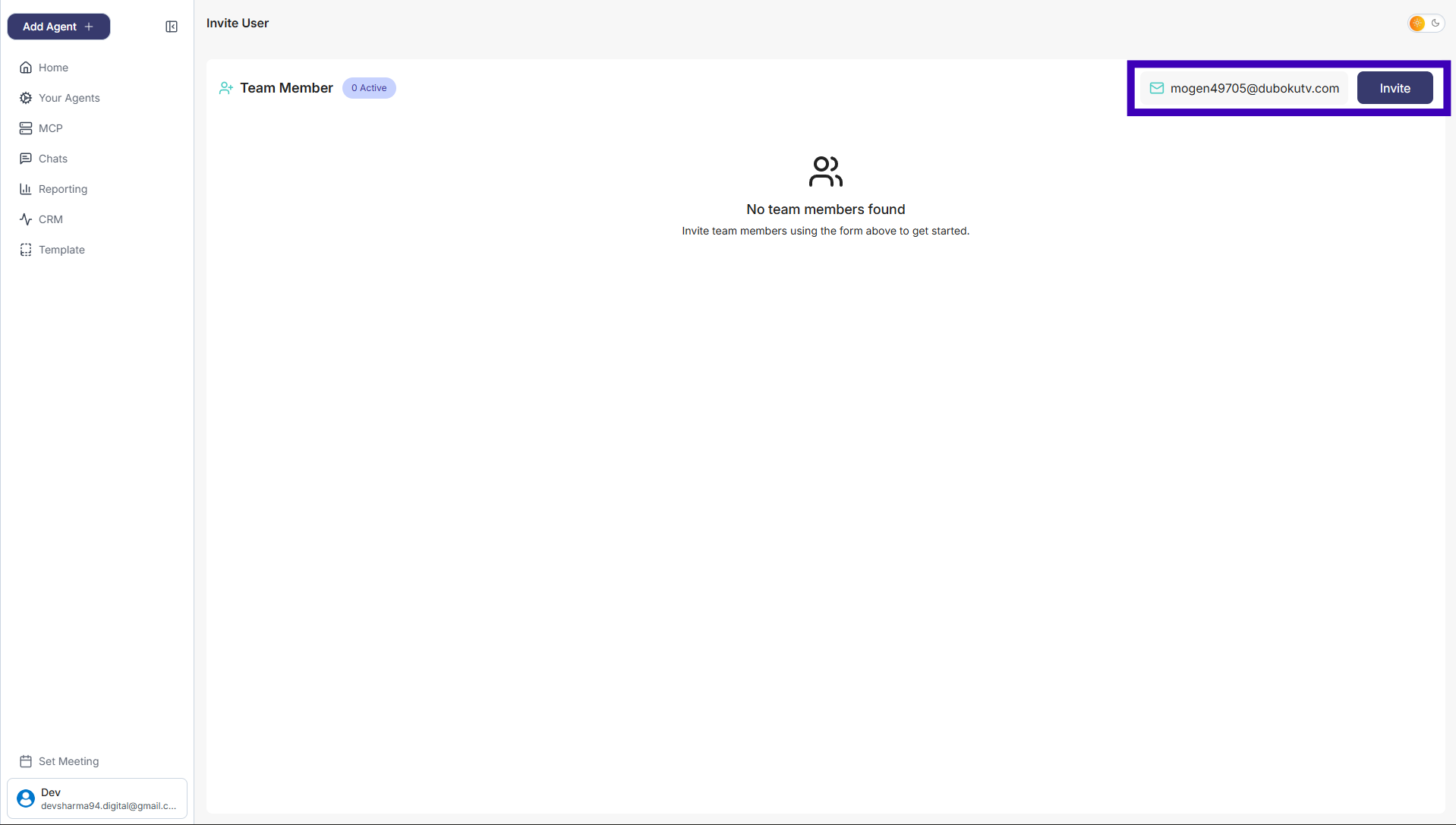
How to Invite a Team Member
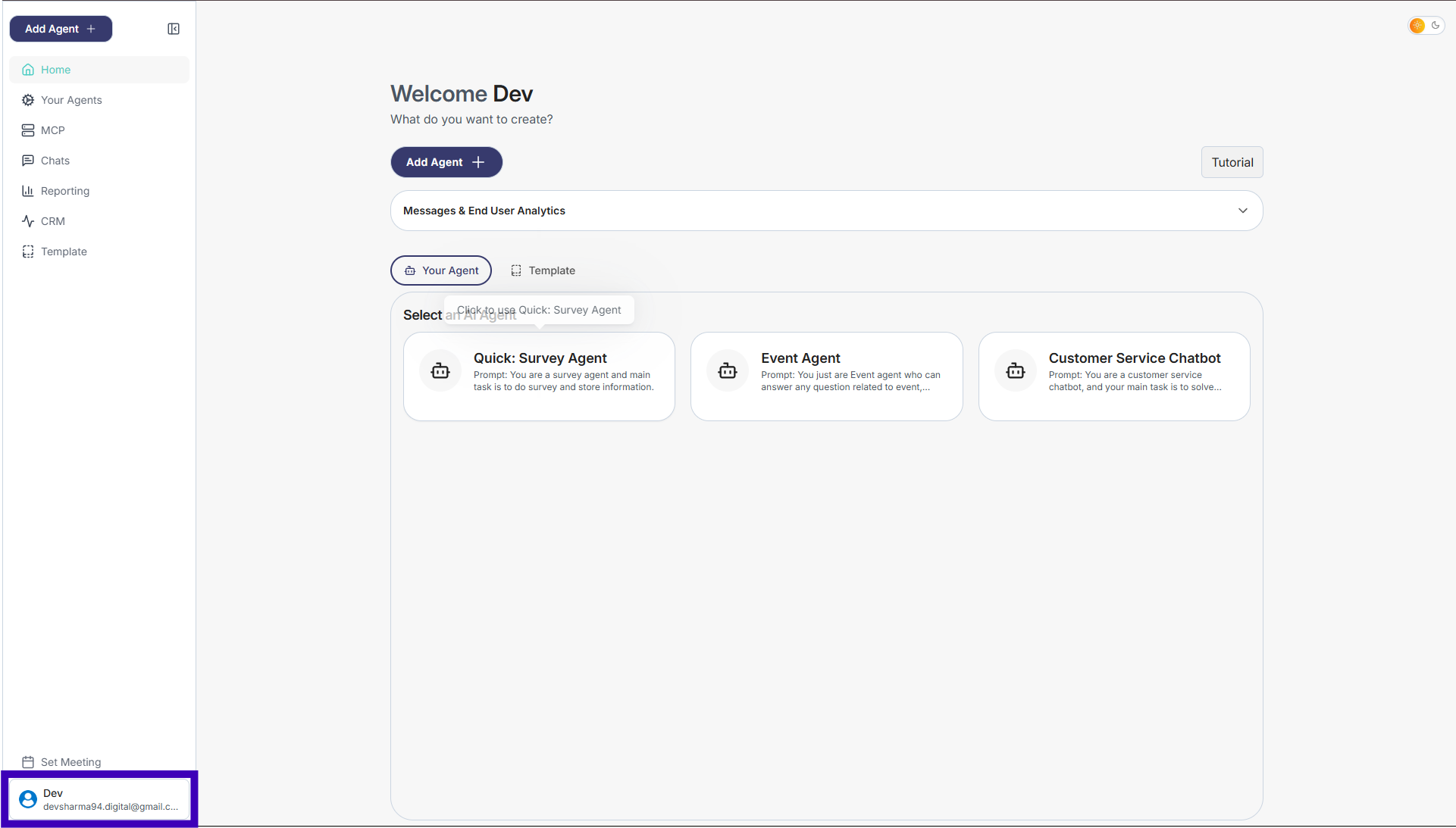
Step 1: From the main dashboard, go to the bottom-left corner
Step 2: Click on your name or profile
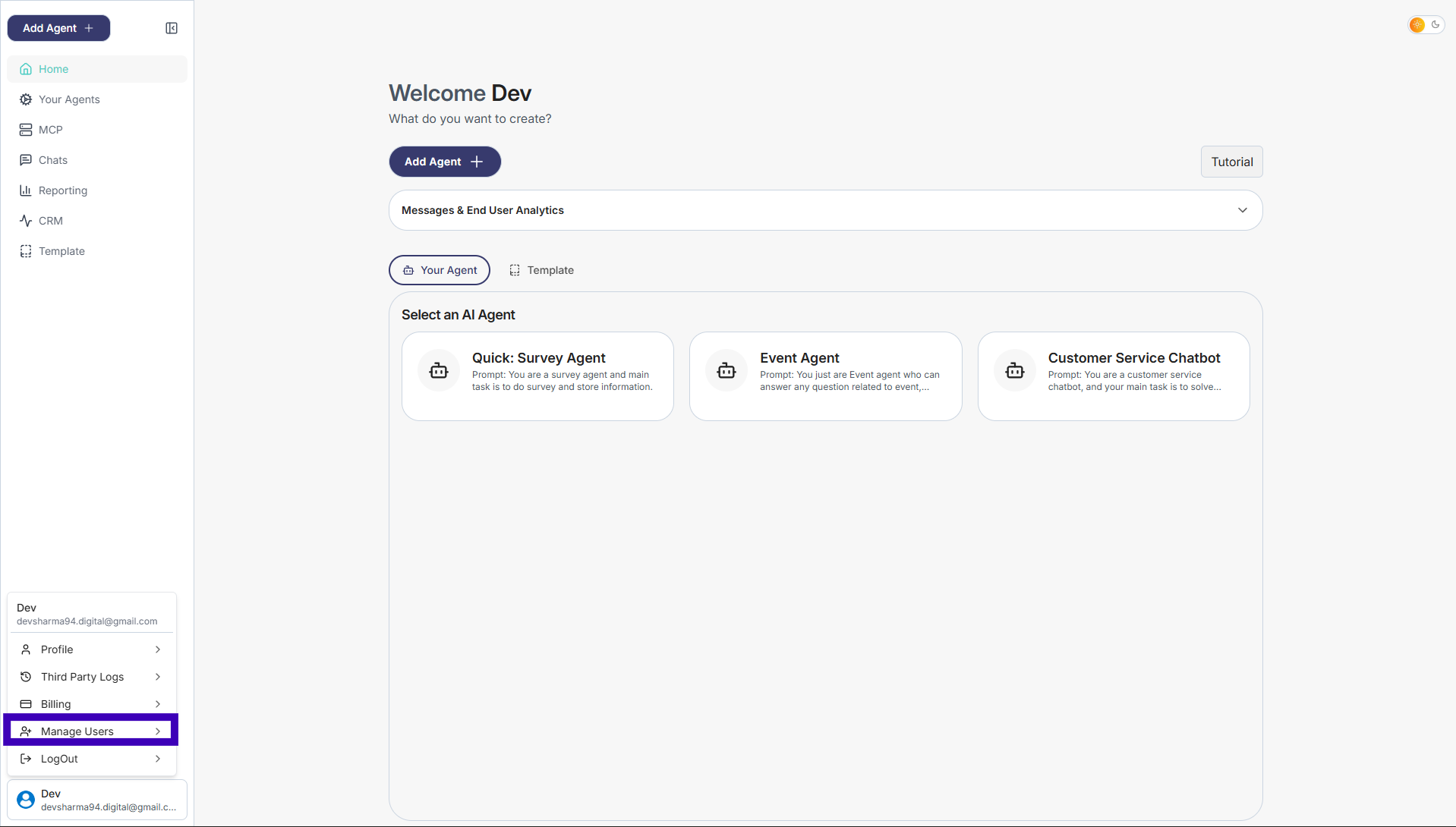
Step 3: A small menu will appear, then Click Manage Users
Step 4: On the right side, enter the email address of the person you want to invite
The invited user will receive an email and can join by opening the email and logging in.