How to Create a Survey Form with QR Code Online for Free
Created: 05/01/2026
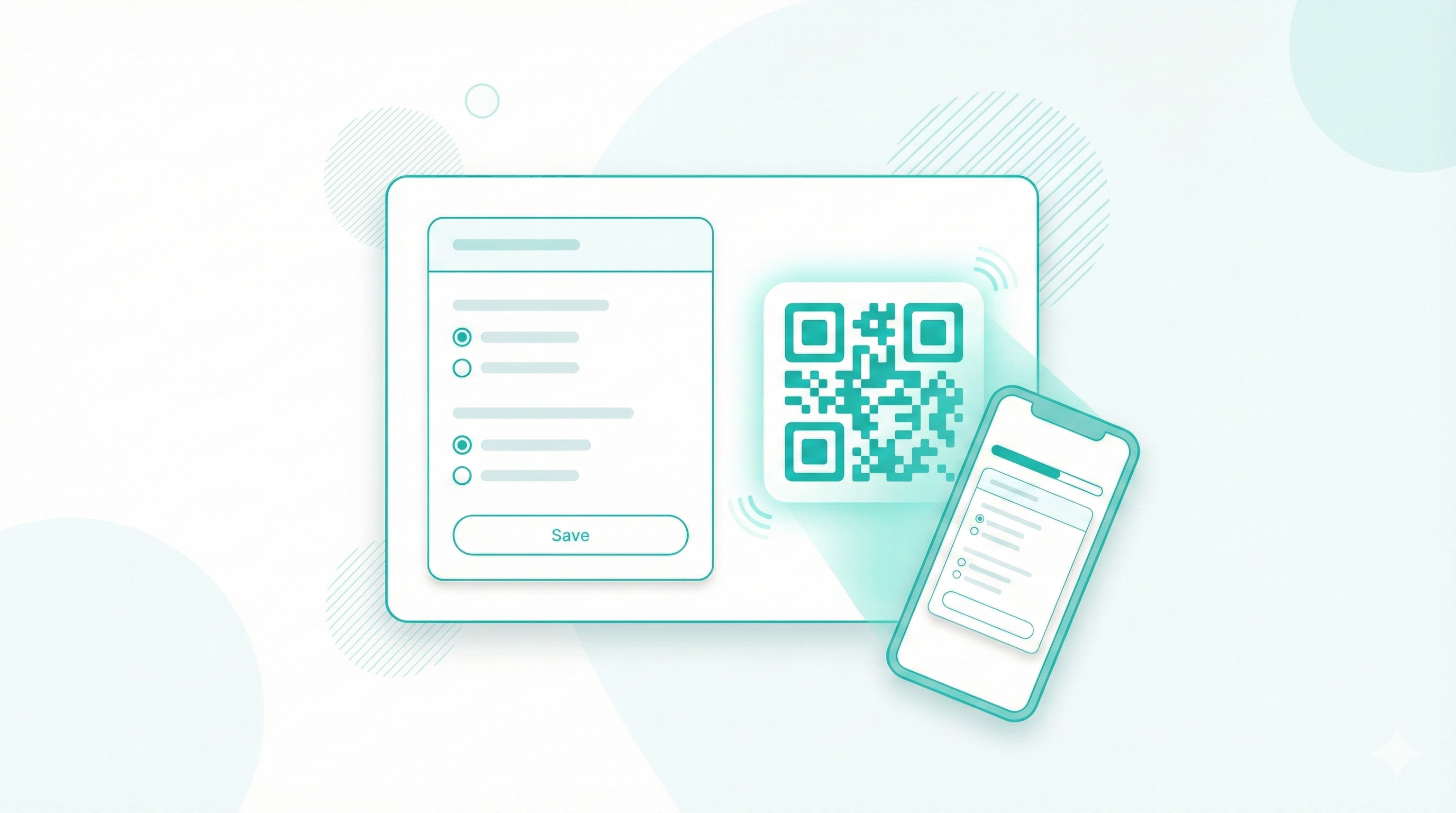
Getting honest feedback from customers, event attendees, or employees shouldn't cost you a fortune or require technical skills. A simple survey form with a QR code makes collecting responses easy. People scan, answer, and you get data instantly.
What Is a Survey Form With a QR Code
A survey form is a set of questions built to collect feedback or data. When you connect it with a QR code, the code opens the online survey form on any phone camera.
You can place that QR code on posters, bills, tables, product packaging, emails, or websites. One scan takes the user straight to the survey.
This works well because people already know how to scan QR codes. The barrier stays low.
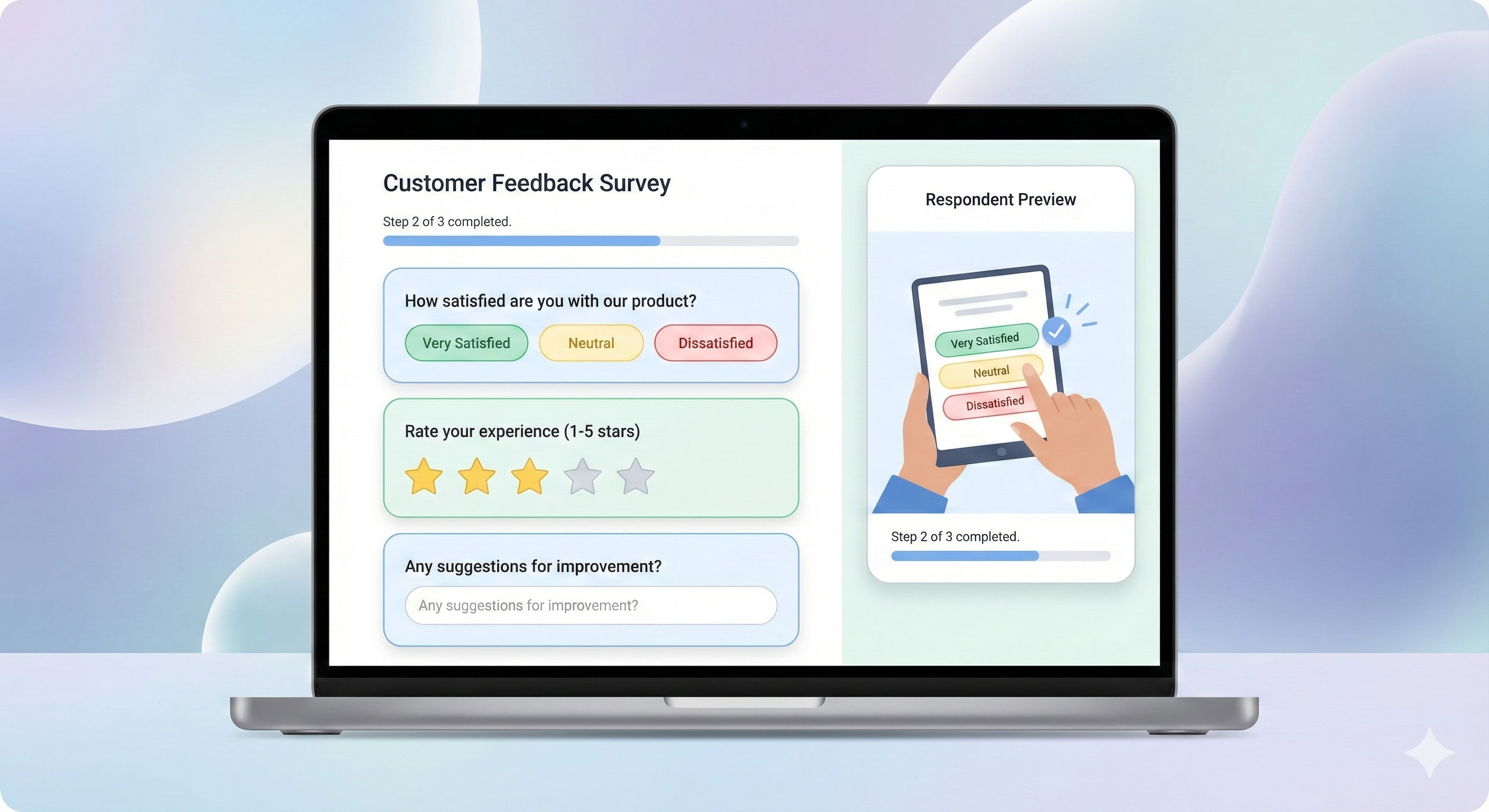
Turn Your Survey Into a QR Code
Use what you learned to create a scannable survey form that people can access instantly.
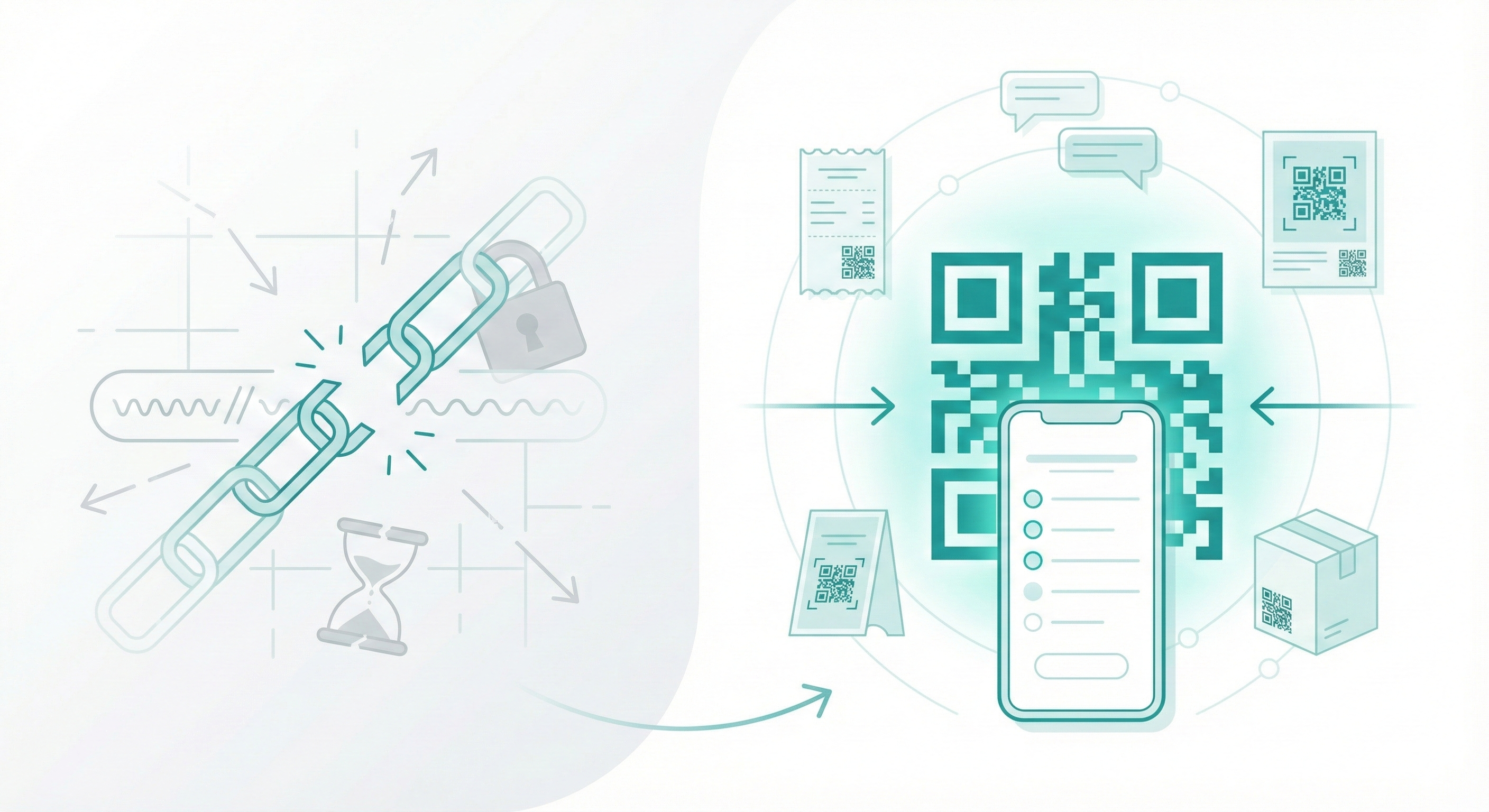
Why QR Codes Work Better Than Links
Traditional survey links are clunky. You type them into messages, paste them in emails, and hope people don't lose them. QR codes solve this problem. Print them on receipts, display them at your store entrance, add them to posters, or include them in product packaging. Anyone with a smartphone camera can access your survey in two seconds.
This matters when you need quick responses. A restaurant wants feedback before diners leave. A retail store needs opinions while the shopping experience is fresh. A conference organizer wants to catch attendees between sessions. QR codes meet people where they are.
How to Create a Free Online Survey Form
You can create a free survey in a few clear steps.
Step 1 Choose the Goal
Decide what you want to learn. Feedback, satisfaction, lead details, or preferences.
Step 2 Write Short Questions
Use simple language. One idea per question.
Example:
• How was your experience today
• What can we improve
• Would you recommend us
Step 3 Pick a Free Survey Tool
Use a platform that supports online survey forms and QR codes without forcing upgrades early.
Step 4 Generate the QR Code
Once the survey link is ready, generate a QR code linked to it.
Step 5 Share It Everywhere
Print it. Add it to invoices. Show it on screens. Share it on WhatsApp.
Using Simplagents for Survey Forms
Simplagents lets you create a survey form and connect it with AI automation.
Here is how it helps in practice:
• Build a survey online without coding
• Generate a QR code for the survey
• Collect responses in one dashboard
• Auto-summarize answers using AI
• Send follow-ups or store data in CRM tools
For example, a cafe can place a QR code on the table. Customers scan, answer three questions, and the owner gets a daily summary of feedback without reading every response.

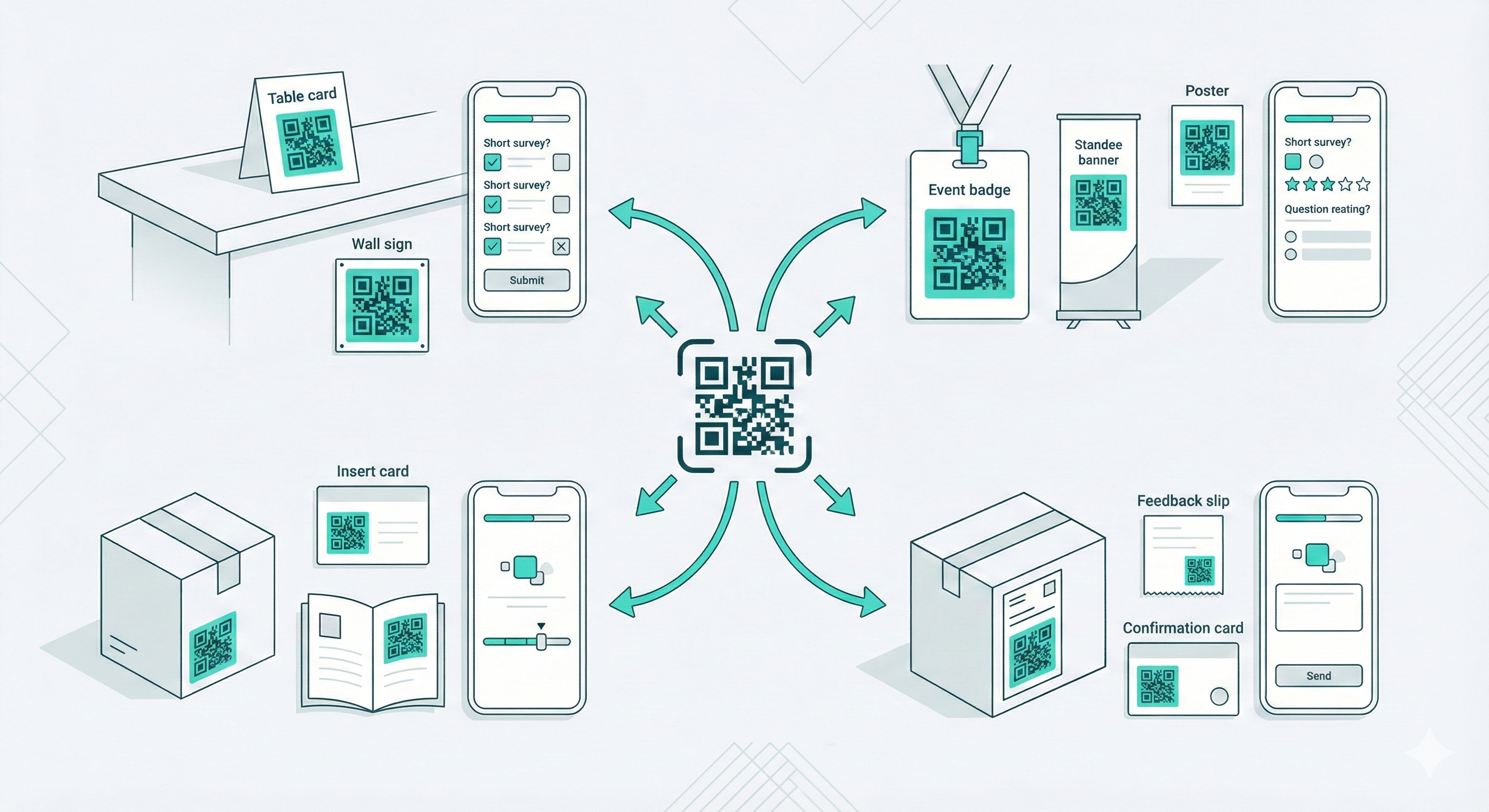
Examples of Where QR Code Surveys Work Best
Physical Locations
Restaurants, salons, clinics, retail stores, gyms.
Events
Conferences, workshops, exhibitions, and college fests.
Products
Packaging inserts, instruction manuals, and warranty cards.
Services
Delivery feedback, support quality checks, and onboarding surveys.
In each case, the survey form stays short and easy to finish.
Tips to Get More Responses From Free Surveys
• Keep it under five questions
• Ask one open-ended question at most
• Tell users it takes under one minute
• Place the QR code at eye level
• Add a simple line like Share your feedback
Avoid long explanations. Let the survey speak.
Is a Free Survey Form Enough
For many small teams, yes.
A free survey works well when:
• You need quick feedback
• The audience is small to medium
• You want a fast setup
As needs grow, automation and analysis matter more. That is where tools like Simplagents save time by turning raw survey answers into clear insights.
Conclusion
A survey form with a QR code keeps feedback easy and fast. People scan and respond without effort. You get better data with less push.
If you want a free survey online that also connects with AI workflows, start simple and scale when needed. The goal stays the same. Ask better questions. Make it easy to answer.
Ready to Create a QR Code Survey?
Build and share a survey form with a QR code in minutes.