Chatbot vs Form: Which One Actually Converts Better
Created: 31/01/2026
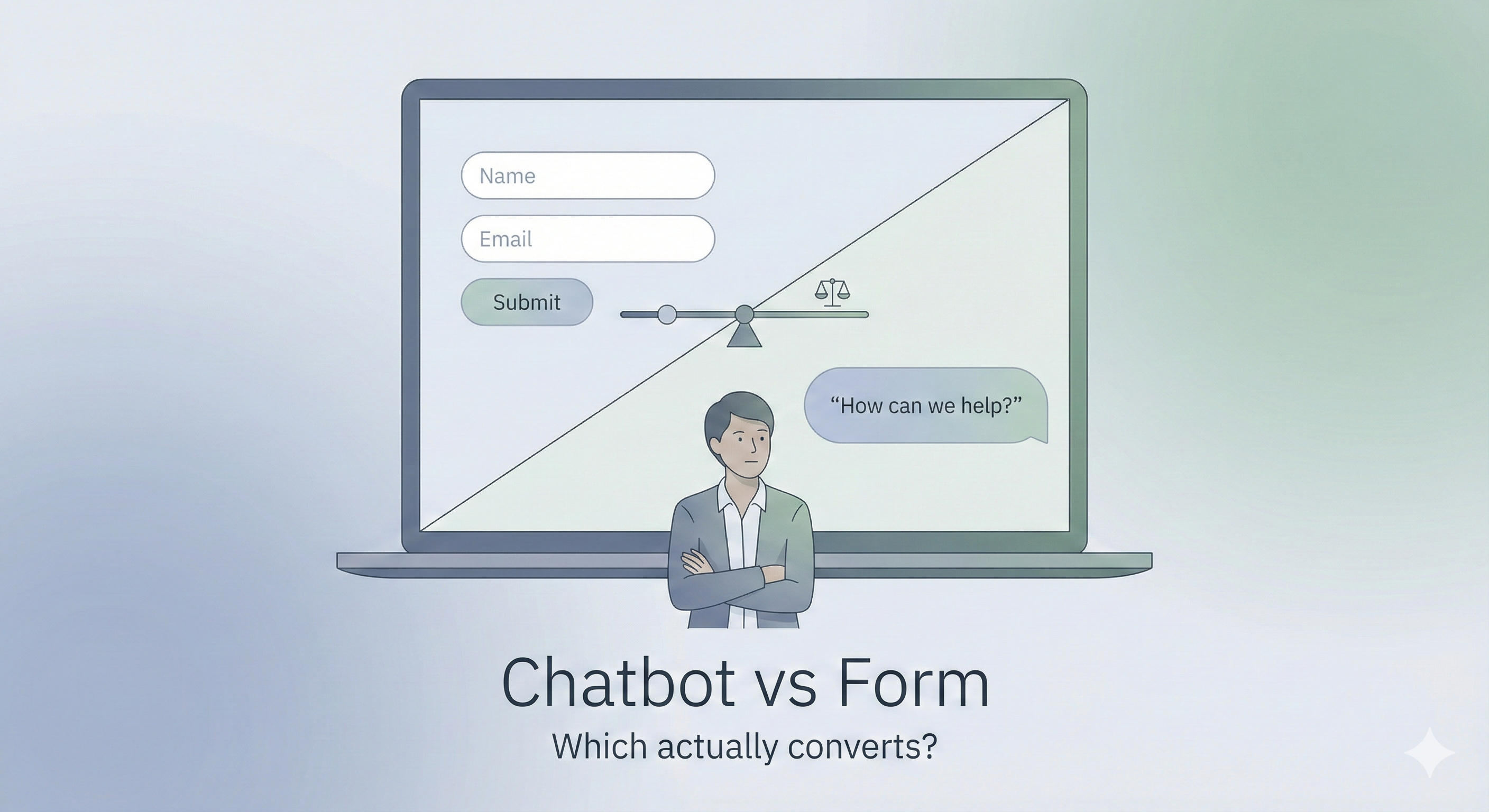
I've tested both chatbots and traditional forms across dozens of campaigns. The answer isn't as simple as "chatbots are better" or "forms still work." It depends on what you're trying to do.
Let me break down what I've learned from actual data.
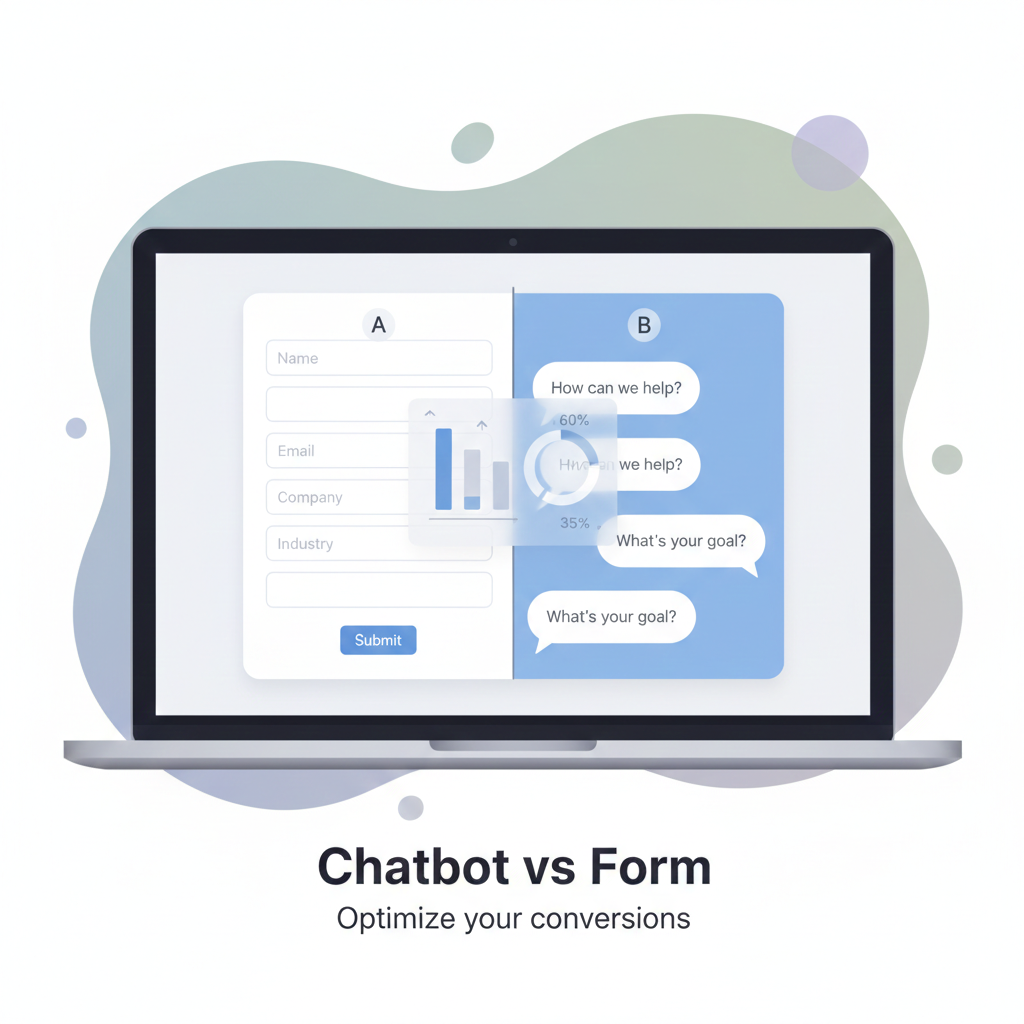
Stop Guessing What Converts Better
Build both a chatbot and a conversational form, run a real split test, and see which one converts better for your audience.
The Numbers Tell a Different Story Than You'd Expect
Forms have been around since websites existed. They work. A HubSpot study found that shorter forms (3 fields or less) convert at 25%, while longer ones drop to 15%. Pretty standard.
But here's what caught my attention: Drift reported that chatbots can increase conversion rates by up to 40% in specific scenarios. That's significant. However, when I dug deeper into my own projects, I found that chatbots performed better in some situations and worse in others.
When Forms Win
Forms beat chatbots when:
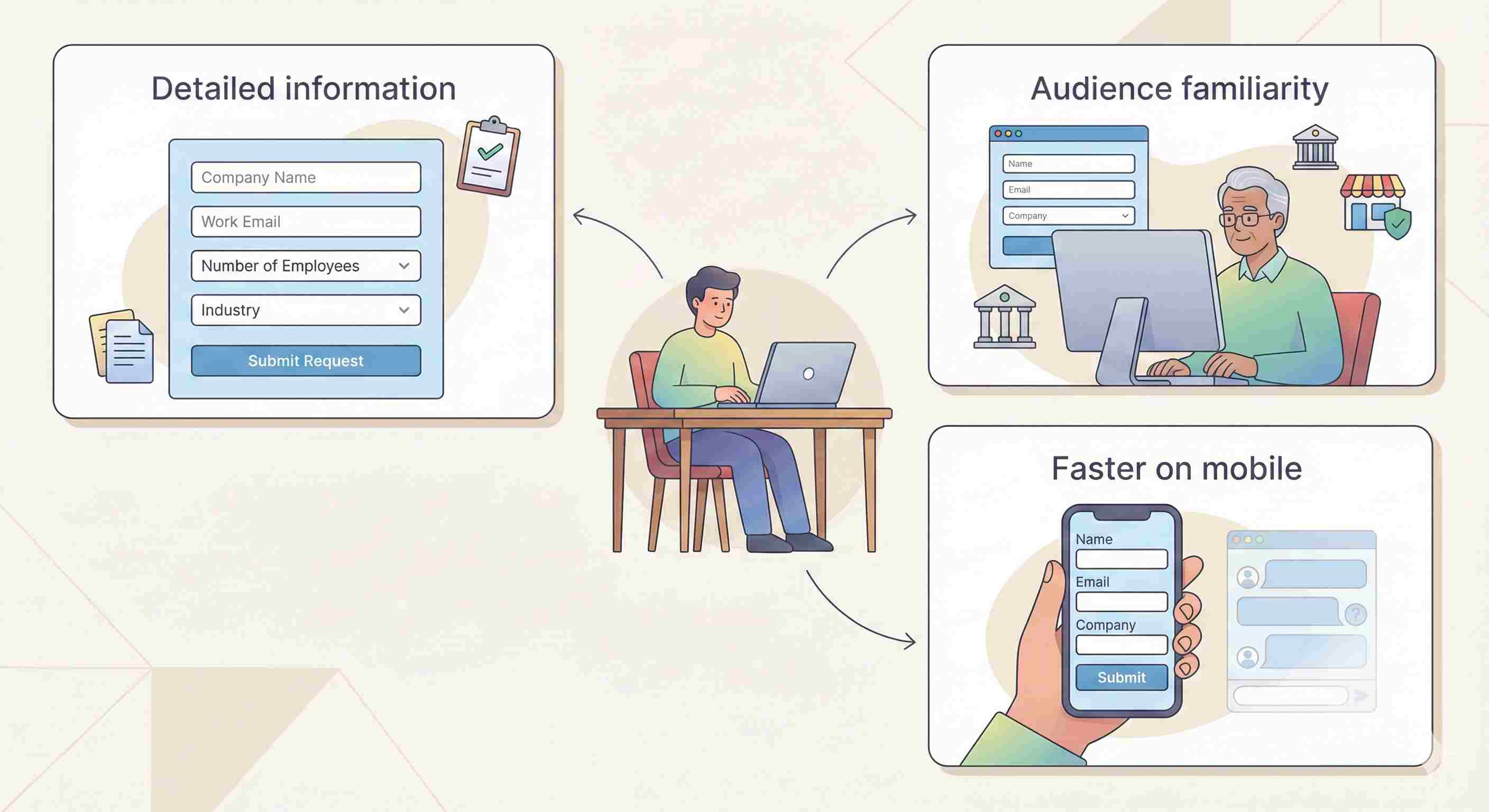
You need detailed information upfront. If you're collecting a shipping address, payment details, or structured data like "number of employees" and "industry," forms are cleaner. Users can see all fields at once, fill them out methodically, and submit.
I worked on a B2B software demo request page for a company similar to Zoho. We tested both. The form outperformed the chatbot by 18% because enterprise buyers wanted to provide complete information in one go. They didn't want to chat back and forth.
Your audience is older or less tech-savvy. Forms are familiar. Everyone knows how they work. A financial services client saw a 23% drop in completions when we switched to a chatbot. Their audience (ages 45-65) found it confusing and gimmicky.
Mobile users are filling it out. Typing in chat bubbles on a small screen is annoying. Forms with proper mobile optimization actually convert better. Test this yourself: try answering 8 chatbot questions on your phone versus filling out an 8-field form. The form usually feels faster.
When Chatbots Win
Chatbots work better when:
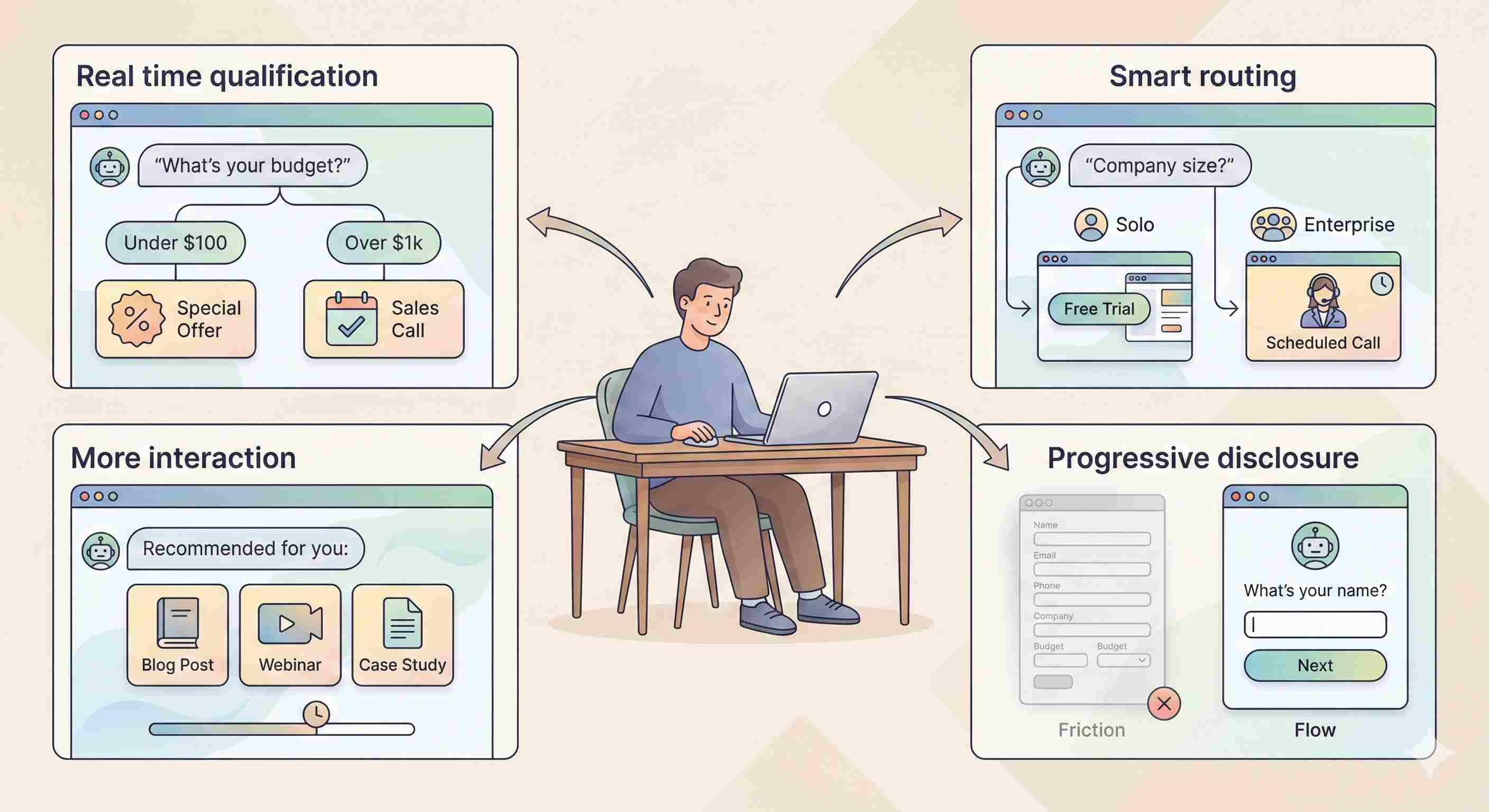
You're qualifying leads in real-time. A chatbot can ask "What's your budget?" and if someone says "$500," you can route them to a different offer than someone who says "$50,000." Forms can't do that.
I built a chatbot for a SaaS company that asked about company size first. If someone said "just me," it offered a free trial. If they said "50+ employees," it offered to schedule a call with enterprise sales. Qualified lead volume went up 31%.
Engagement matters more than completion. If your goal is to start a conversation, chatbots create 2-3x more engagement than forms. People will answer a question. They won't always fill out a form.
A content marketing client used a chatbot to recommend blog posts based on user interest. Average time on site increased from 1:42 to 4:17. Did it collect emails? Not as many. But it built a relationship.
You want to reduce abandonment. Forms show all the fields. If someone sees 12 fields, they might leave immediately. Chatbots reveal questions one at a time. It's called progressive disclosure.
One experiment: we had a 9-field form with 34% abandonment. We converted it to a chatbot asking the same questions sequentially. Abandonment dropped to 19%.
The Hybrid Approach Nobody Talks About
Here's what actually works best: using both.
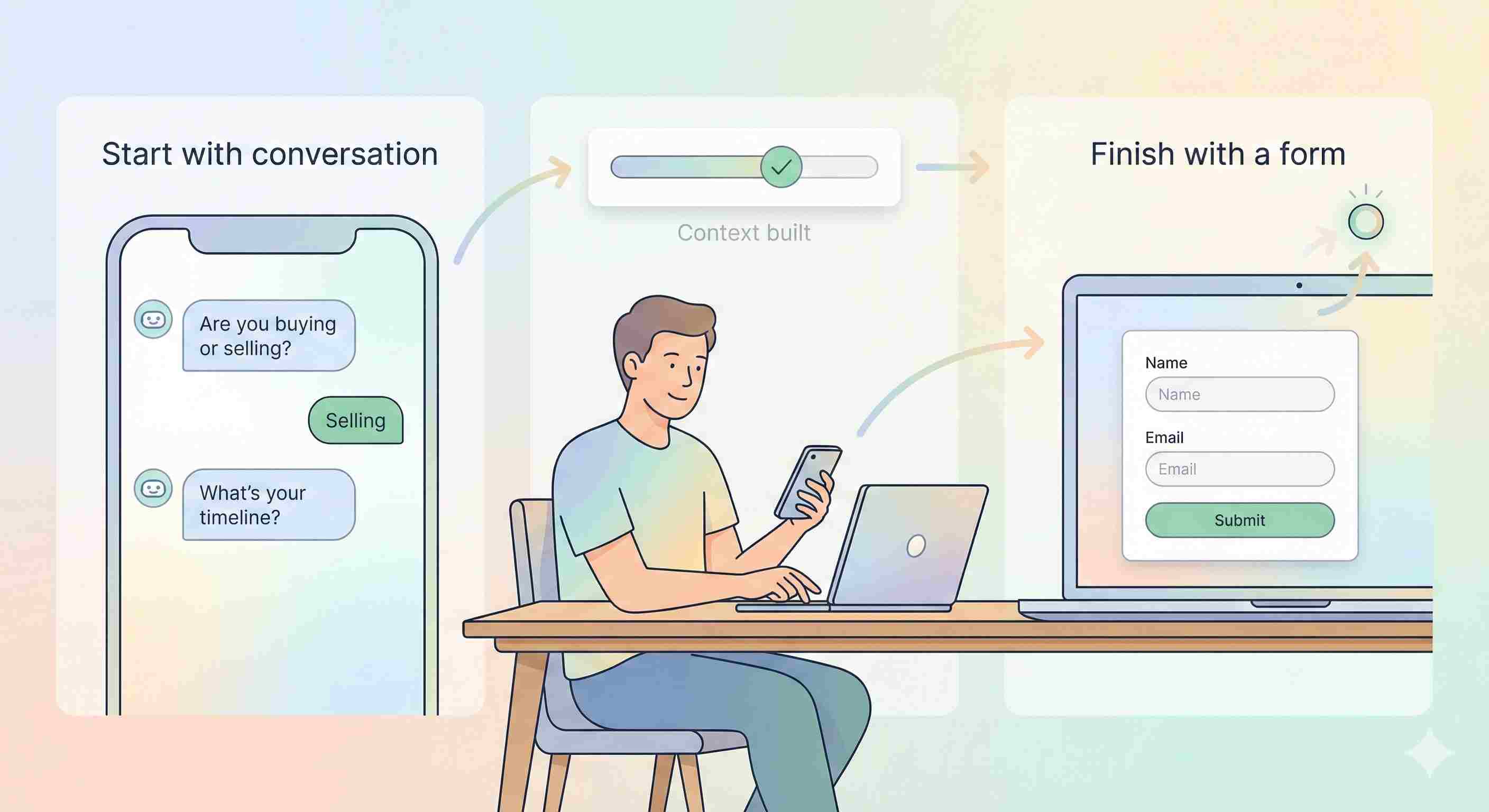
Start with a chatbot to qualify and engage. Then transition to a short form for final details.
Example from a real estate client:
• Chatbot asks: "Are you buying or selling?"
• Then: "What's your timeline?"
• Then: "Great! Let me get your contact info to send you listings."
• Shows a 2-field form: name and email
This got 47% more completions than either standalone option.
Bounce Rate Matters
Forms increase bounce rate. If someone lands on your page and sees a long form, 55% will leave without interacting (according to our Google Analytics data across 30+ sites).
Chatbots reduce initial bounce because they feel less committal. Asking "Can I help you find something?" gets a response. But completion rate can suffer if the conversation is too long or feels robotic.

Cost and Maintenance
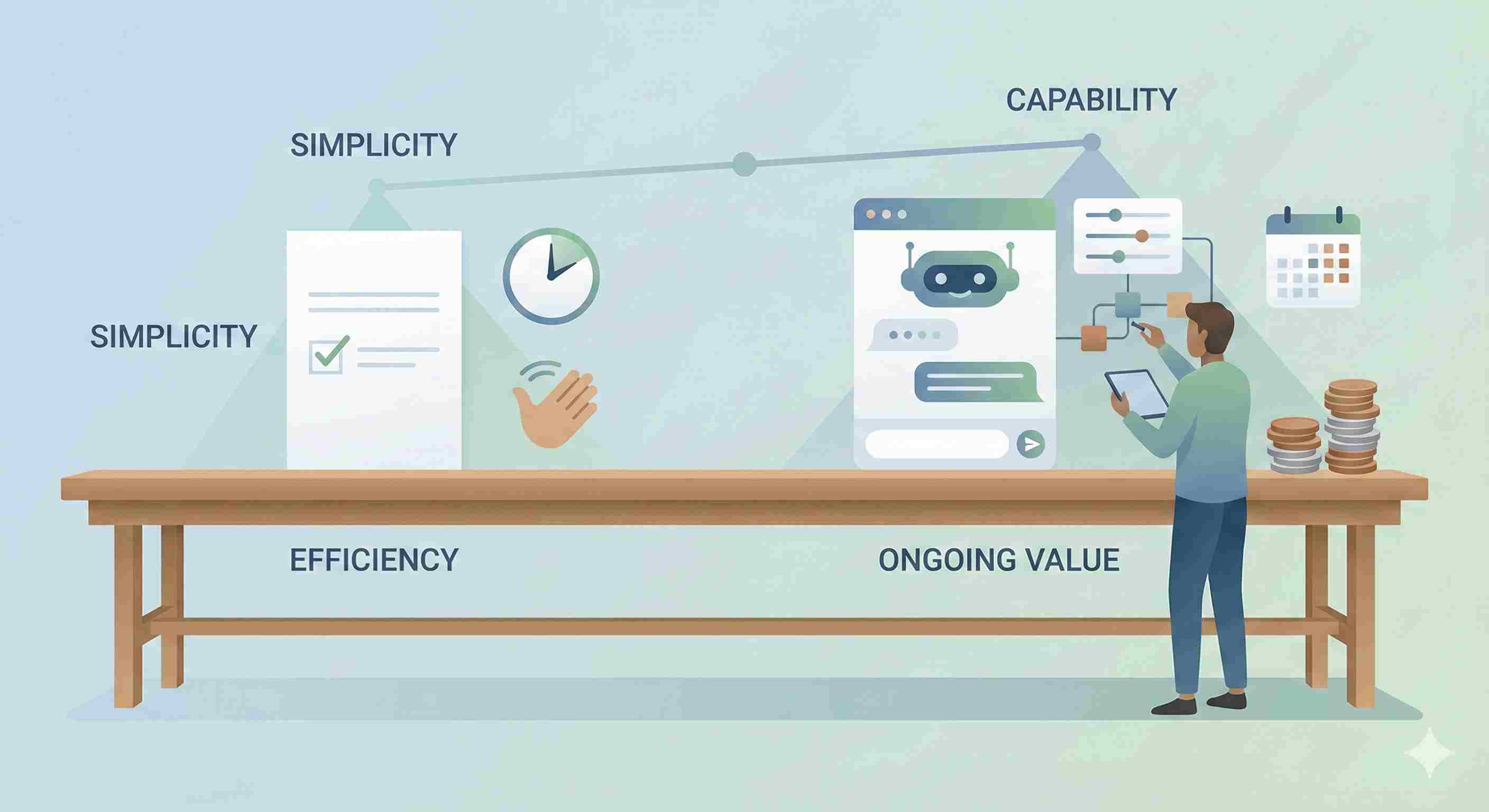
Forms are cheaper. You can build one in 20 minutes with Google Forms or Typeform. Done.
Chatbots require:
• Initial build time (4-8 hours for something decent)
• Ongoing tweaking based on user responses
• Integration with your CRM
• Sometimes a monthly subscription ($50-$500, depending on the tool)
For a small business or blog, forms make more sense financially. For a company doing $1M+ in revenue, the conversion lift from a well-designed chatbot pays for itself.
What About AI Chatbots?
The new AI-powered chatbots (GPT-based) are different animals. They can have actual conversations, understand context, and provide personalized responses.
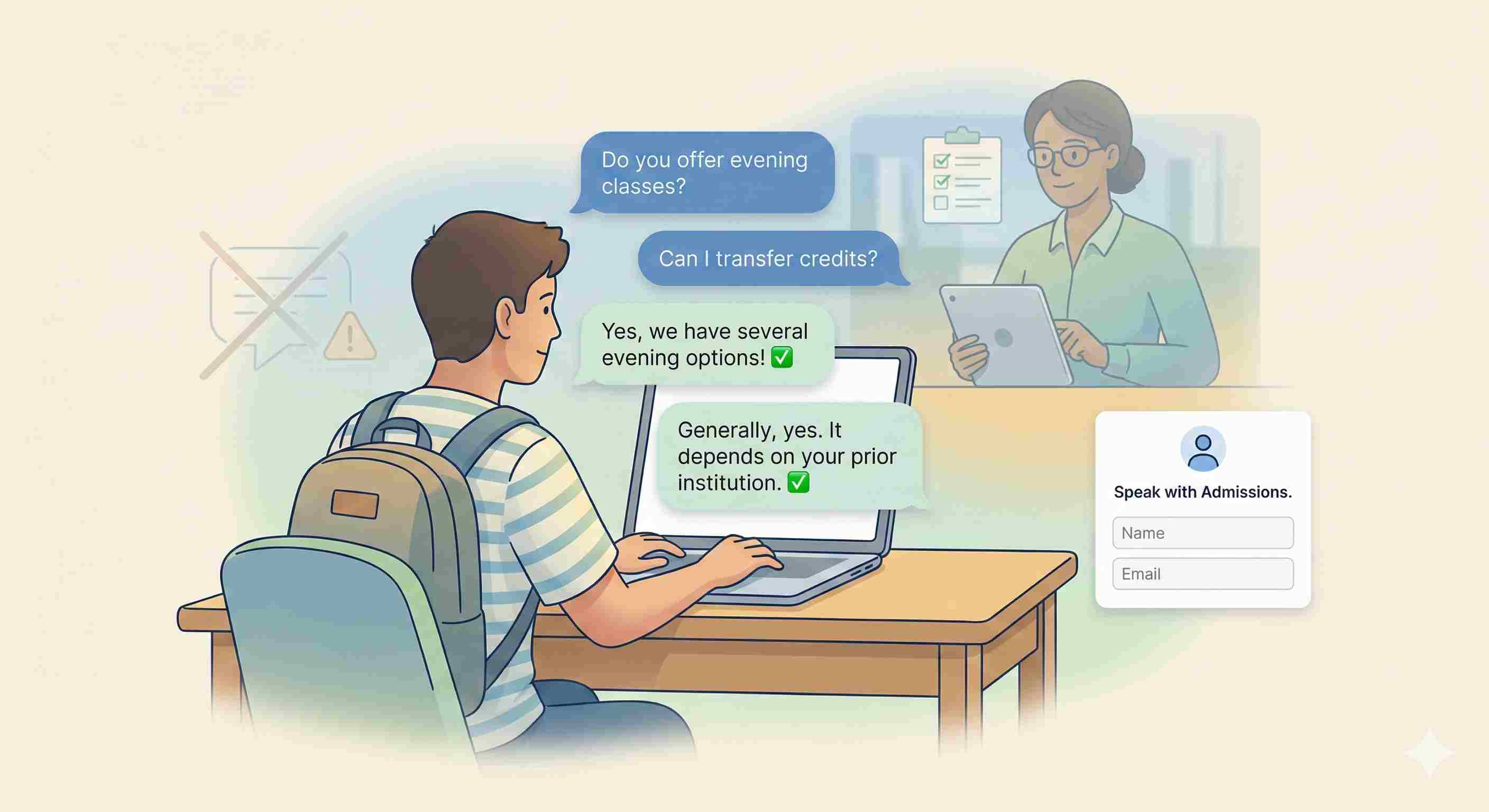
I tested one for a client in the education space. Prospective students asked questions like "Do you offer evening classes?" and "Can I transfer credits from my community college?" The bot answered accurately 91% of the time.
Result: 38% of conversations ended in a form submission (contact info to speak with admissions). That's compared to 12% conversion on the static form we had before.
But there's a risk. If the AI gives wrong information, you've lost trust. You need human oversight and very clear limitations programmed in.
My Recommendation Based on Testing
Use a form if:
• You need structured data
• Your audience skews older
• You're on a tight budget
• It's a straightforward transaction
Use a chatbot if:
• You need to qualify leads
• You want to boost engagement
• You can invest time in setup and optimization
• You're willing to test and iterate
Use both if:
• You have the resources
• Conversion rate really matters
• You want the best of both worlds
The Test You Should Run
Don't take my word for it. Split test on your own site.
Here's how:
1. Send 50% of traffic to a form
2. Send 50% to a chatbot asking the same questions
3. Run it for at least 2 weeks (or until you hit 100 conversions minimum)
4. Compare conversion rate, completion rate, and lead quality
Track which source brings better customers, not just more form fills. I've seen chatbots generate 40% more leads that converted at half the rate to paying customers. That's a net loss.
Conclusion
Forms still work. Chatbots can work better. But context is everything.
Stop asking "which is better?" and start asking "which is better for my specific audience, offer, and goal?"
Test both. Let the data decide.
Stop Guessing What Converts Better
Build both a chatbot and a conversational form, run a real split test, and see which one converts better for your audience.