How an Event Cut Staffing Costs by $2,000 with a QR Code Bot
Created: 24/01/2026
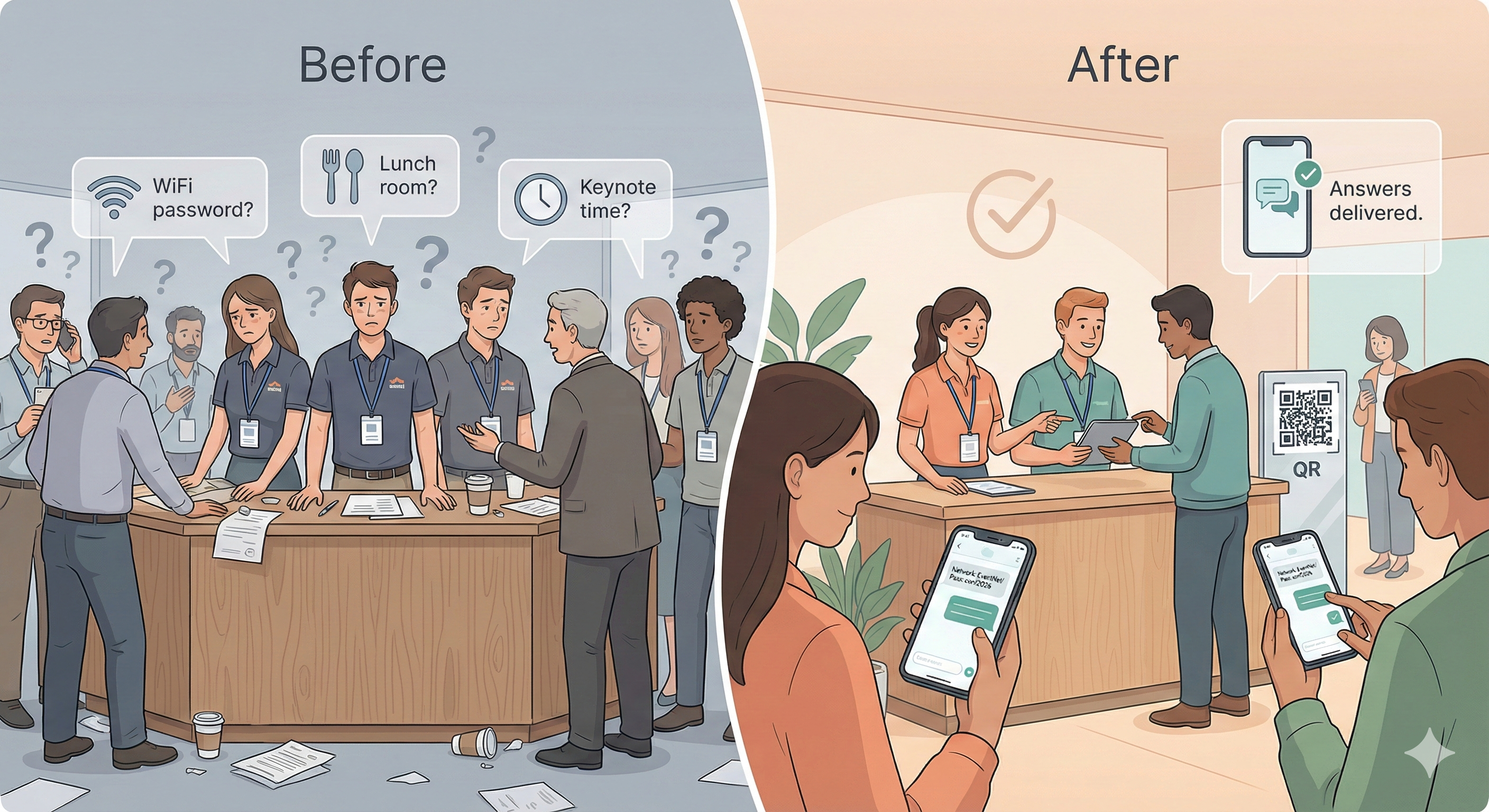
I have managed budgets for dozens of conferences. The line item that always breaks the bank is temporary staffing. You pay agency fees for people to stand in a hallway and point at the restroom.
It is a waste of money.
I recently audited a mid-sized corporate event that solved this problem. They replaced five "information desk" staff members with a simple QR code system.
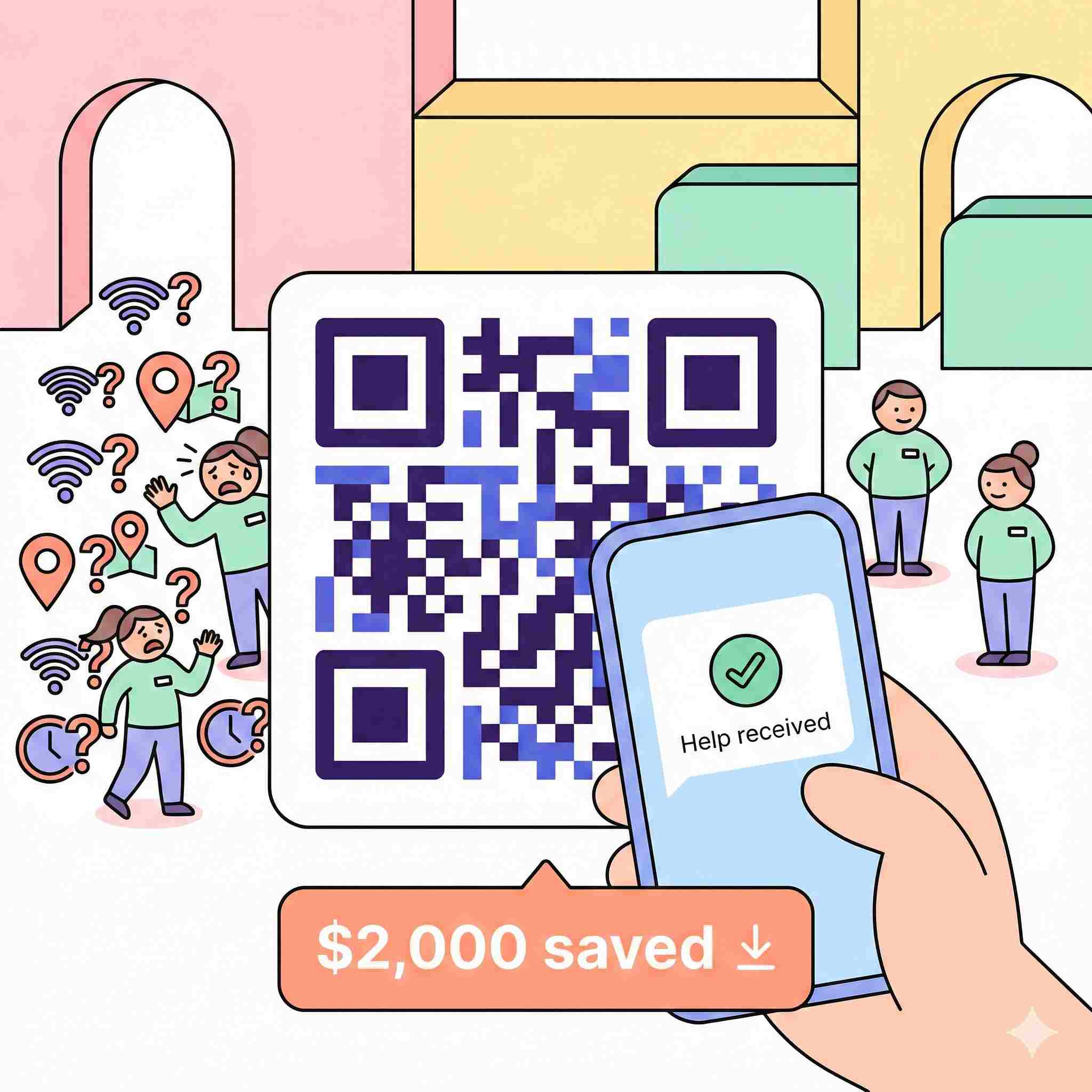
The result was a hard saving of $2,000 in two days. This is not a theory. Here is the exact math and method they used.
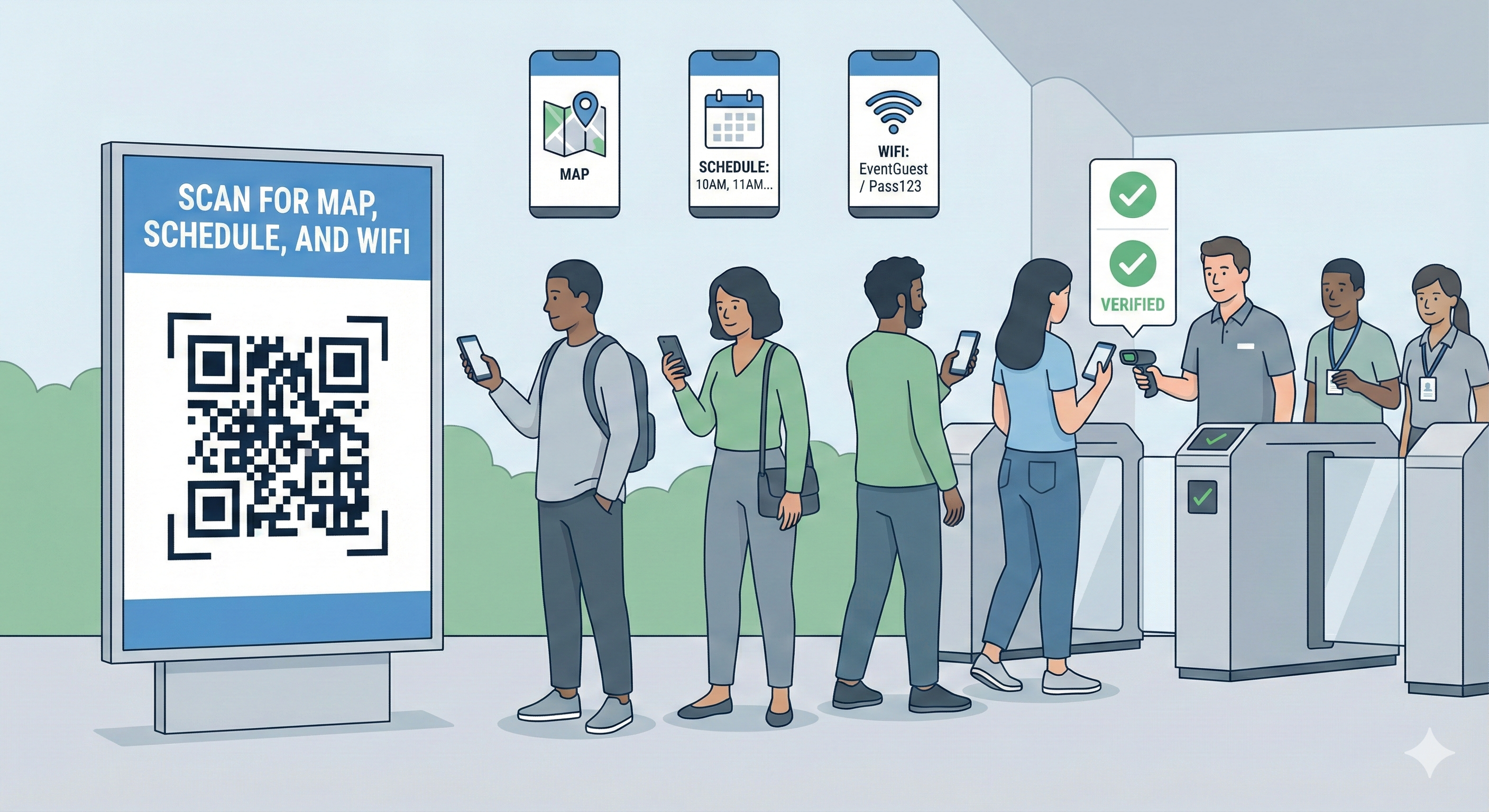
Curious how this played out on the event floor?
We shared the real attendee flow and share step-by-step Guide in a short X thread.
The Cost of Human Information
Let us look at the numbers.
For a standard two-day conference, you typically hire junior staff for wayfinding and basic FAQs.
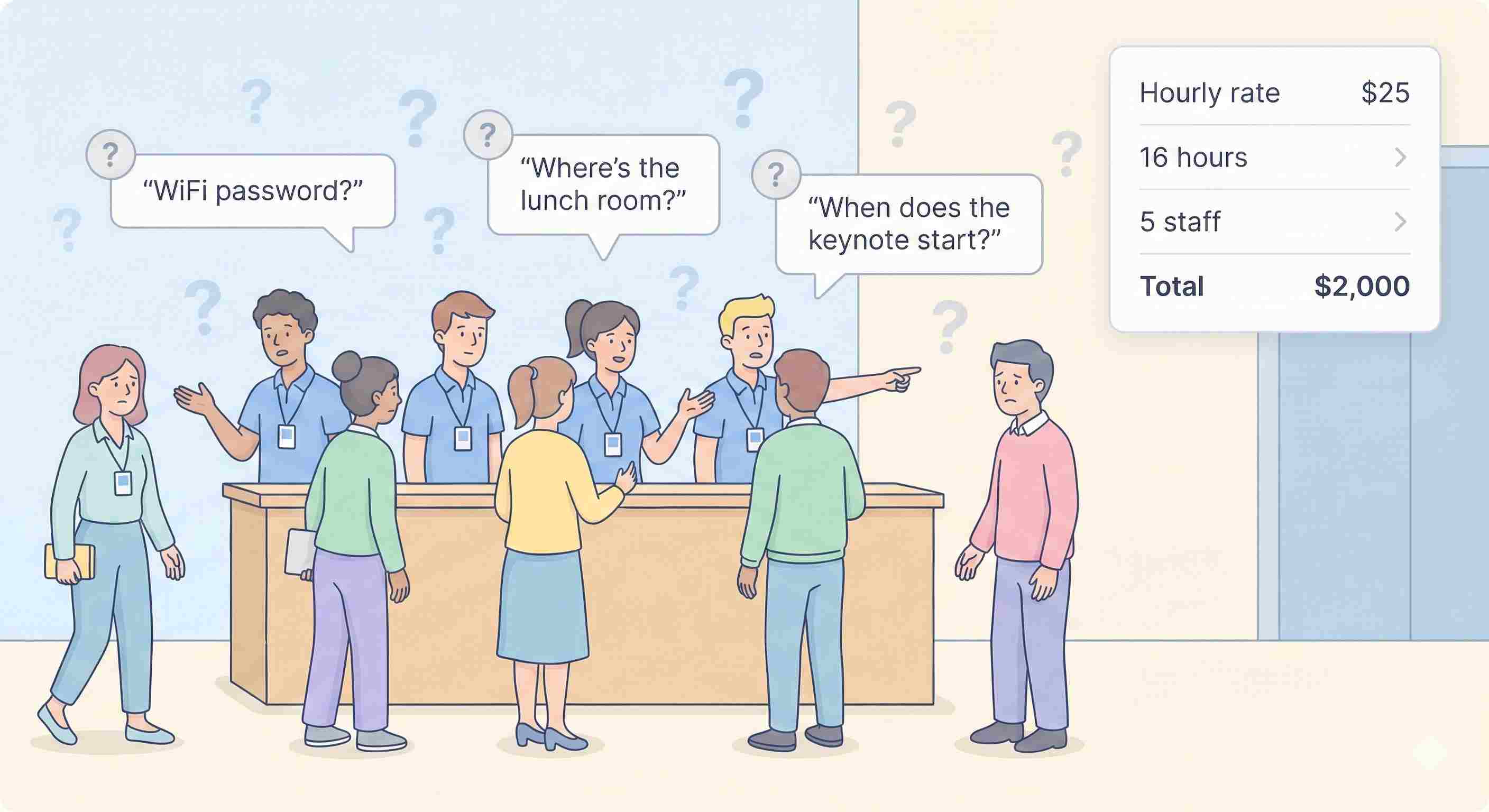
• Hourly Rate: $25 (including agency markup)
• Hours: 16 hours (2 days)
• Staff Count: 5 people
• Total Cost: $2,000
These five people spend 90% of their time answering three questions: "What is the Wi Fi password?", "Where is the lunch room?", and "When does the keynote start?"
The event organizers realized they were paying $2,000 for human signposts.
Try a QR Code Bot for Your Next Event
Set up a simple bot and see how much staff time and budget you can save.
The Solution: The QR Code Bot
They replaced those five humans with stickers.
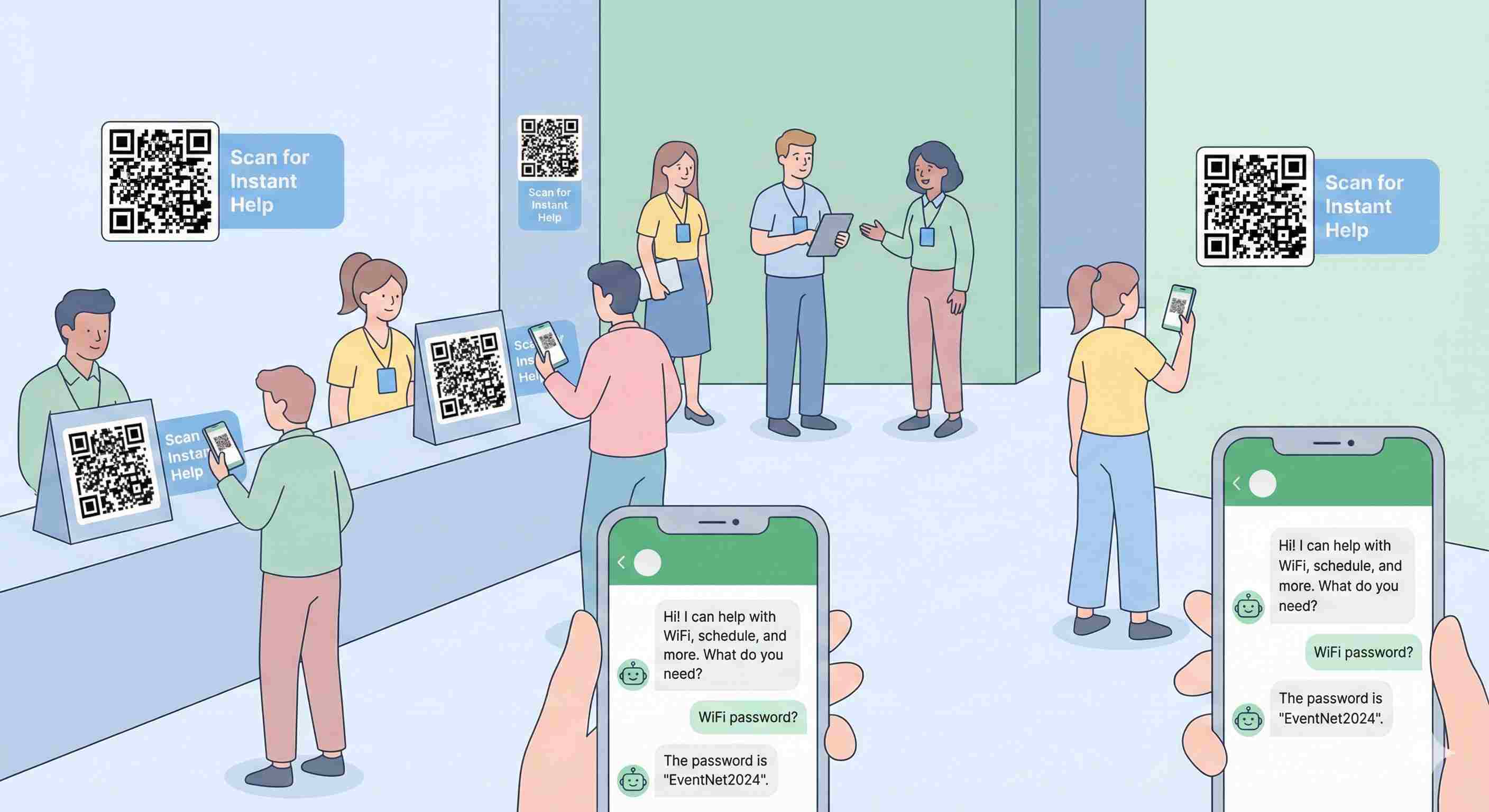
They placed large vinyl stickers with a specific QR code on every badge, table tent, and wall. The call to action was simple: "Scan for Instant Help."
When an attendee scanned the code, it didn't just open a static PDF. It opened a chat window with a pre-configured bot.
How It Worked
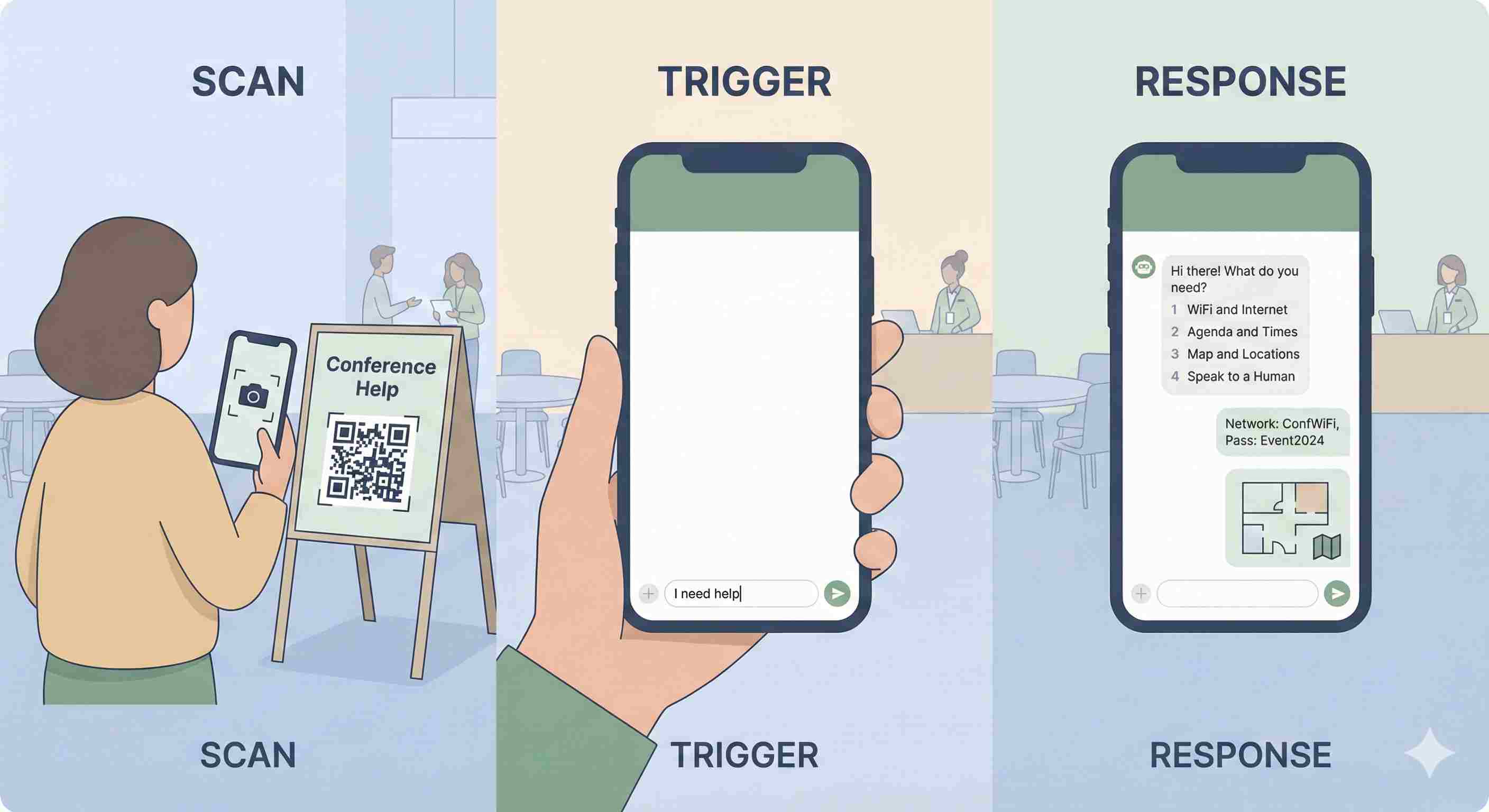
The mechanism was simple.
1. The Scan: The attendee scans the code using their standard camera app.
2. The Trigger: The phone opens a chat window with a pre-filled message: "I need help."
3. The Response: The bot instantly replies with a numbered menu:
• Wi Fi & Internet
• Agenda & Times
• Map & Locations
• Speak to a Human
If the user typed "1", the bot immediately sent the network ID and password. If they typed "3", it sent a JPEG of the floor plan.
Step by Step Implementation
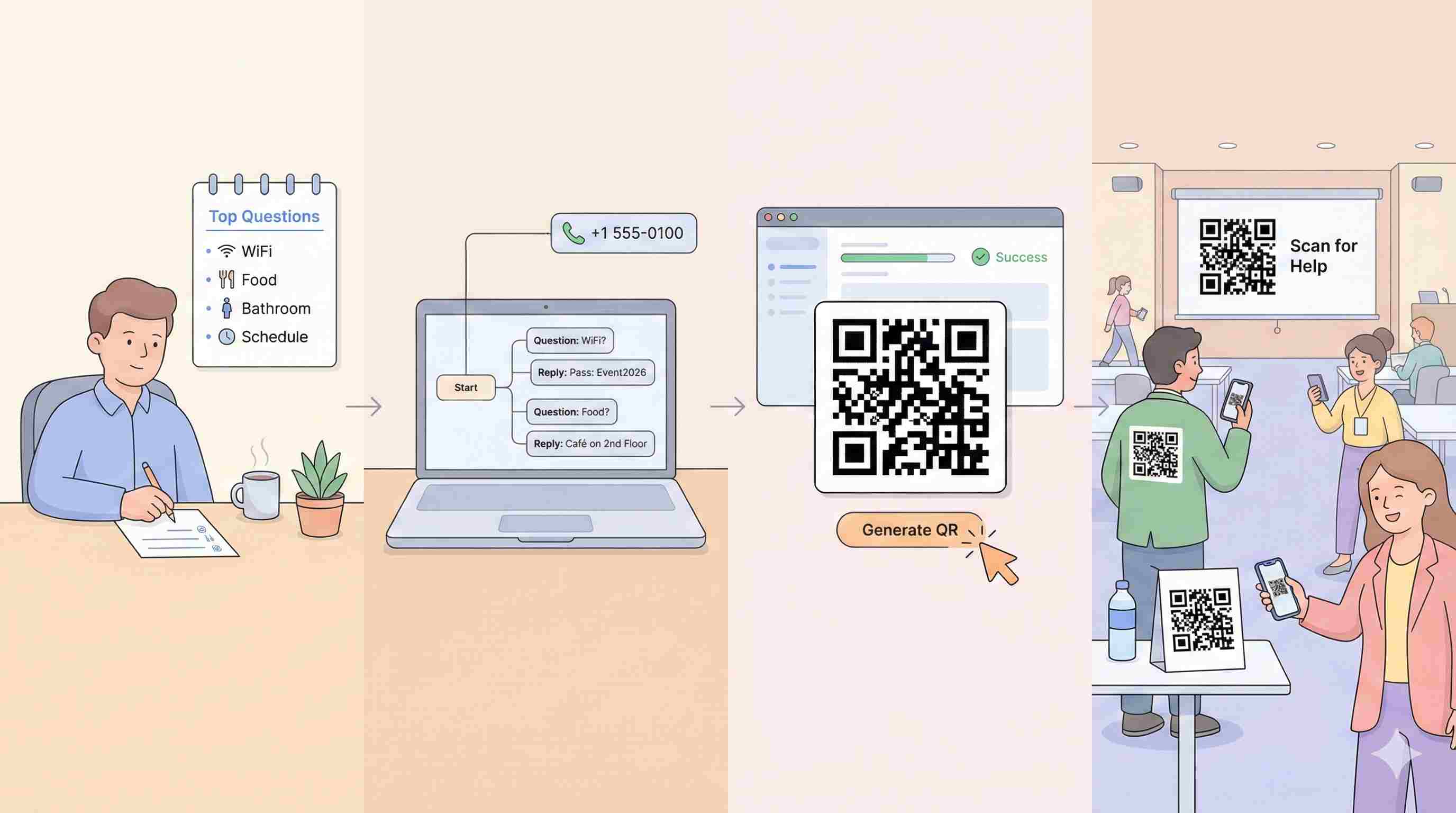
You can set this up for your next event for less than $50.
Step 1: Build the Logic: List your top ten questions. Be ruthless. Ignore the edge cases. Focus on Wi Fi, food, bathrooms, and schedules.
Step 2: Choose a Platform: Use a tool like Simplagents or a dedicated event bot wrapper. Do not build custom software.
Step 3: Generate the QR Code: Create a deep link to that number. Convert that link into a high-contrast QR code.
Step 4: Print Everywhere: Do not hide the code. Put it on the back of the badge. Put it on the projector screen between sessions. Make it the path of least resistance.
The Results
The event organizers spent $50 on software credits. They saved $2,000 on agency labor.
They still had staff, but they moved them. Instead of answering "Where is the bathroom?" the staff handled VIP check ins and speaker coordination.
They moved their budget from low-value repetition to high-value service.
Stop Paying Staff to Answer Repetitive Questions
Let attendees scan a QR code for Wi Fi, schedules, maps, and updates instead of lining up at info desks.