Simplagents vs Jotform: Which Form Builder Actually Works for Your Business
Created: 22/01/2026

I've tested dozens of form builders over the past decade. Most promise easy setup and better conversions. Few deliver.
Today, I'm comparing Simplagents and Jotform because they take completely different approaches to collecting information online. One feels like a conversation. The other gives you traditional forms with extensive customization options.
Let me show you what I found.

Build Forms People Actually Finish
Turn complex forms into guided conversations and collect better responses without overwhelming users.
What Makes These Tools Different
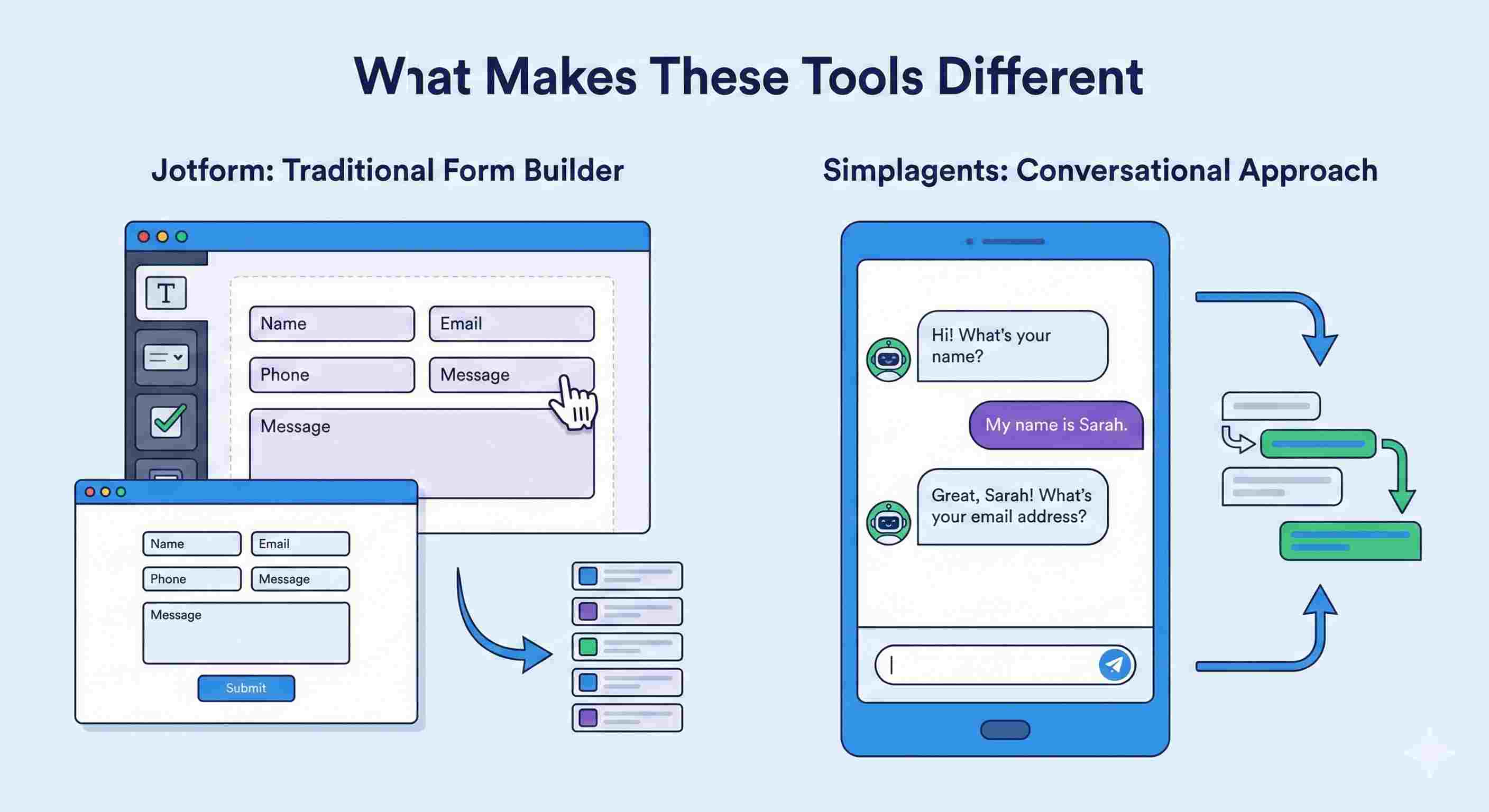
Jotform has been around since 2006. It's a traditional form builder where you drag fields onto a canvas, arrange them how you want, and embed the result on your website. You get static forms that users fill out from top to bottom.
Simplagents takes a conversational approach. Instead of showing all fields at once, it presents questions one at a time, like a chatbot. Users answer in sequence, creating a dialogue rather than staring at a long list of empty boxes.
The difference matters more than you might think.
How Simplagents Handles Form Building
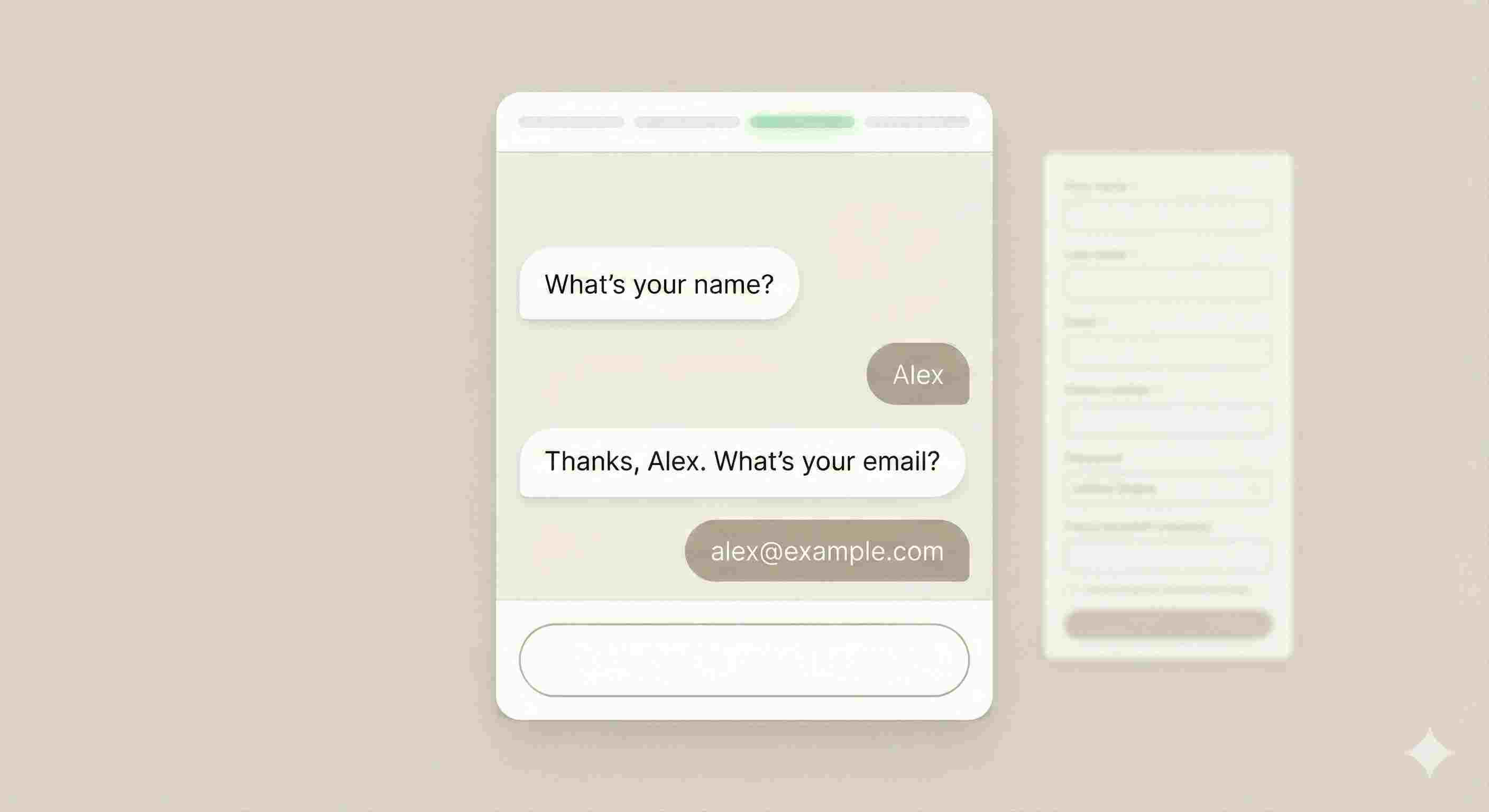
When you create a form in Simplagents, you're building a conversation flow. The tool asks questions sequentially, waiting for each answer before moving to the next one.
Here's what that looks like in practice:
Traditional form: "Please fill out your name, email, phone number, company size, budget range, and preferred contact time."
Simplagents approach:
• "What's your name?"
• User answers
• "Thanks, [Name]. What's your email?"
• User answers
• "Got it. What's your phone number?"
This might seem slower, but completion rates often improve. People find it less overwhelming than facing 15 empty fields simultaneously.
You can customize the branding completely. Change colors, fonts, logos, and button styles to match your website. The interface adapts to your design system, not the other way around.
What Jotform Brings to the Table
Jotform offers over 10,000 pre-built templates. Need a contact form? Registration page? Survey? Payment collection form? They probably have three templates for it already.
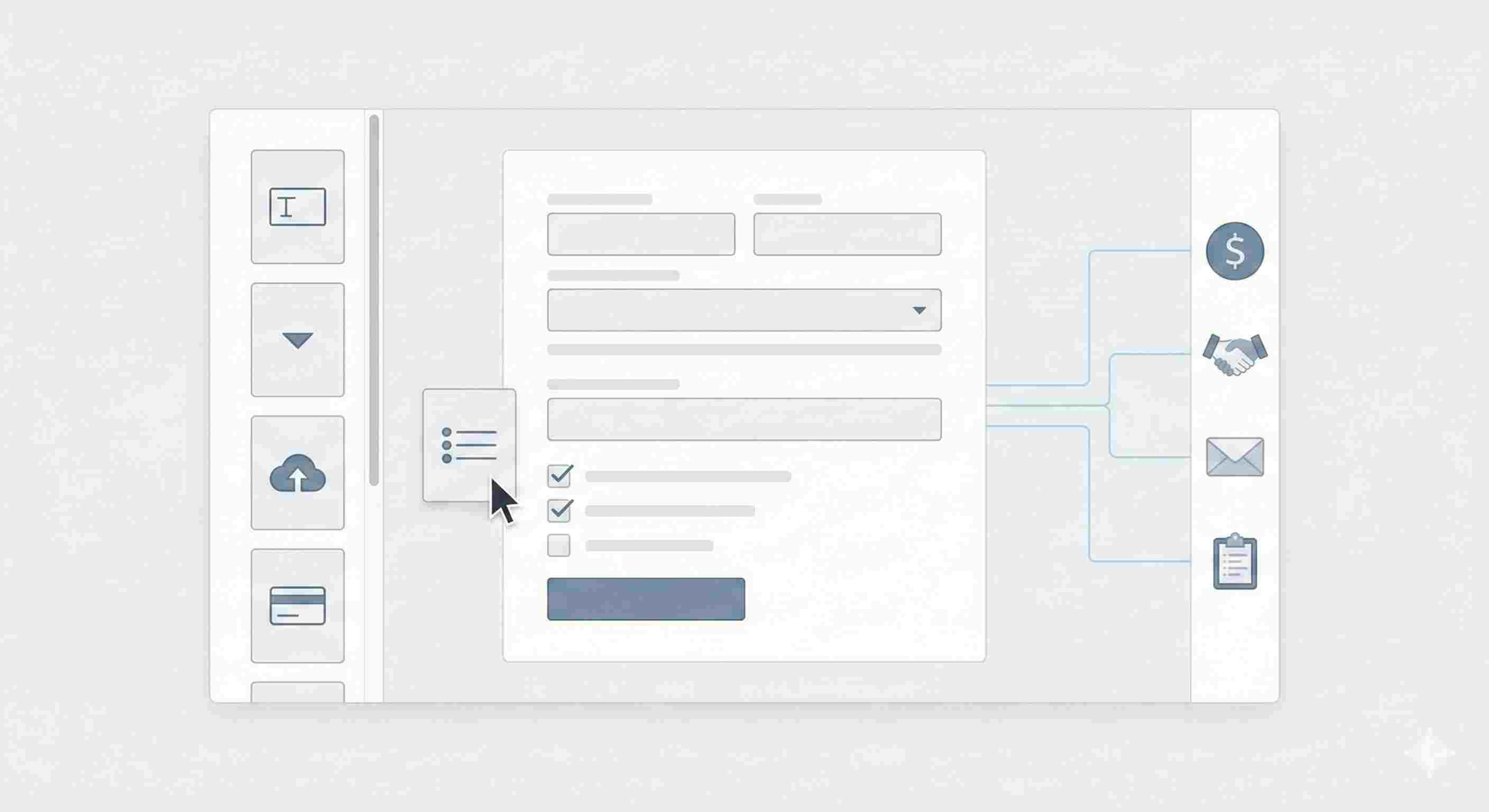
The editor works like most page builders. Drag a text field here, add a dropdown there, insert a file upload button. You see exactly what your form looks like while you build it.
Where Jotform shines is in integration depth. It connects with over 150 apps, including:
• Payment processors (PayPal, Stripe, Square)
• CRMs (Salesforce, HubSpot, Zoho)
• Email tools (Mailchimp, Constant Contact)
• Project management (Asana, Trello, Monday)
I tested the Stripe integration last month for a client's registration form. Setup took five minutes. Payments flow directly into their account, and form submissions automatically create contacts in their CRM.
Jotform also provides conditional logic. Show or hide fields based on previous answers. For example, if someone selects "I'm interested in enterprise plans," you can reveal questions about team size and implementation timeline.
Key differences that matter
Experience
• Simplagents feels like a chat. One question at a time. People finish more often because it feels lighter.
• Jotform shows a full form or multiple pages. People scan and then decide whether to continue.
Logic and flow
• Simplagents adapts in real time. Answers change the next question.
• Jotform supports conditional logic, but the structure stays form first.
Design and branding
• Simplagents lets you change layout tone and visual style to fit your site. It blends in.
• Jotform offers themes and custom CSS. Forms still look like forms.
Use cases
• Simplagents • Lead qualification • Support intake • Product matching • Feedback with follow-ups
•Jotform • Surveys • Registrations • Applications • Payments
Speed to value
• Simplagents is quick when you want a guided flow. You design the conversation once and reuse it.
• Jotform is quick for standard data capture with known fields.
My Testing Process
I built the same lead generation form in both tools. The form collects:
• Name and email
• Company information
• Service interest
• Budget range
• Timeline
• Specific needs (long text field)
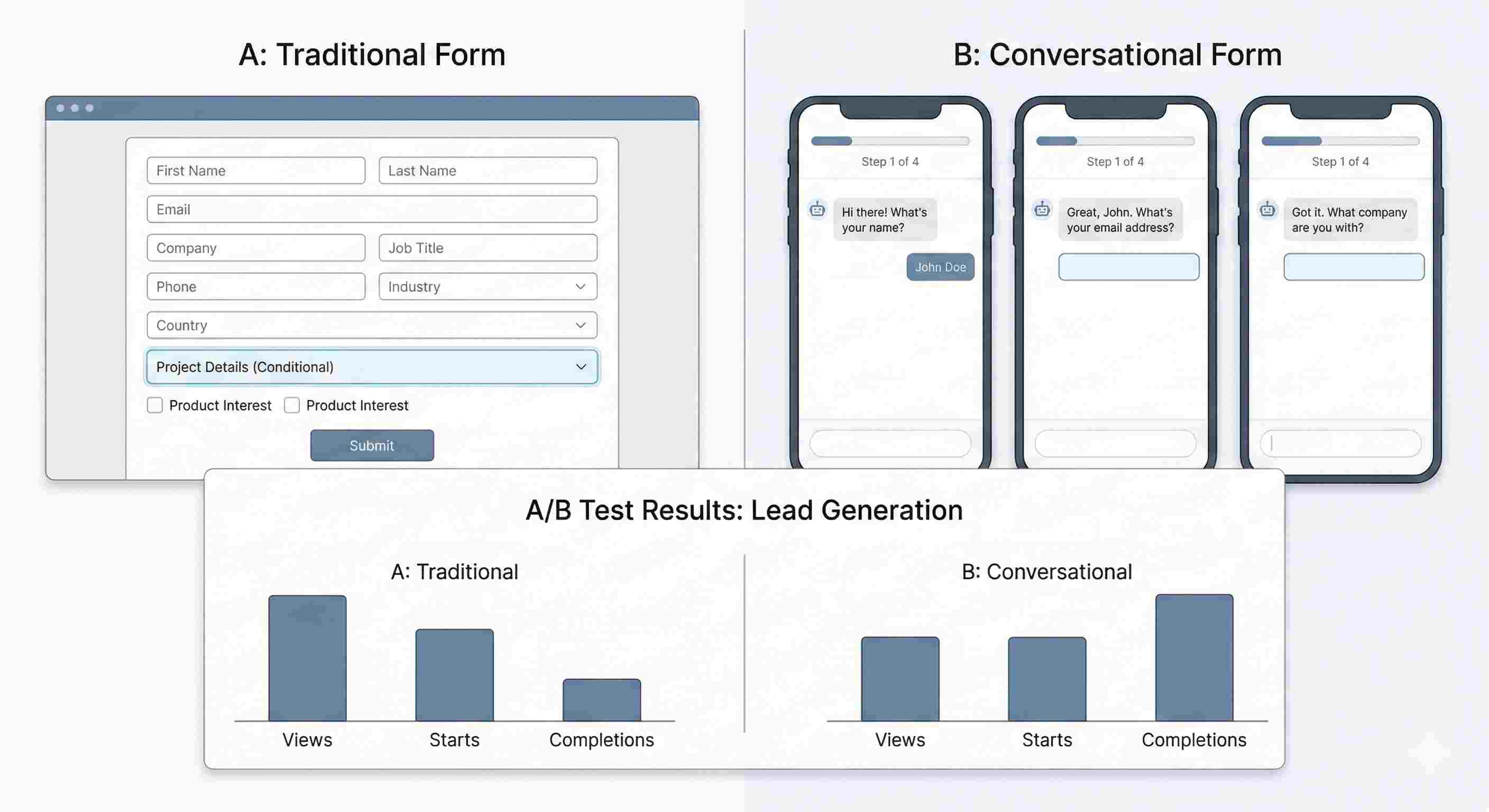
Jotform version: Traditional layout, two columns on desktop, all fields visible. Added conditional logic to show budget questions only when "interested in paid services" was selected.
Simplagents version: Conversational flow, six screens total, progress indicator at the top. Same conditional logic applied to the conversation flow.
I ran both forms with a small ad budget ($200 each) targeting the same audience. Results over two weeks:
• Jotform: 847 views, 198 started, 71 completed (35.9% completion rate of those who started)
• Simplagents: 823 views, 203 started, 114 completed (56.2% completion rate of those who started)
The conversational approach won for completion rate. But Jotform's version loaded on the page faster and had a slightly lower bounce rate before users even started the form.
Real User Feedback
I asked five small business owners who've used both tools what they thought.
Three preferred Simplagents for customer-facing forms where completion rate mattered most. They mentioned the modern feel and better mobile experience.
Two stuck with Jotform because they needed the integration ecosystem and form variety. One runs a gym and uses different Jotform templates for membership applications, class registrations, and trainer feedback forms.
Common complaint about Simplagents: "I wish I could customize the design more."
Common complaint about Jotform: "My forms look dated compared to newer tools."
When to Choose Simplagents
Pick Simplagents if you:
• Want higher completion rates on longer forms
• Prefer conversational interfaces over traditional layouts
• Focus primarily on mobile users
• Value user experience
• Complete design control
A marketing agency I advise uses Simplagents for their lead qualification form. Seven questions that would look intimidating on a traditional form feel manageable when presented one at a time. Their sales team reports higher quality leads because people actually complete the full questionnaire.
When Jotform Makes More Sense
Choose Jotform when you need:
• Extensive template library for quick starts
• Deep integrations with business tools
• Minimal design control
• Payment collection built in
• Conditional logic and complex workflows
An event management company I worked with runs everything through Jotform. Registration forms, speaker applications, vendor contracts, post-event surveys. The template library saved them weeks of setup time.
Conclusion
If your goal is to understand people before acting, then a conversational form fits better. If your goal is to collect standard data fast then a traditional form works. Many teams use both in different places. The right choice depends on the moment in the journey.
Increase Form Completion with Conversations
Turn complex forms into guided conversations and collect better responses without overwhelming users.