Simplagents vs Youform
Created: 19/01/2026
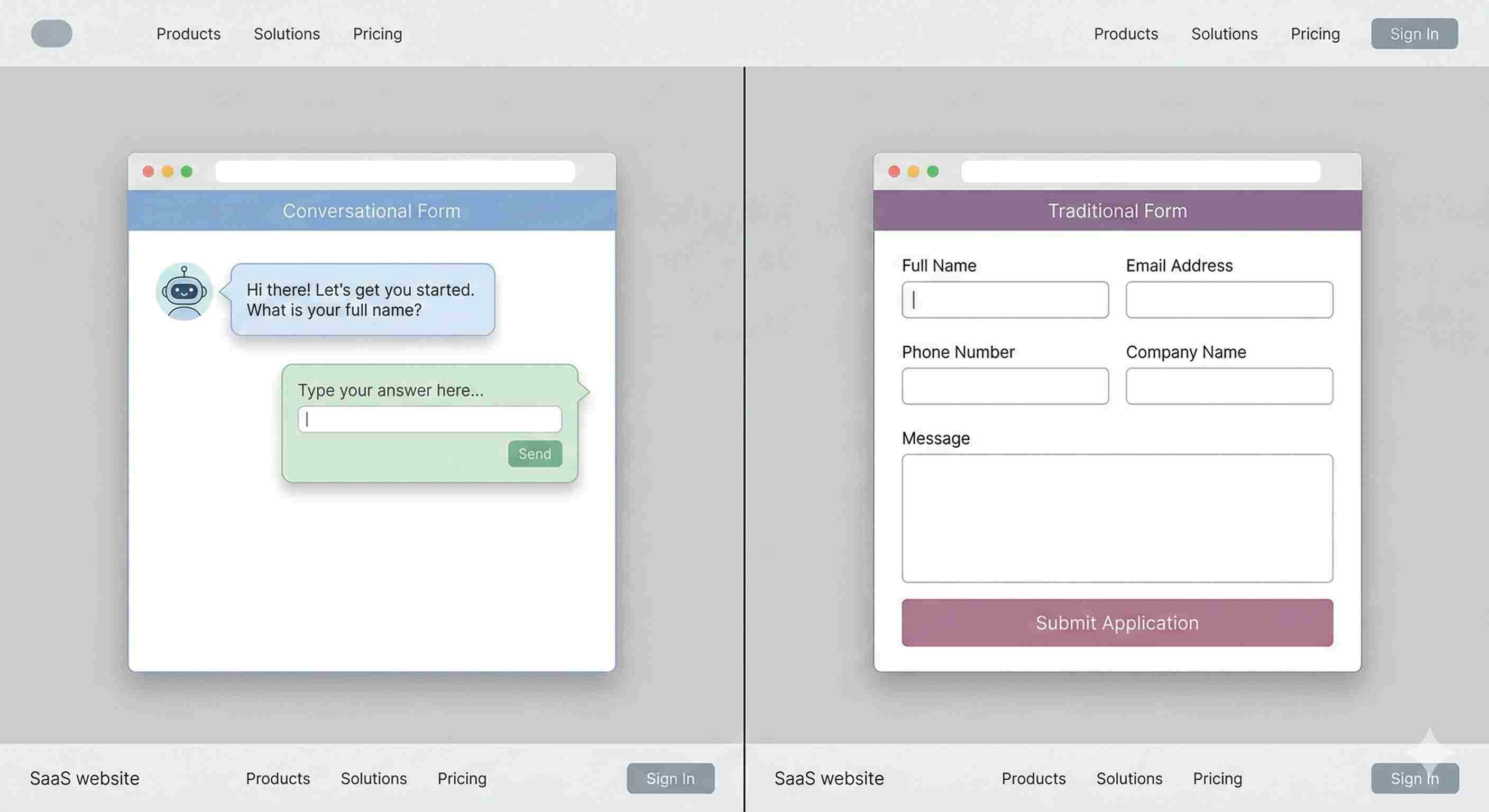
Choosing a form tool sounds simple until you try to collect real responses. The difference shows up fast in completion rates, response quality, and how much effort it takes to manage everything after submission. Simplagents and Youform take very different paths to the same goal. Here is how they compare in practice.
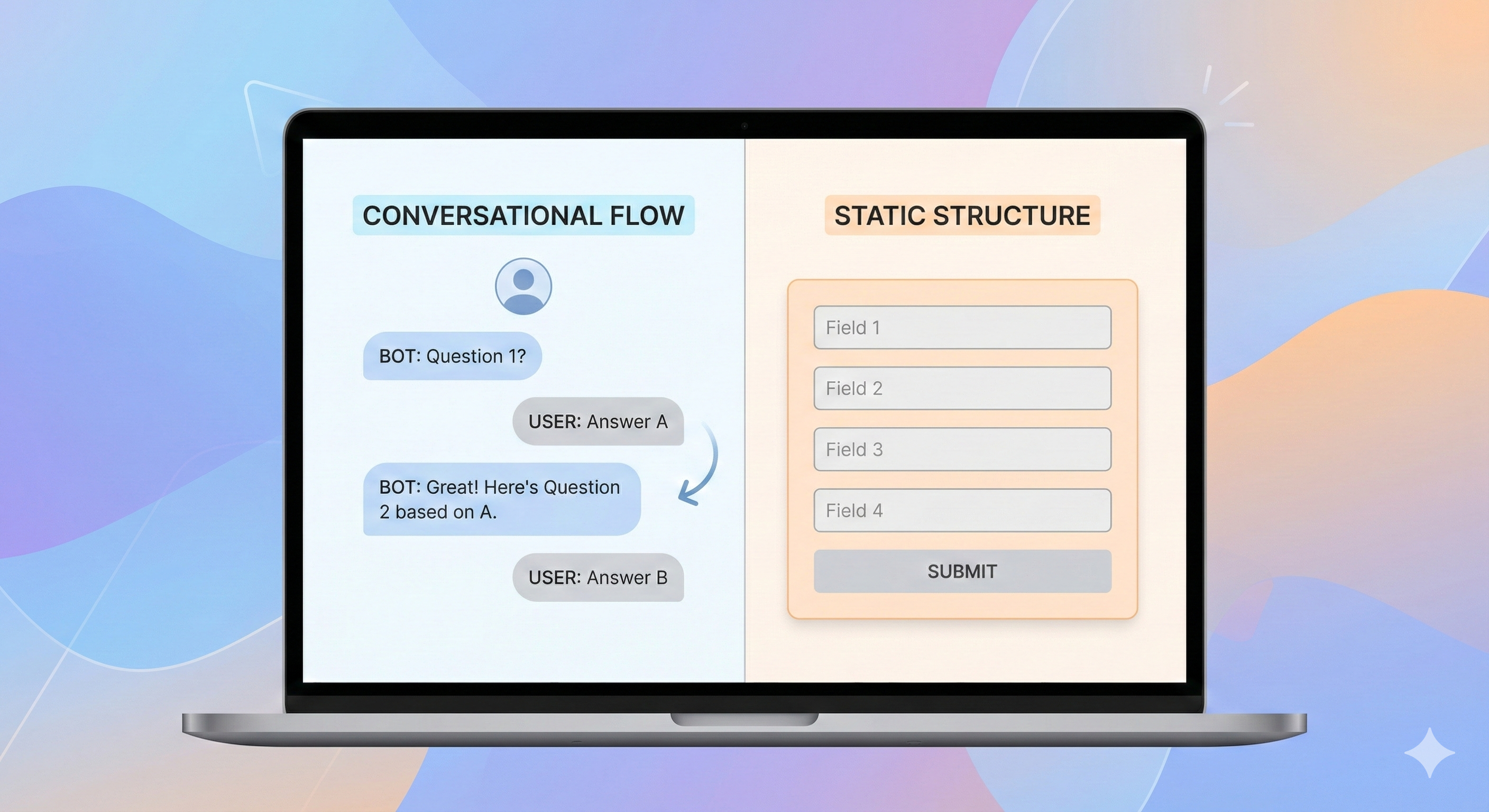
Try a Conversational Form Experience
Create conversational forms that adapt in real time and collect clearer, more useful responses than traditional form layouts.
Core approach
Simplagents
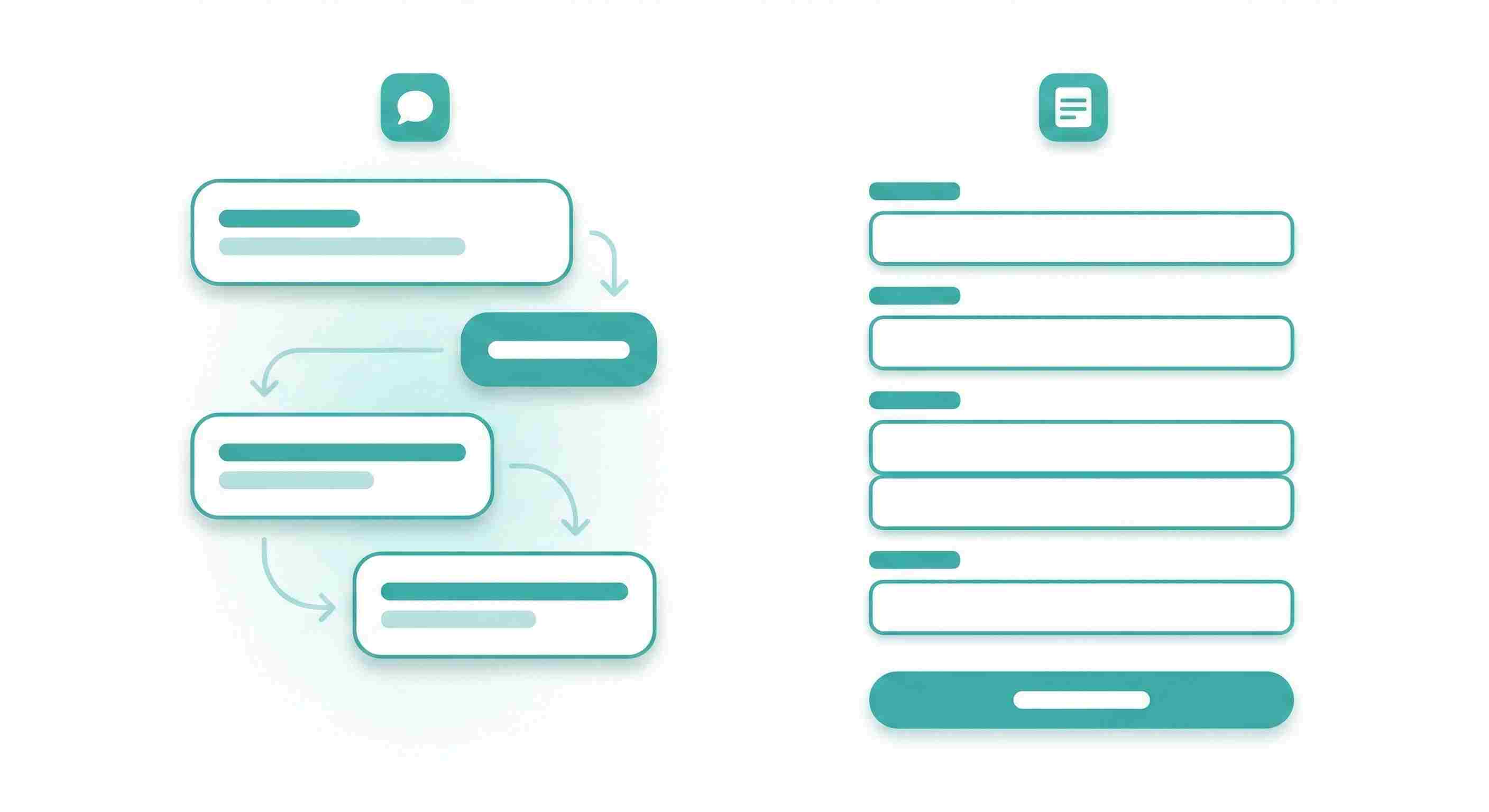
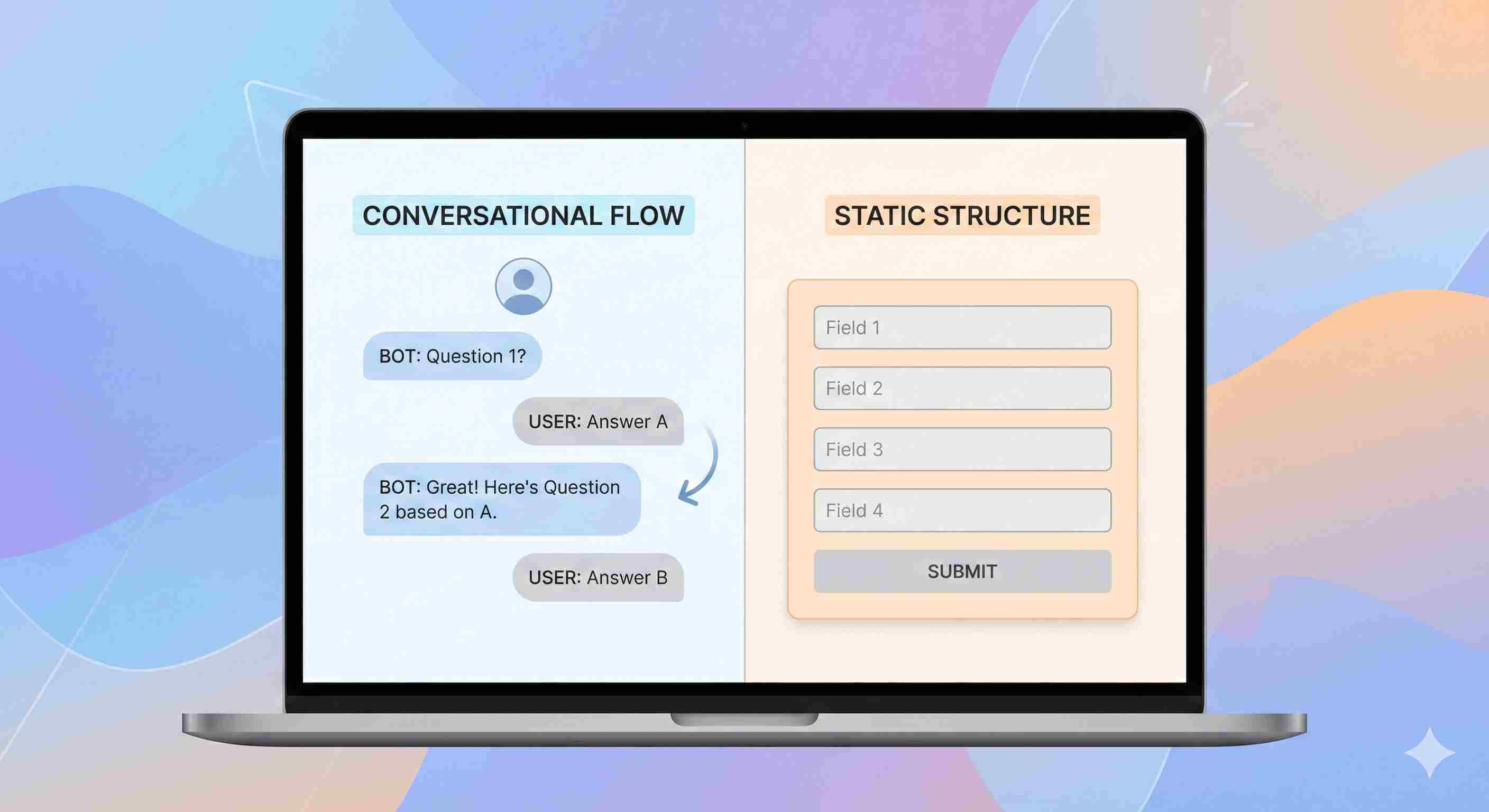
Simplagents uses a chat-style experience. Visitors answer questions in a conversational flow, similar to talking with a support agent. The form adapts based on earlier answers and guides users step by step.
This works well when questions need context. Lead qualification, feedback, onboarding, and support requests fit this format.
Youform
Youform focuses on clean, structured forms. Users see a list of questions and fill them out. It feels familiar and quick for short inputs like simple surveys or email collection.
This works when the goal is speed and the questions are straightforward.
User experience
Simplagents
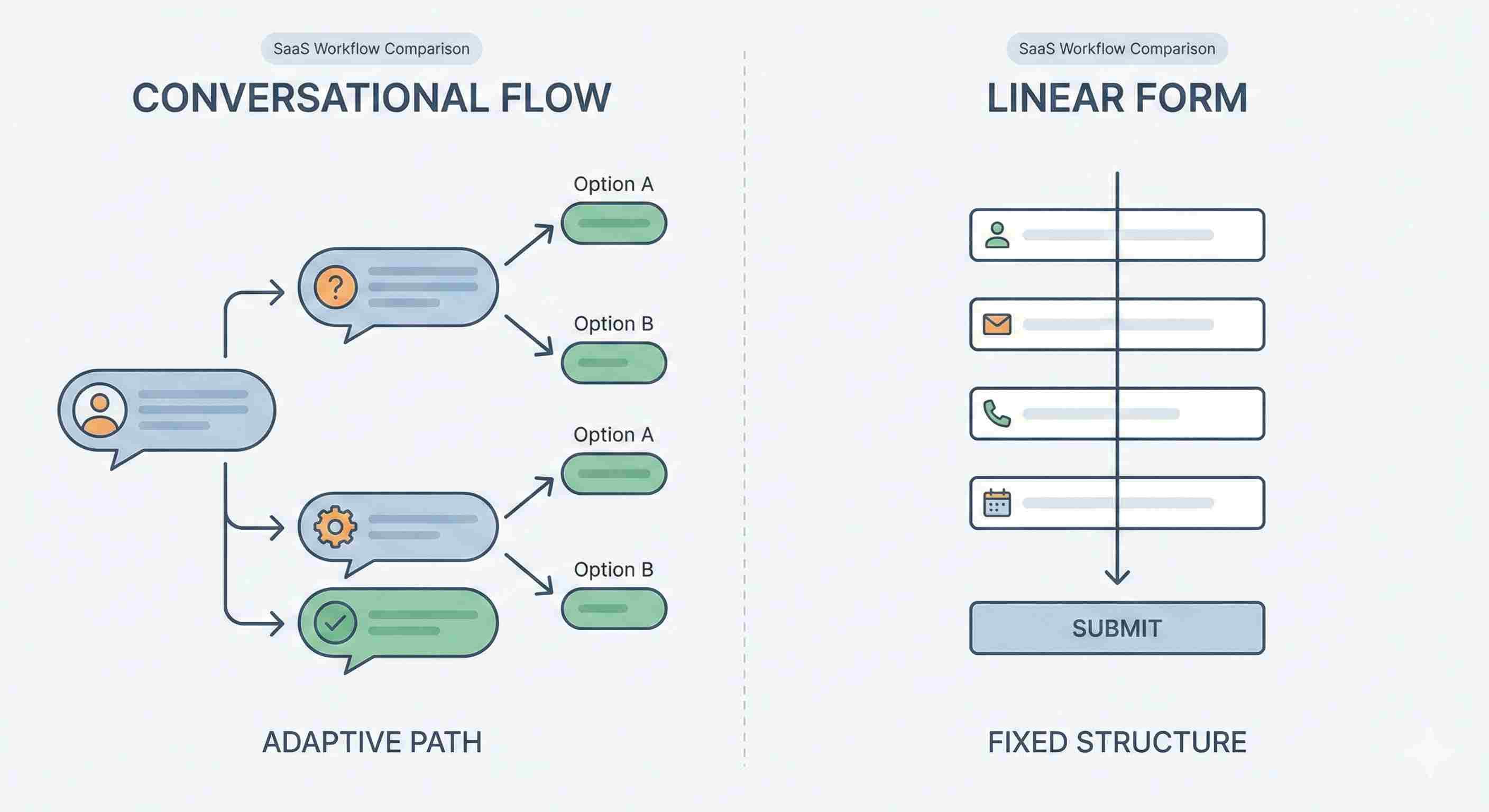
Chat-based forms feel lighter to users. One question appears at a time. There is no long scroll and no visual pressure.
Example
A SaaS onboarding form asks role, company size, and goals. With Simplagents, each answer shapes the next question. A founder sees different follow-ups than a marketer.
Result
Higher completion on longer forms and clearer answers.
Youform
Static forms show all or most questions upfront. Users decide quickly whether to complete it.
Example
A newsletter signup asks name, email, and interest area. Users can finish in seconds.
Result
Fast submissions for short forms, lower completion when forms grow longer.

Design and branding
Simplagents
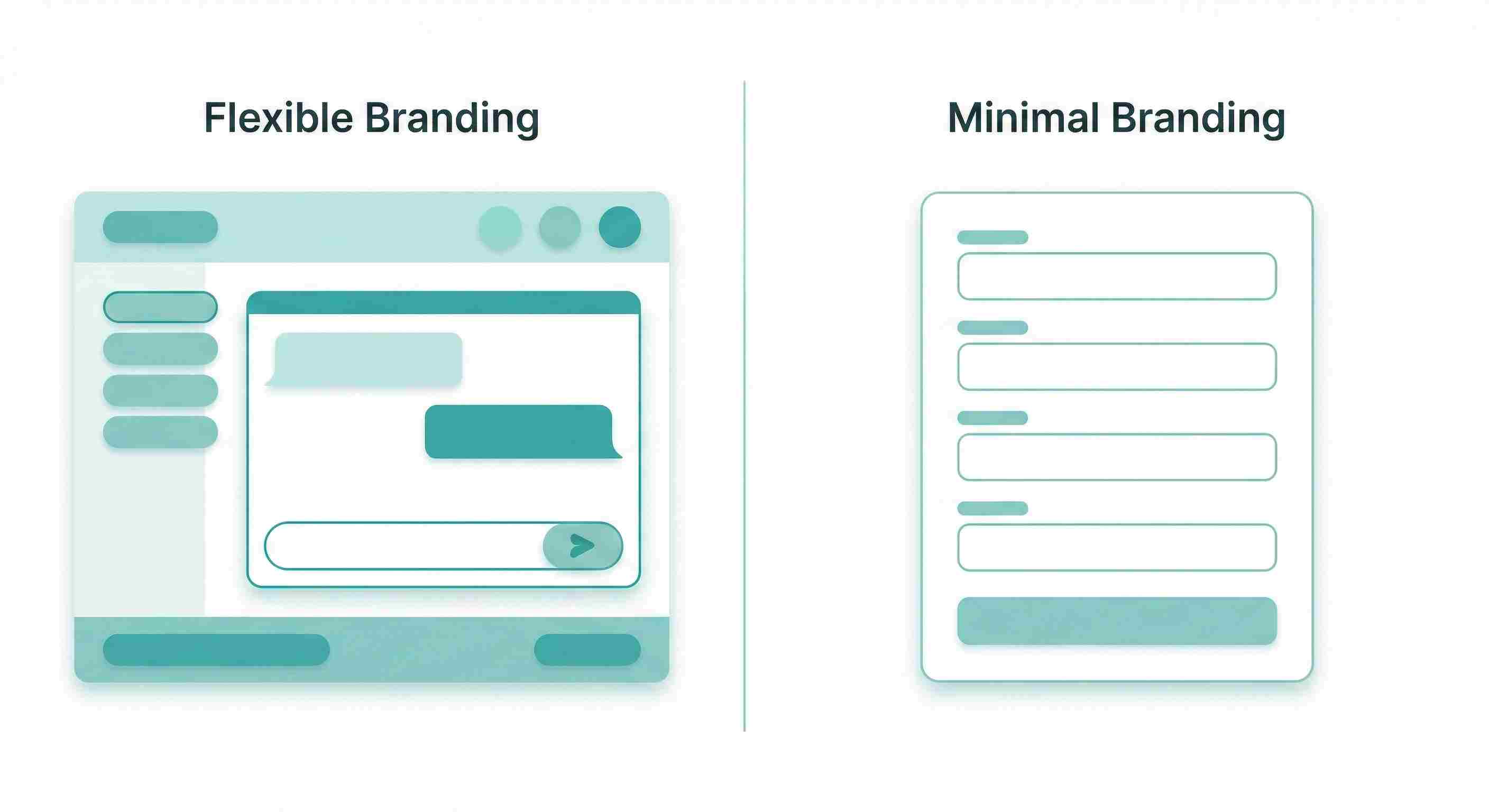
You can change colors, fonts, tone, and layout to match your brand. The chat interface adapts well to websites, landing pages, and product dashboards.
You can also adjust the wording to sound formal or casual. This matters when the form represents your product or support team.
Youform
Design options stay minimal. Forms look clean but similar across brands. Branding works for basic use but offers less control for teams that care about visual consistency.
Logic and flexibility
Simplagents
Conditional logic feels natural. The conversation branches based on answers without feeling technical to the user.
Example
If a customer selects a billing issue, the next questions focus on invoices. If they select bug report, the form asks for steps and screenshots.
Youform
Logic exists, but follows traditional form rules. It works well for basic conditions but feels rigid with complex flows.
When to Choose YouForm
Pick YouForm if you need:
• Standard forms that people already understand
• Quick setup without learning a new approach
• Extensive third-party integrations out of the box
It works well for straightforward data collection where completion rates around 30-40% meet your goals.
When to Choose Simplagents
Go with Simplagents when you want:
• Higher completion rates through conversational engagement
• Richer, more detailed responses
• A memorable user experience that stands out
• Branding flexibility in how you communicate
The conversational approach works exceptionally well for complex qualification processes, customer research, and any scenario where answer quality matters more than quantity.
My Take After Three Months
Simplagents fit teams that care about how users feel while answering questions and want responses with context. It replaces static forms with guided conversations and gives full control over branding.
Youform fits teams that want a fast, familiar form for simple inputs.
The right choice depends on how much depth you need from your forms and how closely they should reflect your product experience.
Switch From Static Forms to Conversations
Create conversational forms that adapt in real time and collect clearer, more useful responses than traditional form layouts.