The Fastest Way to Build a Custom GPT Using Only Your Website Content
Created: 06/02/2026
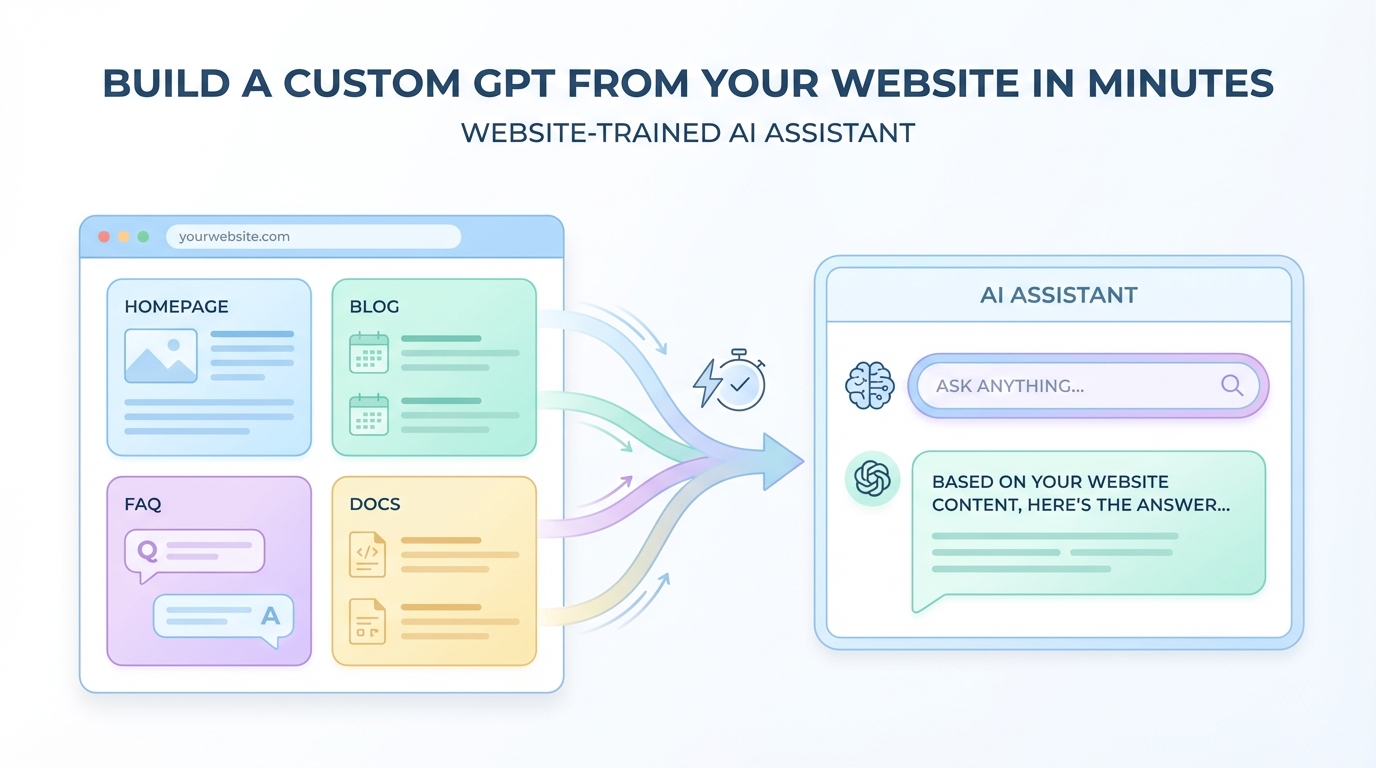
You want a ChatGPT-like assistant trained exclusively on your website. Maybe it's for customer support, internal knowledge sharing, or helping visitors find answers faster. The question is: which tool gets you there quickest?
I've tested a dozen platforms that promise to turn your website into a custom AI agent. Here's what actually works.
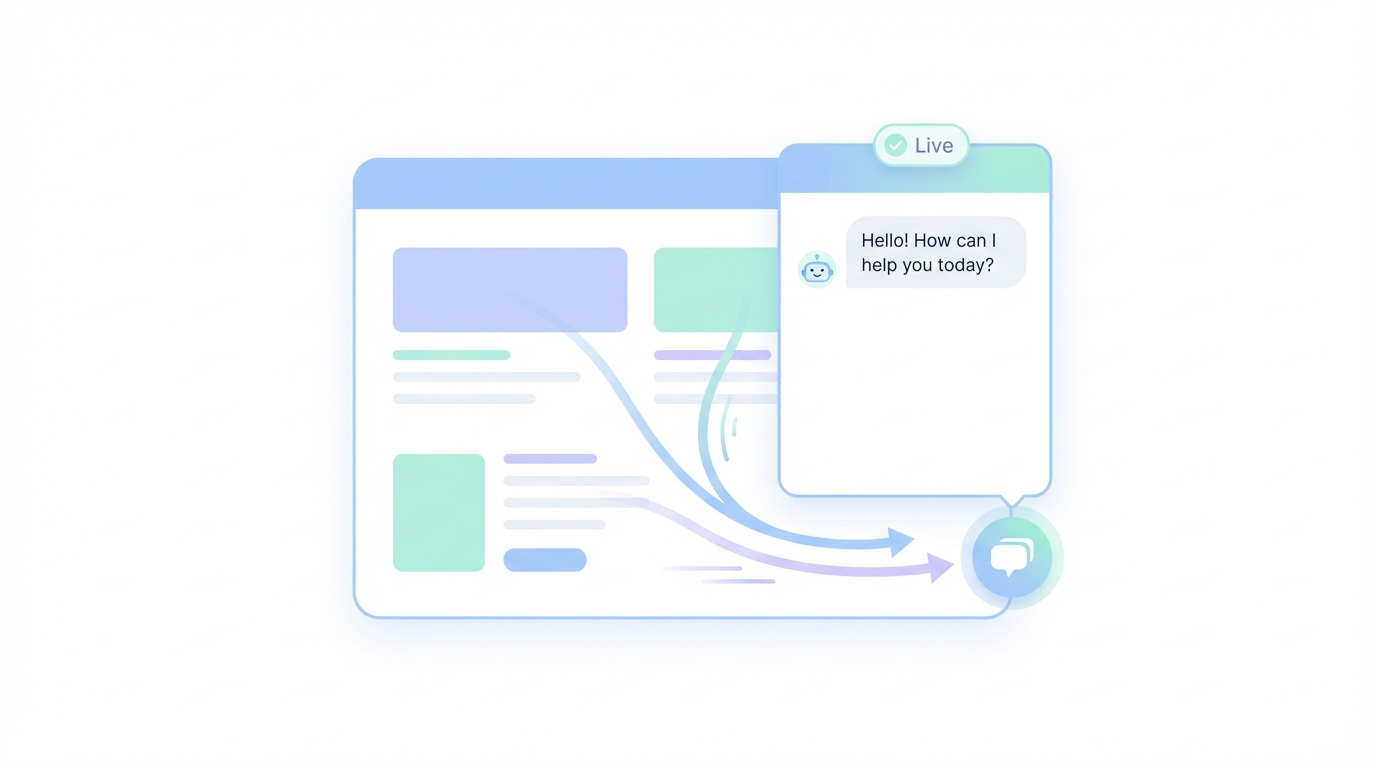
Try a Custom Website GPT Today
Create a simple AI assistant using your existing pages and see how it answers real customer questions.
What You're Really Building
Before we get into tools, let's be clear about what we're talking about. You're creating a chatbot that:
• Only knows what's on your website
• Answers questions based on that content
• Responds in natural language
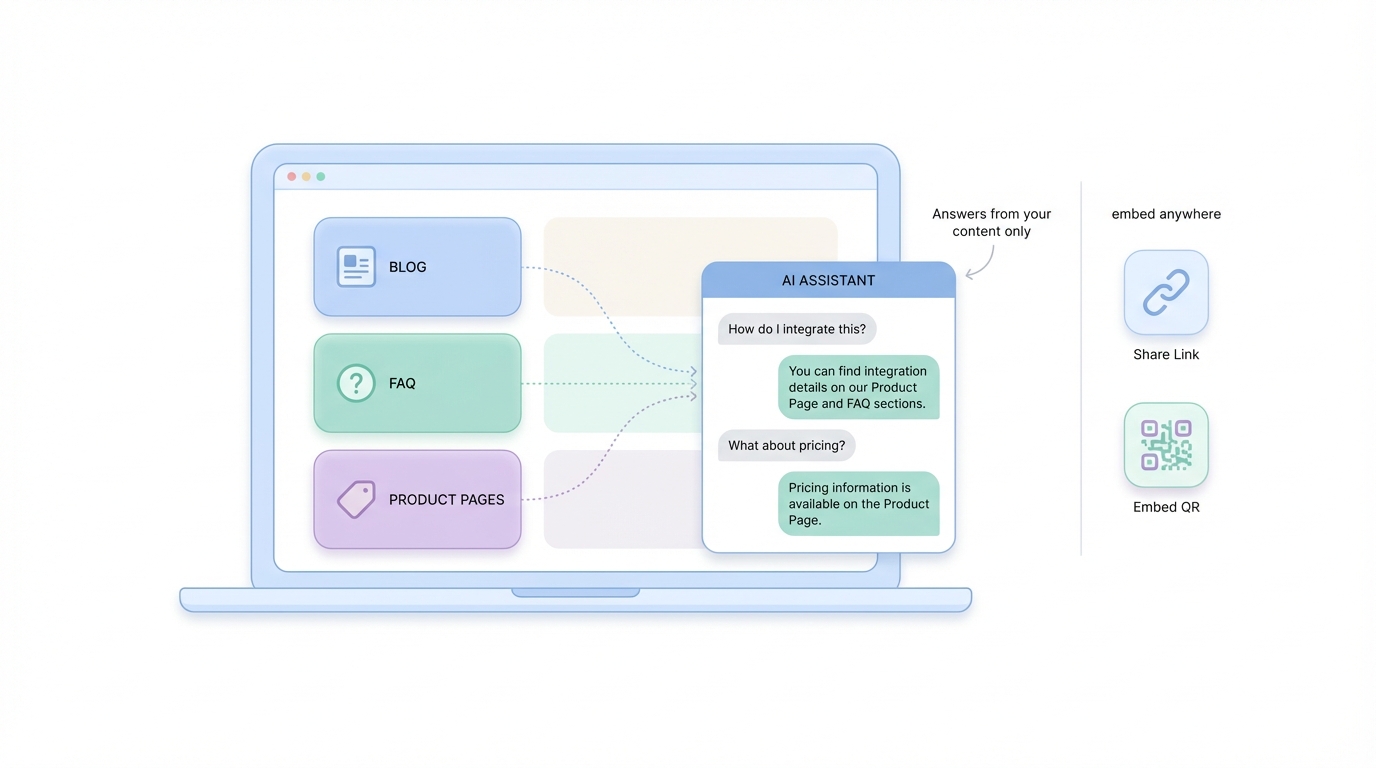
• Can be embedded anywhere you need it
Think of it as a search bar that understands context and holds a conversation. Your visitors ask questions in plain English, and the bot pulls answers from your pages, blog posts, product docs, or FAQs.
The Speed Test: What "Fastest" Actually Means
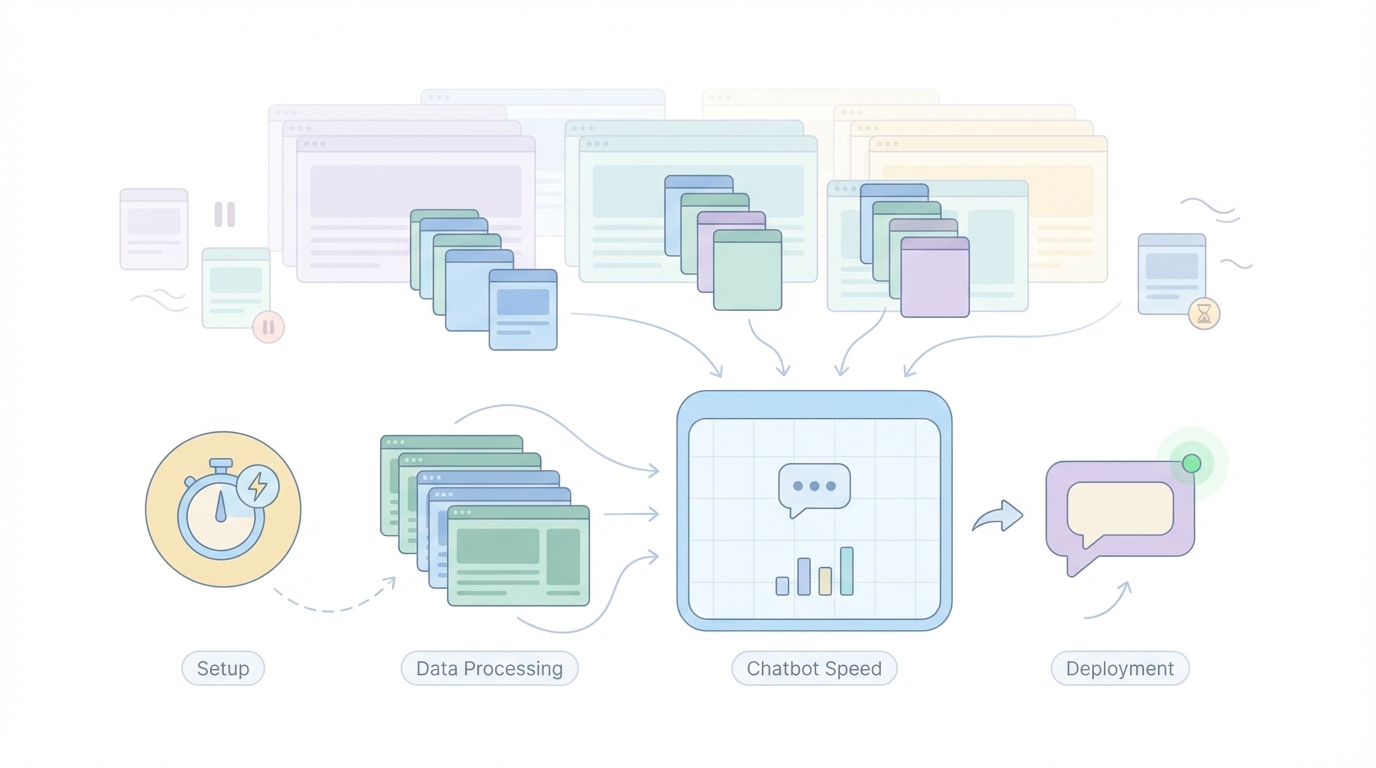
When I say "fastest," I mean three things:
Setup time - How long from signing up to having a working chatbot?
Data ingestion - How quickly does the tool crawl and process your website?
Deployment - How fast can you get it live and talking to real users?
Some tools look fast on paper but choke when you feed them a 200-page website. Others have simple interfaces but take hours to process content. The winners balance all three.
The Tools That Actually Deliver
Simplagents
Simplagents have a very simple process. You paste your company document, and it crawls everything in about 90 seconds. The interface feels like it was built by people who understand that you don't want to mess with settings.
What stands out: it automatically structures your content into something the AI can actually use. Most tools just dump your web pages into a database and hope for the best.
Simplagents processes the text, removes navigation clutter, and organizes it so the bot gives coherent answers instead of random snippets.
You can test the chatbot immediately. No waiting for "training" or "indexing" to finish. Just click, ask a question, see what happens.
Deployment takes about 30 seconds. Copy a code snippet, paste it into your website, and done. If you use WordPress, Webflow, or Shopify, there are plugins that make it even simpler.
Total time from start to live chatbot: 3-5 minutes.
CustomGPT
This platform gives you more control, which means it takes longer but might be worth it if you need specific features.
You can upload files alongside your website URL. Got PDFs, Word docs, or spreadsheets with information not on your site? Throw them in. The AI will reference all of it.
The crawling process is slower. A 100-page site took about 8 minutes in my test. You can watch it work, which is either reassuring or annoying depending on your patience level.
Customization options are extensive. You can adjust how the bot introduces itself, set personality traits, and create different response styles for different use cases. But this means more decisions before you launch.
Total time: 15-20 minutes if you keep it simple, longer if you tweak settings.
Chatbase
Chatbase sits somewhere between the previous two. The interface is clean, the crawling is reasonably fast (about 5 minutes for a medium site), and you get enough customization without drowning in options.
One feature I actually used: you can tell it which pages to ignore. If your site has a bunch of legal disclaimers or outdated blog posts you don't want the bot referencing, just exclude them.
The analytics dashboard shows you what questions people ask most often and where the bot struggles. This is genuinely useful for improving answers over time.
Total time: 8-12 minutes.
What Slows Everything Down
Every tool I tested hit the same roadblocks:
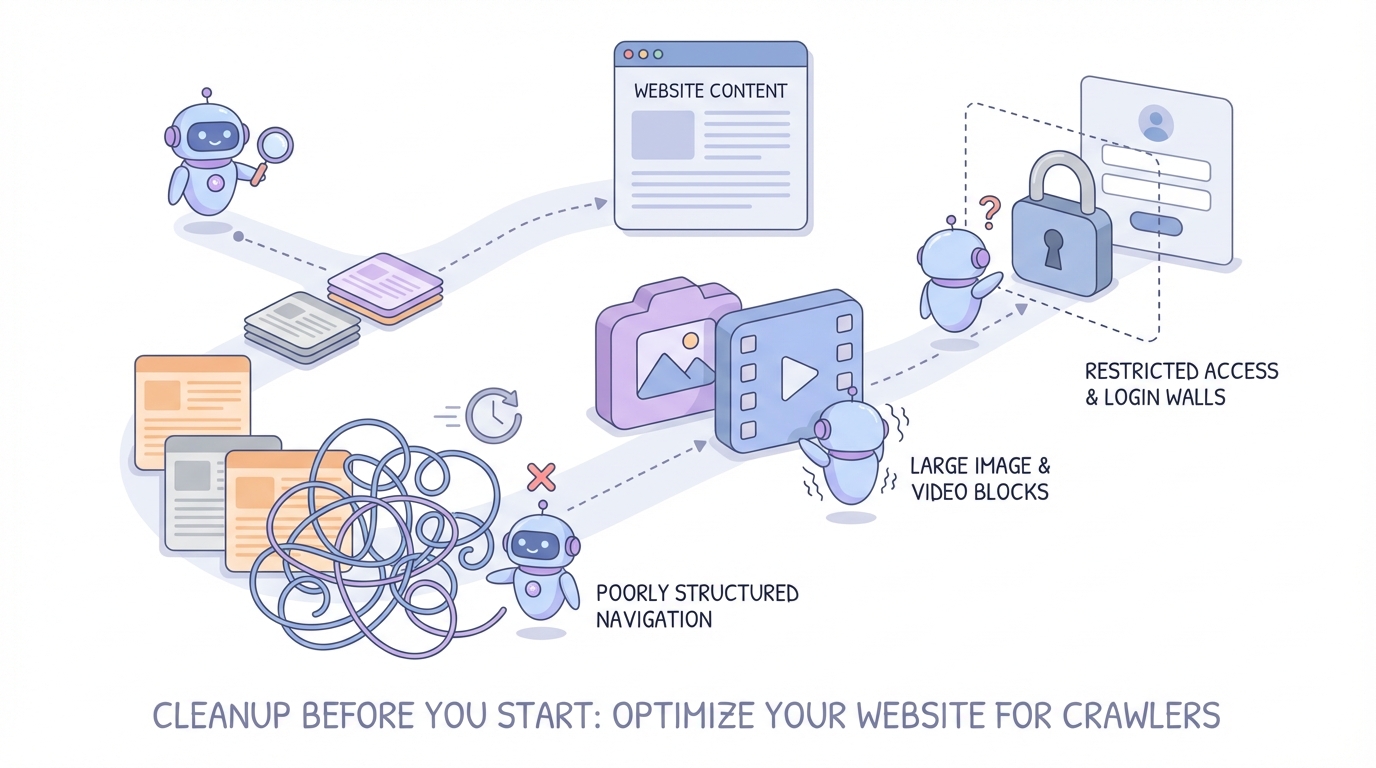
Poorly structured websites. If your site navigation is a mess, the crawler gets confused. Pages with duplicate content, broken links, or weird URL structures take longer to process.
Heavy media files. Sites loaded with high-res images and videos slow the crawl. The tools only care about text, but they still have to wade through everything else.
Authentication walls. Got pages behind a login? Most tools can't access them unless you provide credentials or make a public version temporarily.
Clean up these issues before you start, and you'll save time.
The Setup Process (Using Simplagents as an Example)
Here's exactly what happens:
1. Create an account. Email and password, no credit card needed to test.
2. Click "New Agent" and paste your company document.
3. The tool crawls your document.
4. When it finishes, you get a chat window. Ask it anything about your business.
5. If the answers look good, customize the appearance. Change colors, add your logo, write a welcome message.
6. Copy the embed code and add it to your site. Most website builders have a "Custom Code" section where this goes.
That's it. No API keys to configure, no databases to set up, no developer needed.
.jpeg)
Testing Your Chatbot Before Going Live
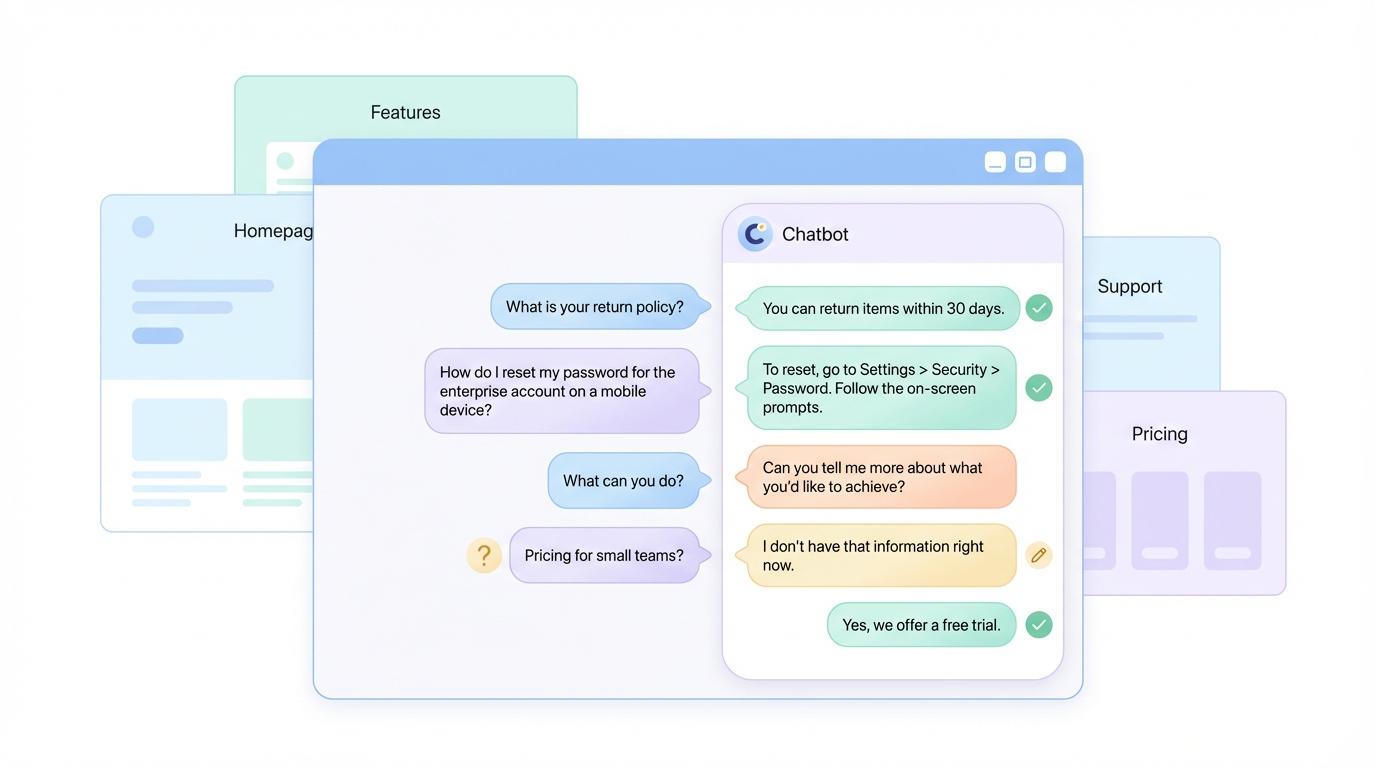
Don't just assume it works. Ask it the questions your customers actually ask.
I always test with:
• Questions that should have obvious answers on the homepage
• Specific product or service details buried in subpages
• Questions about things NOT on the website (to see if it admits it doesn't know)
• Deliberately vague questions to check if it asks for clarification
If it fails any of these, you know where to adjust. Most tools let you add extra context or instructions to improve accuracy.
What About Accuracy?
This is the real concern. Speed doesn't matter if your chatbot gives wrong answers.
The accuracy depends on two things:
Your content quality. If your website is vague, outdated, or contradictory, the bot will be too. Garbage in, garbage out.
The tool's retrieval system. Some platforms are better at finding the right information to answer a question. This comes down to how they chunk and index your content.
In my tests, Simplagents and CustomGPT both handled complex questions well. They pulled information from multiple pages when needed and cited sources so users could verify.
Cheaper or simpler tools sometimes just grabbed the first relevant-looking paragraph and called it a day. That works for basic FAQs but falls apart for nuanced questions.
Pricing Reality Check
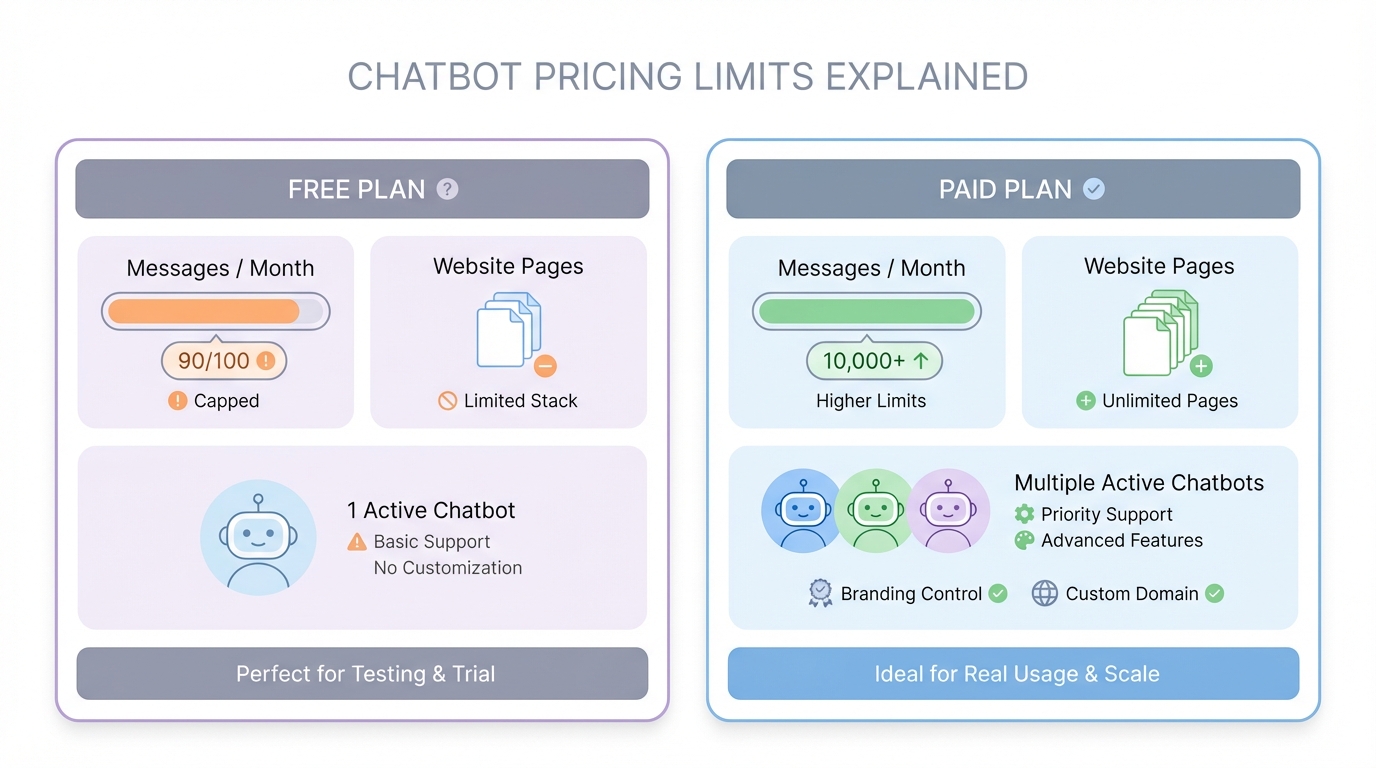
Most tools offer a free tier, but it's limited. Expect caps on:
• Number of messages per month
• Number of pages crawled
• Number of chatbots you can create
Paid plans usually start around $20-30/month for small businesses, But Simplagents has a free forever plan in which you get 500 messages per month for free.
You get more messages, better support, and features like custom domains or removing the tool's branding.
If you're serious about using this long-term, plan to pay. The free versions are fine for testing but not for real customer-facing use.
What I'd Actually Use
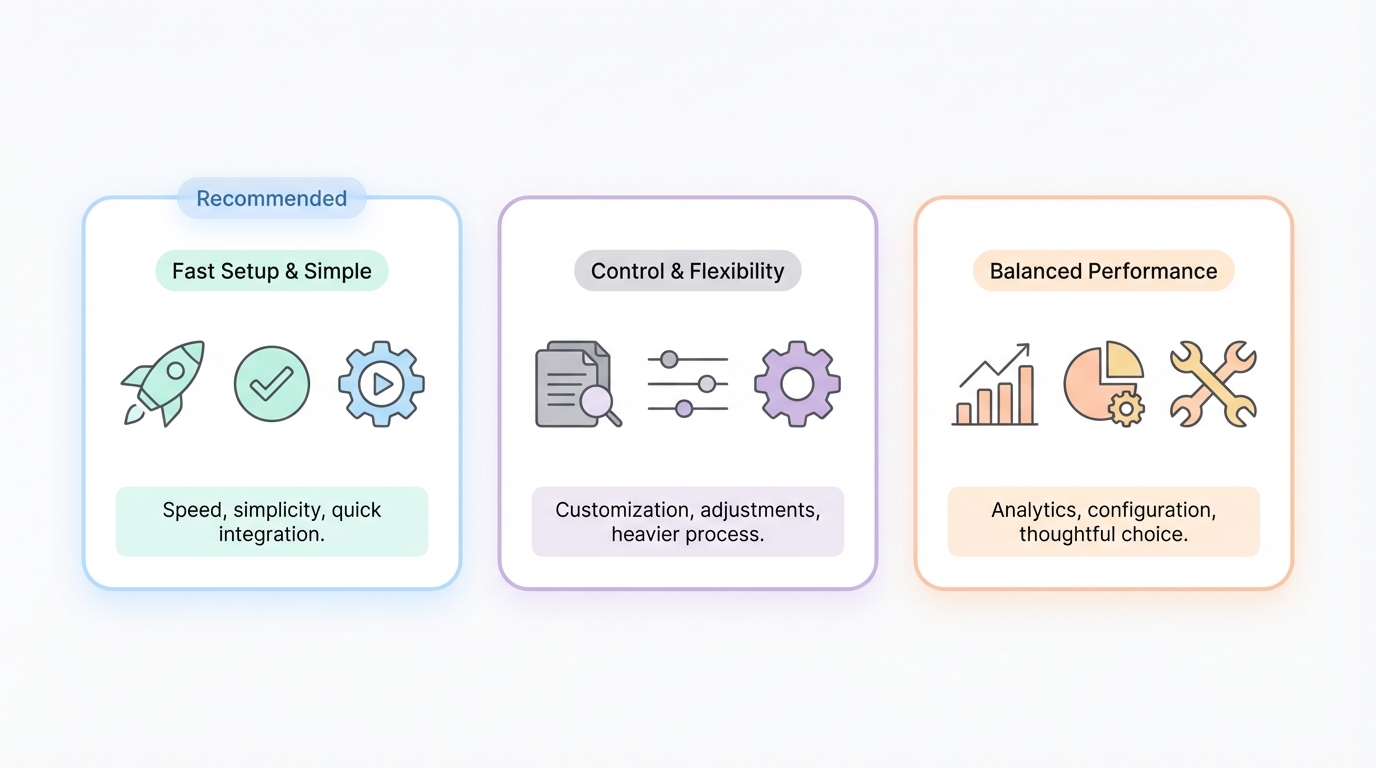
If I needed a custom GPT live today, I'd use Simplagents. It's the fastest end-to-end, free to start, the interface doesn't get in the way, and the accuracy is solid.
If I needed more control or planned to upload a lot of non-website content, I'd go with CustomGPT despite the slower setup.
Chatbase is the middle ground if you want analytics and don't mind spending a bit more time on configuration.
Common Mistakes to Avoid
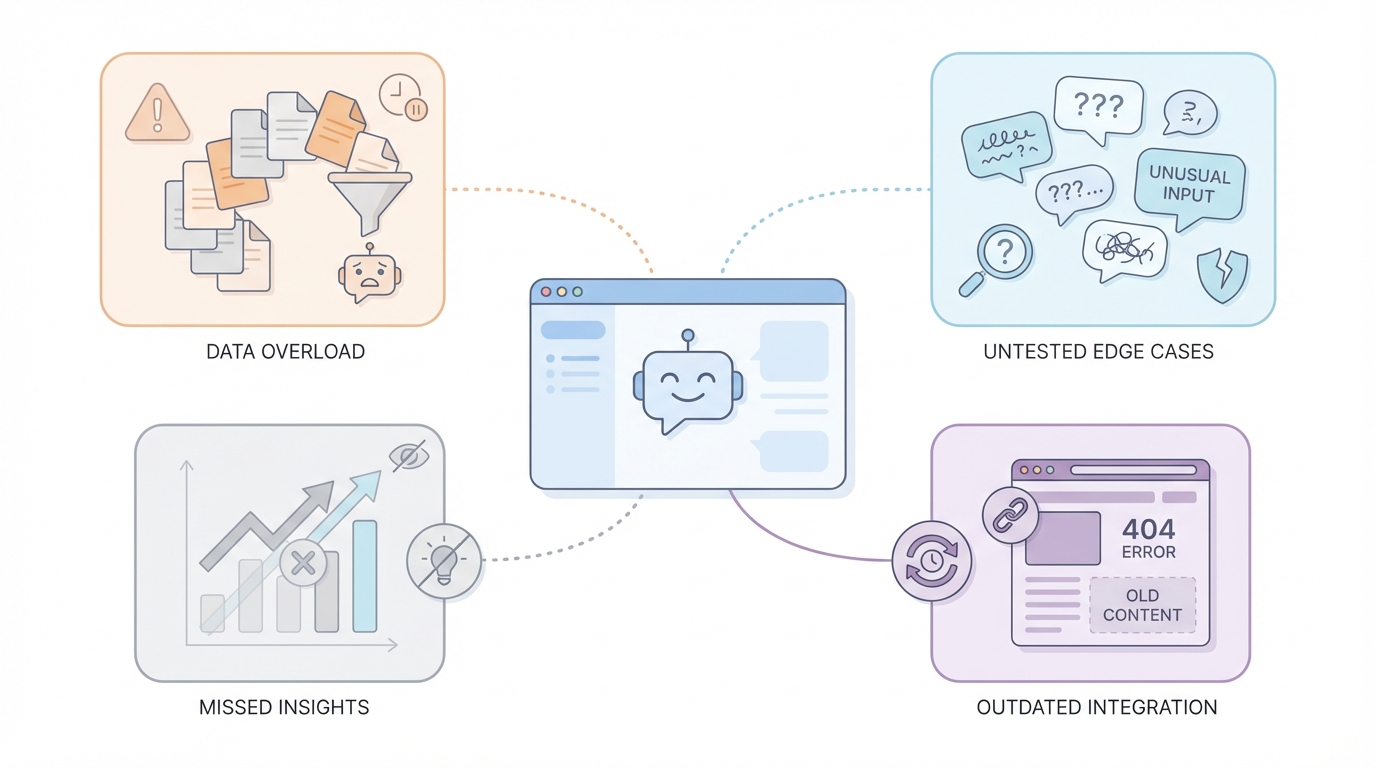
Uploading too much content at once. Start with your most important pages. You can always add more later.
Not testing edge cases. Your chatbot will get weird questions. Test them before your customers do.
Ignoring the analytics. Every tool shows you what people ask. Use that data to improve your website content, not just the bot.
Setting it and forgetting it. Websites change. Update your chatbot when you add new pages or change information.
Conclusion
You can have a working custom GPT trained on your website in under 10 minutes. The tools exist, they're easy to use, and they actually work.
Start with Simplagents if you want speed. Test the bot thoroughly. Embed it where your visitors need help most. Monitor what people ask and refine from there.
The technology isn't magic, but it's fast enough that "I don't have time to build this" isn't a valid excuse anymore.
Build a Custom GPT For Your Website in Minutes
Turn your website into a ChatGPT-like assistant that answers questions using only your content-no coding required.