What Tasks You Should Never Automate and What You Should
Created: 10/02/2026
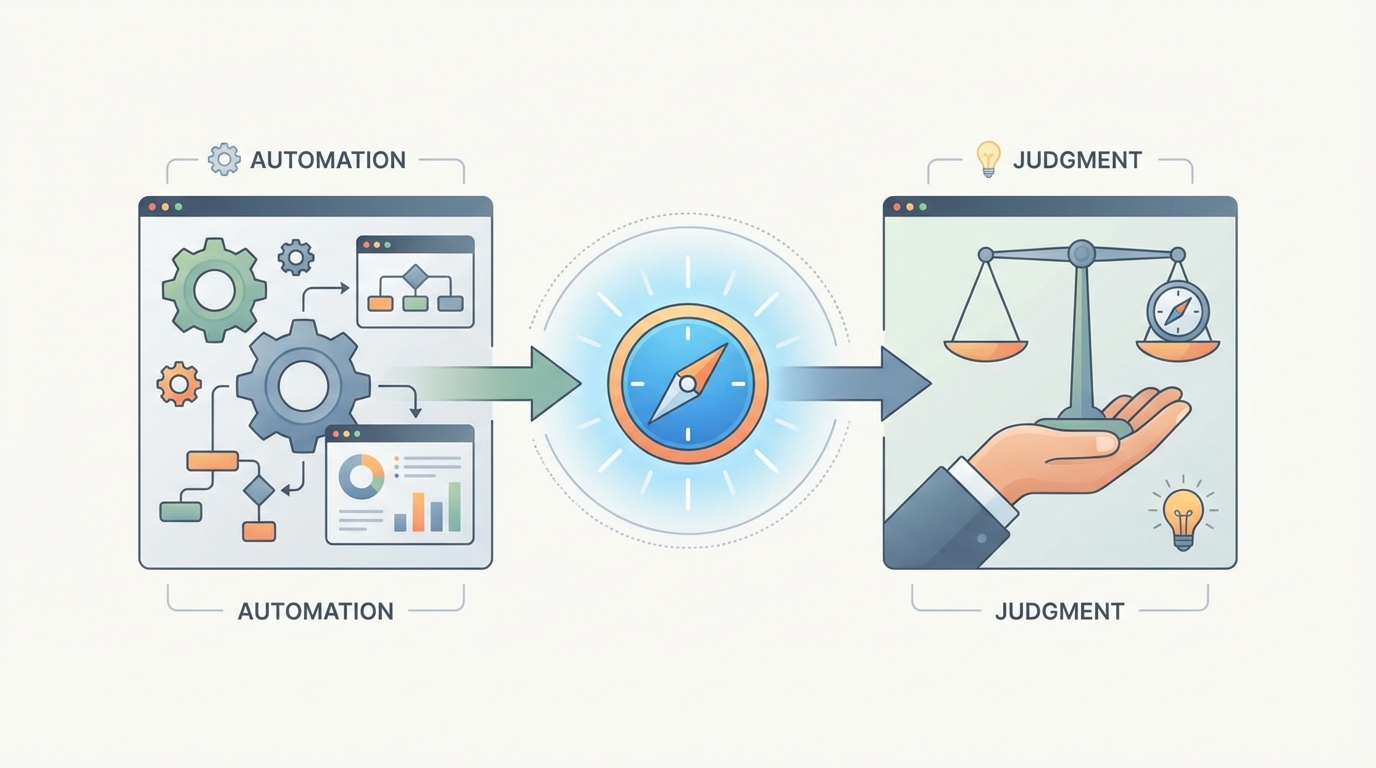
Automation saves time. It also creates messes when used blindly.
Most teams don’t fail at automation because of tools. They fail because they automate the wrong things first. Or worse, they automate things that should stay human.
This guide breaks down what to automate, what not to touch, and how to decide before damage is done.
Start Automation Without Breaking What Works
Use AI only where it saves time and let your team focus on decisions that matter.
Tasks You Should Automate Right Now
1. Data Entry and Transfer
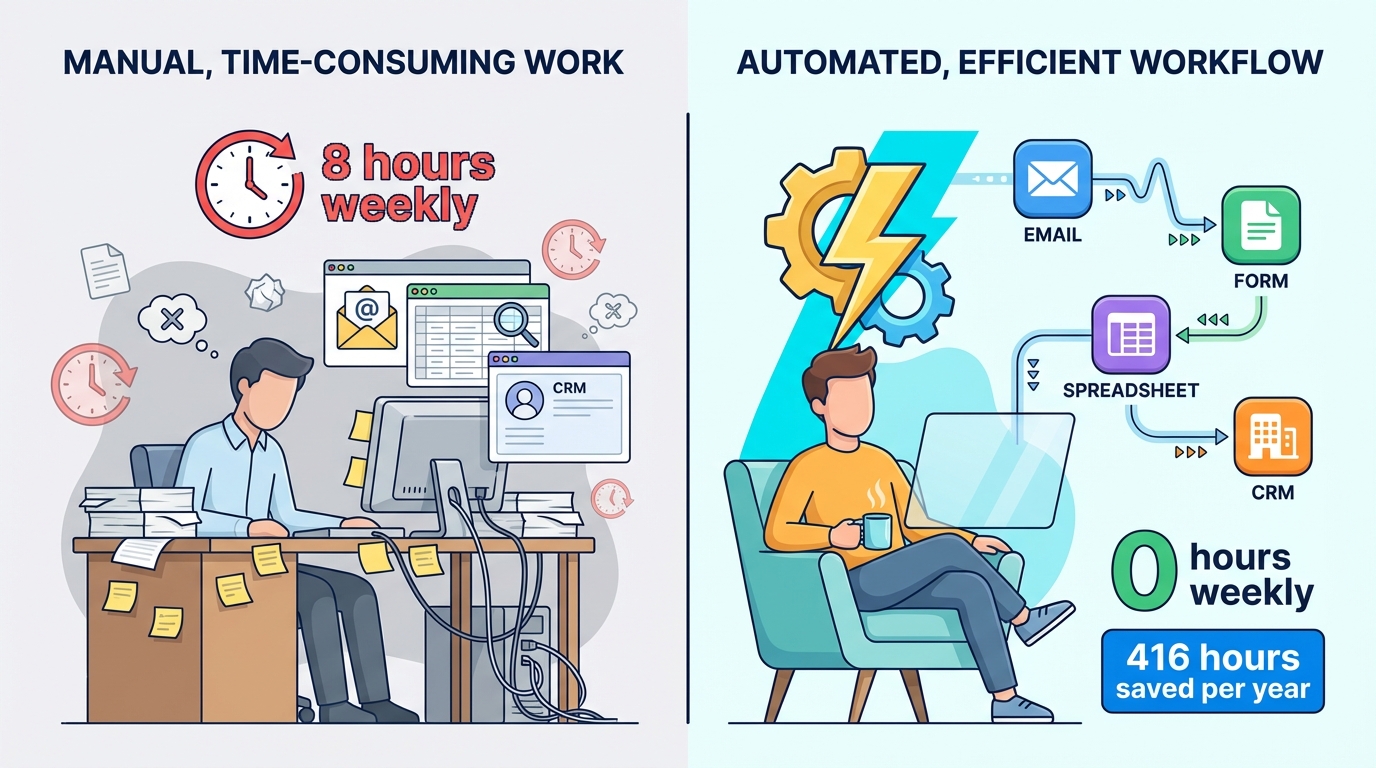
If you're still manually copying information from emails into spreadsheets, stop. Tools like Zapier or Make can move data between apps while you sleep.
I worked with a marketing team at a SaaS company that spent 8 hours weekly transferring lead information from contact forms to their CRM. They automated it in an afternoon. That's 416 hours recovered per year for one person.
The rule here is simple: if you're doing the exact same steps more than twice a week, automate it.
2. Social Media Scheduling
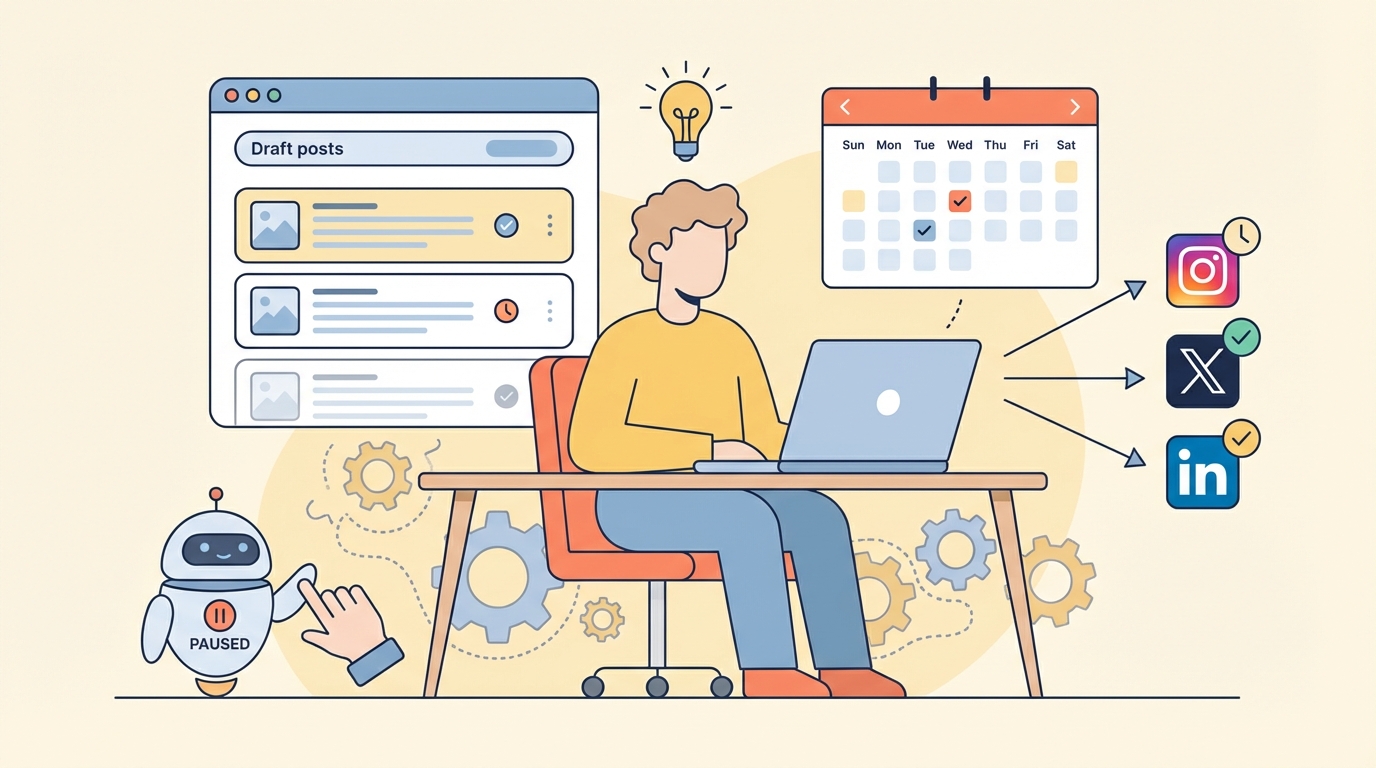
Buffer, Hootsuite, Later. Pick one. Write your posts when inspiration strikes, then let software handle the posting schedule.
But here's what matters: you're automating the posting, not the creation. Your audience can tell when a bot writes your captions.
3. Email Filtering and Sorting
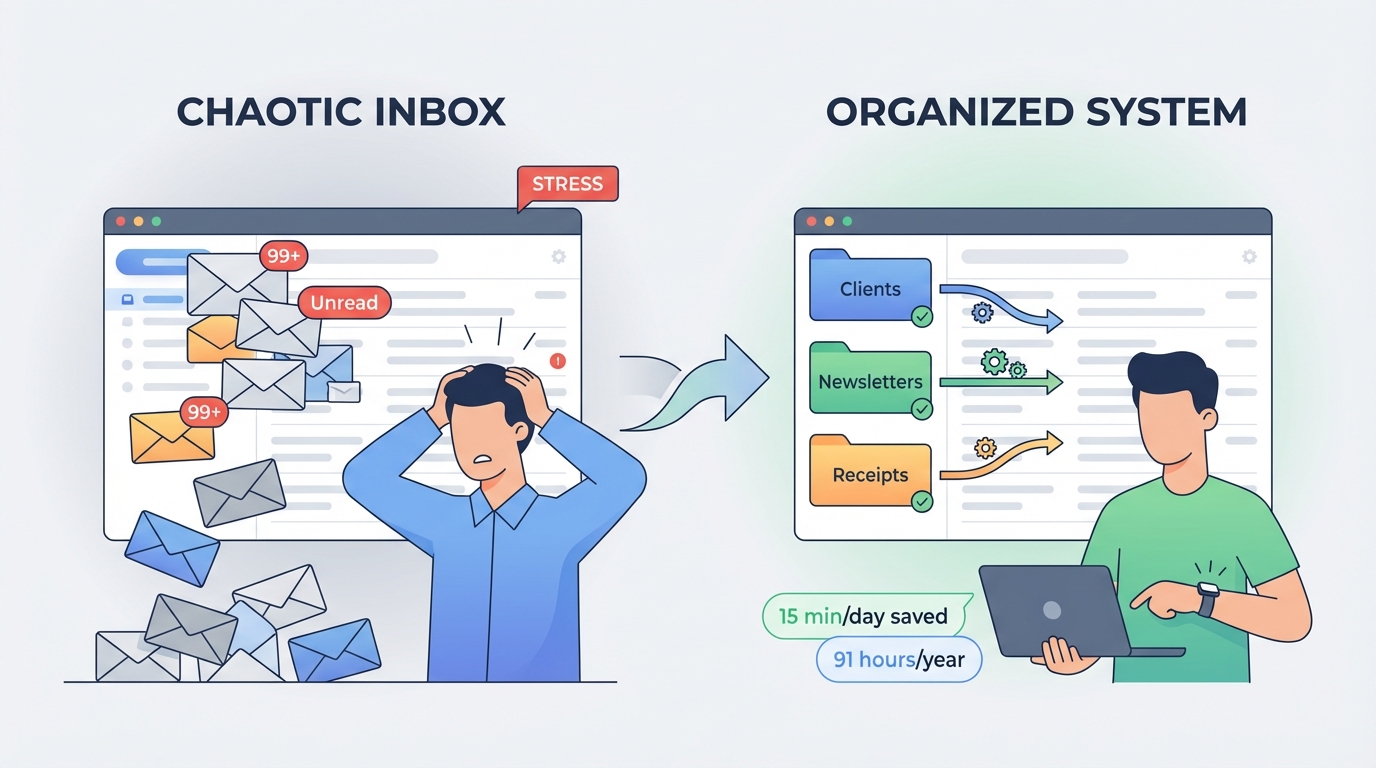
Gmail and Outlook both offer filters that can organize incoming mail automatically. Newsletters go to one folder, client emails to another, receipts somewhere else.
Set this up once. It saves 15 minutes daily, which compounds to 91 hours yearly.
4. Invoice Generation and Payment Reminders
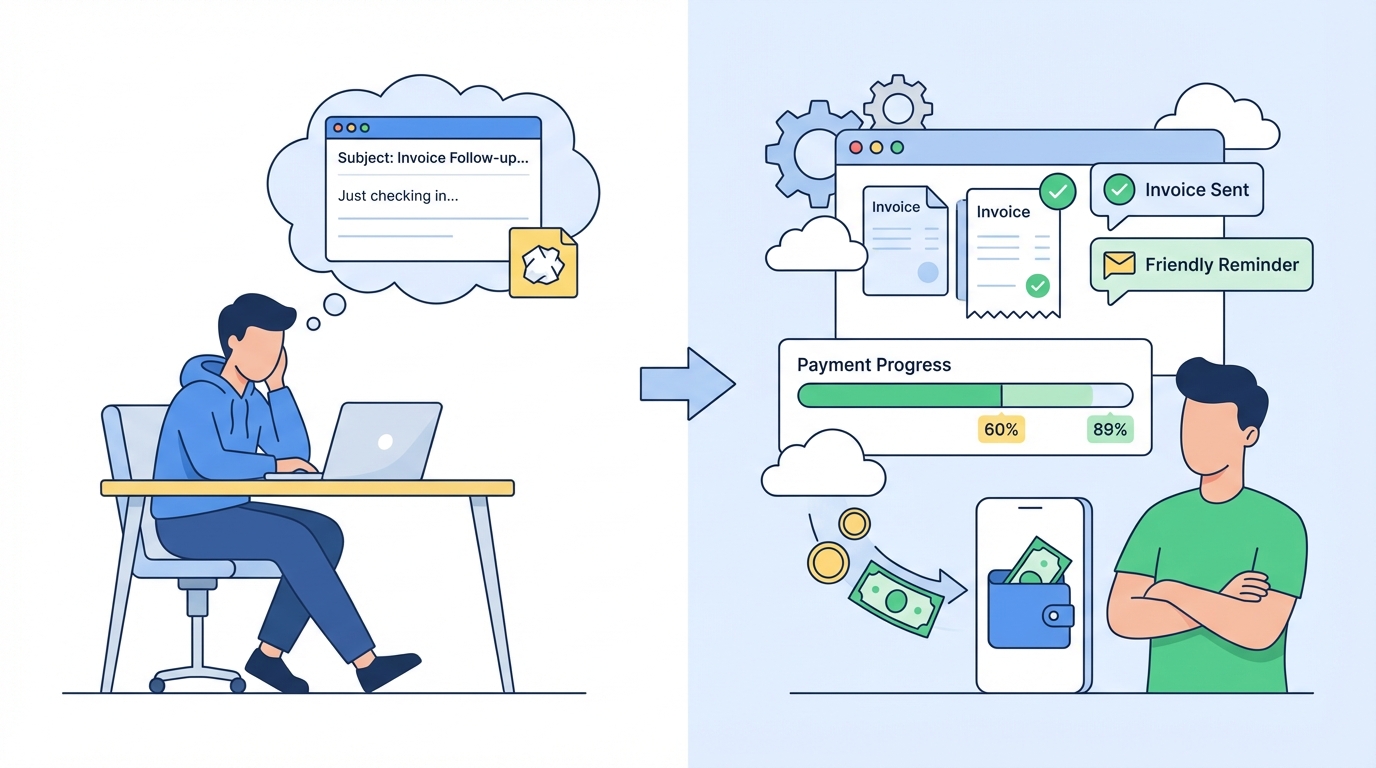
FreshBooks, QuickBooks, Wave. They all send invoices automatically and follow up when payments are late. You'll get paid faster without the awkward "just checking in" emails.
A freelance designer I know increased her on-time payment rate from 60% to 89% just by automating reminders. Same clients, same work, better cash flow.
5. Meeting Scheduling
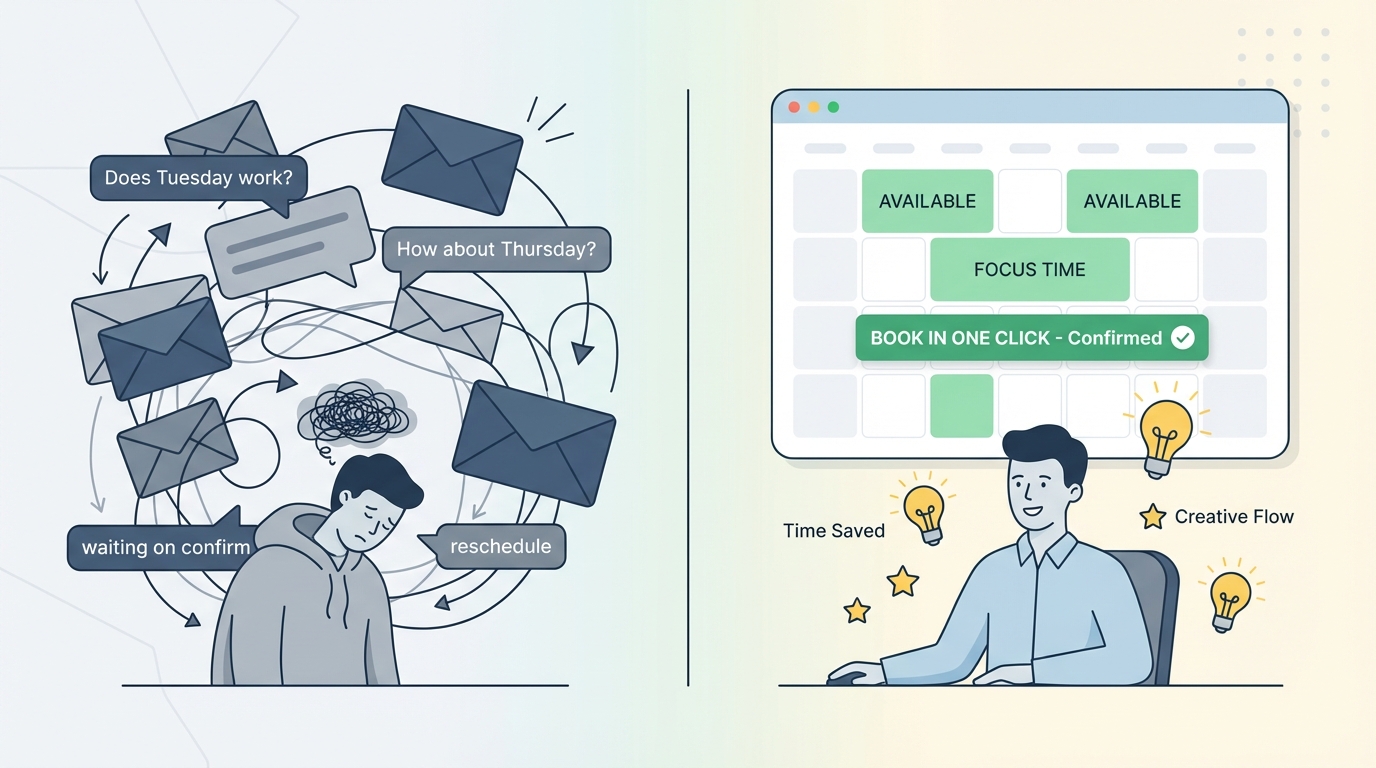
Calendly removes the back-and-forth emails. Someone wants to meet? They see your available slots and pick one. Done.
This matters more than you think. Research from Teresa Amabile at Harvard found that unnecessary email exchanges are one of the top creativity killers for knowledge workers.
Tasks You Should Never Fully Automate
1. Apologies and conflict resolution
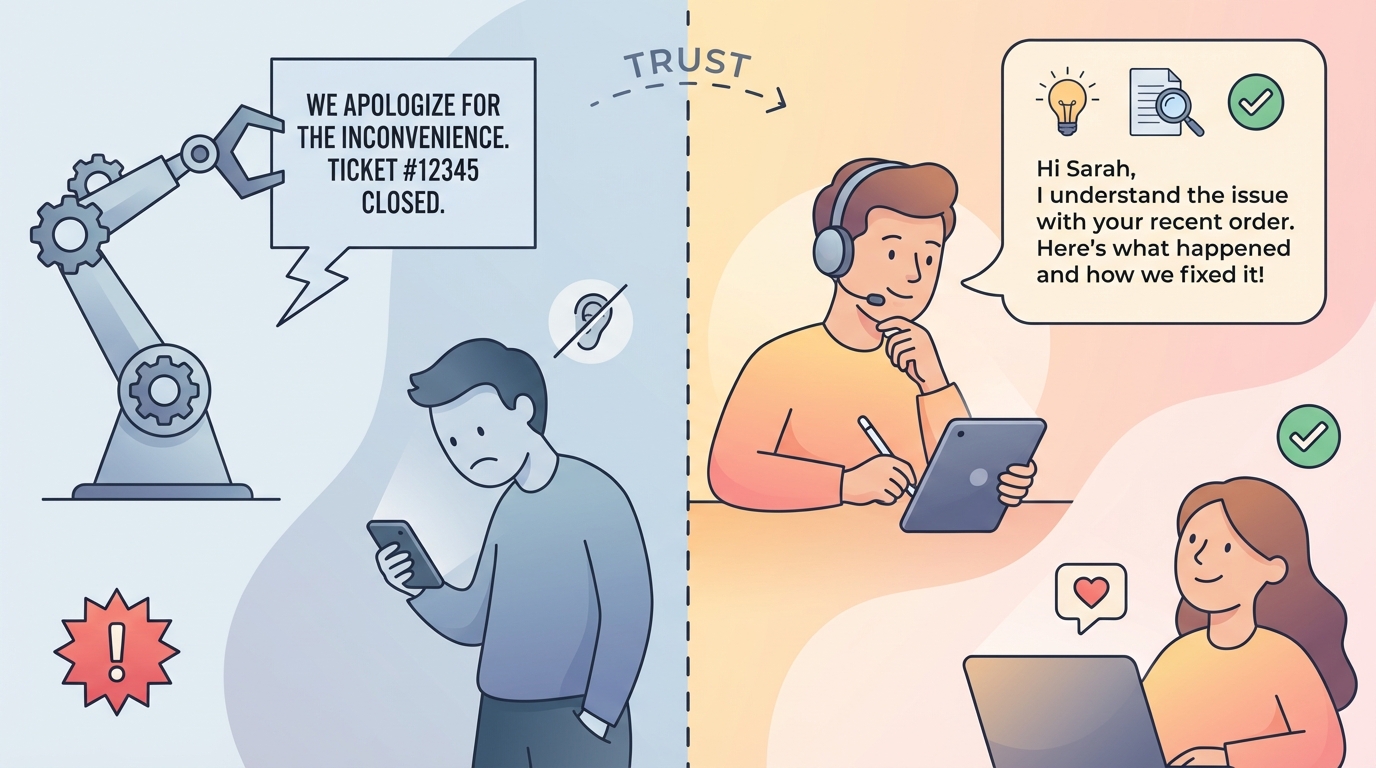
When something goes wrong, people want acknowledgment, not speed.
Automated apologies sound empty. Even a well-written template feels cold when someone is upset. This is where tone, timing, and context matter more than efficiency.
Example
A customer gets charged twice. An automated message says the issue is logged. A human response says we see the mistake, here is what happened, and here is how we fixed it today. Only one of these reduces churn.
Rule
Automation can route and tag complaints. The response itself should be human.
2. High stakes decisions
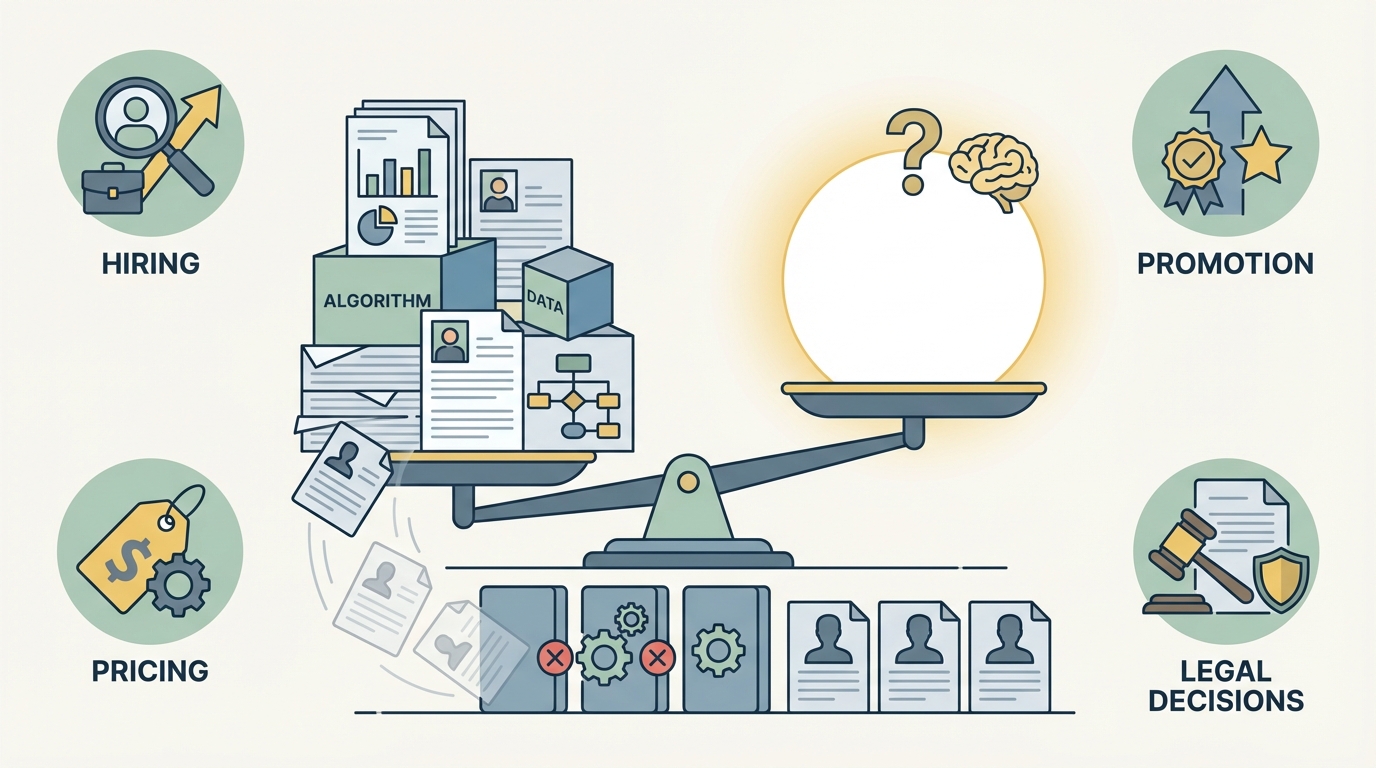
Hiring, firing, promotions, pricing exceptions, and legal calls should never be fully automated.
Data can inform these decisions. It should not make them alone.
Example
Automated resume screening often filters out strong candidates due to gaps, career changes, or non-standard backgrounds. Teams that rely only on automation end up hiring clones.
Rule
Use automation for shortlisting and analysis. Keep the final judgment human.
3. Brand voice in public conversations
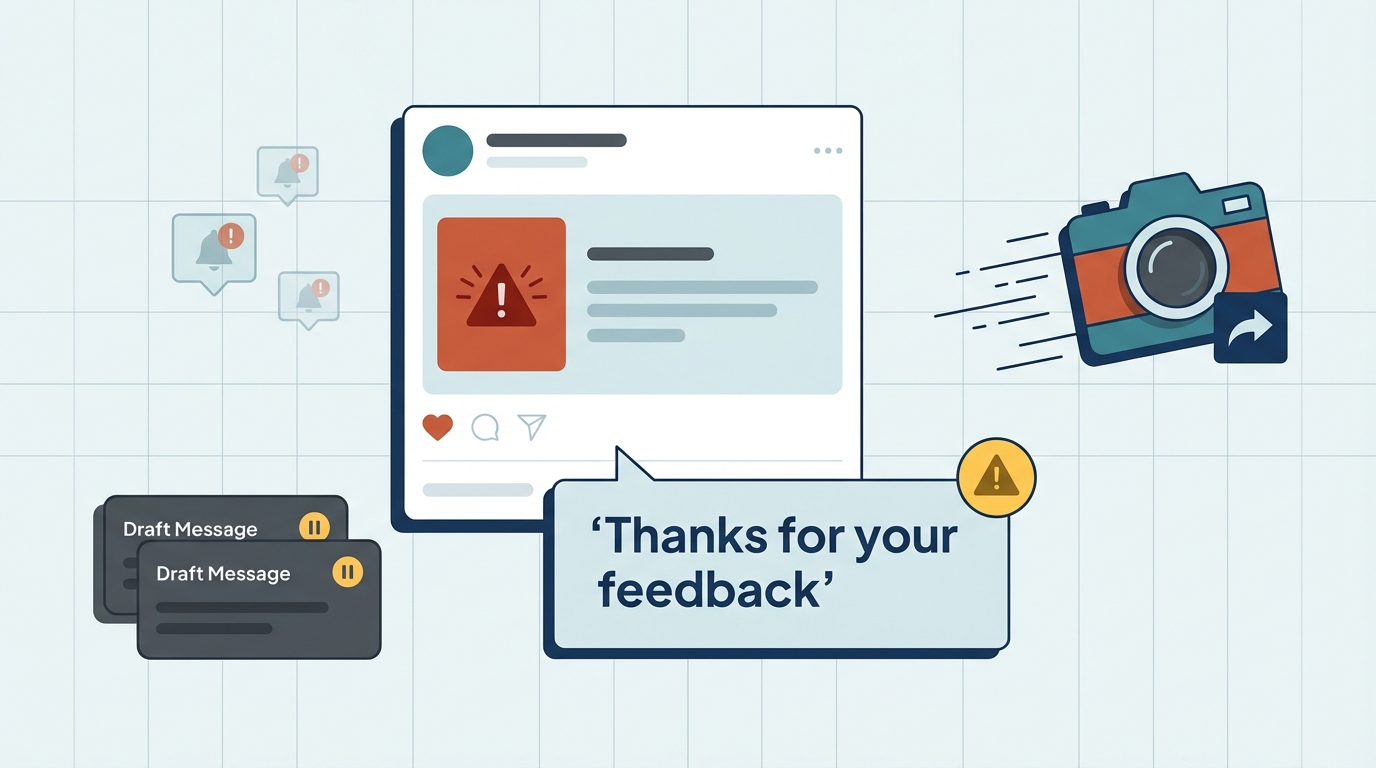
Auto replies on social media often miss context and sarcasm. They also age badly when screenshots resurface.
Example
A brand auto-replies “Thanks for your feedback” under a post calling out a serious issue. That screenshot travels faster than the fix.
Rule
Automate alerts and drafts. Approve and post manually.
4. Strategy and creative direction
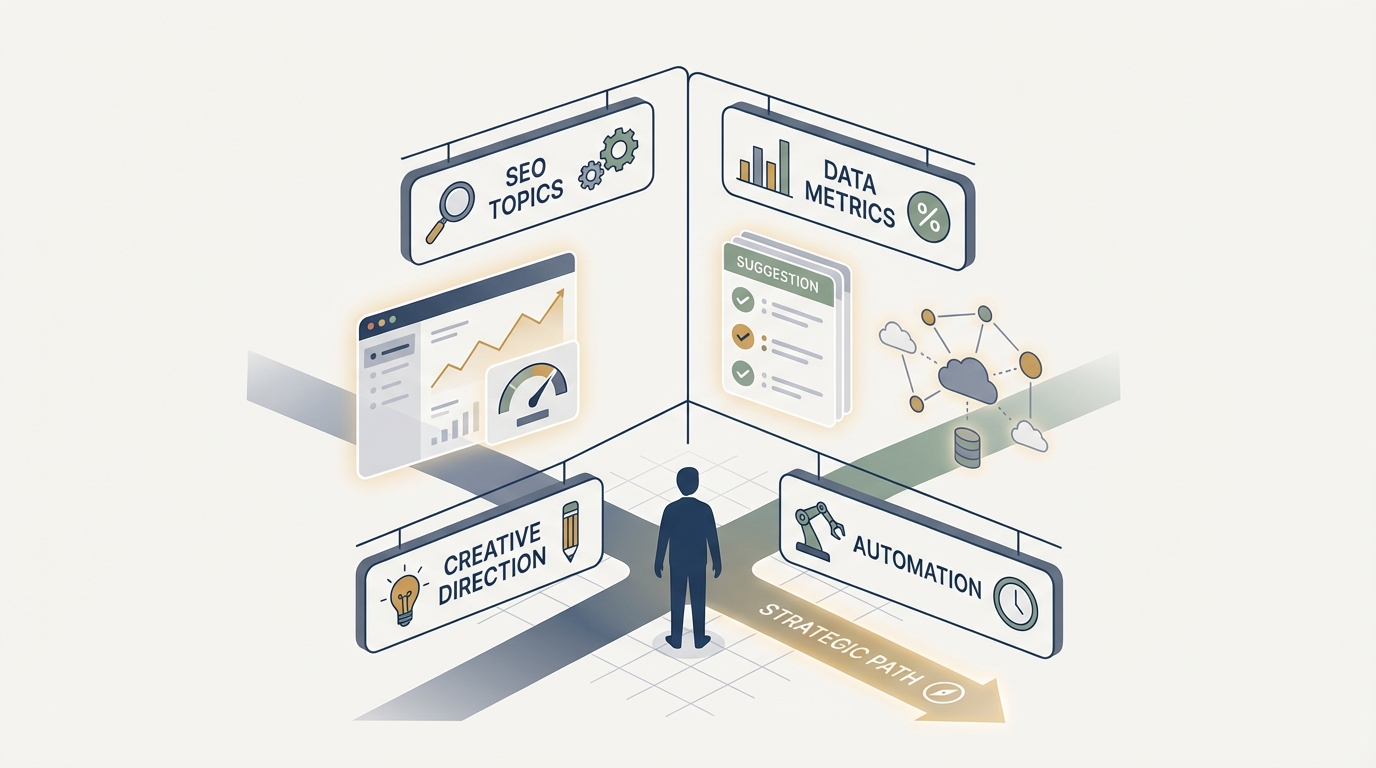
Tools can suggest. They cannot choose.
Automation struggles with tradeoffs. Strategy lives in tradeoffs.
Example
An automated content planner may suggest ten SEO topics. It cannot tell you which one aligns with where your product is heading in six months.
Rule
Let tools surface options. Decide the direction yourself.
How to Decide What to Automate
Here's my framework after watching hundreds of automation projects succeed or fail:
Automate it if:
• The task is exactly the same every time
• There's zero need for creativity or judgment
• The stakes are low if something goes wrong
• You do it more than weekly
• A computer can do it faster or more accurately
Keep it human if:
• Context matters
• Relationships are involved
• The task requires creativity
• Mistakes would be costly or embarrassing
• People expect a personal touch
The Middle Ground
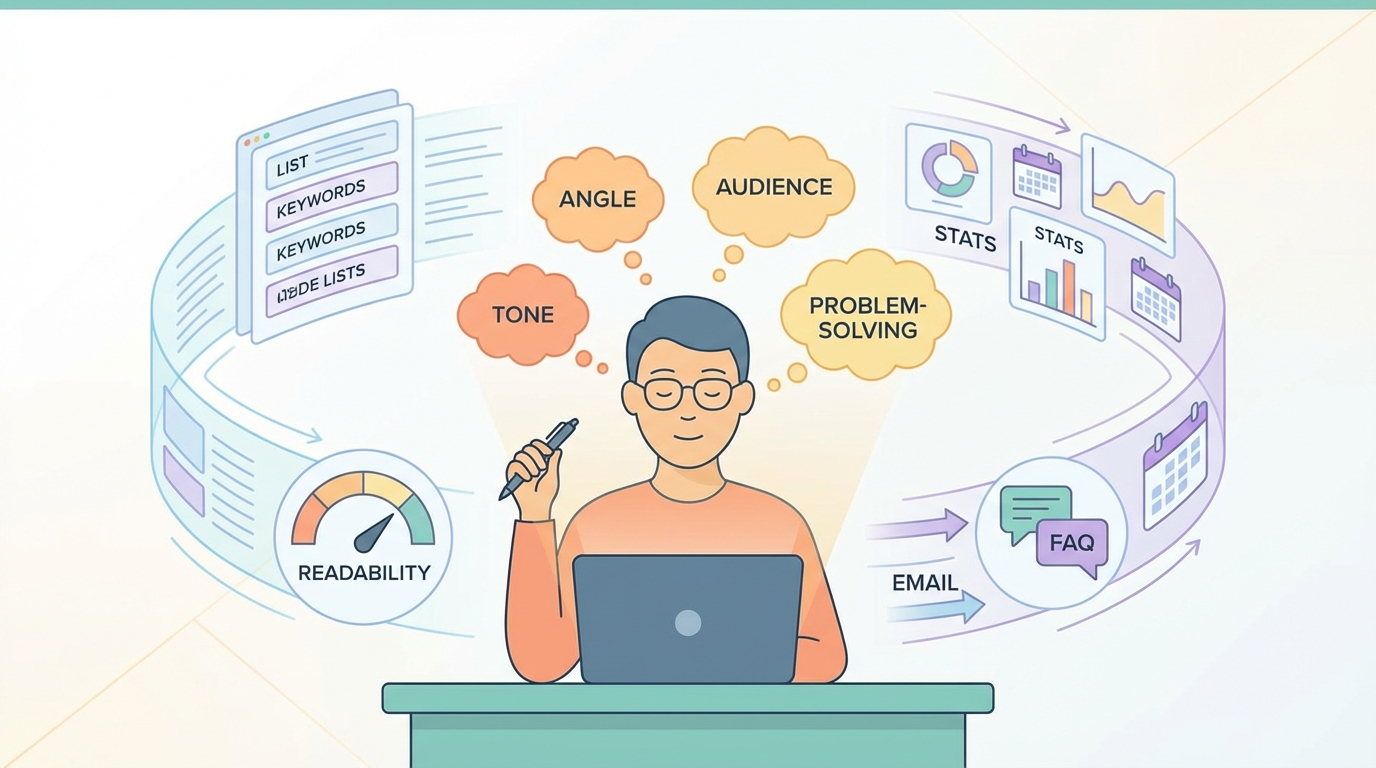
Some tasks work best with partial automation. Humans handle the parts that need judgment. Automation handles the repetitive bits.
Content creation is a good example. I use tools to:
• Research keywords
• Check readability scores
• Find statistics
• Schedule publishing
But I still write every sentence. I still decide what angle to take, what examples to use, what tone fits the audience.
Email marketing is another one. Automation sends the emails and tracks opens. Humans write the copy and decide who gets what message.
Customer service benefits from this approach too. Chatbots handle "Where's my order?" Humans handle "This product didn't work for me and I need help."
What Companies Get Wrong
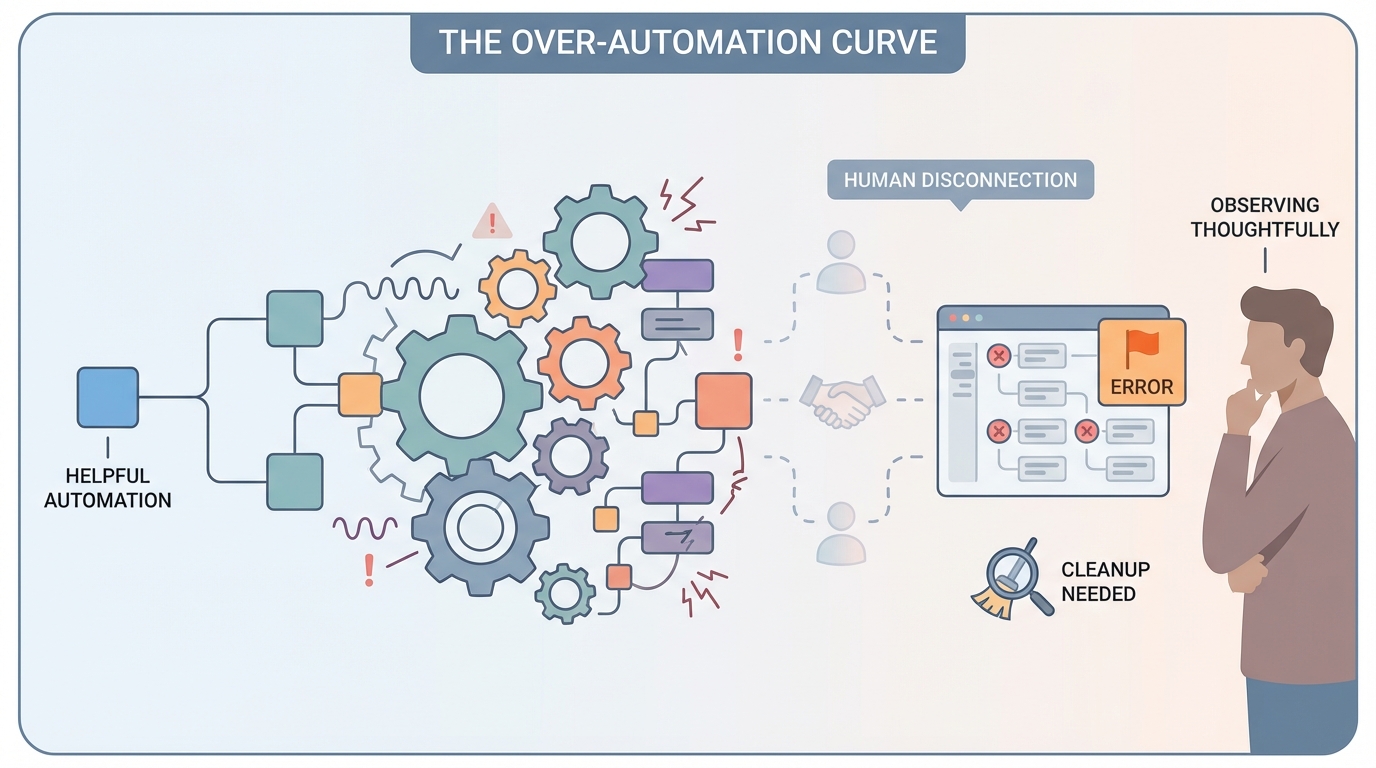
The biggest mistake I see? Automating too much, too fast.
A customer support team automates responses to save time. Good. Then they automate the routing. Fine. Then they automate the solutions. Problematic. Then they try to automate the relationship. Disaster.
Each step seems logical in isolation. Together, they remove all human connection from the experience.
Start small. Automate one annoying task. See how it goes. Then automate another.
The second mistake? Never reviewing what's automated.
I consulted for a company that had 47 automated workflows. Seventeen of them were outdated or broken. They were still running, just not doing anything useful. Some were actually creating problems.
Review your automations quarterly. Kill what doesn't work. Update what's changed.
Conclusion
Automation should give you time back for the work that actually matters. The creative thinking. The relationship building. The complex problem-solving that only humans can do.
If your automation is making your business feel robotic and impersonal, you've automated the wrong things.
The goal isn't to remove humans from your work. It's to remove the tasks that waste human potential.
Automate the repetitive stuff. Keep the human touch where it counts. That's how you build something people actually want to engage with.
And if you're not sure whether to automate something? Ask yourself this: Would I be annoyed if I received the automated version of this as a customer?
That usually tells you everything you need to know.
Automate the Right Tasks, Not Everything
Build AI agents that handle repetitive work while keeping judgment, creativity, and relationships human.