Best Free Website Builders for Creating a Website in 2026
Created: 14/08/2026
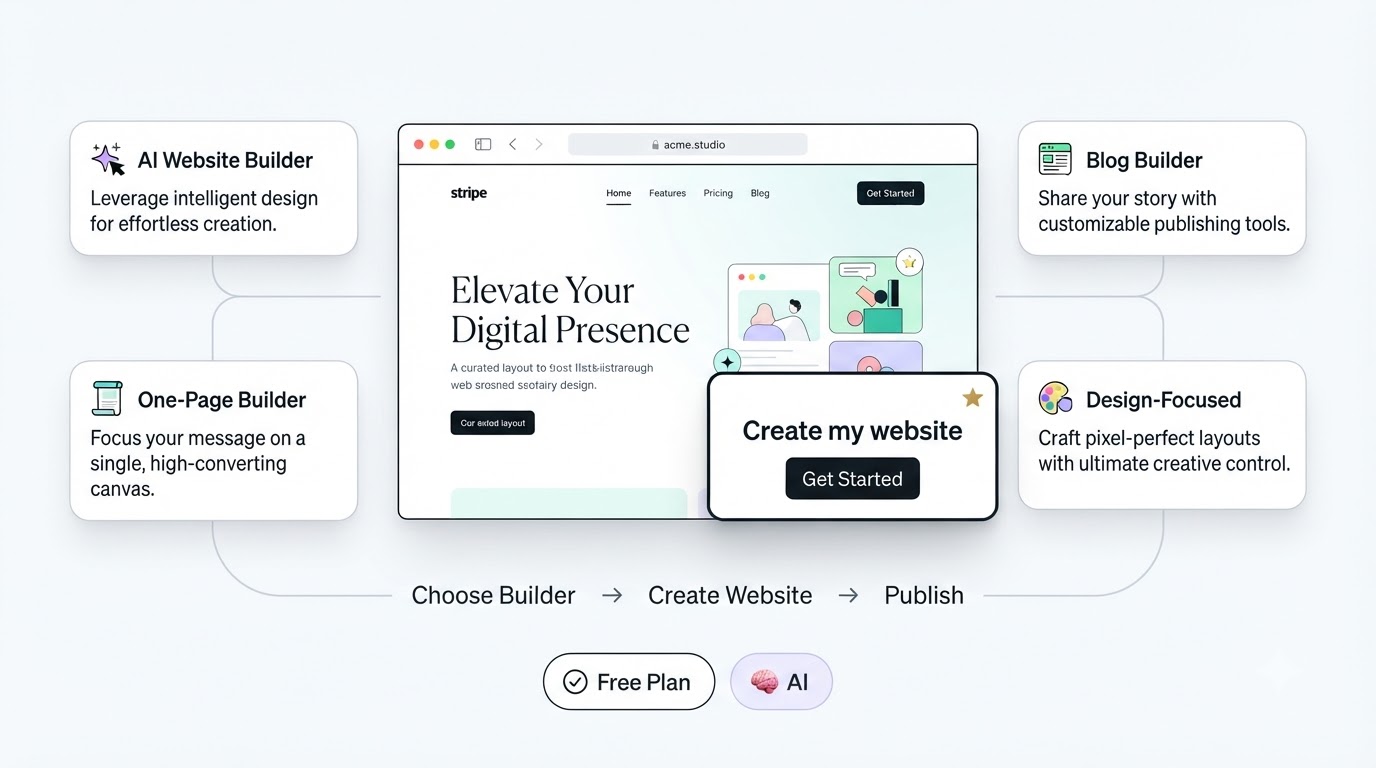
You no longer need a large budget or technical skills to create a website. With the help of free website builders, you can create anything from a simple portfolio to a business website, landing page, or blog.
The key is to understand which builder is best suited for a particular purpose. Free plans often come with certain limitations, such as branded subdomains, advertisements, storage caps, or restricted design features.
1. Simplagents
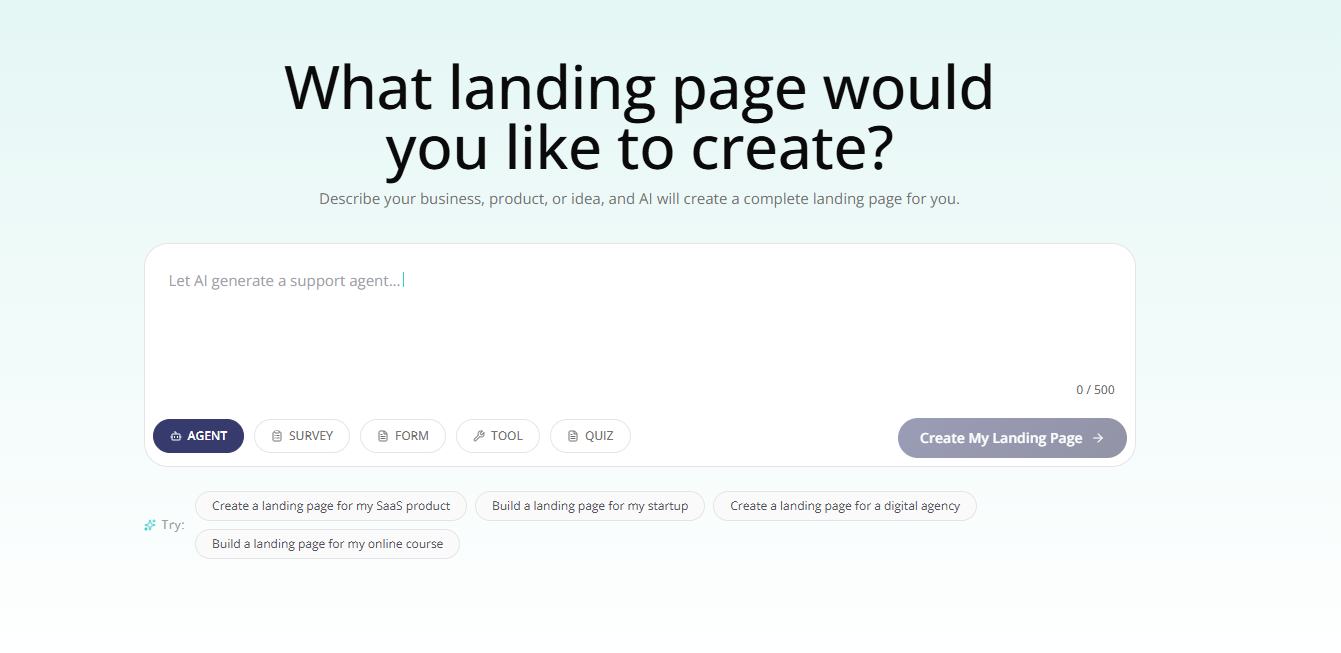
If you want to create a one-page website using AI, Simplagents is a great option to consider.
Instead of starting with a blank editor, you can describe the type of website you want and use AI to generate an initial page. It is highly useful for creating landing pages, portfolios, personal websites, small business sites, and simple product pages.
Its biggest advantage is the ease of creation. You can describe your idea in plain language, preview the generated website, make edits, and publish it without needing any technical or coding skills.
If your goal is to quickly get a focused one-page site online, Simplagents is a practical option worth trying.
2. Wix
Wix is one of the more established website builders and has a free plan for creating websites.
Its editor gives you control over layouts, content, and design. Wix also has AI tools that can generate a starting point based on what you describe.
The free plan has limitations, including Wix branding and a Wix subdomain. A paid plan is needed for a custom domain.
Best for: Beginners who want a traditional visual website builder with AI assistance.

3. Google Sites
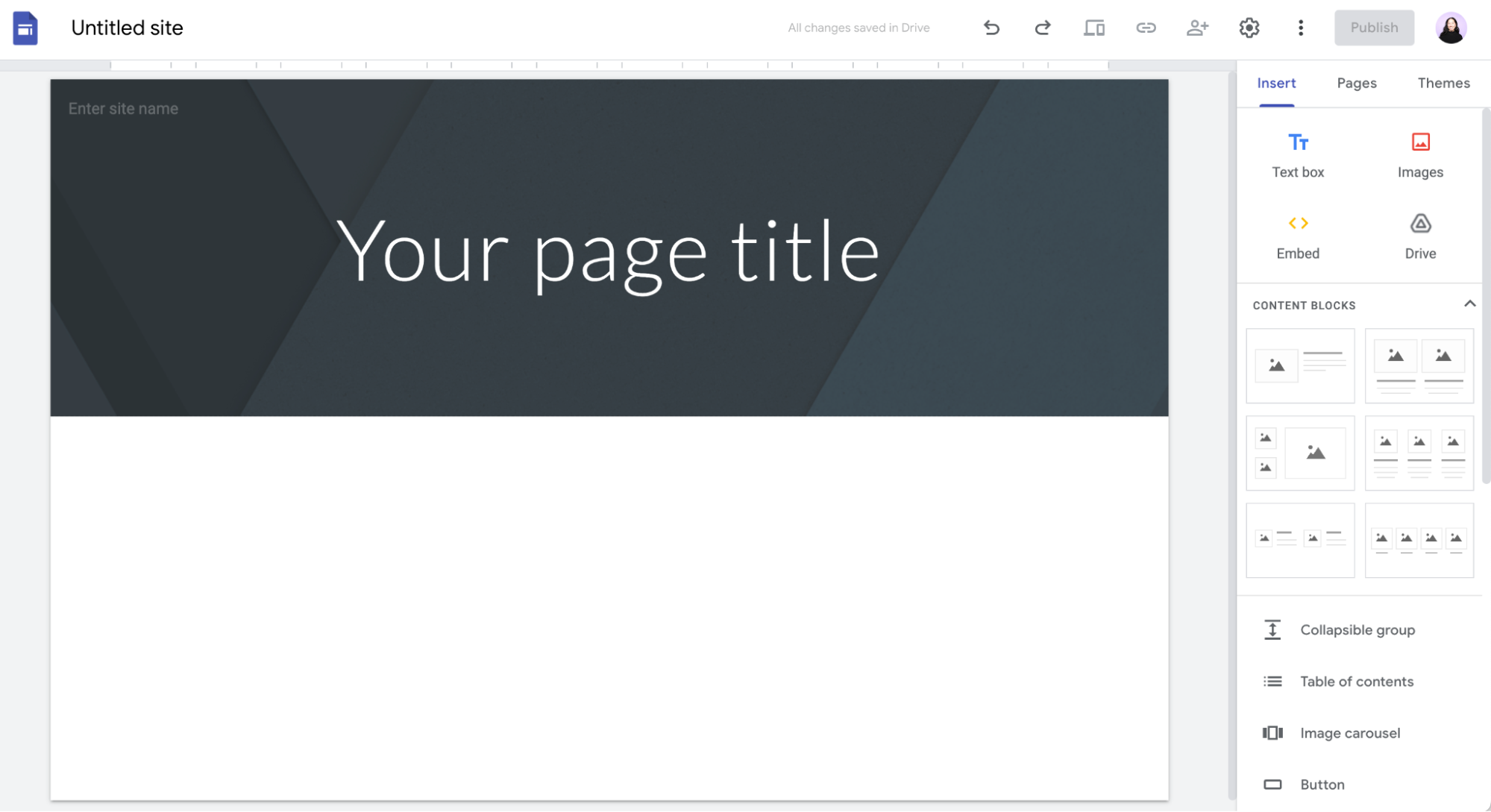
Google Sites is one of the simplest options for creating a basic website.
It works well for internal projects, school projects, simple information pages, and small websites where design flexibility is less important.
Its main strength is simplicity. You can create pages without dealing with hosting or complicated website settings.
Best for: Simple websites, internal projects, and basic information sites.
4. WordPress.com
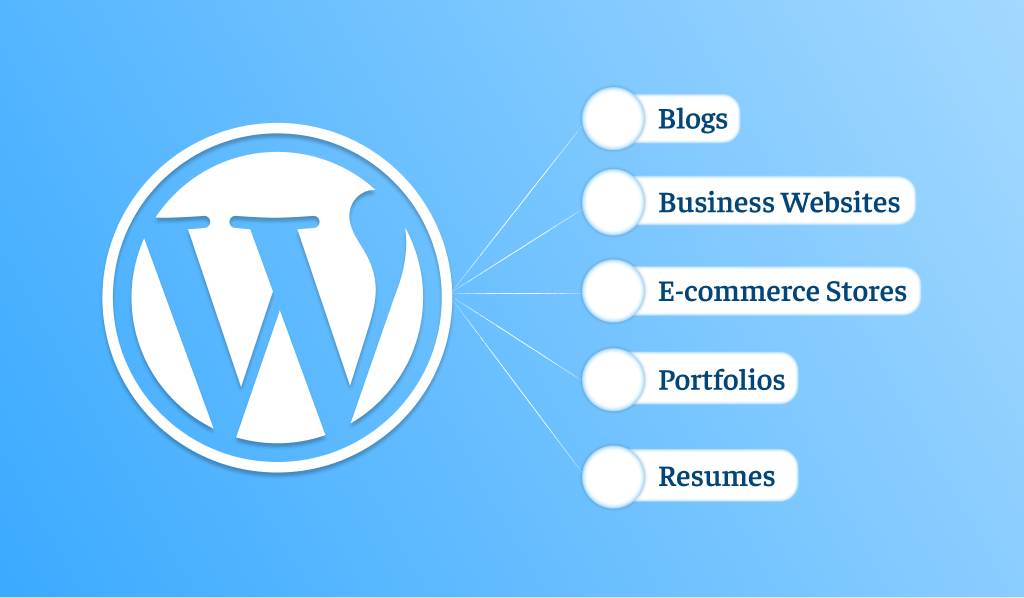
WordPress.com is a strong choice if your website will focus heavily on written content.
Its free plan lets you create a site using a WordPress.com subdomain. The platform is especially useful for blogs and content-based websites.
The free version has limitations, including WordPress branding and restrictions that become more important as your site grows.
Best for: Blogs, articles, and content-focused websites.
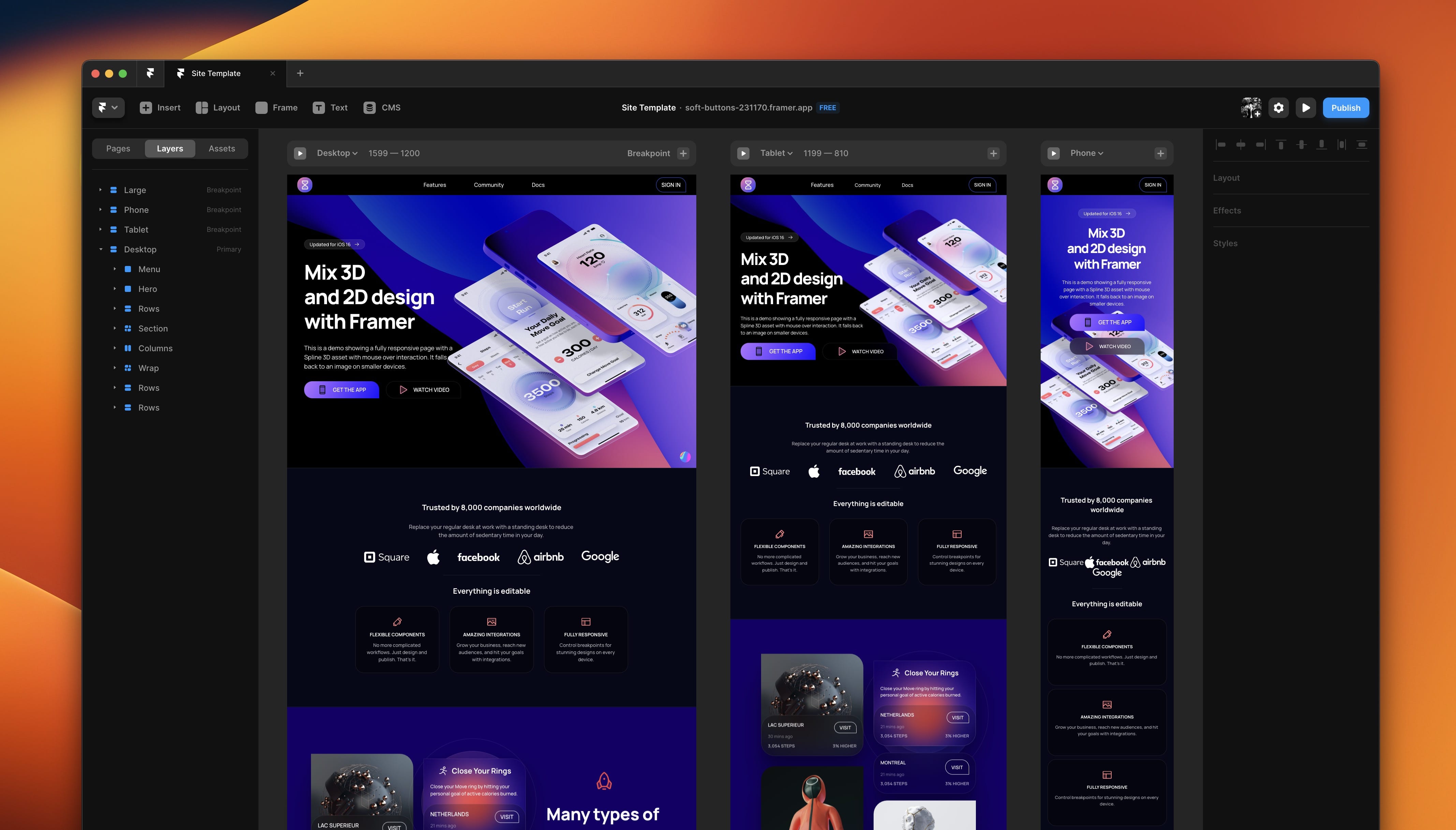
5. Framer
Framer is aimed more at people who care about visual design and modern website layouts.
Its free plan lets you experiment with the platform, while paid plans add more features and remove some limitations. Framer also includes AI-assisted website creation.
Best for: Designers, portfolios, and visually focused websites.
6. Webflow
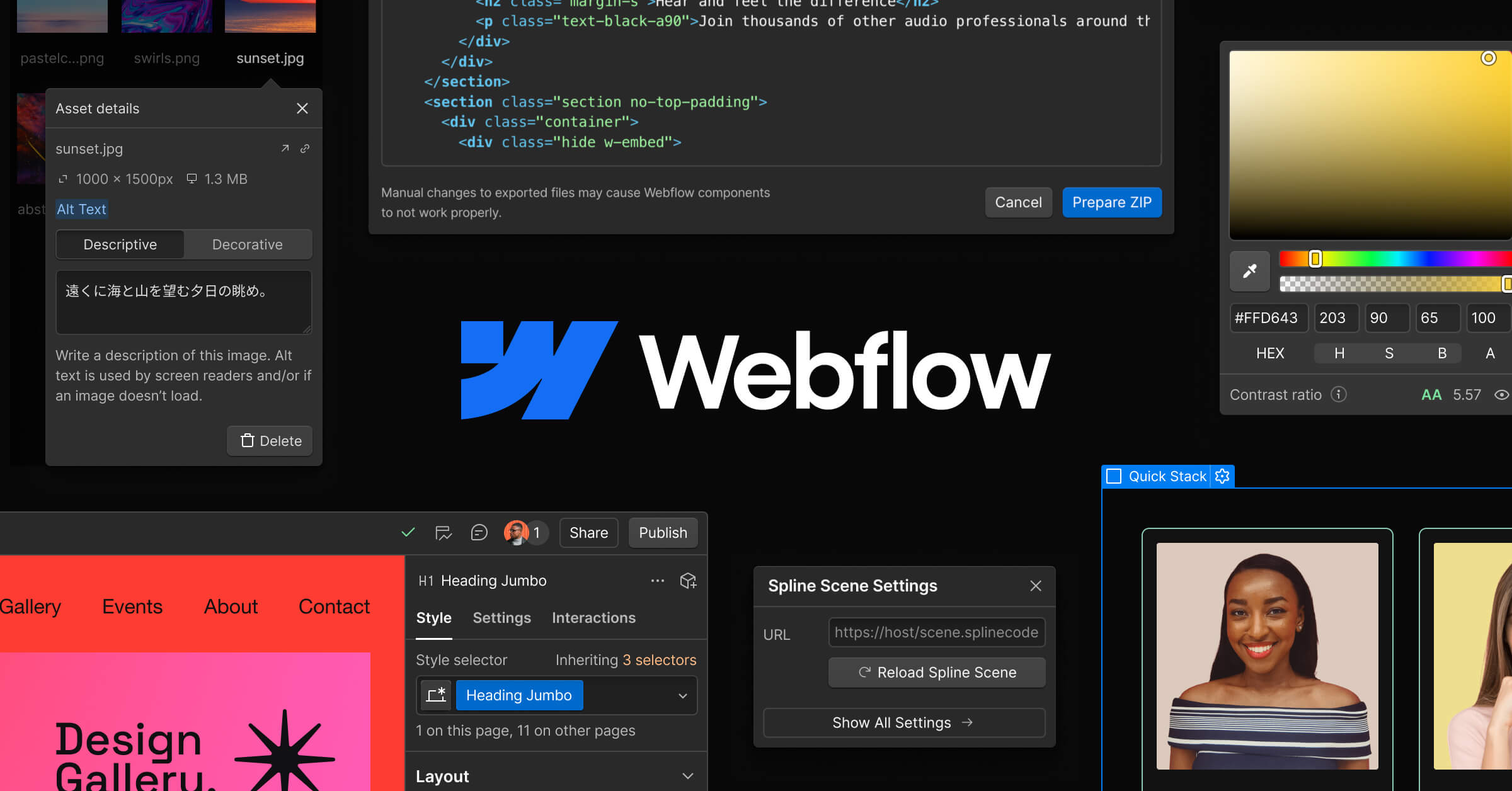
Webflow gives you more control over website design and structure than many beginner-focused builders.
It is useful when you want to create custom layouts and have more control over how the site looks and works. The free plan is more limited than its paid plans, but it can still be useful for testing ideas and learning the platform.
Best for: Designers and users who want more control over their website.
What Should You Look for in a Free Website Builder?
Don't choose a website builder simply because it offers a "free" plan.
Look closely at what you are actually getting.
A free plan might get you a website, but it could come with limitations regarding the domain, platform branding, storage capacity, or access to certain features. For instance, many popular builders use their own subdomains for free plans.
Also, consider how you want to build your website.
If you prefer traditional editing, a builder like Wix or Webflow might be a better choice. If you want AI to generate an initial website based on a description, an AI-focused builder like Simplagents can reduce the need for manual setup.
Which Free Website Builder Should You Choose?
Not every website builder is right for every website.
For a single-page website, you might consider Simplagents.
Wix is a good choice for a standard website if you are just starting out.
WordPress.com is better suited for blogs.
Google Sites might be sufficient for a purely informational website.
Framer or Webflow offer more control for websites where design is a priority.
The best option depends on what you want to build and how much control you need.
Final Thoughts
With the help of a free website builder, you can start creating a website without spending money on the initial setup required to build one from scratch.
The most important decision is to choose a tool that suits your project.
If you need a simple one-page website and prefer an AI-based approach, Simplagents could be a good option. If you prefer more traditional editing, there are various alternatives available, such as Wix, Google Sites, Carrd, WordPress.com, Framer, and Webflow.
Before publishing, check the limitations of the free plan and ensure it includes all the features your website actually needs.
What landing page would you like to create?
Describe your business, product, or idea, and AI will create a complete landing page for you.