How to Use ChatGPT to Create Google Forms Automatically
Created: 10/08/2026
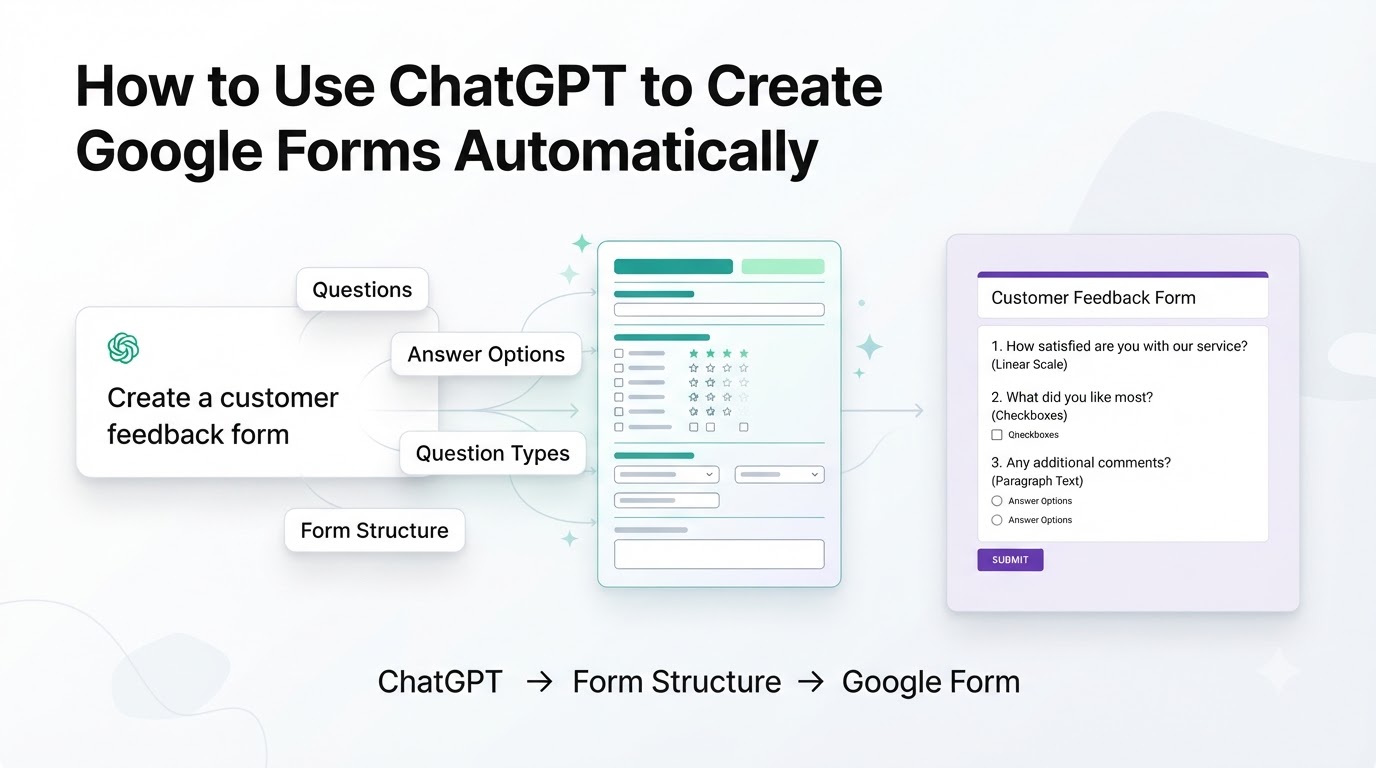
Google Forms is easy to use, but creating a good form still takes time.
You have to decide what questions to ask, choose the right question types, write the answer options, and organize everything in the right order.
ChatGPT can help with much of this work.
The simplest approach is to use ChatGPT to create the structure and questions first, then move that structure into Google Forms. If you have a connected app or workflow that can take actions in an external service, automation can go further. OpenAI's current ChatGPT app system supports connected apps and, where available, actions that can create or update information in external services.
Start With a Clear Prompt
The quality of the form starts with the prompt.
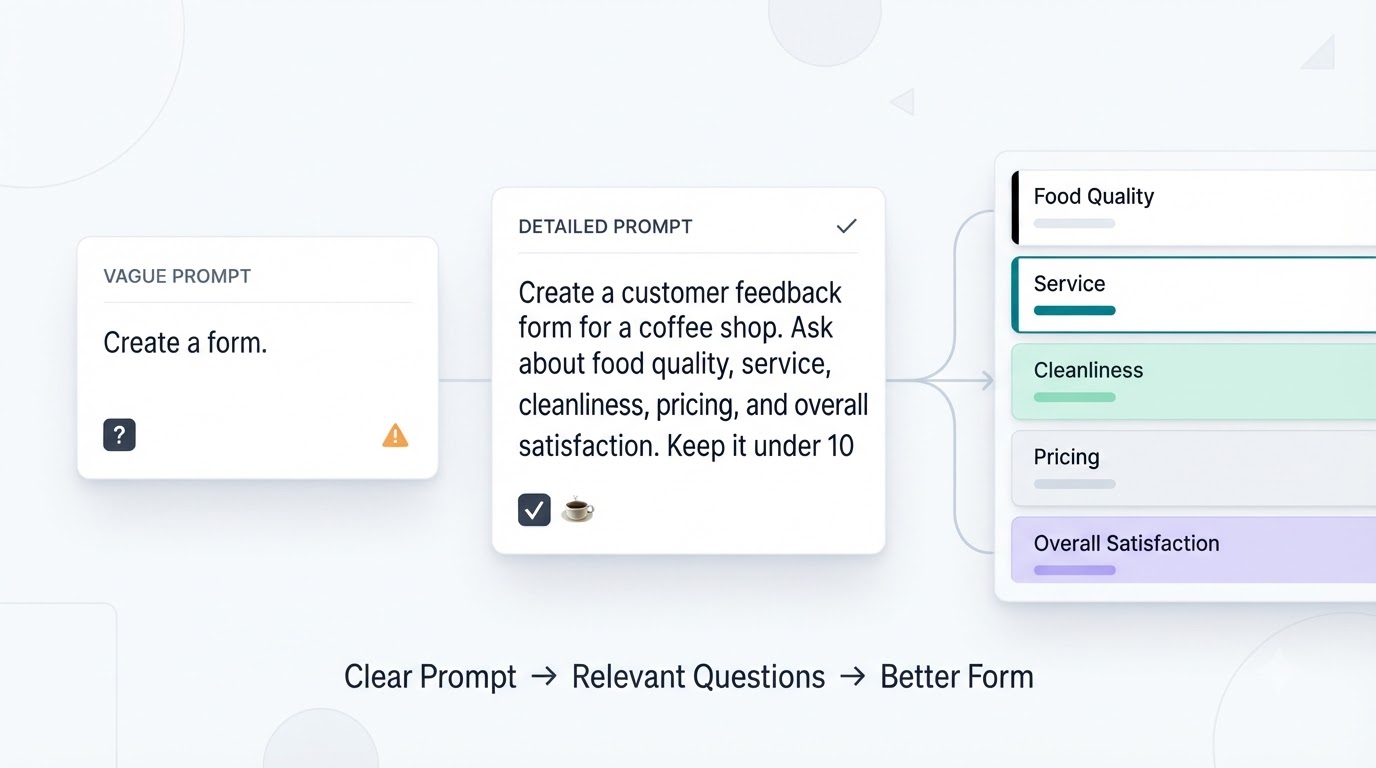
Instead of asking ChatGPT:
Create a form.
Give it the purpose, audience, and information you want to collect.
For example:
Create a customer feedback form for a coffee shop. Ask about food quality, service, cleanliness, pricing, and overall satisfaction. Keep it under 10 questions.
This gives ChatGPT enough context to create a more useful structure.
Ask ChatGPT to Create the Full Form Structure
You can ask ChatGPT to organize the form into sections.
For example:
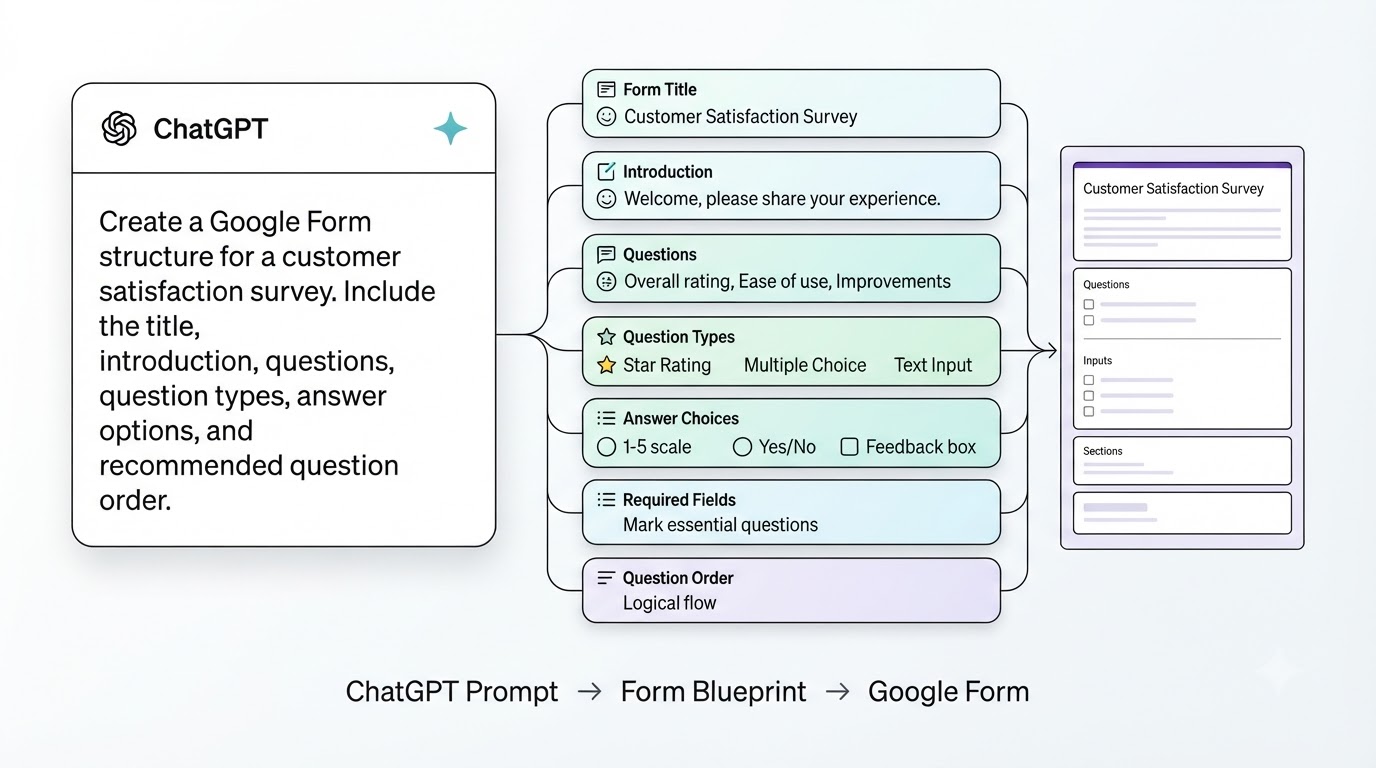
Create a Google Form structure for a customer satisfaction survey. Include the title, introduction, questions, question types, answer options, and recommended question order.
The response can include:
• Form title
• Introduction
• Questions
• Question types
• Answer choices
• Required fields
• Question order
You now have a blueprint for the Google Form.
Let ChatGPT Choose Question Types
Different questions need different response formats.
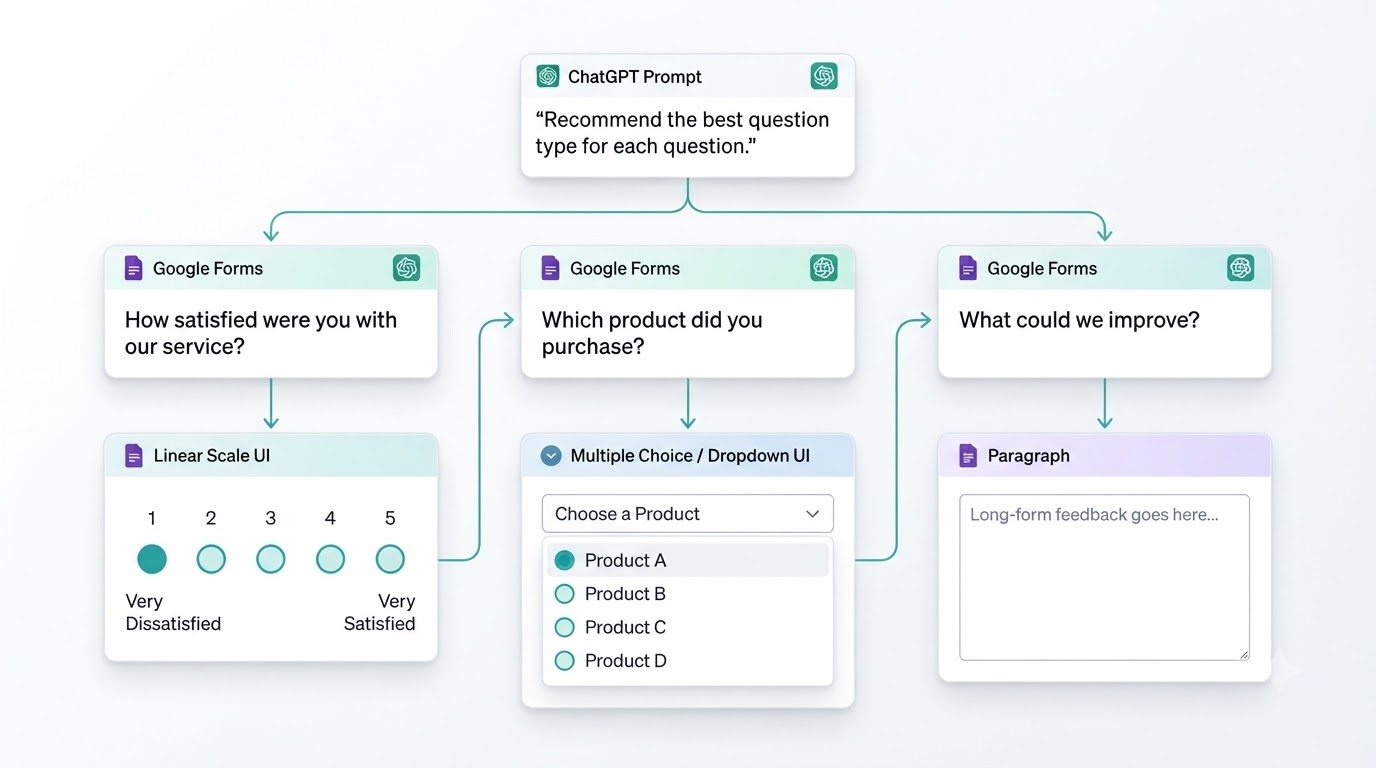
For example:
How satisfied were you with our service?
A linear scale works well.
Which product did you purchase?
Multiple choice or a dropdown may work better.
What could we improve?
A paragraph field makes more sense.
You can ask ChatGPT to recommend the appropriate question type for every question before you build the form.
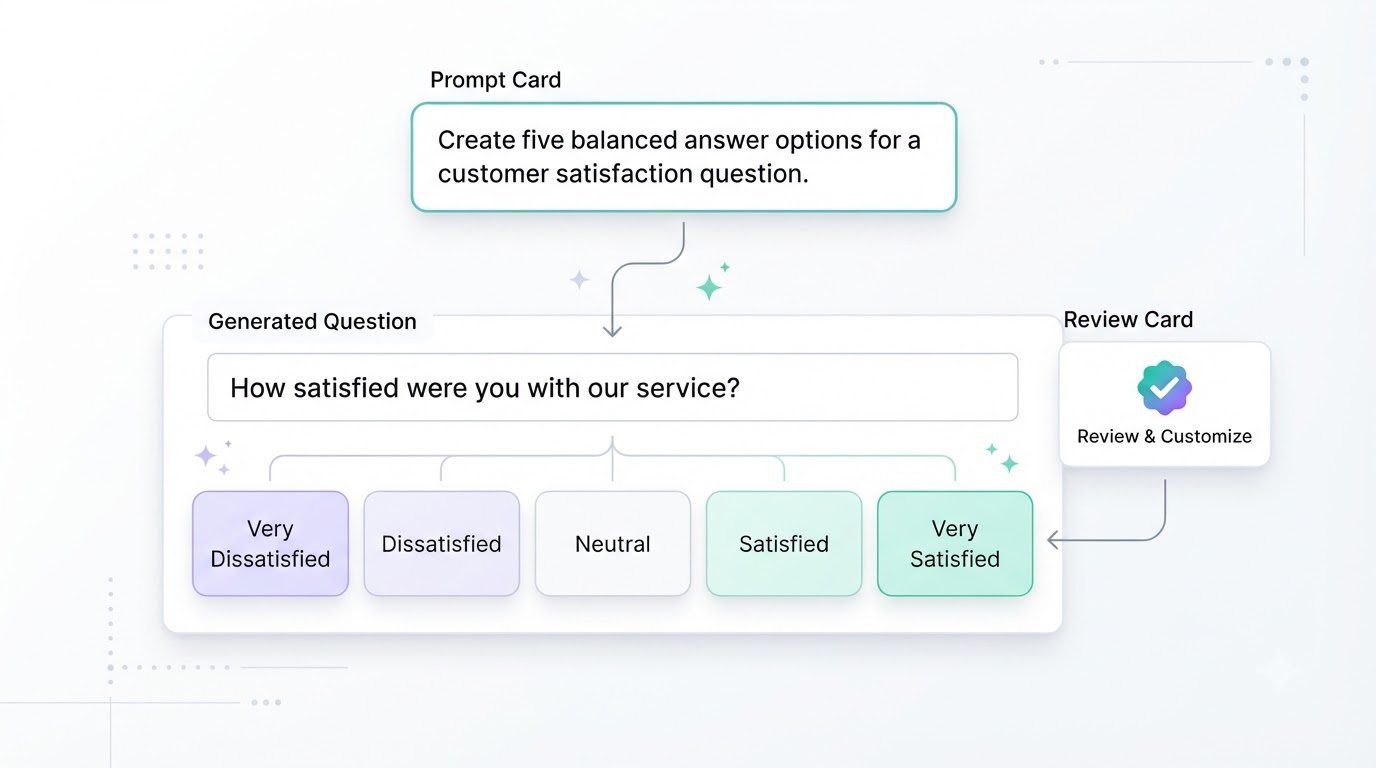
Generate Answer Options
Creating answer choices manually can also take time.
For example, instead of writing the options for a satisfaction question yourself, ask:
Create five balanced answer options for a customer satisfaction question.
You might get a scale ranging from very dissatisfied to very satisfied.
You can then review the options and use the ones that fit your form.
Ask ChatGPT to Remove Unnecessary Questions
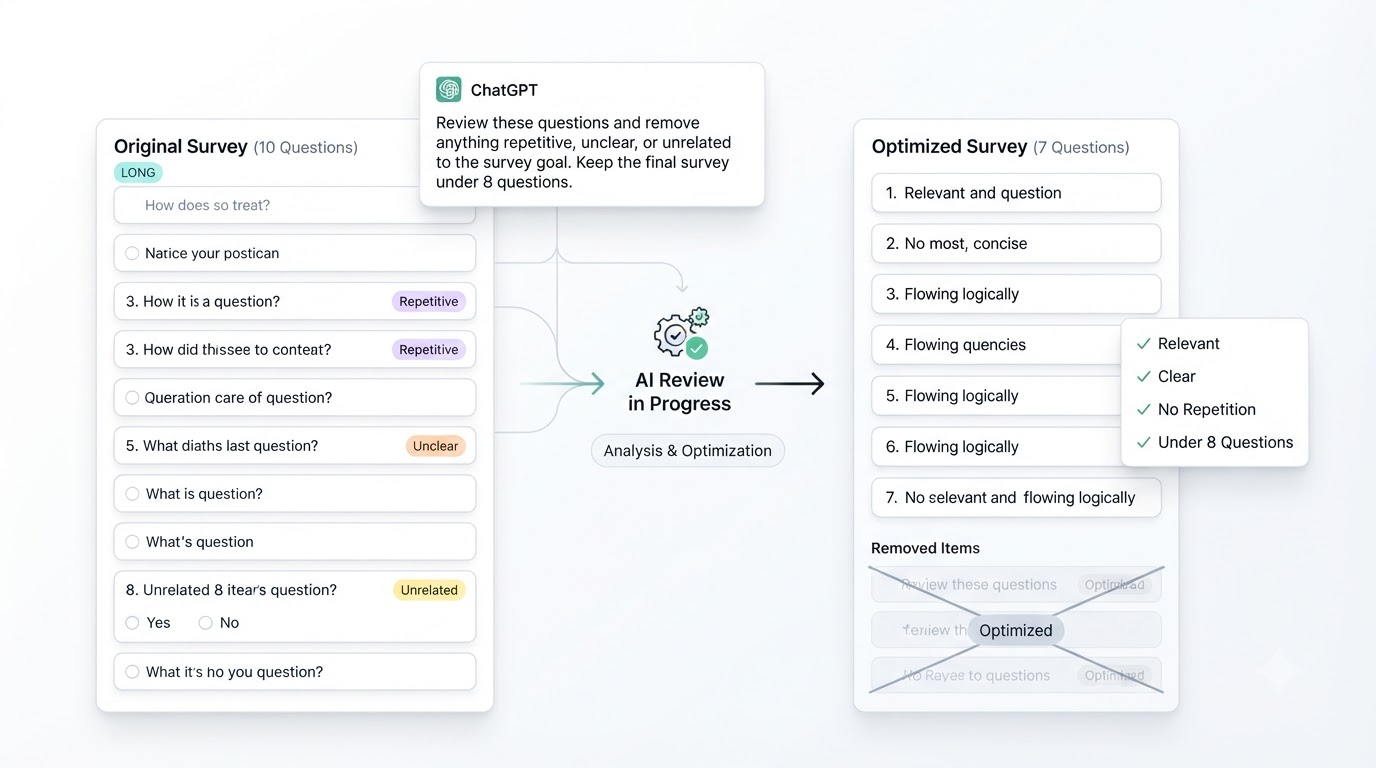
A long form can become difficult to complete.
After generating your questions, ask ChatGPT to review them.
For example:
Review these questions and remove anything repetitive, unclear, or unrelated to the survey goal. Keep the final survey under 8 questions.
This gives you a shorter structure before you start building the form.
Create the Google Form Manually
For a simple workflow, you can now take the structure generated by ChatGPT and build it in Google Forms.
The process looks like this:
ChatGPT → Form Structure → Google Forms → Publish
This approach is useful when you want Google Forms to remain the final tool for collecting responses.
You are using ChatGPT for the planning and writing work rather than creating every question while working inside Google Forms.
Can ChatGPT Create the Form Automatically?
This depends on the tools and integrations available to your ChatGPT account.
ChatGPT can connect to external apps, and some connected apps support actions that allow ChatGPT to create or update information outside the conversation. The availability of those actions depends on the specific app, account, and configuration.
So there is an important difference between two workflows.
Workflow 1: AI-Assisted Creation
You ask ChatGPT to create the form structure and then build it yourself in Google Forms.
ChatGPT → Questions → Google Forms
Workflow 2: Automated Creation
A connected tool or automation takes the generated structure and creates the form in the external service.
ChatGPT → Automation → Google Form
The second workflow requires the appropriate integration or automation. ChatGPT by itself should not be assumed to have direct access to every Google service or the ability to create every type of Google file.
Use a Detailed Prompt
If you're using ChatGPT to prepare a form, include these details in your prompt:
• Purpose of the form
• Target audience
• Number of questions
• Information you need
• Preferred question types
• Whether questions should be required
• Desired tone
Any questions you already have
For example:
Create a 10-question customer feedback form for an online clothing store. Include questions about product quality, delivery, website experience, pricing, and customer support. Use a mix of multiple choice, rating scale, and paragraph questions. Keep the wording simple and make only the essential questions required.
This gives you a much better starting point than simply asking ChatGPT to "make a form."
What About AI Form Builders?
If you want the AI to create the actual form rather than only generate the content, an AI form builder can simplify the process.
Instead of generating the questions in ChatGPT and then manually transferring them into Google Forms, you describe the form and the platform generates the form itself.
For example:
Create a customer feedback form for a SaaS product.
The platform can generate the title, questions, answer options, and structure in one workflow.
Tools such as Simplagents follow this approach. You can describe the form in plain English, generate the fields, customize them, and publish the finished form without manually adding every question.
Final Thoughts
ChatGPT can make Google Form creation much faster by handling the planning and writing work before you start building.
Give it a clear goal, ask it to create the questions and structure, review the result, and then move the final version into Google Forms.
If your workflow has a suitable integration or automation, the process can go further and reduce the manual transfer between AI and your form tool.
The key is to give AI enough context to understand what you want to collect. The better the prompt, the more useful the first draft will be.
What form would you like to create?
Describe your idea and AI will generate and configure the perfect form.