How AI Can Help You Create Better Google Forms
Created: 10/08/2026
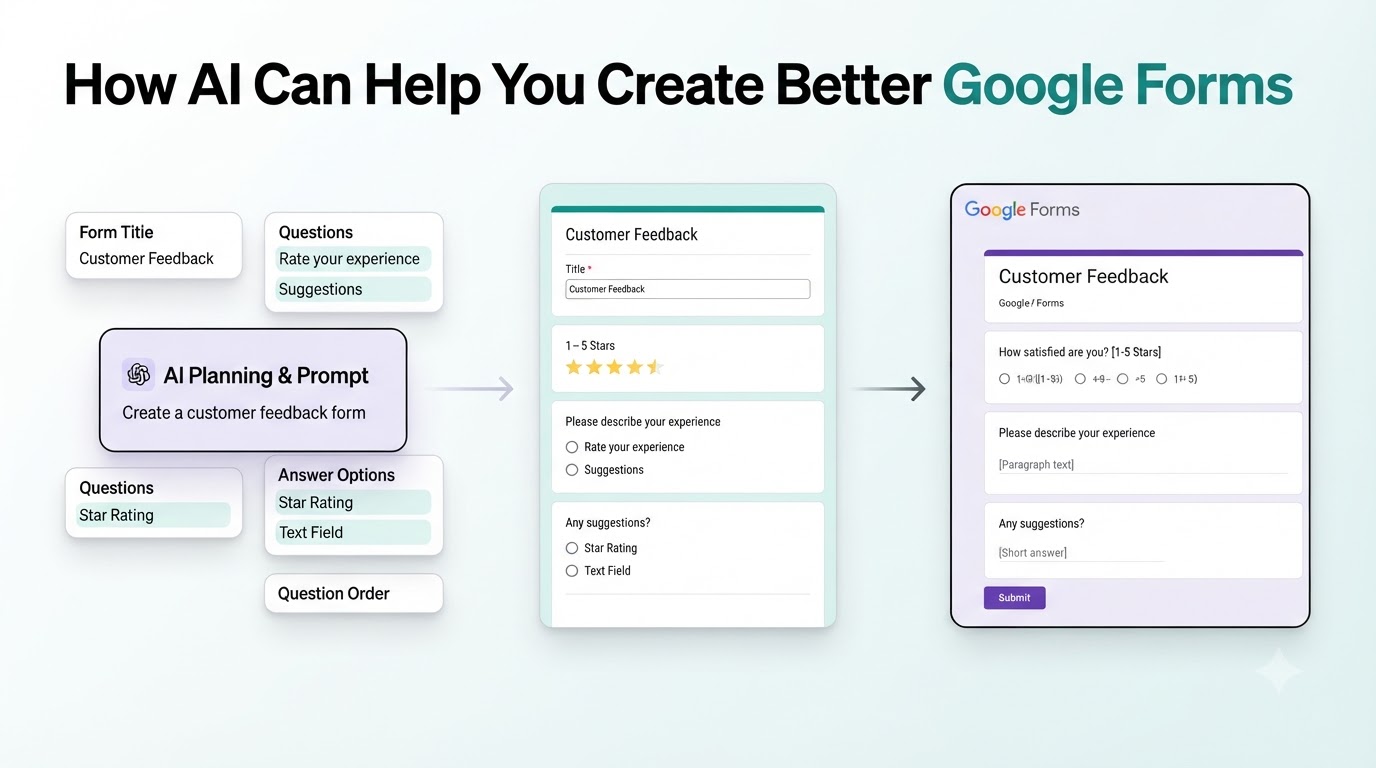
Google Forms is simple for collecting information.
The harder part is creating a good form.
You still need to decide what to ask, how to phrase each question, which fields to use, and how to organize everything. AI can help with much of that work.
Instead of starting with a blank form, you can use AI to plan the structure, improve your questions, and create a better experience for the people filling it out.
Start With the Goal
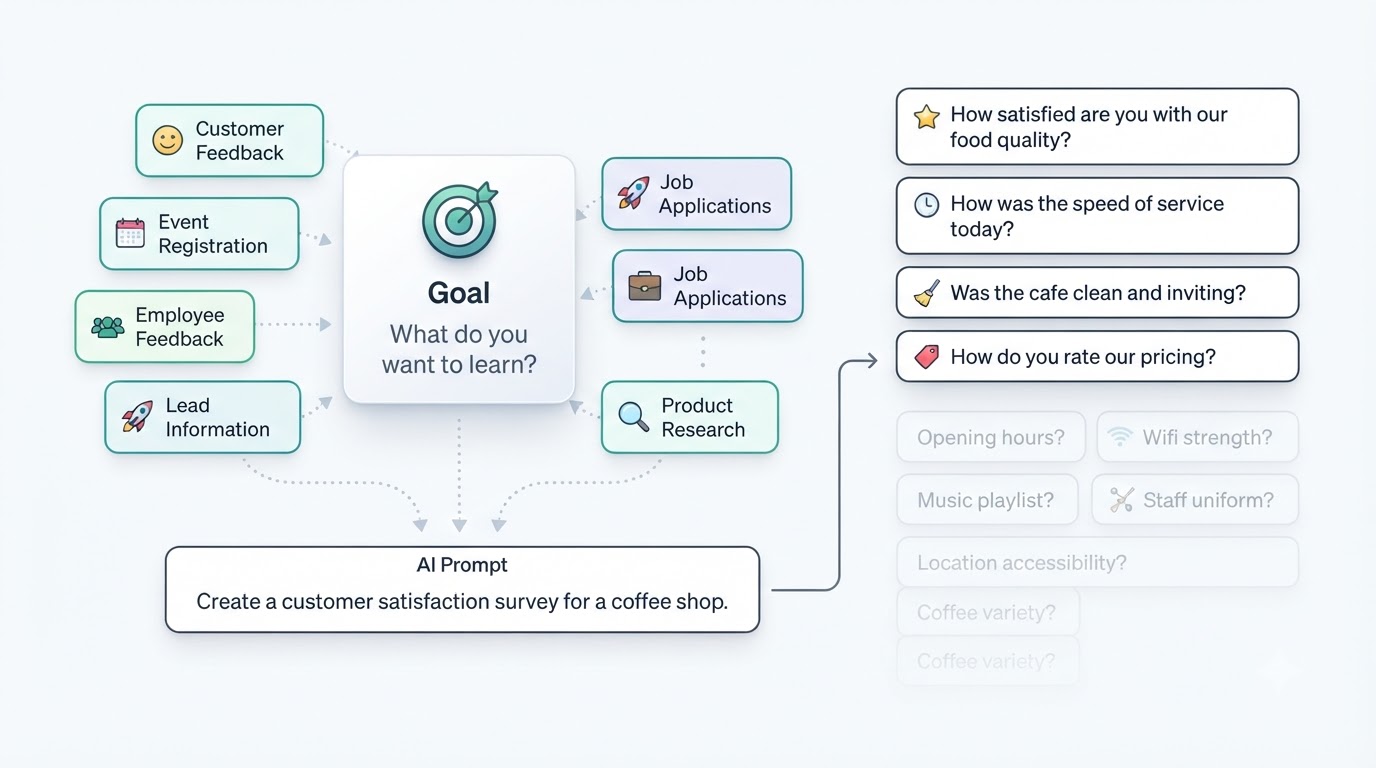
Before creating your form, define what you want to learn or collect.
For example:
• Customer feedback
• Event registrations
• Employee feedback
• Lead information
• Job applications
• Product research
A clear goal makes it easier to decide which questions belong in the form.
AI can help turn that goal into a list of relevant questions.
For example, you could ask:
Create a customer satisfaction survey for a coffee shop.
The AI can suggest questions about food quality, service, cleanliness, pricing, and the overall experience.
You can then select the questions that actually matter for your form.
Generate Better Questions
Writing questions from scratch can take time.
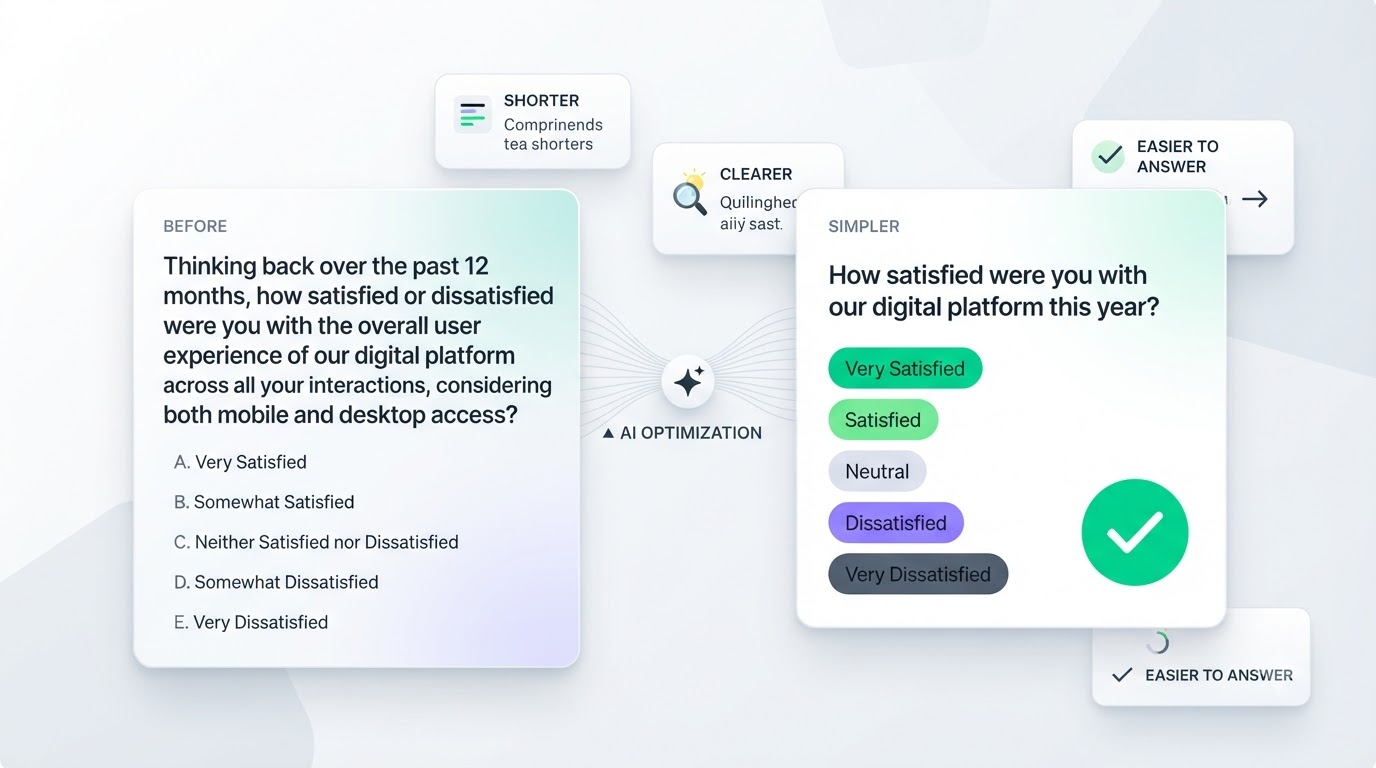
You may also end up with questions that are too long, unclear, or difficult to answer.
AI can help rewrite them.
For example:
Before:
Please provide your opinion regarding the overall quality of the service that you received during your recent visit.
Simpler version:
How would you rate the service you received?
The second question is easier to understand and faster to answer.
Choose the Right Question Types
Google Forms has several question types, including:
• Short answer
• Paragraph
• Multiple choice
• Checkboxes
• Dropdowns
• Linear scales
AI can help you decide which format fits each question.
For example, a question asking someone to select one option should use a different format from a question asking for detailed feedback.
This can make the form easier to complete.
Remove Questions You Don't Need
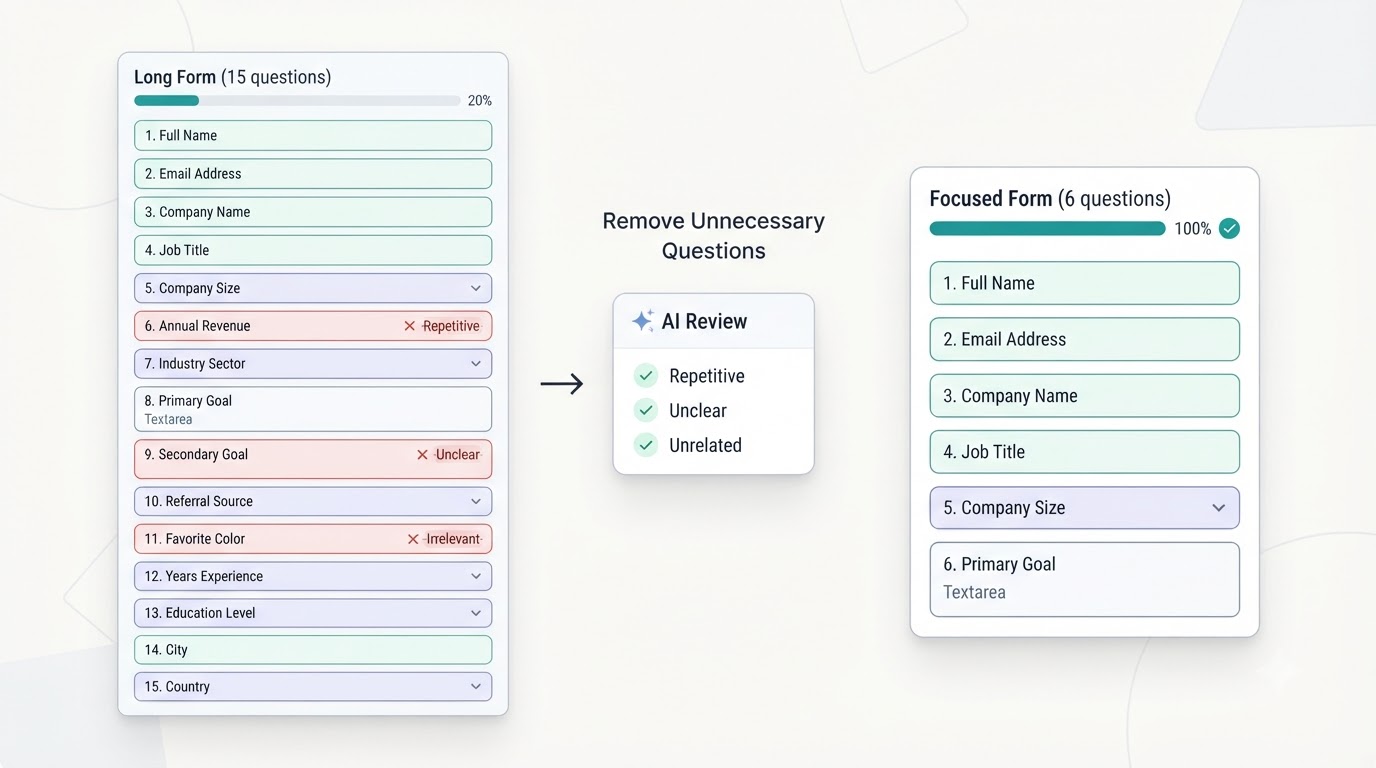
More questions do not automatically mean better data.
If a question does not help you reach your goal, consider removing it.
AI can review your draft and identify questions that are repetitive, unclear, or unrelated to the purpose of the form.
A shorter form is often easier for people to complete.
Improve the Form Structure
The order of your questions matters.
Start with simple questions before moving into questions that require more thought.
For example, a customer feedback form could follow this structure:
1. Customer information
2. Overall satisfaction
3. Product or service rating
4. Specific feedback
5. Suggestions for improvement
AI can help you create a logical sequence before you start building the form in Google Forms.
Create an Introduction
The introduction tells people why you're asking for their information.
A simple introduction can explain:
• Why you're collecting responses
• How long the form takes
• How the information will be used
AI can help you write this section in a clear and natural tone.
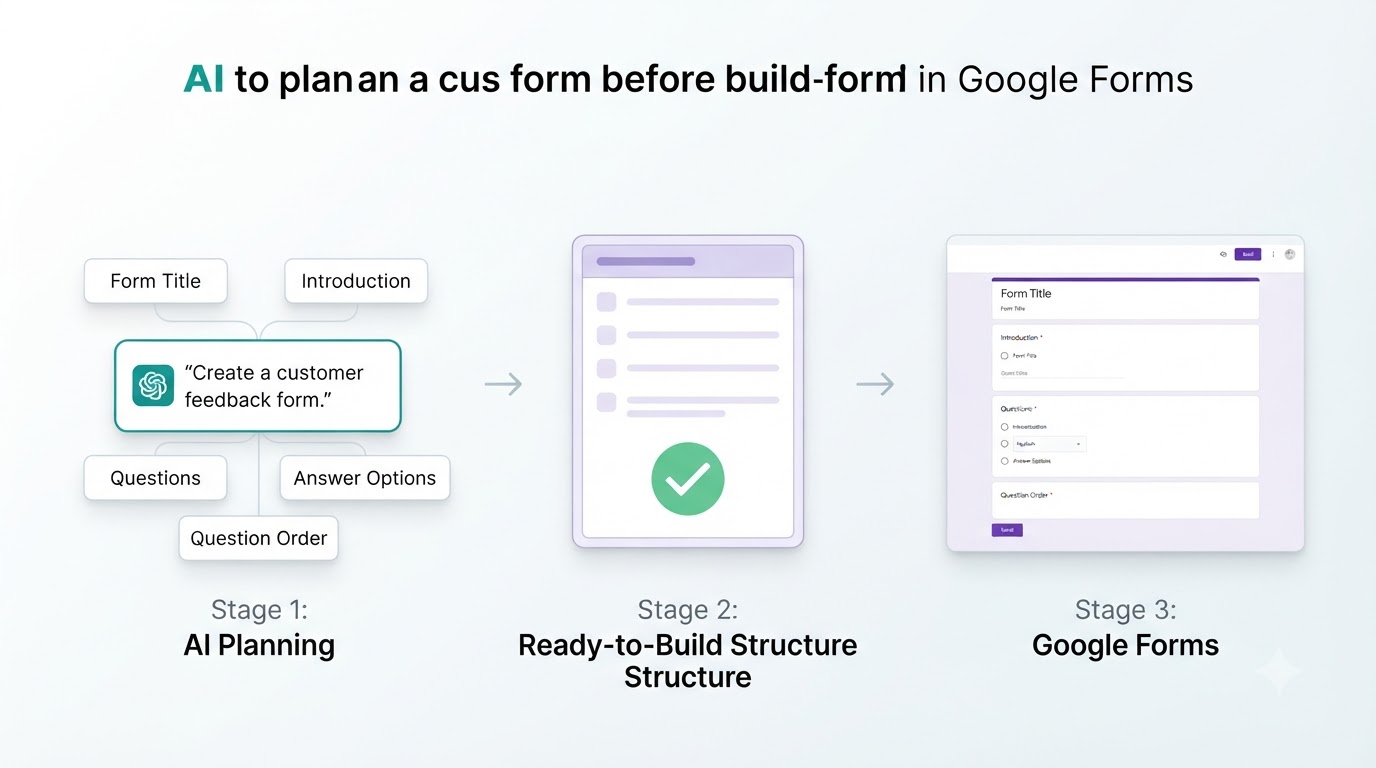
Use AI Before Opening Google Forms
One useful workflow is to use AI for the planning stage and Google Forms for the final form.
You can ask AI to create:
• A form title
• An introduction
• Questions
• Answer options
• Question order
Then take the final structure and build it in Google Forms.
This can save time compared with figuring everything out while building the form.
What About AI Form Builders?
There is another option if you want AI to handle both the creation and the form building process.
AI form builders let you describe the form you need and generate the actual form from your prompt.
For example:
Create a lead generation form for a digital marketing agency.
Instead of receiving only a list of suggested questions, you can start with a generated form and customize it before publishing.
Platforms such as Simplagents follow this approach. You can describe the form in plain English, generate the fields, edit the form, and publish it as a conversational form without building every field manually.
Google Forms Still Has Its Place
Google Forms works well when you already know exactly what you want to create and need a straightforward way to collect responses.
AI is most useful when you're still figuring out the questions, structure, and wording.
You can use both together, or choose an AI form builder when you want the creation process to be more automated.
Final Thoughts
AI can make Google Forms easier to create by helping with the work that happens before you publish the form.
It can help you define questions, improve wording, choose question types, organize the flow, and remove unnecessary questions.
The goal is simple: spend less time figuring out what to put in the form and more time using the responses you collect.
What form would you like to create?
Describe your idea, and AI will generate and configure the perfect form.