How to Create a High Converting Landing Page Without Coding
Created: 15/09/2026
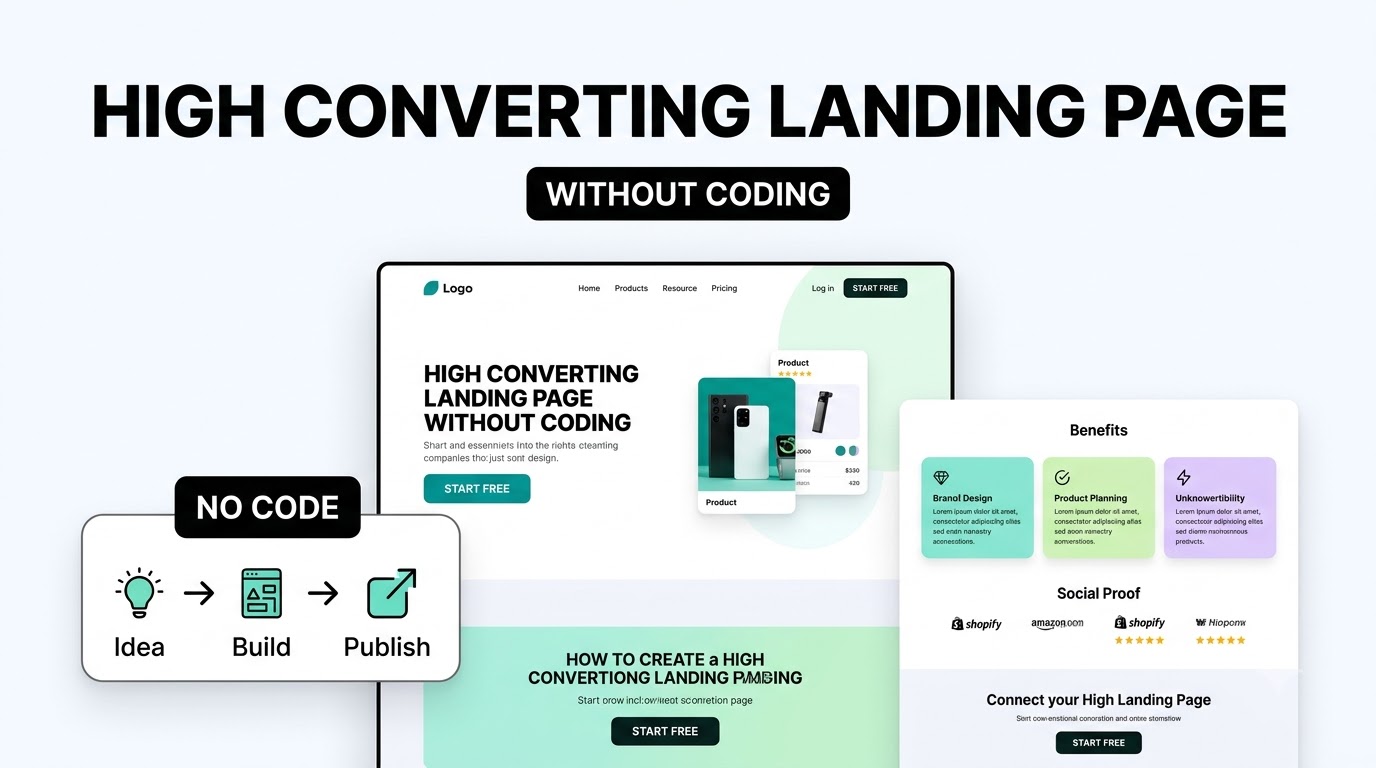
You don't need to know HTML, CSS, or JavaScript to create a landing page.
Today, no-code landing page builders let you create a page using visual editors, templates, and AI. The harder part is not building the page. It is deciding what to put on it and how to guide visitors toward one clear action.
A high-converting landing page should make three things clear within seconds:
• What are you offering?
• Who is it for?
• What should the visitor do next?
Here is how to create one without writing code.
1. Start With One Goal
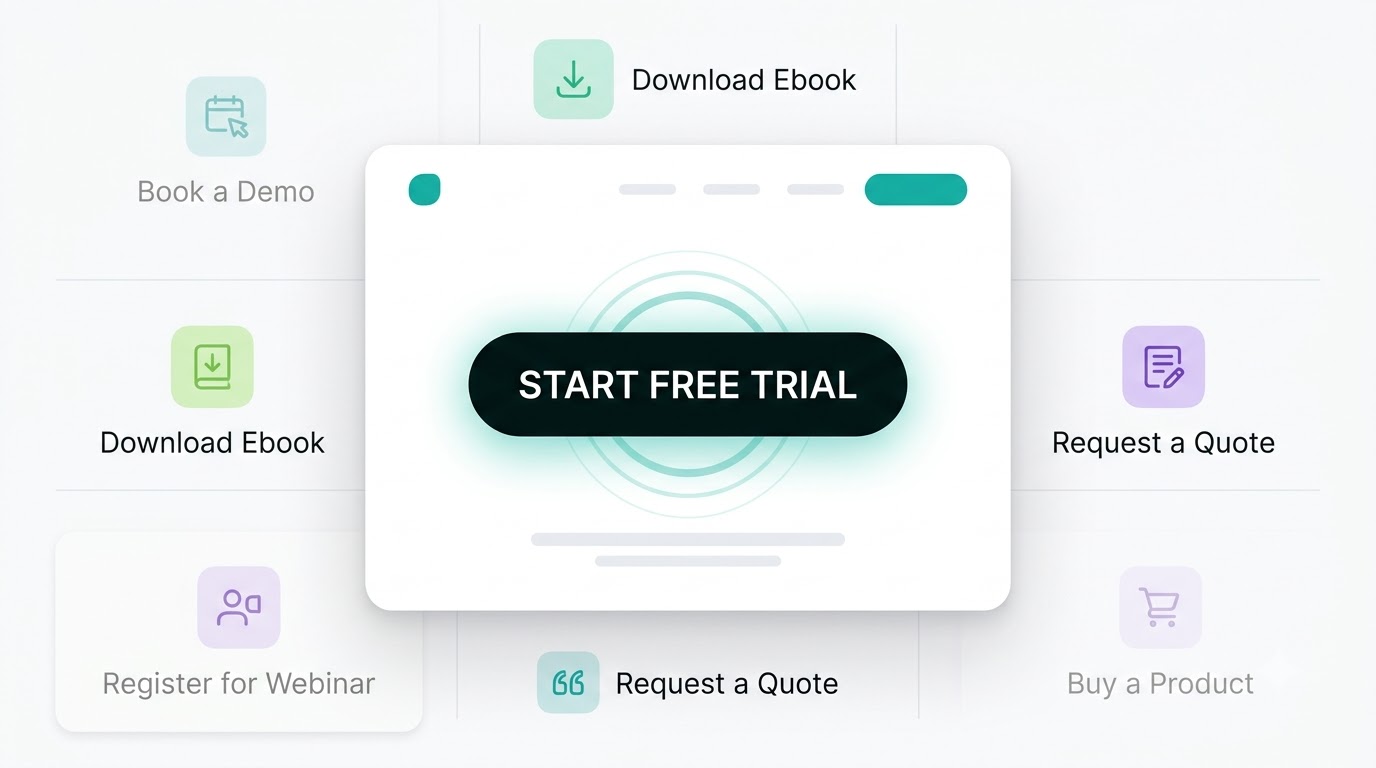
Before opening a landing page builder, decide what you want visitors to do.\
Your goal could be:
• Sign up for a free trial
• Book a demo
• Download an ebook
• Register for a webinar
• Request a quote
• Buy a product
Try to keep one primary goal for each landing page. If you ask visitors to choose between too many actions, they may not take any of them.
For example, if you're promoting a SaaS product, “Start Free Trial” could be your main CTA.
2. Write a Clear Headline
Your headline is one of the first things visitors see, so it should explain the value of your offer quickly.
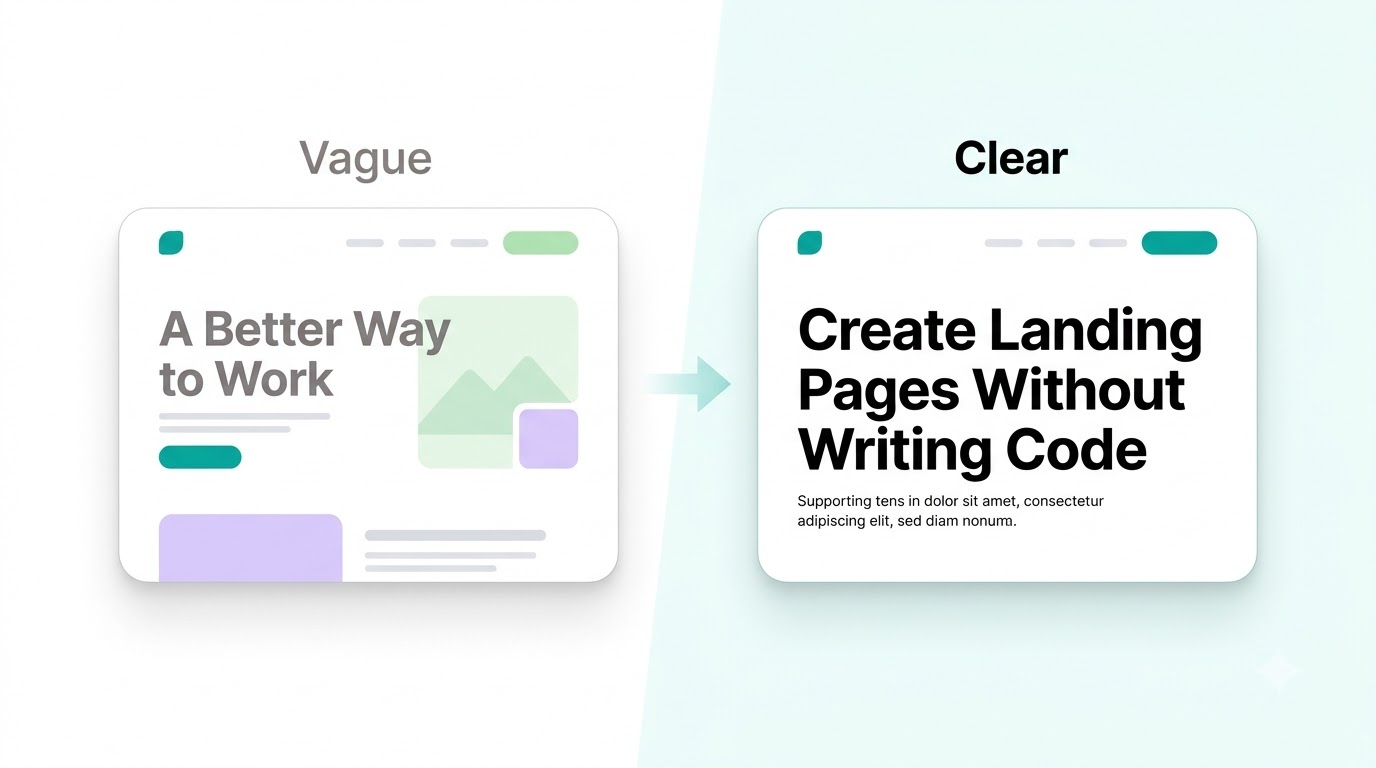
Instead of writing something vague like:
“A Better Way to Work”
Be specific about the problem and outcome:
“Create Landing Pages Without Writing Code”
The second headline tells visitors exactly what the product does.
Add a short supporting sentence below it to explain the offer in more detail.
3. Add a Strong Call to Action
Your CTA should tell visitors exactly what to do.
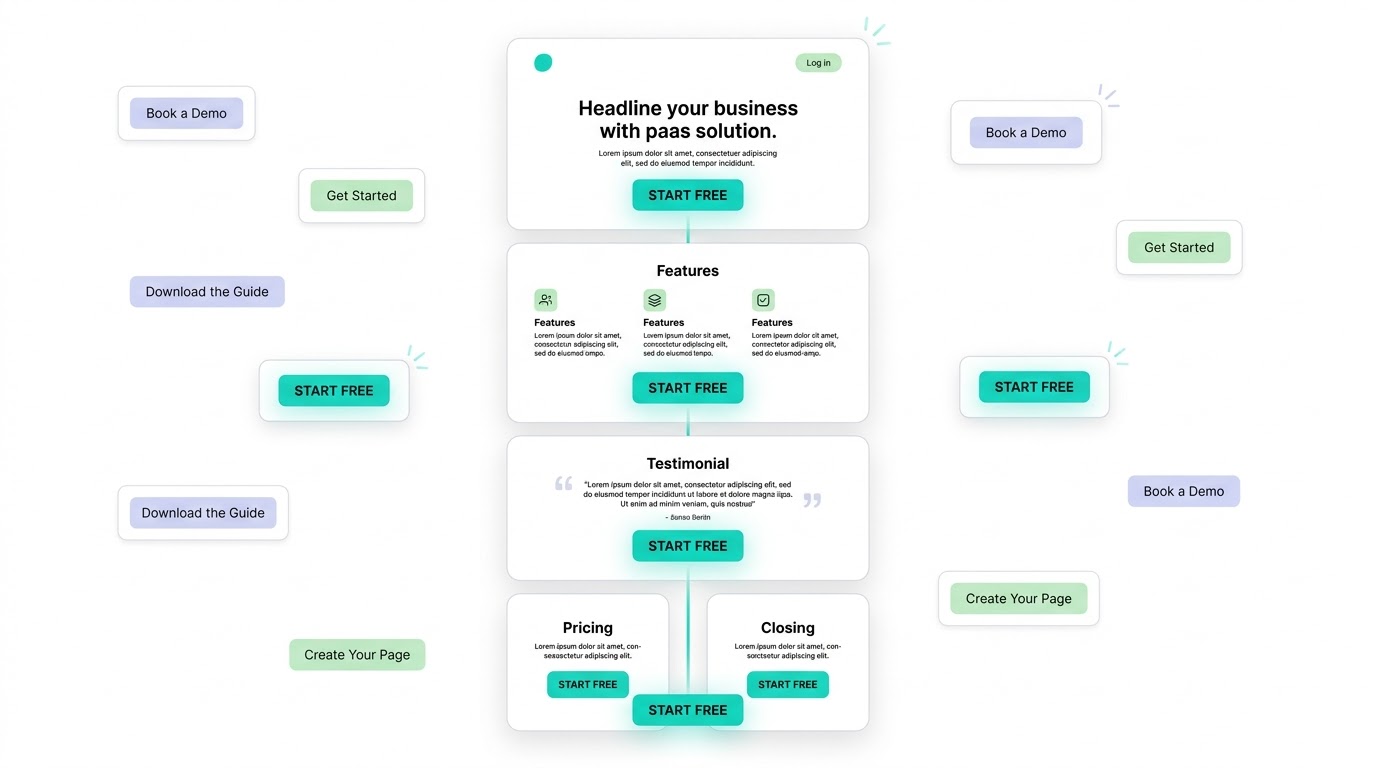
Examples include:
Start Free
Book a Demo
Get Started
Download the Guide
Create Your Page
Keep the primary CTA consistent throughout the page. You can repeat it after important sections, but avoid using several competing CTAs.
4. Show How Your Product Works
People should understand your product before they have to make a decision.
Use screenshots, product previews, short videos, or simple illustrations to show what they will get.
For example, a landing page builder could show:
Choose a template → Customize the page → Publish
This can communicate the process faster than several paragraphs of text.
5. Explain the Benefits
Don't only list features. Explain how those features help the customer.
For example:
Feature: Drag-and-drop editor
Benefit: Build and edit pages without writing code.
Feature: A/B testing
Benefit: Compare different page versions and find what converts better.
This makes the page easier to understand and connects the product to the visitor's problem.
6. Add Social Proof
Visitors may hesitate if they don't know whether they can trust your product.
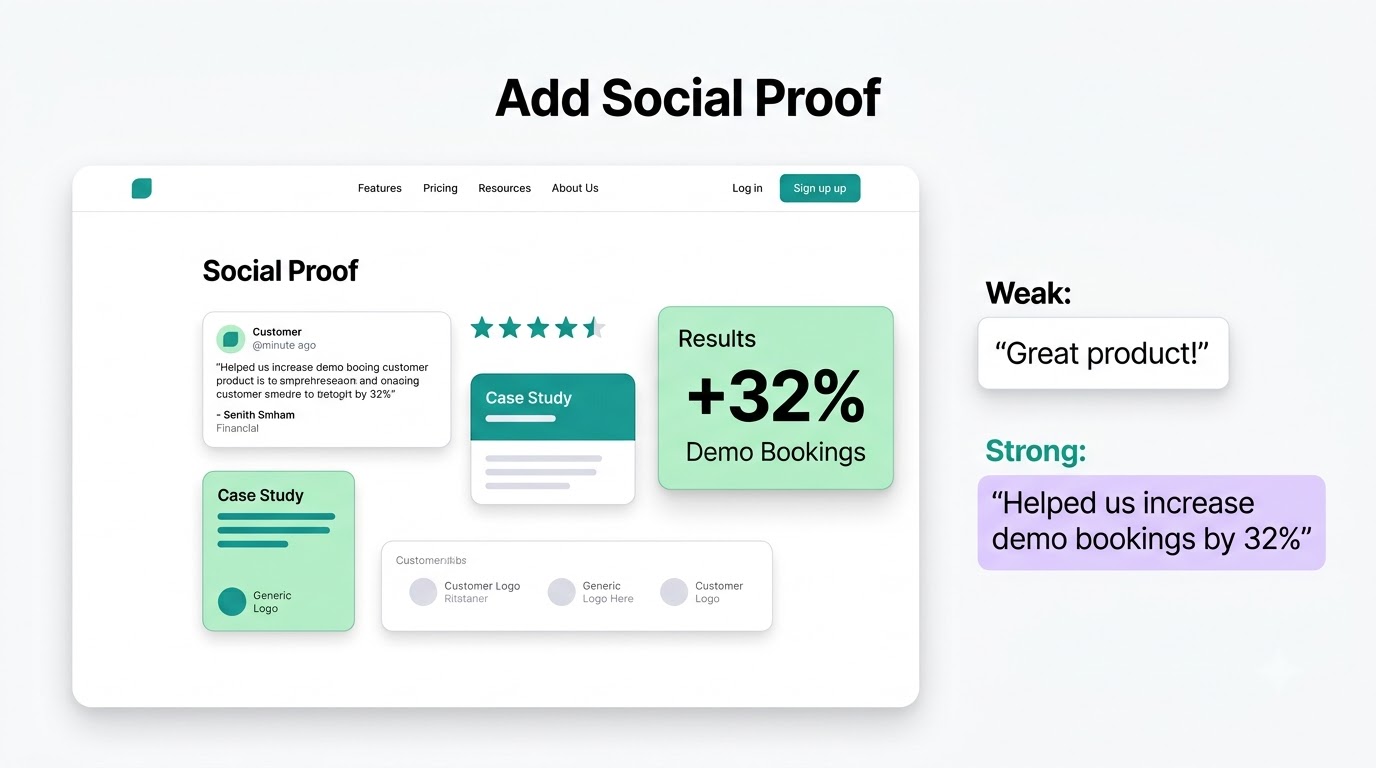
Add relevant proof such as:
• Customer testimonials
• Reviews
• Case studies
• Customer logos
• Results
• Number of customers
Keep the proof specific when possible.
For example, “Helped us increase demo bookings by 32%” is more useful than “Great product!”
7. Handle Common Objections
Think about the questions stopping someone from converting.
They might wonder:
• Is it free?
• How long does setup take?
• Do I need technical skills?
• Can I cancel anytime?
• Does it integrate with my existing tools?
Answer these questions directly on the page.
A short FAQ section near the bottom can handle several common objections without making the main page feel crowded.
8. Build the Page With a No Code Tool
Once you have your content and structure, use a no-code landing page builder.
You can start with a template or create the page from scratch using a visual editor. Some AI-powered builders can also generate the initial page from a description of your product and audience.
For example, with an AI landing page builder such as Simplagents, you can describe the landing page you want and let AI help create the page structure and content. You can then customize the result before publishing it.
This can save time compared with designing every section manually.
9. Make the Page Easy to Scan
Most visitors won't read every word on your landing page.
Use:
• Short paragraphs
• Clear section headings
• Descriptive buttons
• Visuals
• Plenty of whitespace
• A logical content order
Your page should make sense even when someone quickly scrolls through it.
10. Test Before You Publish
Before sending traffic to your page, test the entire experience.
Check the page on both desktop and mobile. Click every button and submit every form. Make sure the CTA works and visitors reach the right destination.
Once the page is live, look at your conversion data.
If many people visit the page but few take action, test different elements such as the headline, CTA, offer, page structure, or form.
A Simple High Converting Landing Page Structure
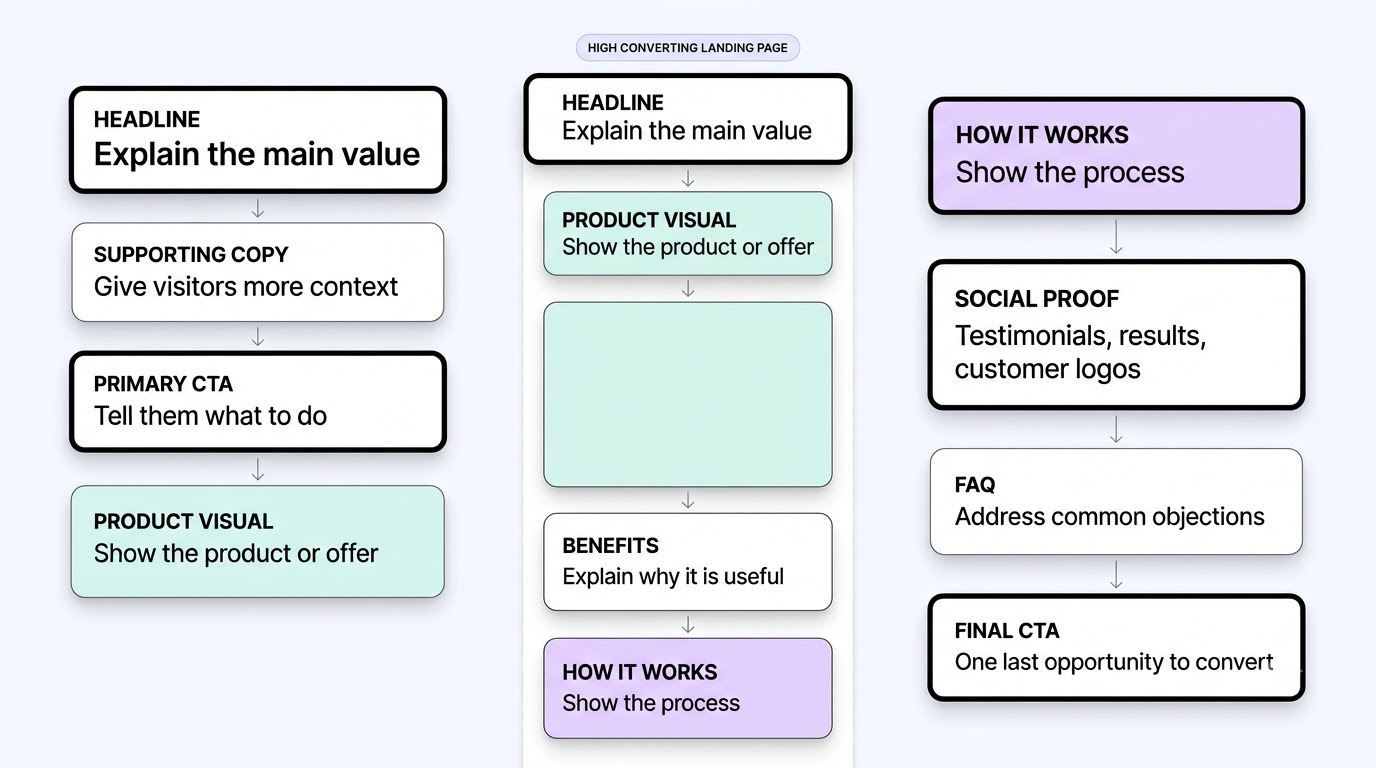
If you're starting from scratch, you can use this structure:
Headline
Explain the main value.
Supporting copy
Give visitors more context.
Primary CTA
Tell them what to do.
Product visual
Show the product or offer.
Benefits
Explain why it is useful.
How it works
Show the process in a few steps.
Social proof
Add testimonials, results, or customer logos.
FAQ
Address common objections.
Final CTA
Give visitors one last opportunity to convert.
Final Thoughts
Creating a landing page without coding is easy with today's no-code and AI-powered tools. The bigger challenge is creating a page that gives visitors a clear reason to take action.
Start with one goal, write a specific headline, explain the benefits, add relevant proof, remove unnecessary distractions, and test the page after publishing.
You don't need to build a complicated website. You need a focused page that makes the next step obvious.
What landing page would you like to create?
Describe your business, product, or idea, and AI will create a complete landing page for you.