How to Create a Portfolio Website With No Coding Skills
Created: 19/10/2026
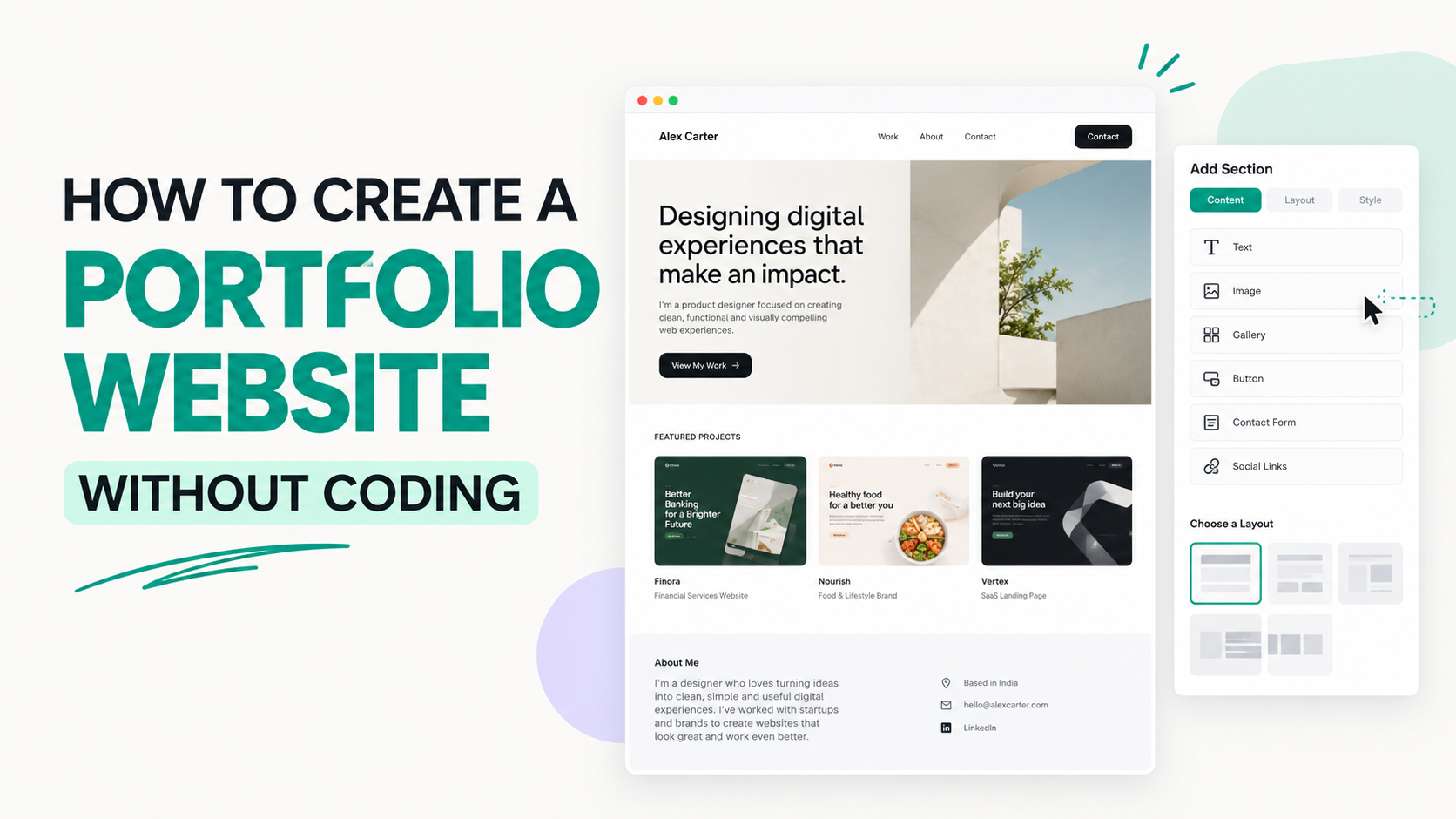
You don't need to know HTML, CSS, or JavaScript to create a professional portfolio website. No code website builders let you create pages using templates, visual editors, and AI tools.
A portfolio website helps you showcase your work, explain your skills, and give potential clients or employers a way to contact you. Whether you're a designer, marketer, developer, photographer, or freelancer, you can build one without writing code.
Here's how to get started.
1. Decide What Your Portfolio Should Show
Before choosing a website builder, decide what you want your portfolio to achieve.
For example, if you're a digital marketer, you might want to showcase advertising campaigns, marketing projects, analytics, and case studies. If you're a designer, you might focus on website designs, branding projects, and visual work.
Your portfolio should make it clear what you do and who you help.
2. Choose a No Code Website Builder
You don't need to build your website from scratch. A no-code builder gives you the tools to create and publish a website visually.
Here are a few options:
• Simplagents: Use AI to generate and configure a portfolio page from a description.
• Framer: Build visually polished portfolios with detailed design control.
• Wix: Create a portfolio using templates, visual editing, and website tools.
• Carrd: Make a simple, one-page portfolio.
Choose a builder based on your needs. If you want to start with an AI-generated page, Simplagents is one option to consider.
3. Create a Strong Homepage
Your homepage should tell visitors who you are, what you do, and why they should explore your work.
Include these elements:
Headline: Clearly describe your role or specialty.
For example: “I Help SaaS Companies Grow Through Performance Marketing.”
Short introduction: Explain your experience, skills, and the type of work you do.
Call to action: Add a button such as “View My Work” or “Contact Me.”
Profile image or visual: Use a professional photo, personal brand graphic, or relevant visual that fits your style.
Keep the homepage focused. Visitors should understand what you offer within a few seconds.
4. Showcase Your Best Projects
Your projects are the most important part of your portfolio. Choose a few strong examples instead of adding every piece of work you've ever done.
For each project, explain:
• The goal: What were you trying to achieve?
• Your role: What work did you handle?
• Your process: What steps did you take?
• The outcome: What changed or what did you learn?
If you don't have client projects yet, you can create personal projects, redesign existing websites as practice, or build sample campaigns. Clearly label self initiated work so visitors understand the context.
5. Add an About and Contact Section
Your portfolio should give visitors enough information to decide whether they want to work with you.
In your About section, share your background, main skills, experience, and the kind of opportunities you're looking for.
Then make it easy to contact you. Include a professional email address, a contact form, or links to relevant profiles such as LinkedIn and GitHub.
Don't make visitors search through your entire website to find your contact information.
6. Use AI to Build Your Portfolio Faster
If you're unsure how to structure your portfolio, AI can help you create the first version.
For example, with Simplagents, you can describe the type of portfolio you want and let AI help generate and configure the page.
You could use a prompt like this:
Create a modern portfolio website for a performance marketer specializing in Google Ads, paid acquisition, and SaaS growth. Include a hero section, introduction, skills, selected projects, case studies, and contact section. Use a clean black and white design with vivid red accents. Make the layout responsive and easy to navigate.
Once the page is generated, review the content, add your actual projects, and adjust the design to match your personal brand.
AI can help with the initial structure, but your real work and experience are what make the portfolio valuable.
7. Make Sure Your Website Works on Mobile
Many visitors will open your portfolio on a phone, so check how it looks on smaller screens.
Make sure headings are readable, images fit the screen, buttons are easy to tap, and project details aren't difficult to navigate.
Also, compress large images and remove unnecessary animations that slow down the page.
8. Publish and Keep Improving
Before publishing, check every link, test your contact form, review spelling, and make sure your projects display correctly.
You can then add your portfolio link to your resume, LinkedIn profile, job applications, and email signature.
Keep updating it as you complete new projects or learn new skills. A portfolio should reflect the work you can do today, not only what you were doing when you first created it.
What landing page would you like to create?
Describe your business, product, or idea, and AI will create a complete landing page for you.
Final Thoughts
Creating a portfolio website without coding is straightforward when you use the right tools and plan your content first.
Start with a clear homepage, showcase your best projects, explain your role in each project, and make it easy for visitors to contact you.
You can use Simplagents or another no code builder to create the website without writing code. Focus on presenting your work honestly and clearly. A simple portfolio with strong projects is more useful than a complicated website with little to show.
Templates for absolutely anything
Launch AI agents, workflows, forms and tools in minutes. Use ready-made template patterns customized for support, lead generation, sales, and operations.