How to Create a Restaurant Website That Attracts More Customers
Created: 16/11/2026
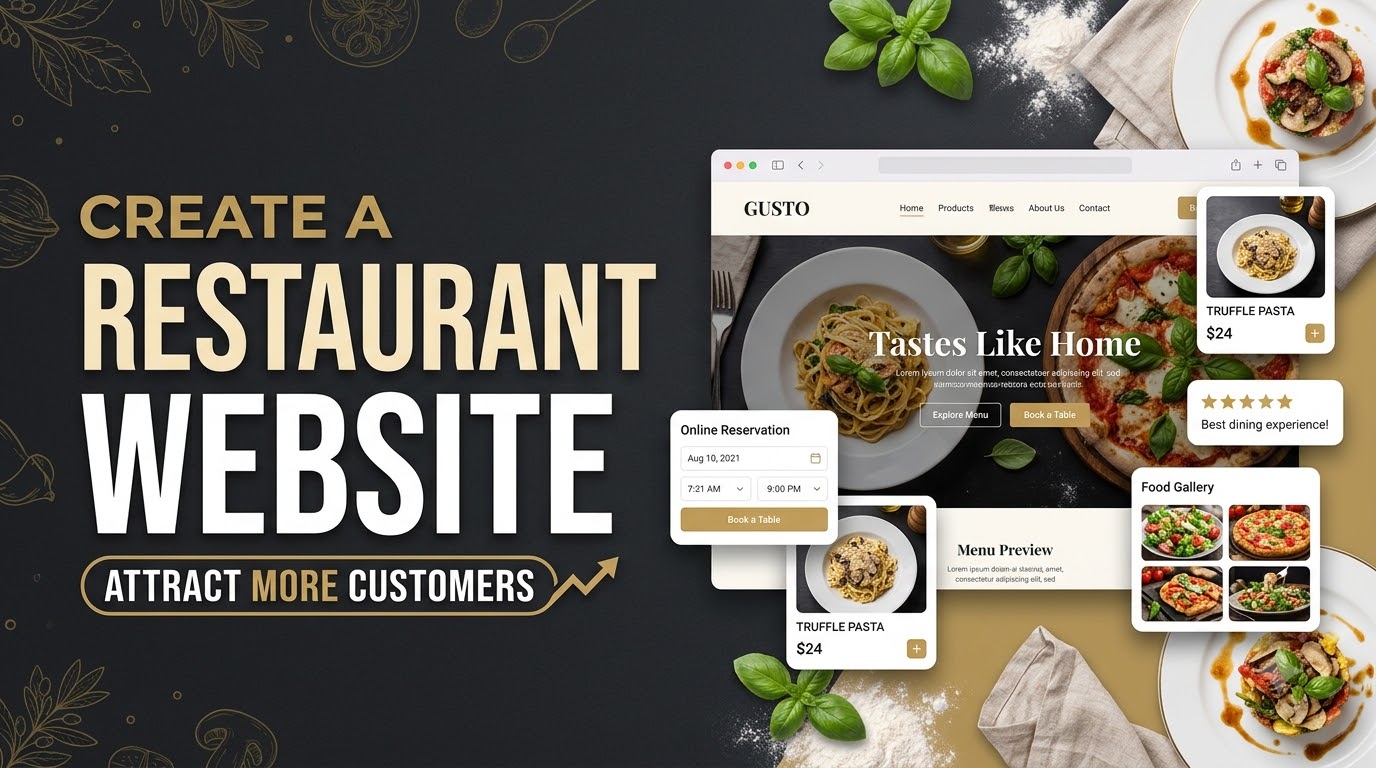
A restaurant website gives potential customers a place to explore your menu, discover your food, check your location, and learn more about your restaurant before visiting. It also helps you build an online presence and make it easier for people to place orders or book tables.
Whether you own a café, fine dining restaurant, fast food outlet, or family restaurant, a professional website can help you reach more customers.
You don't need advanced technical skills to build one. Here's a step-by-step guide to creating a restaurant website.
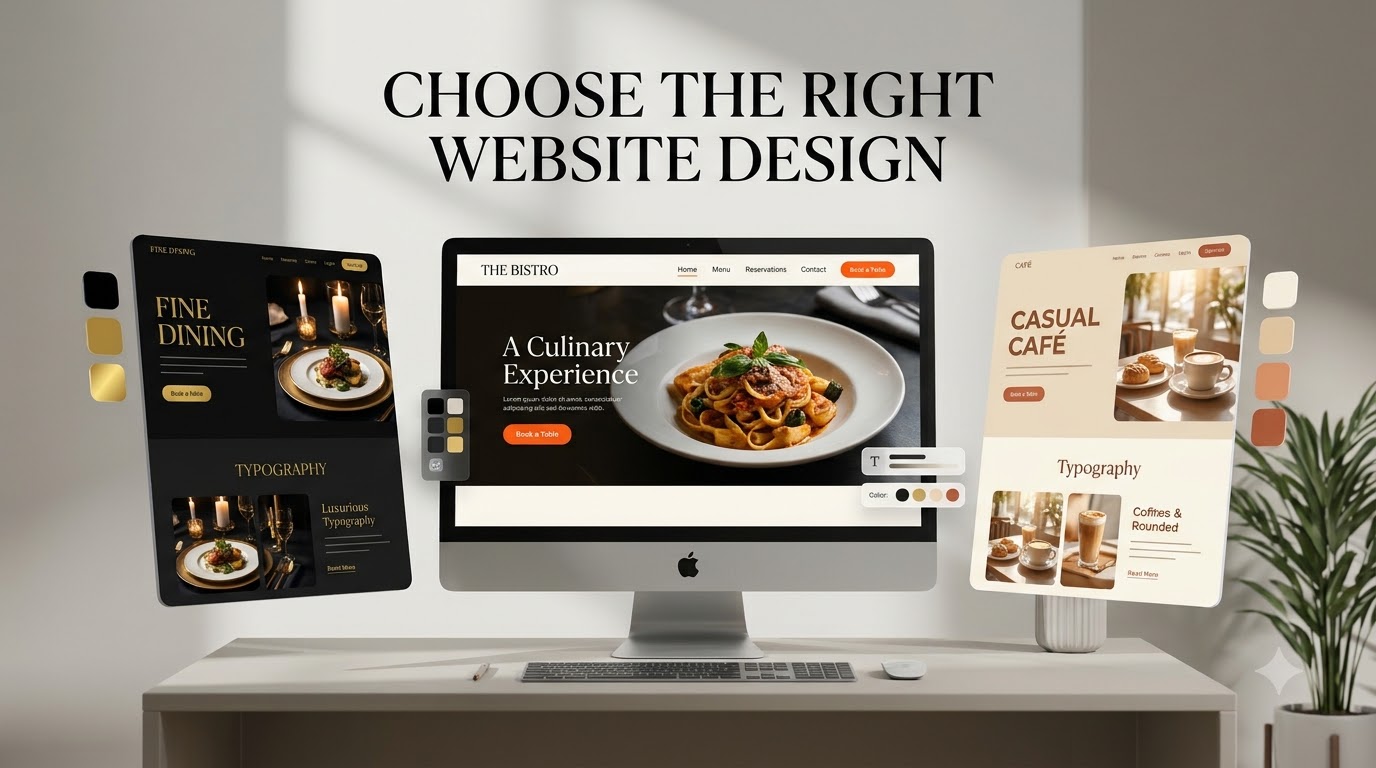
1. Choose the Right Website Design
Start by deciding how you want your restaurant website to look and feel. Your design should reflect your restaurant's identity, food, and dining experience.
For example, a fine dining restaurant might use elegant typography, dark colors, and large food photographs. A casual café might prefer a bright layout with warm colors and a relaxed appearance.
Choose a design that matches your restaurant and makes information easy to find.
2. Add Essential Website Sections
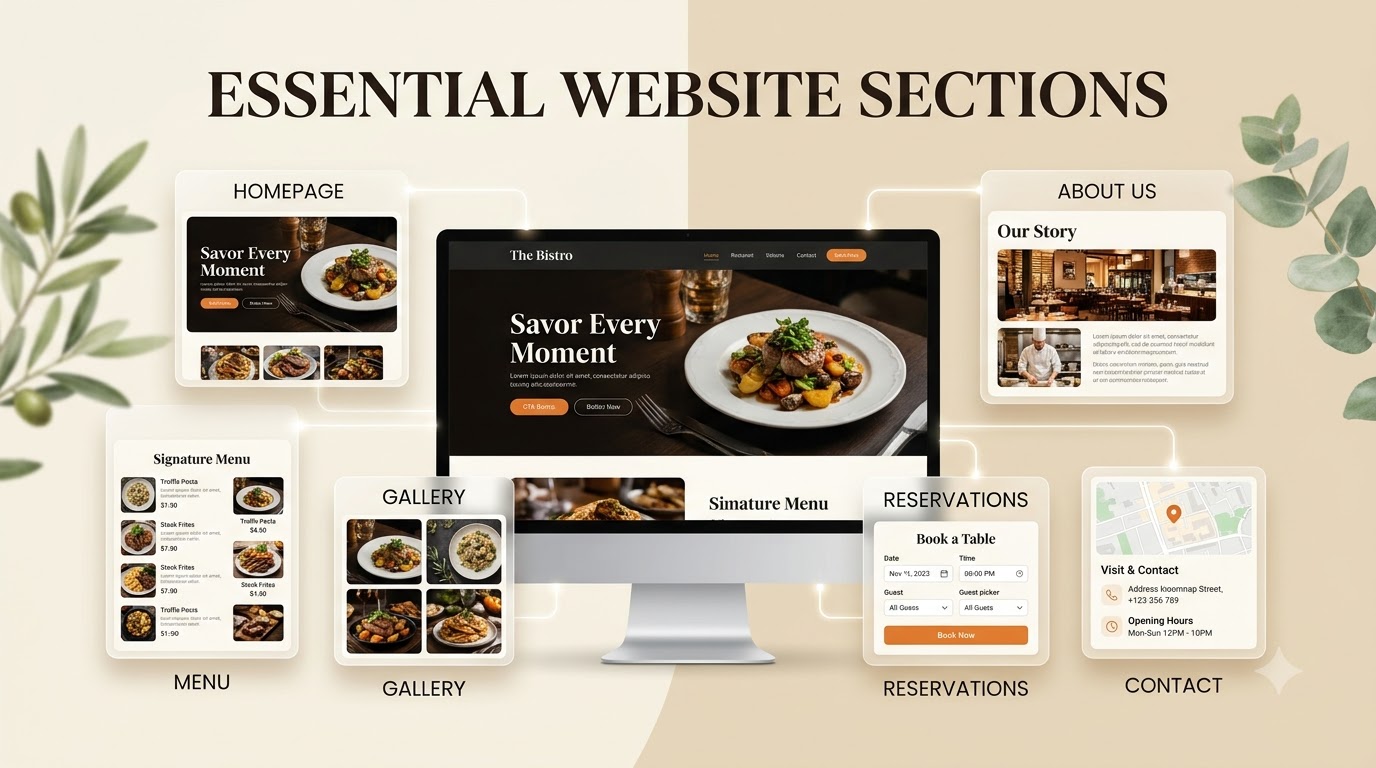
A restaurant website should provide all the important information customers need.
Consider including these sections:
• Homepage: Introduce your restaurant with a welcoming headline and attractive food photography.
• Menu: Display your dishes, descriptions, and prices.
• About Us: Share your restaurant's story, cooking style, and philosophy.
• Gallery: Showcase food, interiors, dining areas, and special events.
• Reservations: Allow customers to book tables online.
• Contact: Add your address, phone number, opening hours, and location map.
Organize these sections clearly so visitors can find what they need without difficulty.
3. Showcase Your Food With High-Quality Images
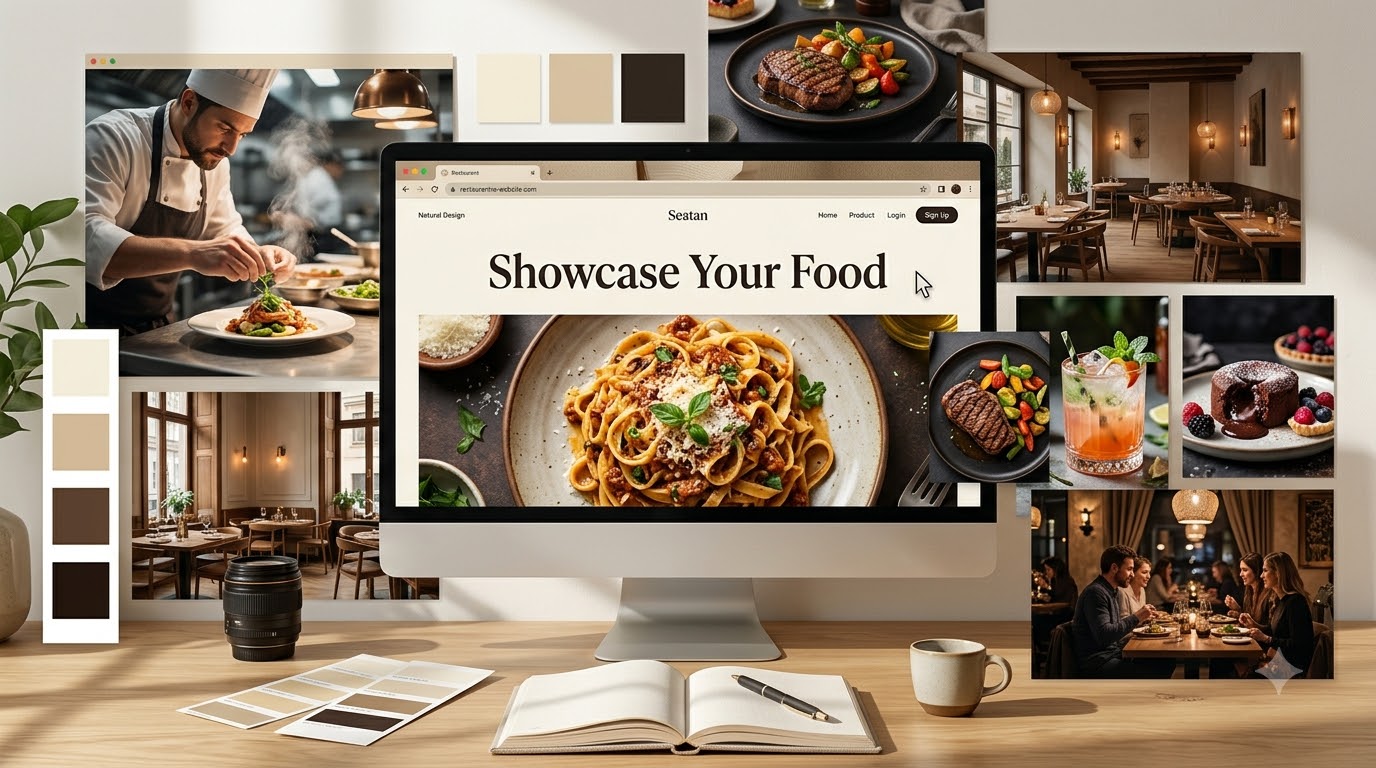
Food photography plays an important role in a restaurant website. Attractive images help visitors understand what you serve and give them a better idea of the dining experience.
Use high-quality photographs of your signature dishes, restaurant interiors, drinks, and special offerings.
Avoid using too many unrelated stock images. Your own restaurant photographs can give visitors a more accurate impression of your food and atmosphere.
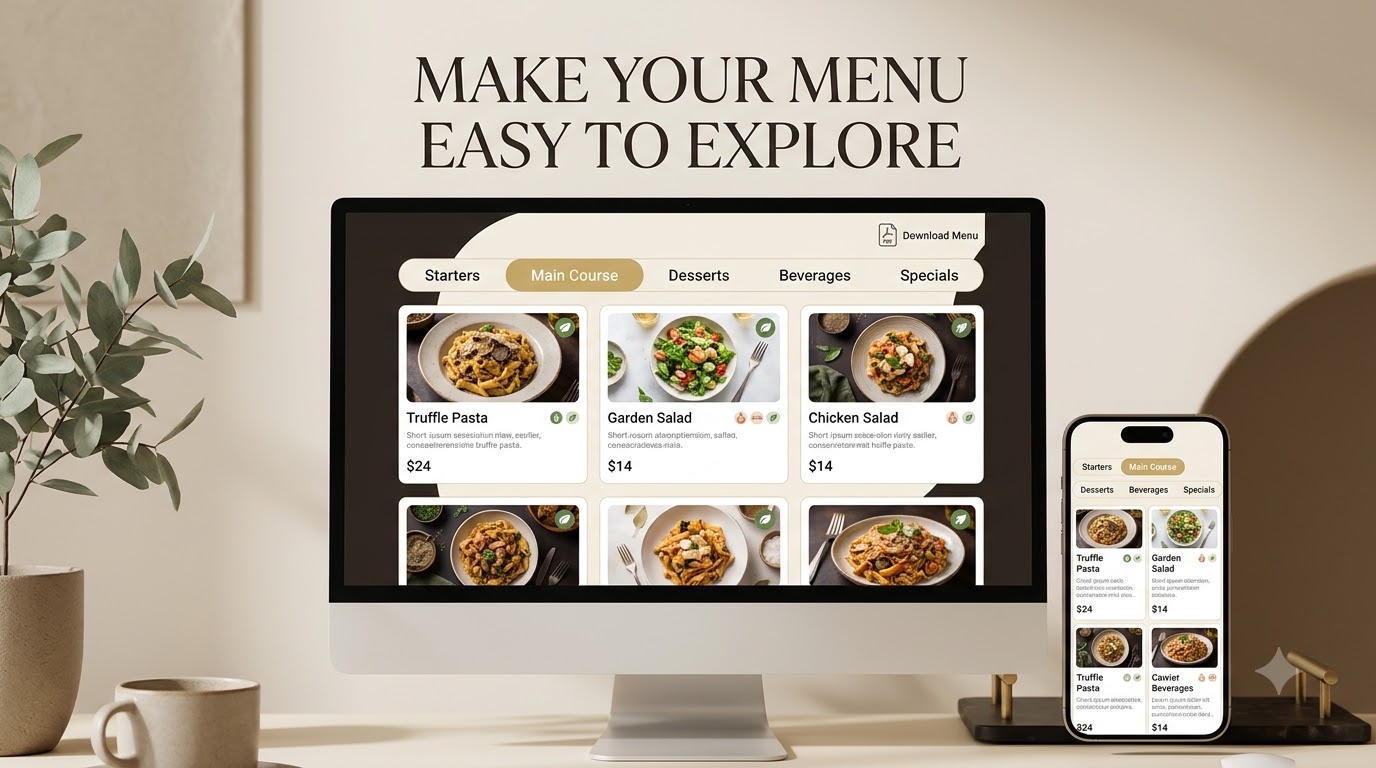
4. Make Your Menu Easy to Explore
Your menu is one of the most important parts of your restaurant website.
Organize dishes into categories such as starters, main courses, desserts, beverages, and specials. Include clear descriptions and current prices.
If you offer vegetarian, vegan, or other dietary options, make them easy to identify.
You can also include a downloadable menu, but make sure the menu is readable directly on your website, especially on mobile devices.
5. Add Online Ordering and Table Reservations
Make it convenient for customers to take the next step.
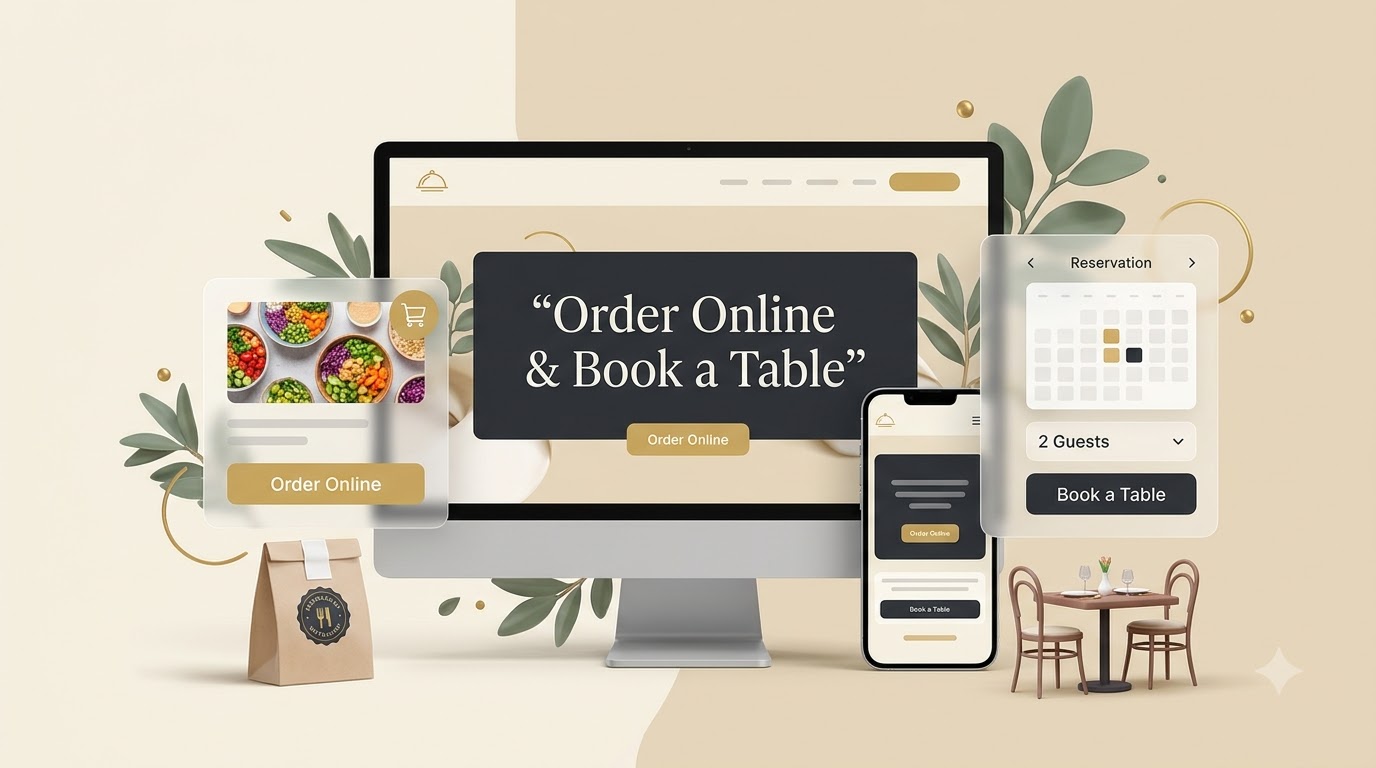
If your restaurant offers takeaway or delivery, include an online ordering option. If you accept table reservations, add a booking form or reservation system.
Place these options where visitors can easily find them, such as in the main navigation or homepage.
Clear buttons such as "Order Online" and "Book a Table" help customers understand what to do next.
Final Thoughts
Creating a restaurant website involves more than choosing an attractive design. You need clear information, an easy-to-explore menu, appealing food photography, and convenient ways for customers to order or make reservations.
Start with the essential sections, choose a design that reflects your restaurant, and make the website easy to use on mobile devices.
You can build it yourself or use an AI website builder like Simplagents to generate the initial website without coding. A well-organized restaurant website can help potential customers discover your restaurant and decide to visit.
Templates for absolutely anything
Launch AI agents, workflows, forms and tools in minutes. Use ready-made template patterns customized for support, lead generation, sales, and operations.