lead capture form
Created: 27/07/2026
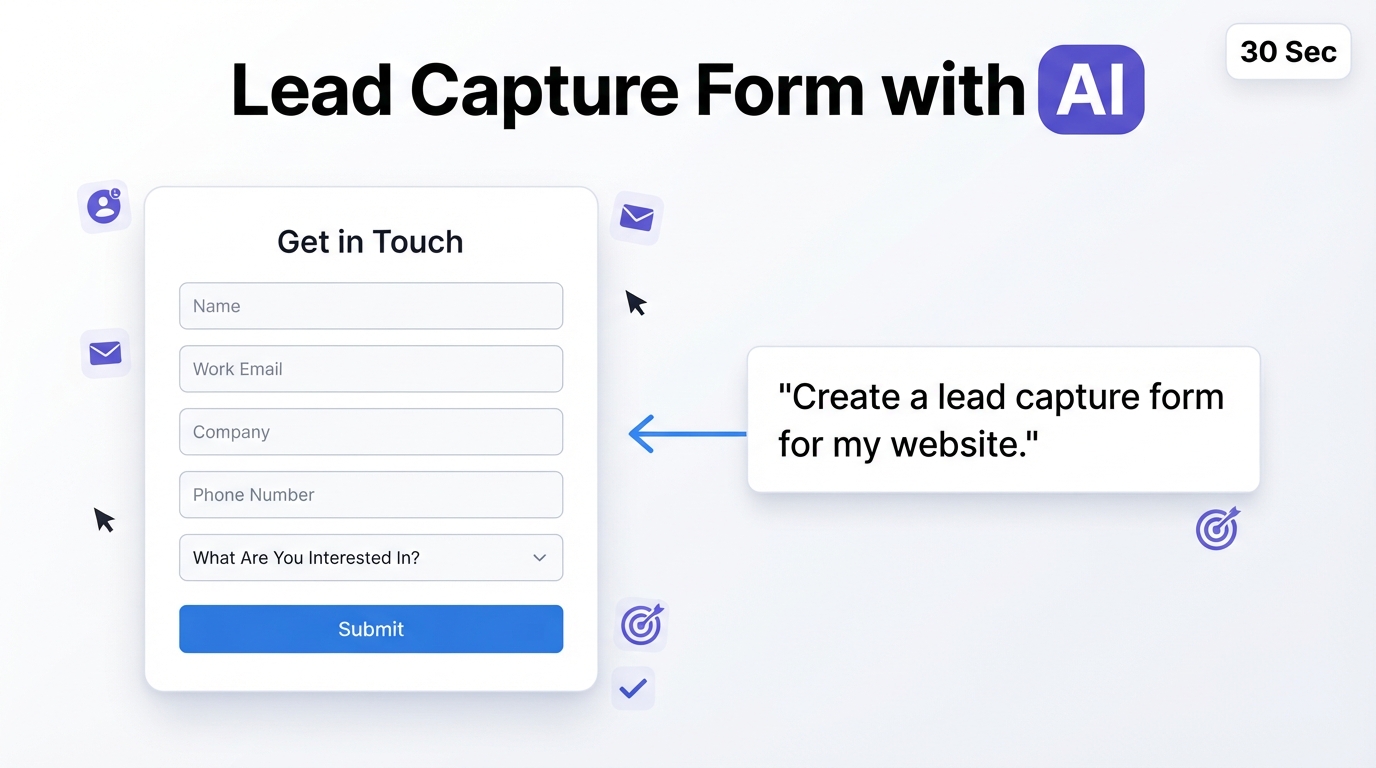
Someone visits your website and shows interest in what you offer. A lead capture form gives them a quick way to share their details so you can continue the conversation.
You can use lead capture forms on landing pages, product pages, blog posts, event pages, and anywhere you want visitors to contact your business.
What Is a Lead Capture Form?
A lead capture form is an online form used to collect contact information from potential customers.
Depending on your business, you might ask for a name, email address, phone number, company name, or a few details about what the person needs.
The goal is simple. Collect enough information to understand the lead without making the form difficult to complete.
Why Use a Lead Capture Form?
A lead capture form can help you:
• Collect contact details from potential customers
• Turn website visitors into leads
• Build an email list
• Collect demo or consultation requests
• Understand what potential customers need
• Send leads to your sales team
Ask only for information you actually plan to use. A newsletter signup may need only an email address, while a sales inquiry may require more details.
What to Include in a Lead Capture Form
The fields you include depend on what happens after someone submits the form.
Common fields include:
• Name
• Email address
• Phone number
• Company name
• Job title
• What are you interested in?
• How can we help you?
You can also include a clear consent checkbox when you plan to send marketing communications.
Create a Lead Capture Form with AI
You can create a lead capture form by describing what you want to collect.
For example, type:
Create a lead capture form for a digital marketing agency. Ask for name, work email, company name, website, monthly marketing budget, services they are interested in, and a short description of their goals.
AI creates the form in seconds. Review the fields, customize the design, and add the form to your website or share it through a link.
Create a Lead Capture Form with AI
Describe your business and AI will generate a lead capture form designed to collect qualified leads.
Where Can You Use a Lead Capture Form?
Lead capture forms can work across different parts of your website and marketing campaigns.
You can use one on:
• Landing pages
• Contact pages
• Product pages
• Demo request pages
• Webinar registration pages
• Newsletter signup pages
• Download and resource pages
Match the form to the visitor’s intent. Someone requesting a demo may be willing to provide more information than someone joining a newsletter.
Create Your Lead Capture Form
Create a lead capture form for your website, campaign, or business. Add the fields yourself or describe what you need and create the form with AI. Customize it, share it, and start collecting leads in one place.