Registration Forms: Best Practices, Examples, and Free Templates
Created: 17/08/2026
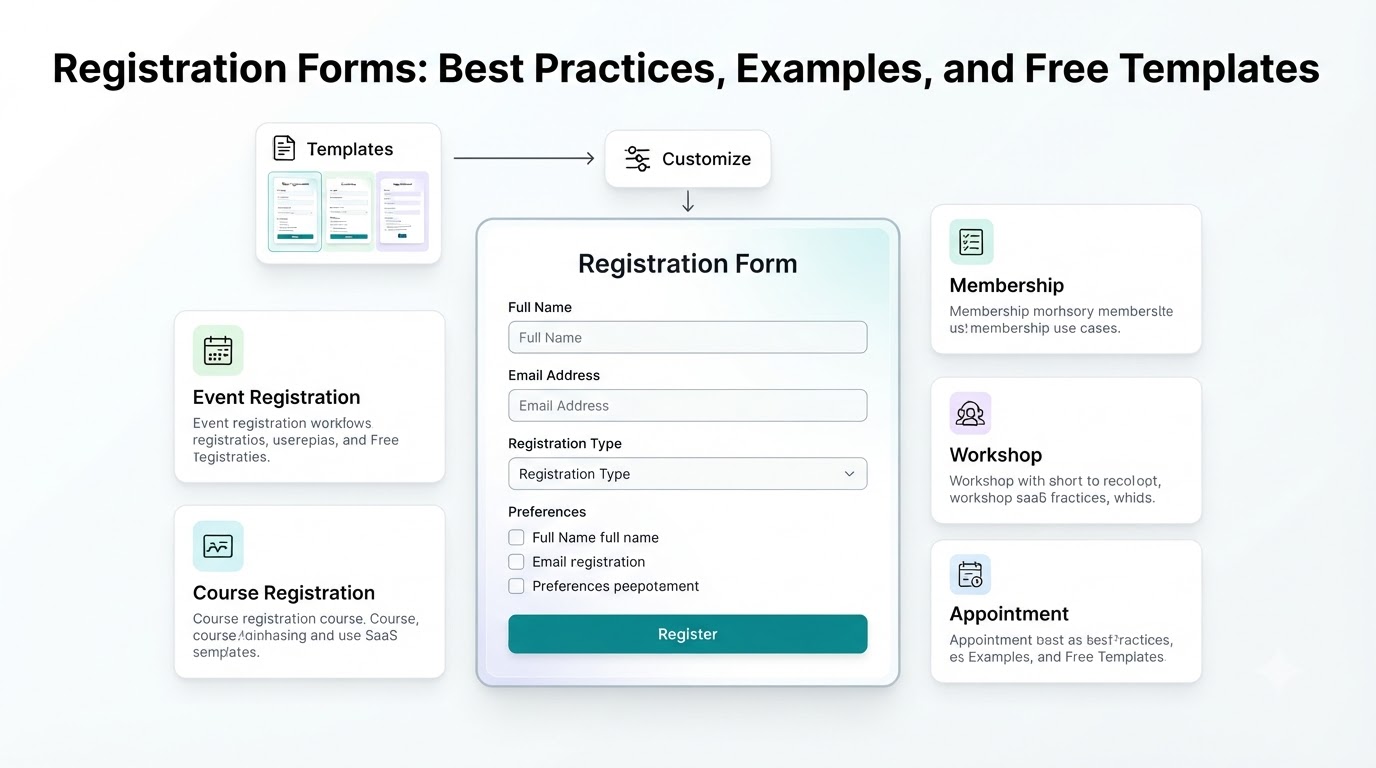
Registration forms are used whenever you need people to sign up, provide their details, or confirm their participation.
You can use them for events, classes, memberships, appointments, jobs, workshops, newsletters, and many other situations.
A good registration form collects the information you need without making the process harder than it needs to be. The goal is to keep the form clear, relevant, and easy to complete.
What Is a Registration Form?
A registration form collects information from someone who wants to register for something.
A basic form may ask for:
• Name
• Email address
• Phone number
• Registration details
• Preferences
• Payment information, when required
The exact fields depend on what people are registering for.
For example, an event registration form may ask for an attendee's name, email, company, ticket type, and dietary preferences. A gym registration form may need contact information, membership preferences, and emergency contact details.
Common Types of Registration Forms
Event organizers can use registration forms to collect attendee information before a conference, workshop, webinar, meetup, or other event.
Common fields include:
• Full name
• Phone number
• Ticket type
• Session preferences
Course Registration Form
Schools, coaches, trainers, and educators can use course registration forms to collect information from new students.
The form might ask for contact details, course selection, previous experience, and preferred schedule.
Membership Registration Form
Membership forms are common for gyms, clubs, communities, and professional organizations.
They can collect basic contact information along with membership type and preferences.
Job Registration or Application Form
Businesses can use registration-style forms to collect applicant information before reviewing a candidate.
These forms may include contact details, job role, work experience, resume uploads, and other relevant information.
Appointment Registration Form
Service businesses can use registration forms to collect customer information and appointment preferences.
For example, a salon could ask for the customer's name, contact information, preferred service, and preferred appointment time.
Registration Form Best Practices
A registration form should make the process clear from the beginning.
Ask Only for Necessary Information
Every field should have a reason.
If you only need someone's name and email address to register them for an event, don't add ten additional questions.
Extra fields increase the amount of work required from the person filling out the form.
Explain Why You Need Information
If a field may seem unnecessary, explain why you're asking for it.
For example:
Phone Number
We'll use this only for important event updates.
A short explanation can make the purpose of the field clear.
Keep the Questions Simple
Use straightforward wording.
Instead of:
Please provide your preferred method of communication for receiving future correspondence.
Use:
How would you like us to contact you?
Simple questions are easier to understand and answer.
Group Related Information
Keep similar fields together.
For example:
Personal Information
Name
Phone
Registration Details
Event
Ticket Type
Session
Preferences
Dietary Requirements
Special Requests
This makes a longer form easier to scan.
Make Important Fields Required
Use required fields for information you genuinely need to process the registration.
Avoid making every field mandatory.
Optional fields give people room to provide additional information when they want to.
Use AI to Create a Registration Form
AI can make the first version of a registration form faster to create.
Instead of starting with a blank form, describe what you need.
For example:
Create an event registration form for a one-day marketing conference. Collect attendee name, email, company, job title, ticket type, dietary requirements, and session preferences.
AI can turn this description into a form structure with relevant questions and answer options.
You can then review the questions, remove anything unnecessary, and customize the form before publishing it.
This approach can be useful when you know what you want to collect but don't want to build every field manually.
Free Registration Form Templates
Starting from a template can save time when you need a form quickly.
Instead of creating every field from scratch, you can choose a registration form template and customize it for your use case.
Templates can give you a starting structure for:
• Event registration
• Course registration
• Gym registration
• Workshop registration
• Membership registration
• Appointment registration
• Job applications
You can then change the questions, remove fields, add your branding, and adjust the form to match your process.
Templates for absolutely anything
Use ready-made template patterns customized for forms, lead generation, sales, and operations.
Create a Registration Form Without Technical Skills
You don't need coding skills to create a registration form.
Form builders let you add fields, change questions, customize the design, and publish the form through a visual interface.
AI-powered form builders can make the process even simpler. You can describe the registration form you want in plain language and use the generated form as your starting point.
For example:
Create a registration form for a weekend photography workshop. Ask for name, email, experience level, preferred session, and equipment requirements.
The form can then be reviewed and edited before you share it.
Templates for absolutely anything
Use ready-made template patterns customized for support, lead generation, sales, and operations.
Final Thoughts
A good registration form collects the information you need while keeping the registration process simple.
Start with the purpose of the form, remove unnecessary questions, group related fields, and make only important information required.
If you want to create a form faster, start with a template or use AI to generate the first version.
The best registration form is one that gives you the information you need and lets people complete the registration without unnecessary steps.
What form would you like to create?
Describe your idea and AI will generate and configure the perfect form.