Video Editor Portfolio: How to Create a Website to Showcase Your Editing Skills
Created: 29/10/2026
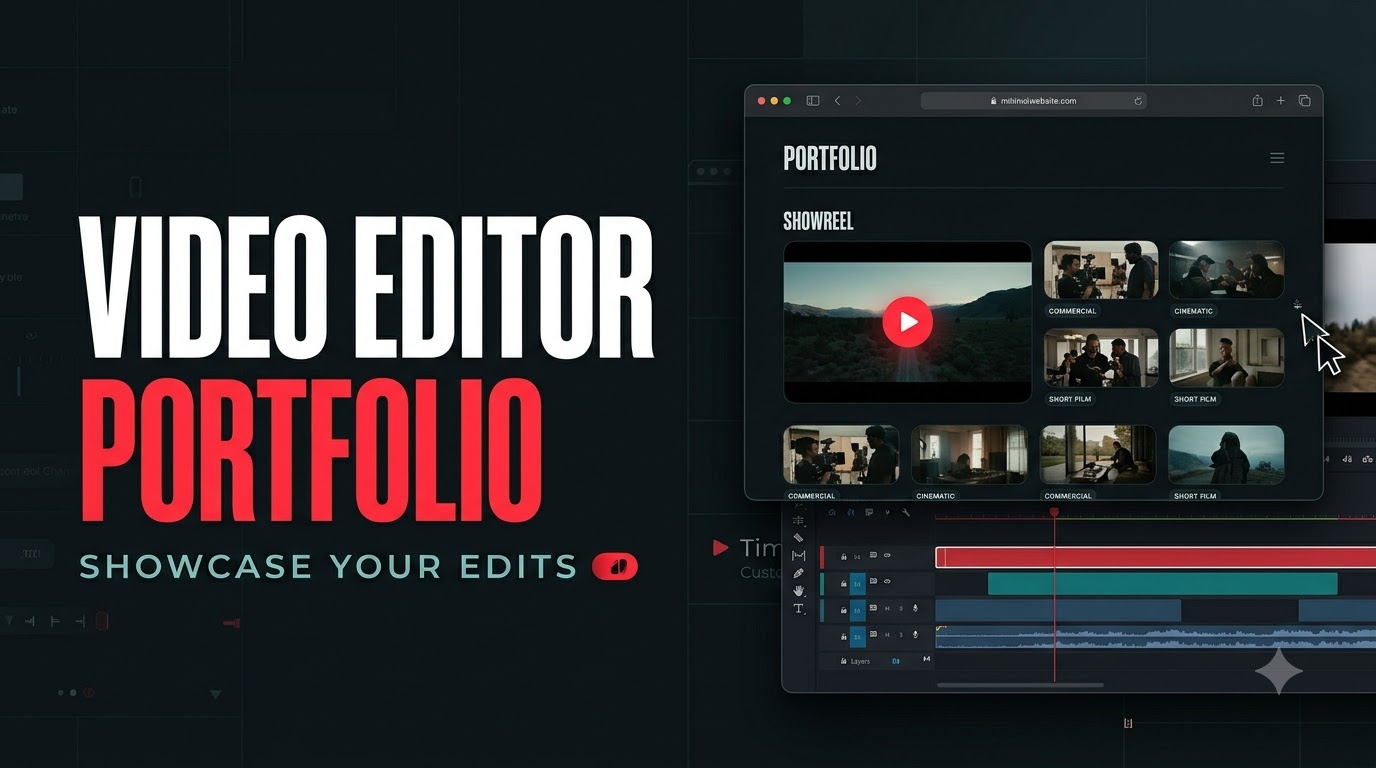
A video editor portfolio website helps you showcase your editing skills, creative style, and video projects in one place. Whether you're a freelance video editor, content creator, or aspiring professional, a portfolio can help you attract clients, apply for jobs, and demonstrate your abilities.
You don't need years of professional experience to create one. Personal projects, sample edits, and practice videos can also help you build a portfolio.
What to Include in a Video Editor Portfolio
A good video editor portfolio should make it easy for visitors to explore your work and understand your editing style.
Include these sections:
• Homepage: Introduce yourself and showcase your best video edits.
• Video Gallery: Display your work in categories such as YouTube videos, short-form content, commercials, or cinematic edits.
• About Me: Share your editing experience, creative approach, and specialization.
• Services: Highlight services such as video editing, color grading, motion graphics, and sound design.
• Client Work: Showcase previous projects, collaborations, and campaign videos.
• Contact: Add your email address, social media profiles, or an inquiry form.
Video Editor Portfolio Project Ideas
If you're starting out and don't have client work, you can create sample projects to demonstrate your editing skills.
Some ideas include:
• Edit a cinematic travel video using your own footage.
• Create a short-form reel for a fictional brand.
• Make a YouTube video edit with engaging transitions and storytelling.
• Create a product advertisement with music and motion graphics.
• Edit a before-and-after video to showcase color grading skills.
Organize your projects into categories so visitors can quickly find the type of work they're interested in.
How to Create a Video Editor Portfolio Website With AI
You can create a video editor portfolio website without coding by using an AI website builder. These tools help generate a website layout and design from a description.
For example, with Simplagents, you can describe the portfolio you want and use AI to generate the initial website.
Try this prompt:
“Create a modern video editor portfolio website for a freelance video editor specializing in cinematic videos, YouTube content, reels, and commercial edits. Include a homepage, video gallery, about section, editing services, selected projects, and contact form. Use a dark background, clean typography, and a minimal cinematic design. Make the website responsive and visually focused on video previews.”
Once the website is generated, add your video projects, thumbnails, showreel, and contact details. Customize the layout to match your editing style and personal brand.
What website would you like to create?
Describe your idea and AI will generate and configure the perfect website.
Tips for a Strong Video Editor Portfolio
Showcase your strongest edits instead of uploading every video you've created. Start with a short showreel that highlights your best work.
Organize videos into categories and include a short description of each project. Explain your role and the editing techniques you used, such as color grading, sound design, motion graphics, or storytelling.
Make sure your videos load smoothly and your website works well on mobile devices.
Video Editor Portfolio Templates
Explore ready-made templates to showcase video edits, showreels, creative projects, and editing services. Customize your portfolio to highlight your editing style and connect with potential clients, brands, and employers.