What Makes a Good Website Design 10 Principles to Follow
Created: 18/11/2026
A good website design makes it easy for visitors to understand your business, find the information they need, and take action. It should look professional, work smoothly, and provide a consistent experience across different devices.
Whether you're creating a business website, portfolio, restaurant website, or landing page, the design affects how visitors interact with your content.
You don't need complicated layouts or excessive animations to create a good website. Following a few basic design principles can help you build a website that looks clean and works well.
Here are 10 principles to follow when designing a website.
1. Keep the Design Simple
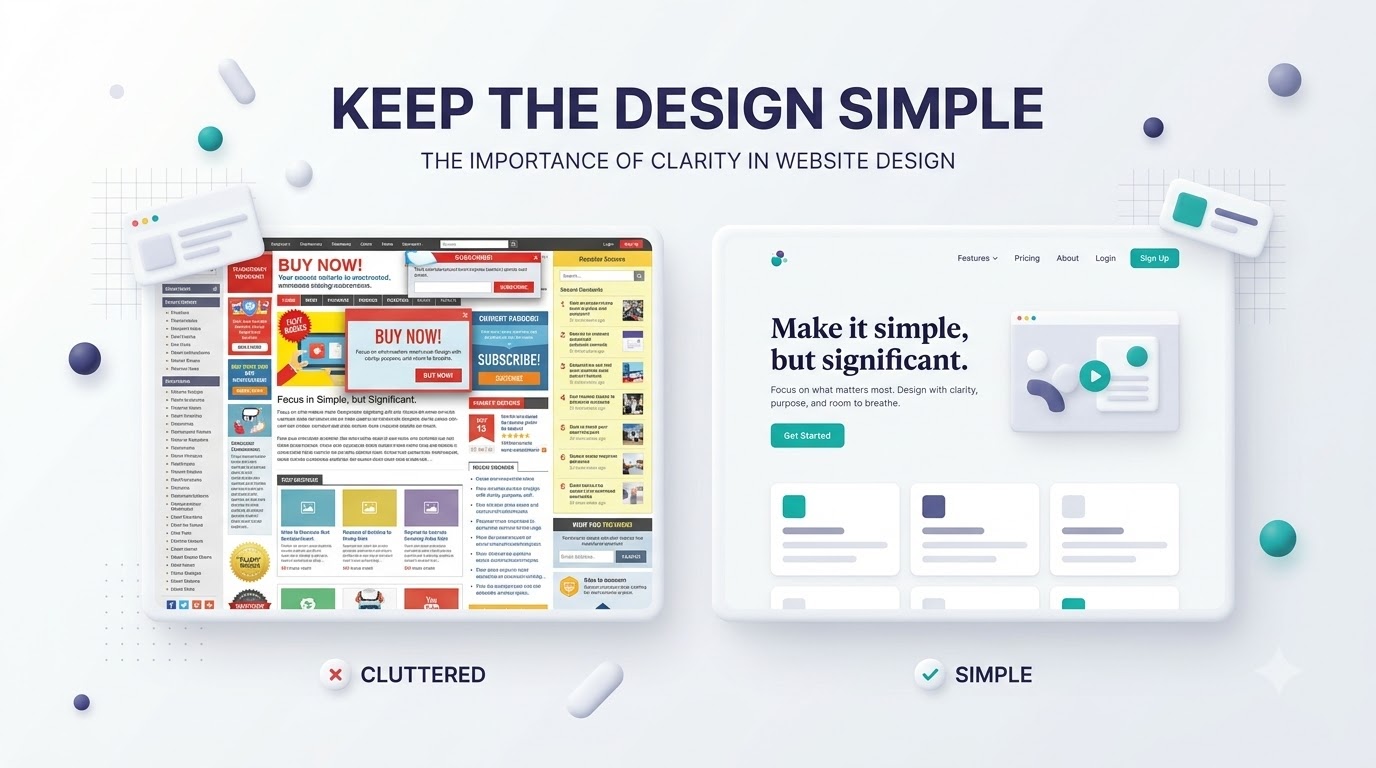
A simple design makes a website easier to understand and navigate.
Too many colors, animations, fonts, images, and design elements can distract visitors from the main content. Keep only the elements that support the purpose of each page.
To keep your website simple:
• Use a limited color palette.
• Choose one or two readable fonts.
• Avoid unnecessary animations.
• Keep layouts clean and organized.
• Give important content enough space.
A clean design helps visitors focus on your message and understand what your website offers.
2. Make Navigation Easy
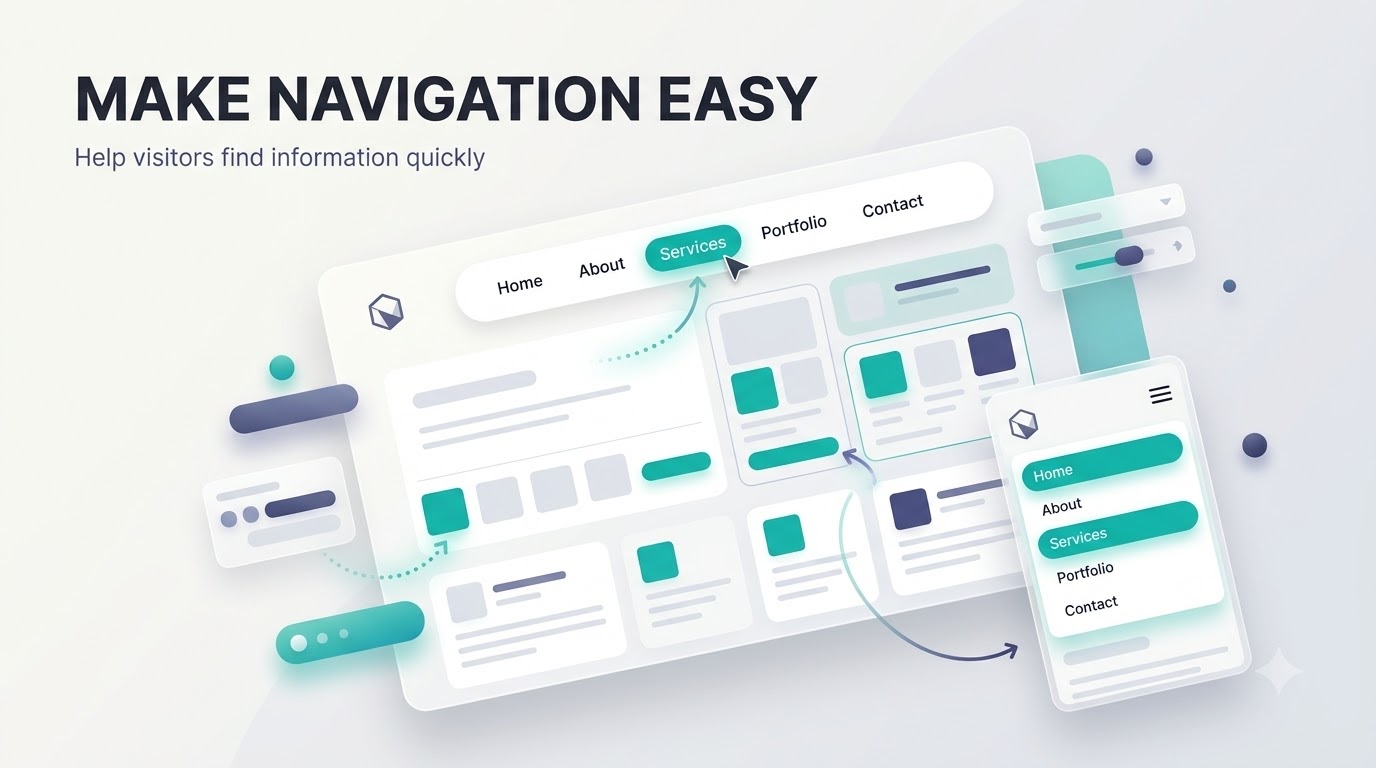
Visitors should be able to find important information without searching through multiple pages.
Your navigation menu should clearly show the main sections of your website. Use familiar labels such as Home, About, Services, Products, Portfolio, and Contact.
For better navigation:
• Keep the menu short and organized.
• Use clear labels instead of confusing names.
• Place the logo where visitors can easily find it.
• Make navigation consistent across pages.
• Ensure the mobile menu is easy to use.
A well-organized navigation structure helps visitors move through your website with less effort.
3. Use Clear and Readable Typography
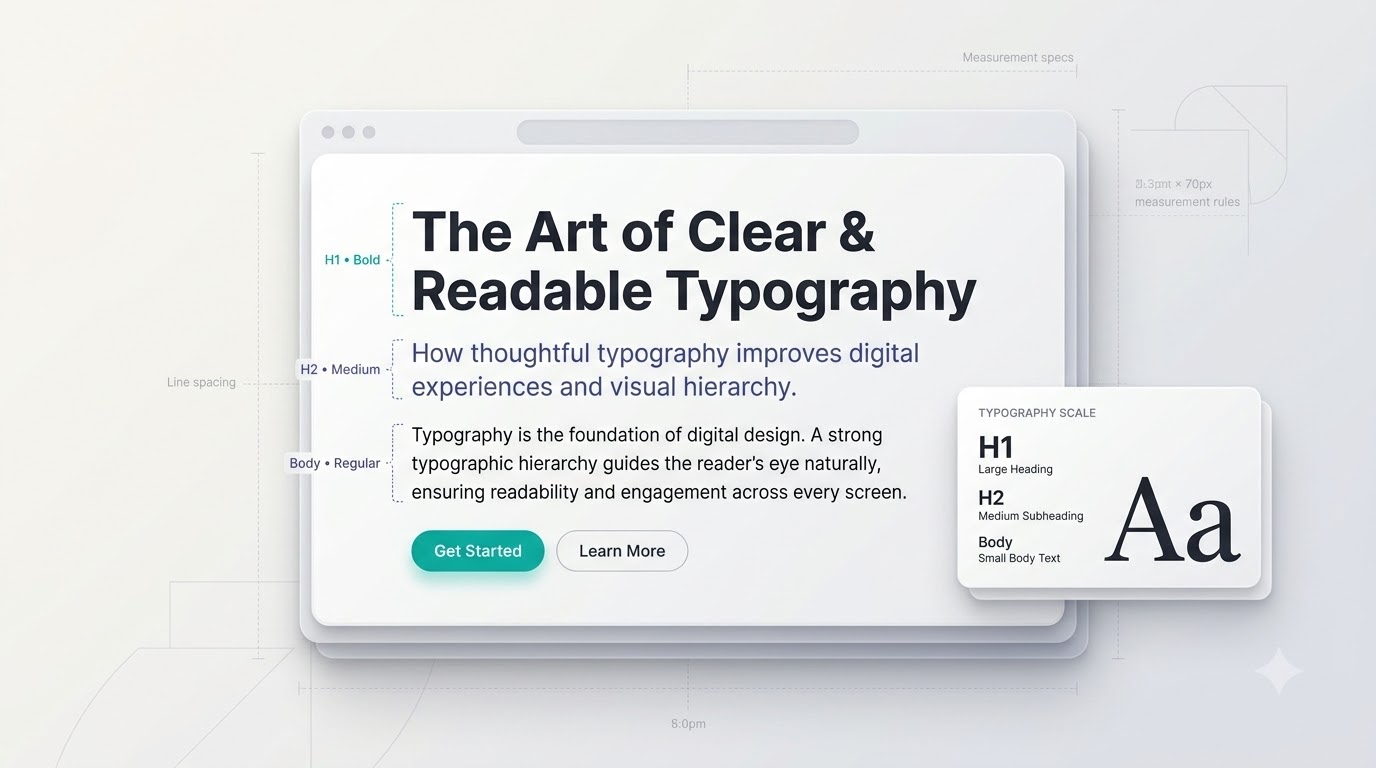
Typography affects how visitors read and understand your website content.
If the text is too small, too decorative, or poorly spaced, visitors may find it difficult to read. Choose fonts that match your brand while keeping readability a priority.
Follow these practices:
• Use simple fonts for body text.
• Create a clear difference between headings and paragraphs.
• Keep paragraph lengths manageable.
• Use enough spacing between lines.
• Maintain consistent font sizes and weights.
Your main heading should be easy to notice, while supporting text should be comfortable to read on both desktop and mobile screens.
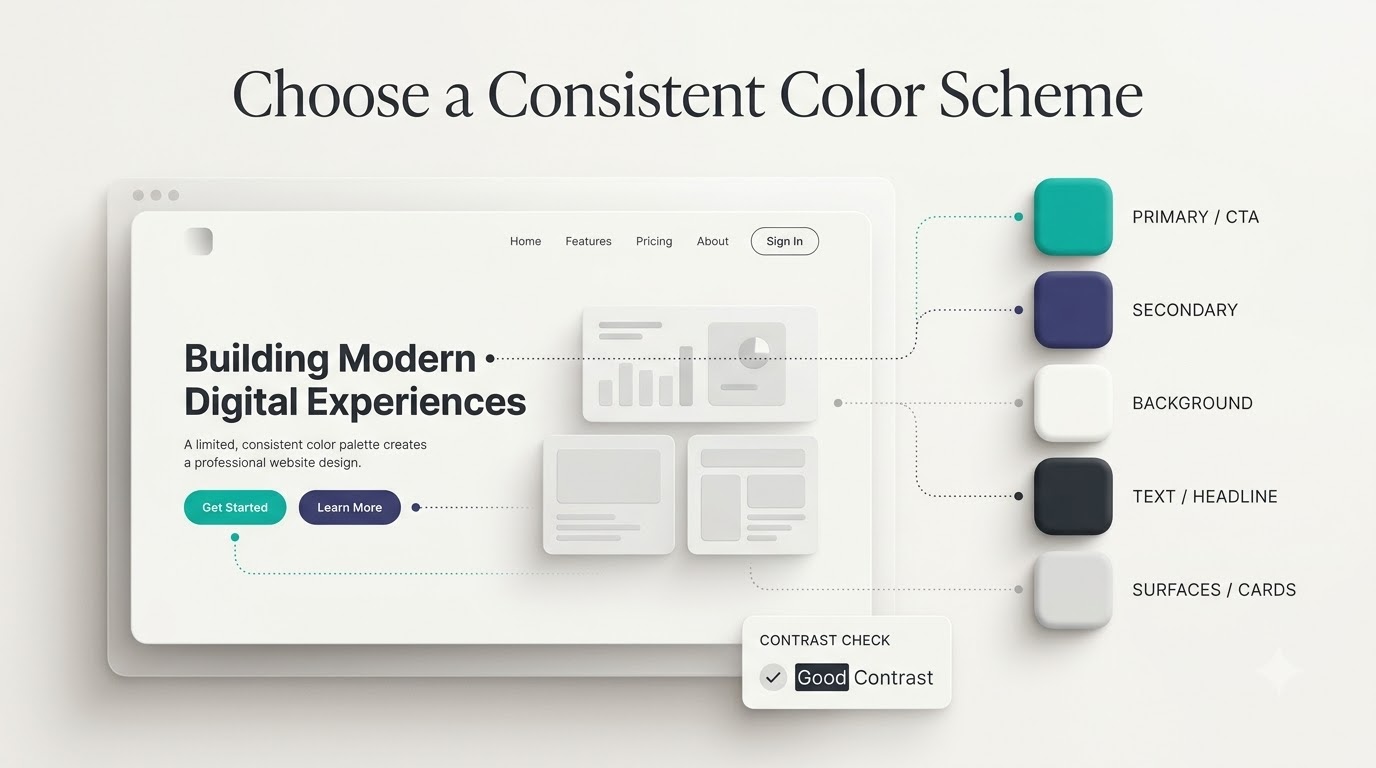
4. Choose a Consistent Color Scheme
Colors help create a recognizable visual identity for your website.
Using too many unrelated colors can make the design feel inconsistent. Instead, choose a small set of colors and use them throughout the website.
A basic color scheme can include:
• Primary color: Used for important buttons and brand elements.
• Secondary color: Supports the primary color.
• Background color: Creates the main visual surface.
• Text color: Keeps content readable.
• Accent color: Highlights selected elements.
Use colors consistently across buttons, headings, links, backgrounds, and other interface elements.
Also, make sure text has enough contrast against its background.
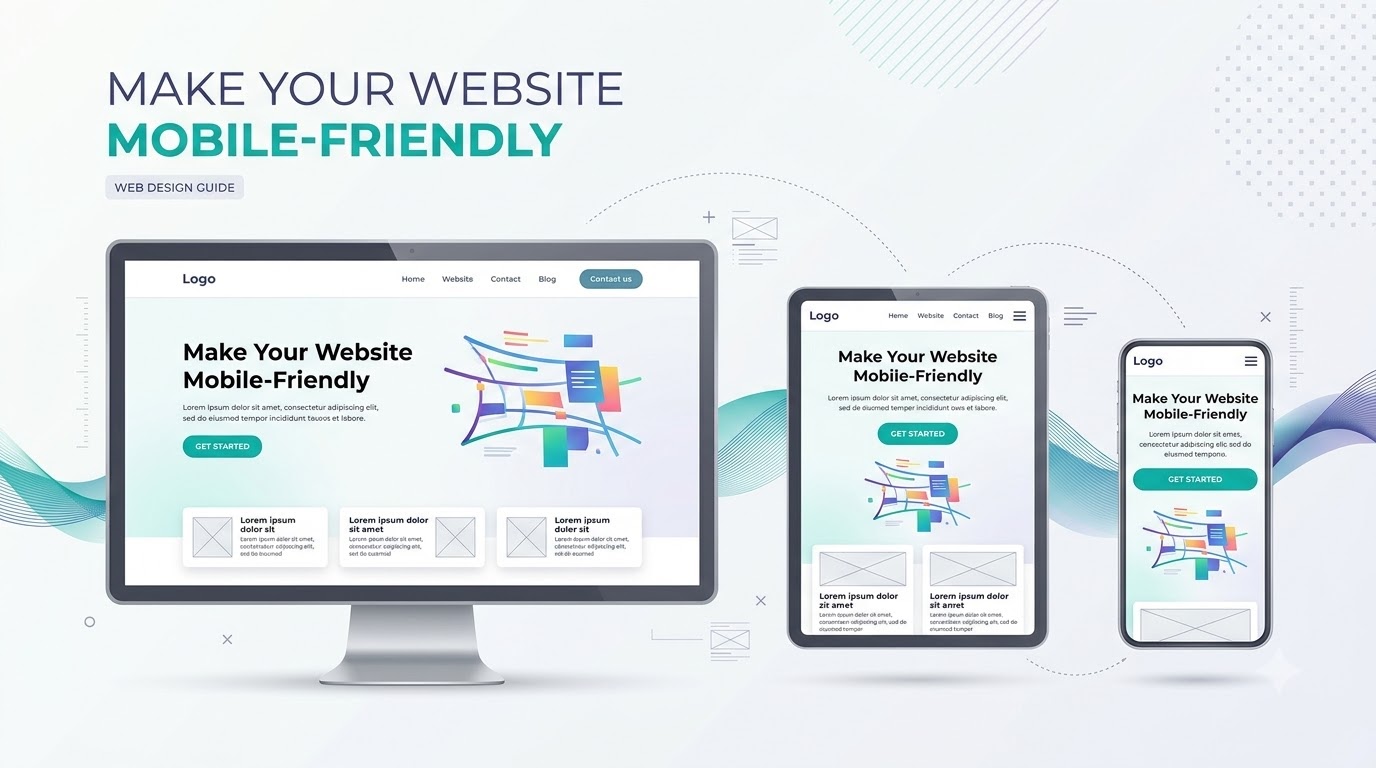
5. Make Your Website Mobile-Friendly
Many visitors access websites through smartphones. Your website should provide a comfortable experience on smaller screens.
A design that works well on a desktop may become difficult to use on a mobile device if text, images, and buttons do not adjust properly.
To improve mobile usability:
• Use responsive layouts.
• Make text readable without zooming.
• Ensure buttons are easy to tap.
• Avoid horizontal scrolling.
• Resize images and videos for smaller screens.
• Keep mobile navigation simple.
Check your website on different screen sizes before publishing it.
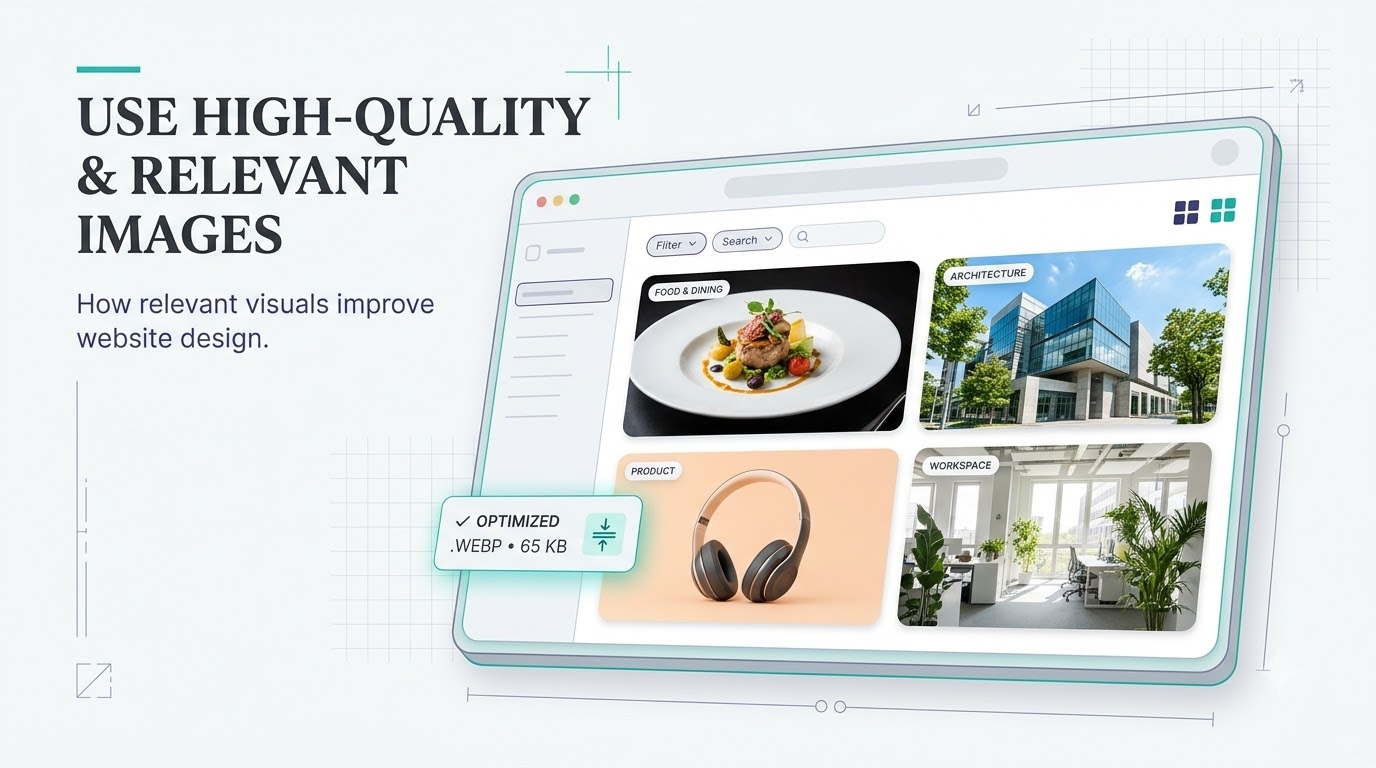
6. Use High-Quality and Relevant Images
Images help visitors understand your products, services, and work.
However, images should support the content rather than fill empty space. Use visuals that are relevant to the page and match your website's overall design.
For example:
• A restaurant website should display food, interiors, and the dining experience.
• A photography portfolio should highlight the photographer's best work.
• A product website should show clear product images.
• A business website can use relevant workplace, service, or product visuals.
Use optimized image files so that large visuals do not unnecessarily slow down your website.
7. Make Your Call-to-Action Buttons Clear
A call-to-action (CTA) tells visitors what to do next.
Depending on the purpose of your website, this could be booking a service, purchasing a product, contacting your business, or signing up for an account.
Use clear and action-oriented button text, such as:
• Get Started
• Book a Table
• View Projects
• Contact Us
• Buy Now
Make important buttons visually noticeable through color, size, and placement. Avoid adding too many competing buttons in the same section.
Each important page should make the next step clear.

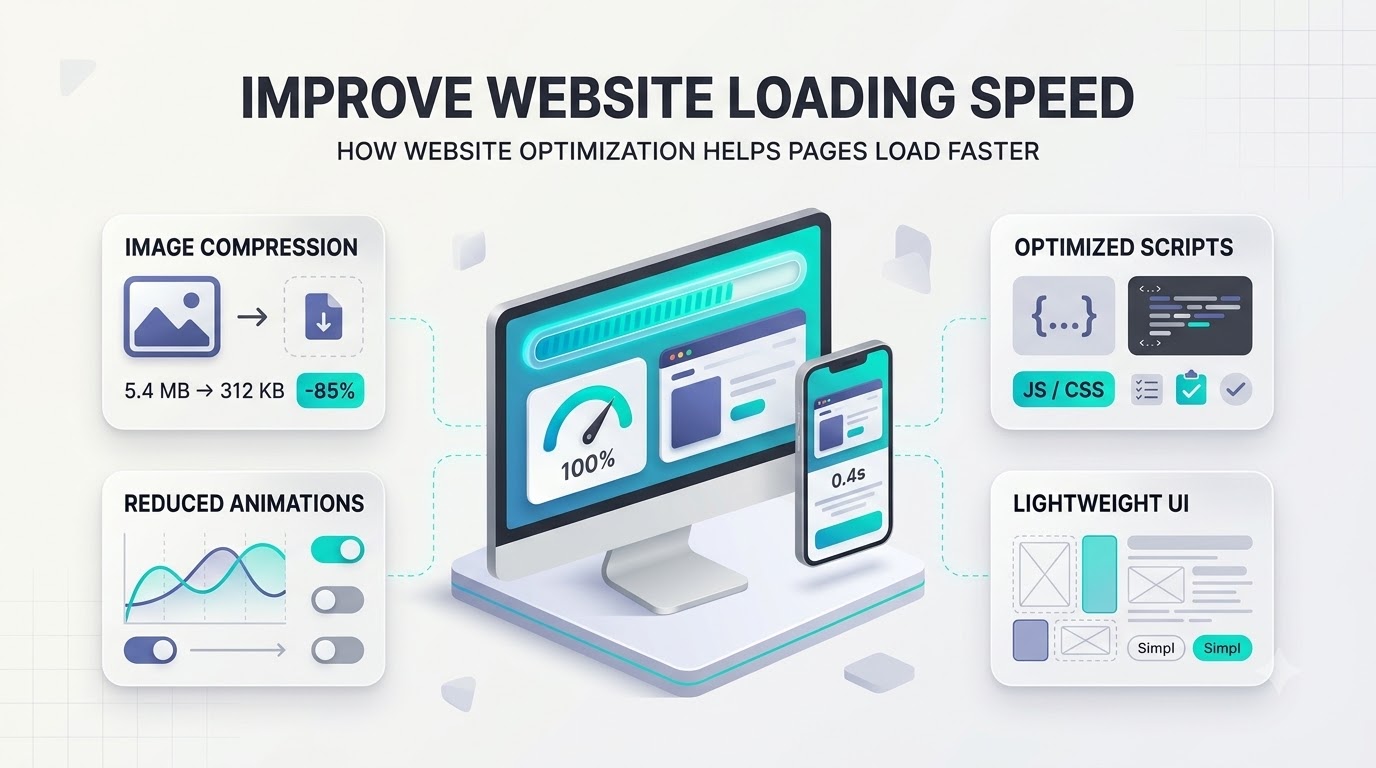
8. Improve Website Loading Speed
Website speed affects how visitors experience your pages. Slow-loading websites can make it harder for people to access content and interact with your business.
Some common ways to improve loading speed include:
• Compress large images.
• Avoid unnecessary animations and effects.
• Reduce unused scripts and plugins.
• Use optimized website elements.
• Check your website performance regularly.
Pay attention to loading speed on mobile devices as well as desktop computers.
9. Maintain Visual Consistency
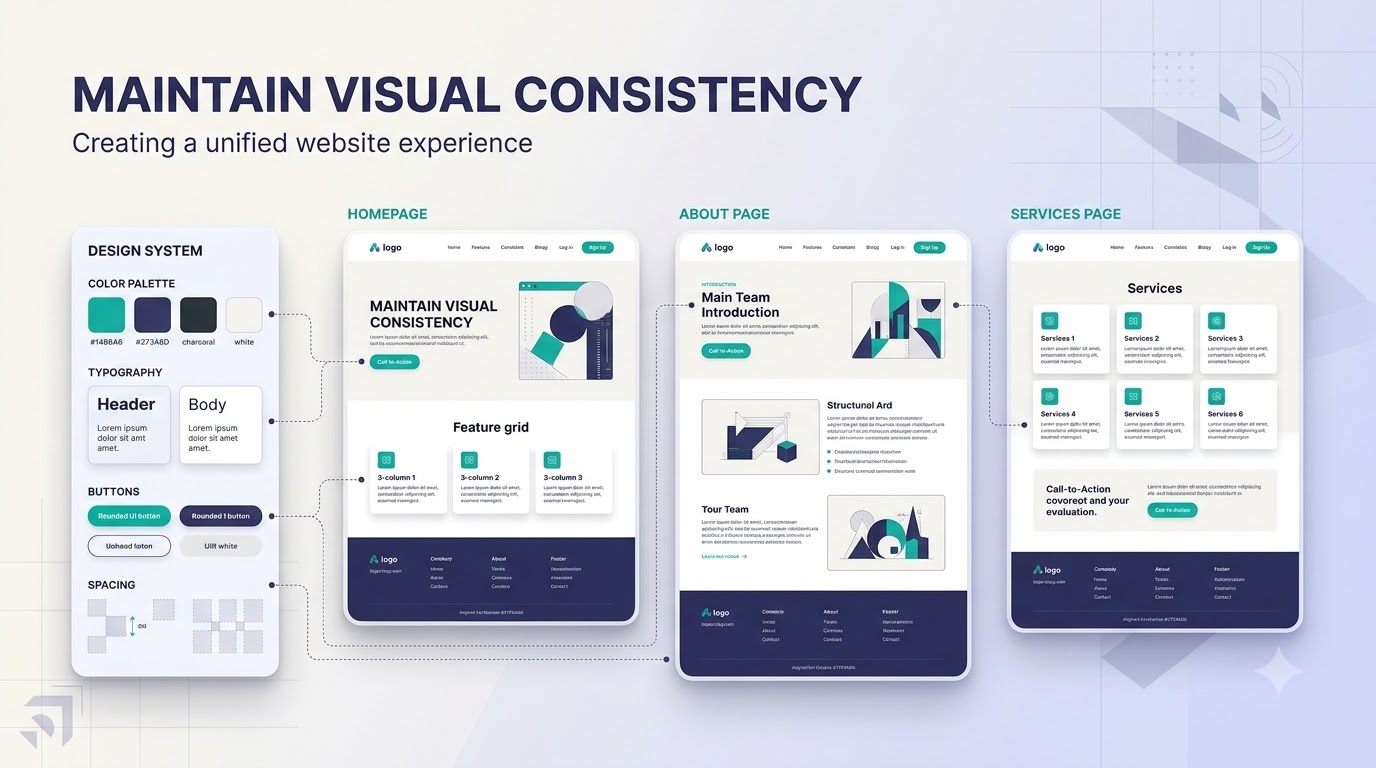
Every page of your website should feel like part of the same brand.
If each page uses different fonts, colors, button styles, and layouts, the website can feel disconnected.
Maintain consistency by using:
• The same heading and body fonts.
• A consistent color palette.
• Similar button styles.
• Repeated spacing patterns.
• Consistent navigation and footer layouts.
• A common style for images and icons.
Consistency makes the website easier to recognize and gives it a more organized appearance.
10. Make the Website Easy to Use
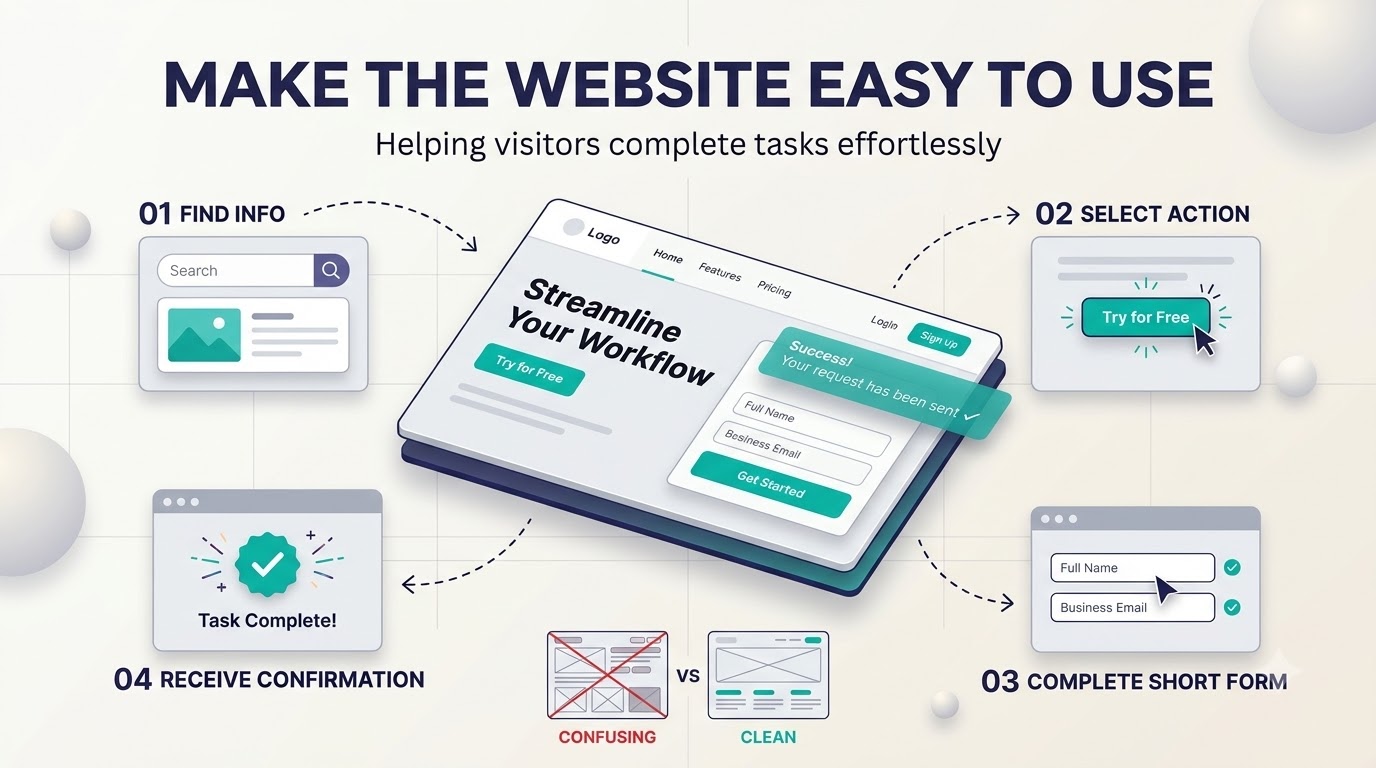
A website should help visitors complete their tasks without unnecessary effort.
Good usability means that people can understand the content, interact with different elements, and find what they need.
To improve usability:
• Write clear and useful content.
• Make links and buttons easy to identify.
• Keep forms short and simple.
• Avoid confusing layouts.
• Provide helpful feedback when visitors submit forms.
• Check that all links and buttons work correctly.
Think about what visitors want to accomplish when they open each page. Design the layout around those needs.
How to Create a Well-Designed Website With AI
Following these principles becomes easier when you plan the website before building it.
You can use an AI website builder such as Simplagents to create an initial website from a written description.
For example, you can enter:
Create a modern website for a digital marketing agency. Use a clean layout with a white background, black typography, and teal accents. Include a homepage, about section, services, case studies, client testimonials, and contact form. Make the navigation simple, use clear call-to-action buttons, and ensure the design works well on mobile devices.
AI can generate an initial website structure and design based on your description. You can then customize the content, images, colors, sections, and other elements before publishing.
Review the generated website carefully to make sure it follows the design principles discussed above.
What website would you like to create?
Describe your idea and AI will generate and configure the perfect website.
Final Thoughts
A good website design is built around clarity, consistency, and usability.
Simple layouts, readable typography, easy navigation, relevant images, mobile-friendly design, and clear call-to-action buttons all contribute to a better website experience.
Before publishing your website, review each page from a visitor's perspective. Check whether the content is easy to understand, the navigation works, and important actions are easy to find.
Following these 10 principles can help you create a website that looks professional and gives visitors a better experience.
Templates for absolutely anything
Launch landing page, workflows, forms and tools in minutes. Use ready-made template patterns customized for support, lead generation, sales, and operations.