What Should You Ask on a Lead Form A Framework Based on Lead Quality, Not Lead Volume
Created: 27/08/2026
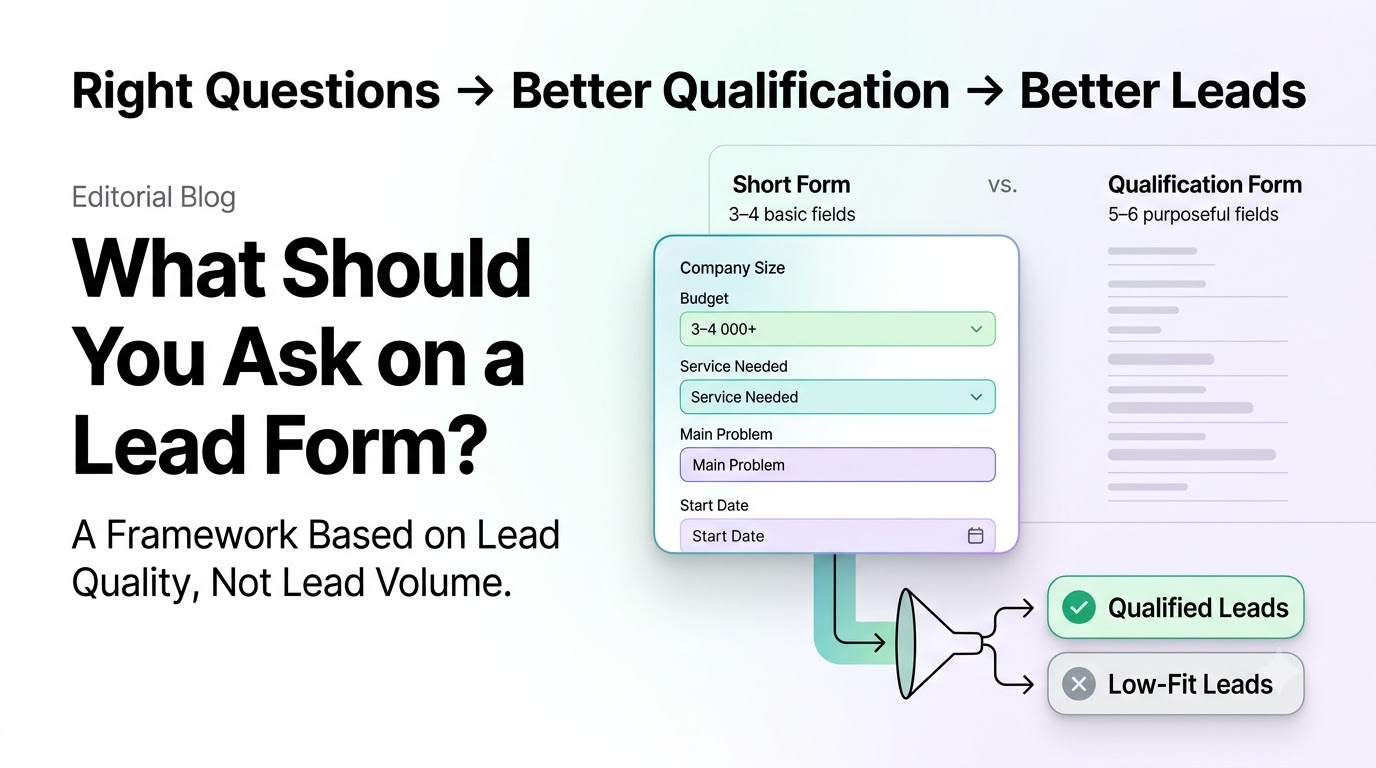
A lead form has one job: collect enough information to help you understand whether someone is a useful prospect.
That creates an important trade-off. Ask for too little information, and your sales team may receive a large number of leads with little context. Ask for too much, and fewer people may complete the form.
The right form depends on your sales process, product, and the quality of lead you need.
Start With the Lead You Want
Before deciding what fields to add, define what makes a lead useful to your business.
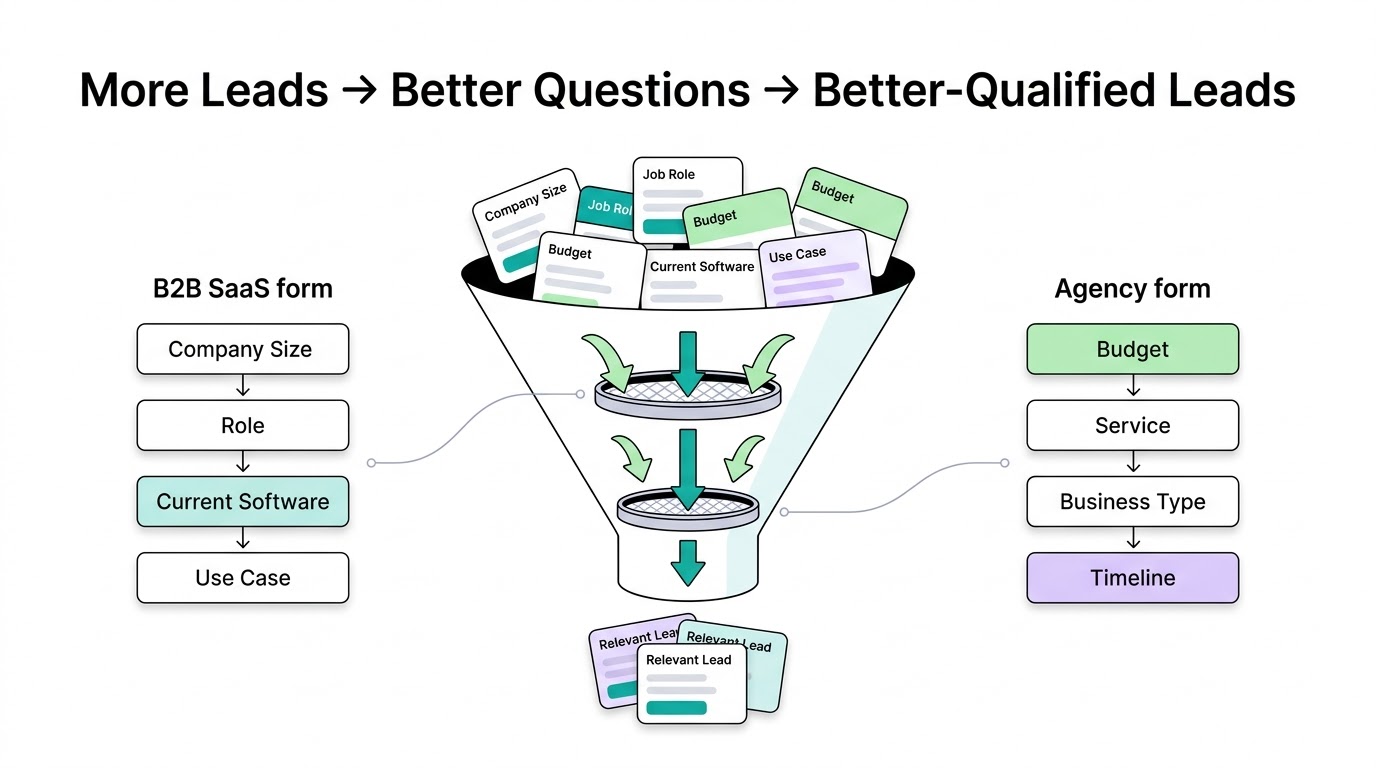
For a B2B SaaS company, that could include company size, role, current software, or expected use case.
For an agency, it might be budget, service needed, business type, and project timeline.
The questions should help you separate a relevant prospect from someone who is unlikely to become a customer.
Short Lead Forms
A short form usually asks for basic information such as:
• Name
• Work email
• Company
• One simple question about their needs
This works well when getting more people into the funnel matters.
For example, a company running paid ads to a free consultation may want to reduce the amount of information required before someone submits the form.
The benefit is a lower amount of effort for the visitor. The trade-off is that your team has less information about the lead.
Qualification-Heavy Lead Forms
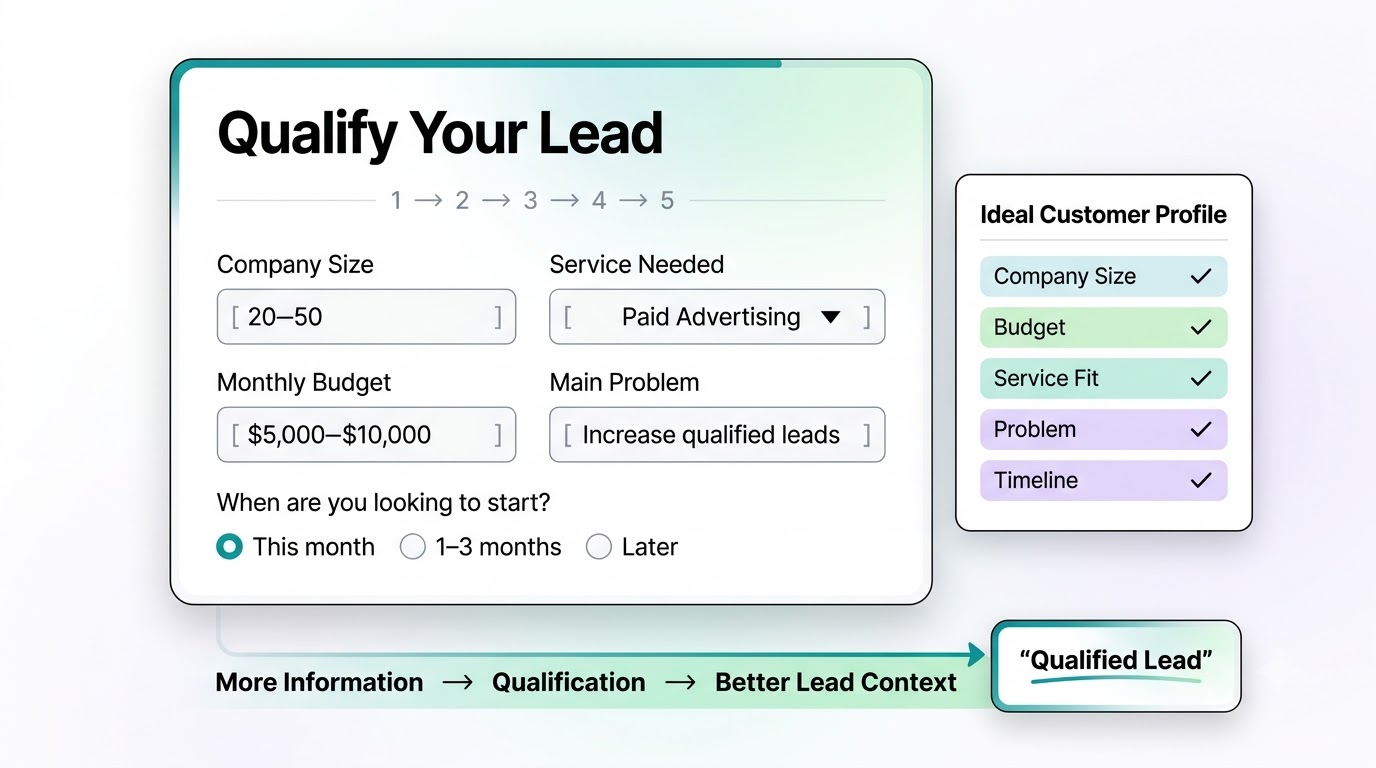
A qualification-heavy form asks for information that helps determine whether a lead fits your ideal customer profile.
It might ask:
What is your company size?
What service are you interested in?
What is your monthly budget?
What problem are you trying to solve?
When are you looking to get started?
These questions take more time to answer, but they can give your sales team useful context before the first conversation.
This approach makes more sense when sales time is limited or when each lead has a relatively high potential value.
Short vs. Qualification-Heavy Forms
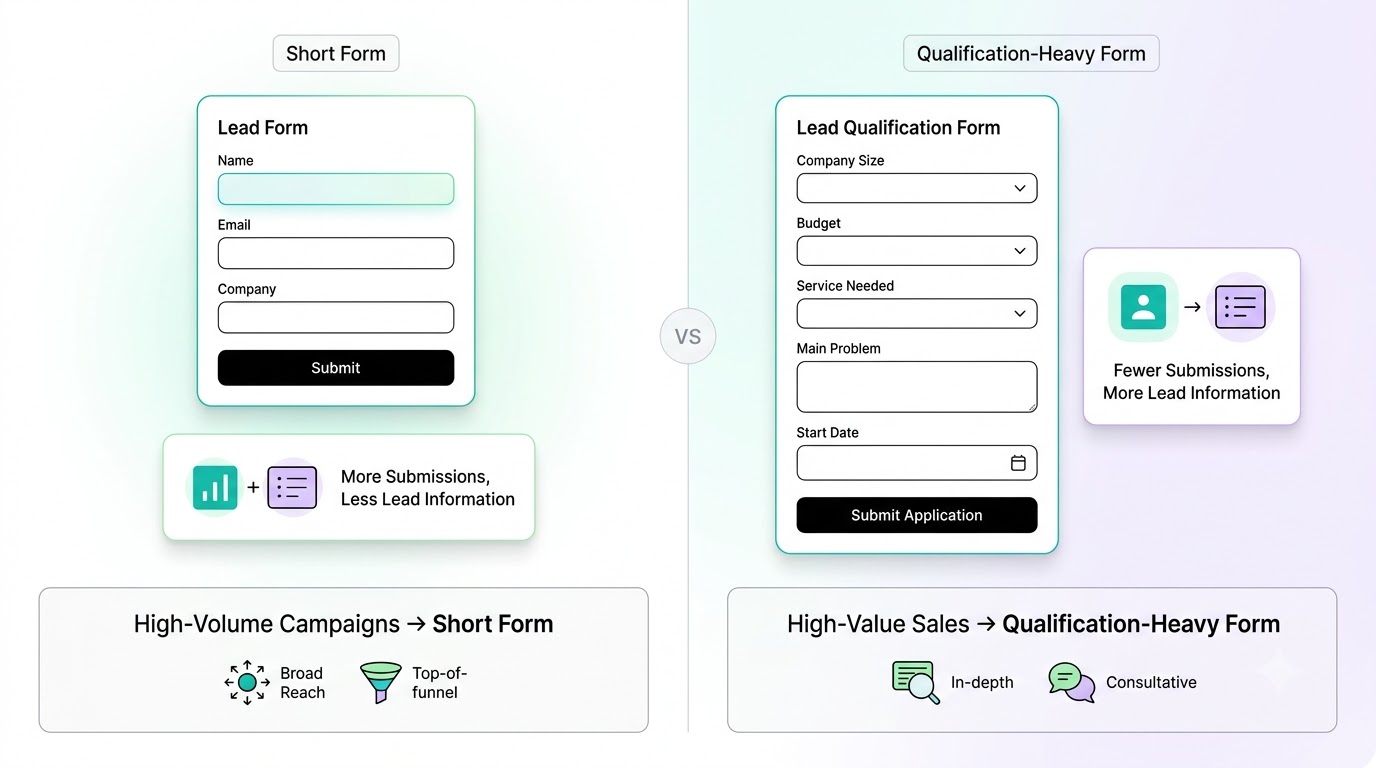
Short Form
• Fewer fields
• Easier to complete
• Usually more submissions
• Less information about each lead
• Good for high-volume campaigns
Qualification-Heavy Form
• More fields
• Takes more effort
• Usually fewer submissions
• More information about each lead
• Good for high-value or targeted sales
Neither approach is automatically better.
If you sell a low-cost product with a large potential audience, a short form may make sense.
If your sales team spends significant time with each prospect, collecting useful qualification information upfront can be more valuable.
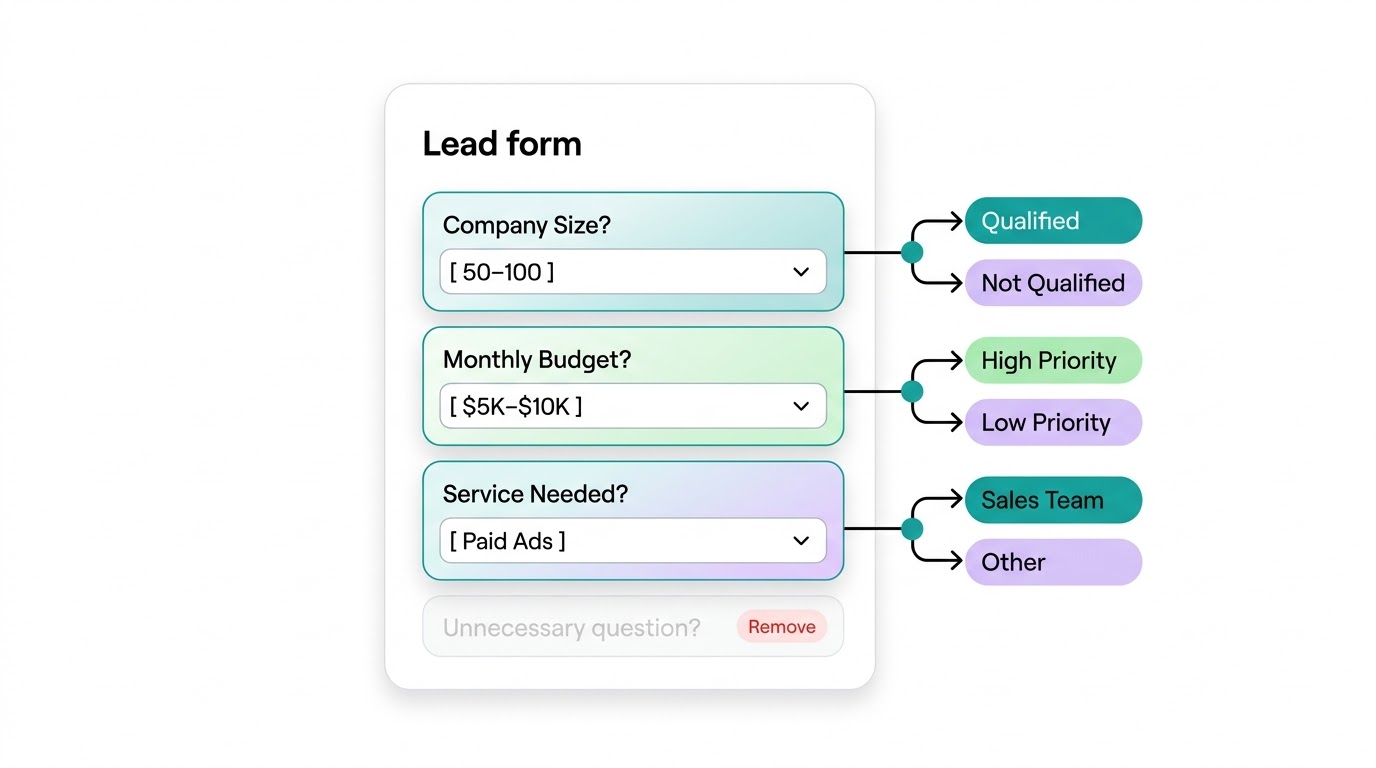
Ask Questions That Change a Decision
A good lead form should not collect information simply because it is available.
Each question should help you make a decision.
For example, if your service only works with companies above a certain size, asking about company size can help qualify leads.
If your sales process depends heavily on budget, asking about budget can help your team prioritize conversations.
If the answer to a question does nothing to change what happens next, consider removing it.
Use Conditional Questions
You don't always need to show every question to every visitor.
Conditional logic can make the form more relevant.
For example:
What do you need help with?
• SEO
• Paid Ads
• Content Marketing
If someone selects Paid Ads, the form can then ask about their monthly advertising budget.
Someone selecting SEO could receive a different follow-up question.
This lets you collect more useful information without showing every field to everyone.
Ask About the Problem
One of the most useful questions can be a simple description of the prospect's problem.
For example:
What are you trying to improve?
or:
What is the biggest challenge you're facing right now?
The answer gives your sales team context that a basic name and email field cannot provide.
It can also help you understand whether the prospect's problem matches what your product or service solves.
Don't Ask for Information You Can Get Later
Some information is useful but doesn't need to be collected on the first interaction.
For example, you may not need a prospect's full address, job history, or detailed company information just to start a sales conversation.
Ask for information that helps with the next step.
You can collect additional details later if the lead becomes qualified.
Create the Lead Form With AI
AI can help you decide which questions belong in your form.
For example, you could give it your ideal customer profile and sales process:
Create a lead form for a B2B SaaS company selling project management software to companies with 20 to 200 employees. The sales team wants to qualify leads based on company size, role, current project management tool, main problem, and purchase timeline. Keep the form concise.
AI can suggest the questions, answer options, and question types.
You can then remove anything that doesn't help with qualification.
What form would you like to create?
Describe your idea and AI will generate and configure the perfect form.
The Best Lead Form Depends on Your Goal
There is no ideal number of fields for every lead form.
If your priority is lead volume, start with fewer questions.
If your priority is lead quality, add questions that help you identify fit, intent, and buying readiness.
The goal is to find the point where the information you collect is worth the extra effort required from the person filling out the form.
A useful lead form does not simply collect more leads. It collects the right information from the right prospects.
Templates for absolutely anything
Launch AI agents, workflows, forms and tools in minutes. Use ready-made template patterns customized for support, lead generation, sales, and operations.