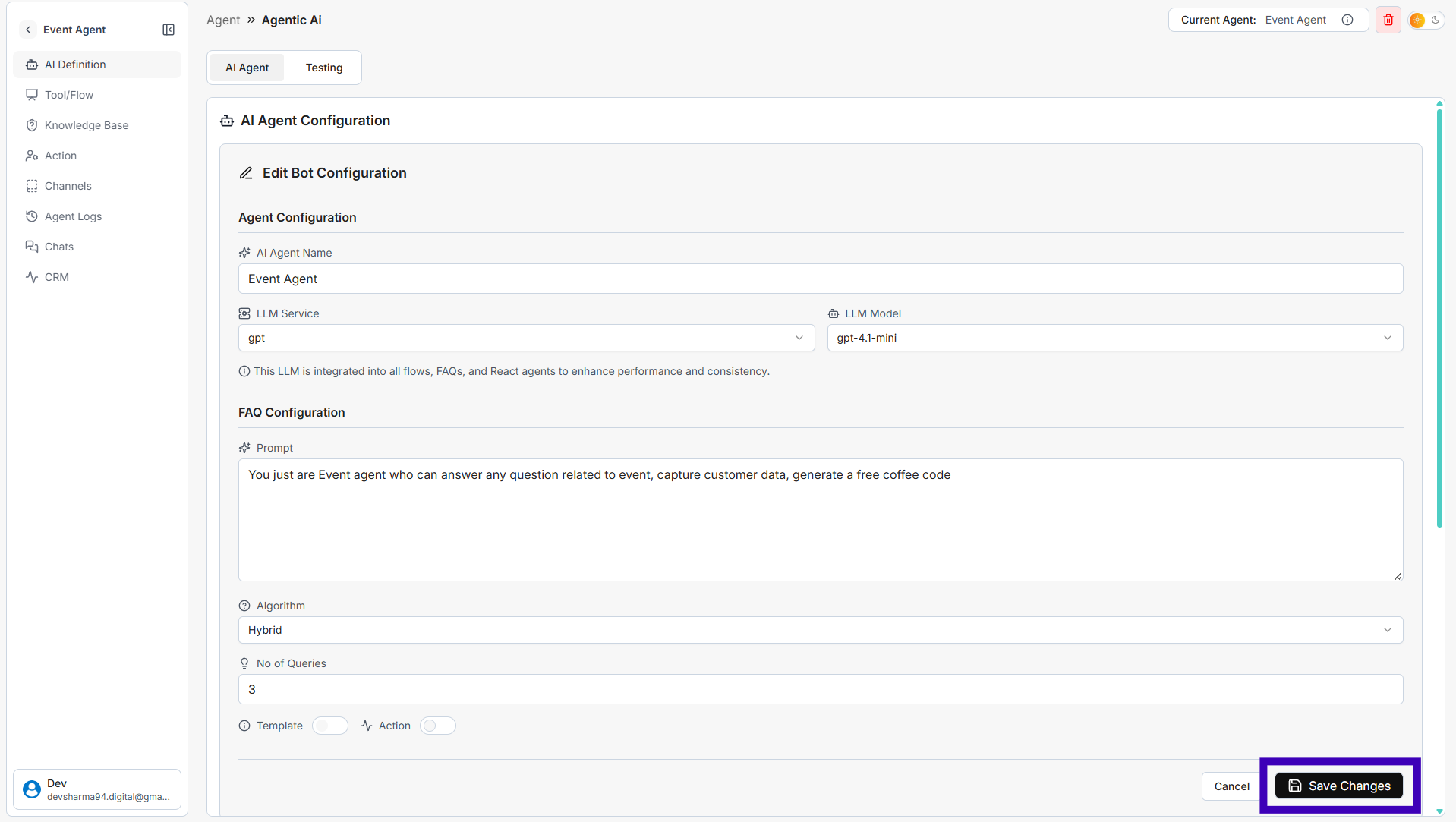
How to Change LLM Service and LLM Model
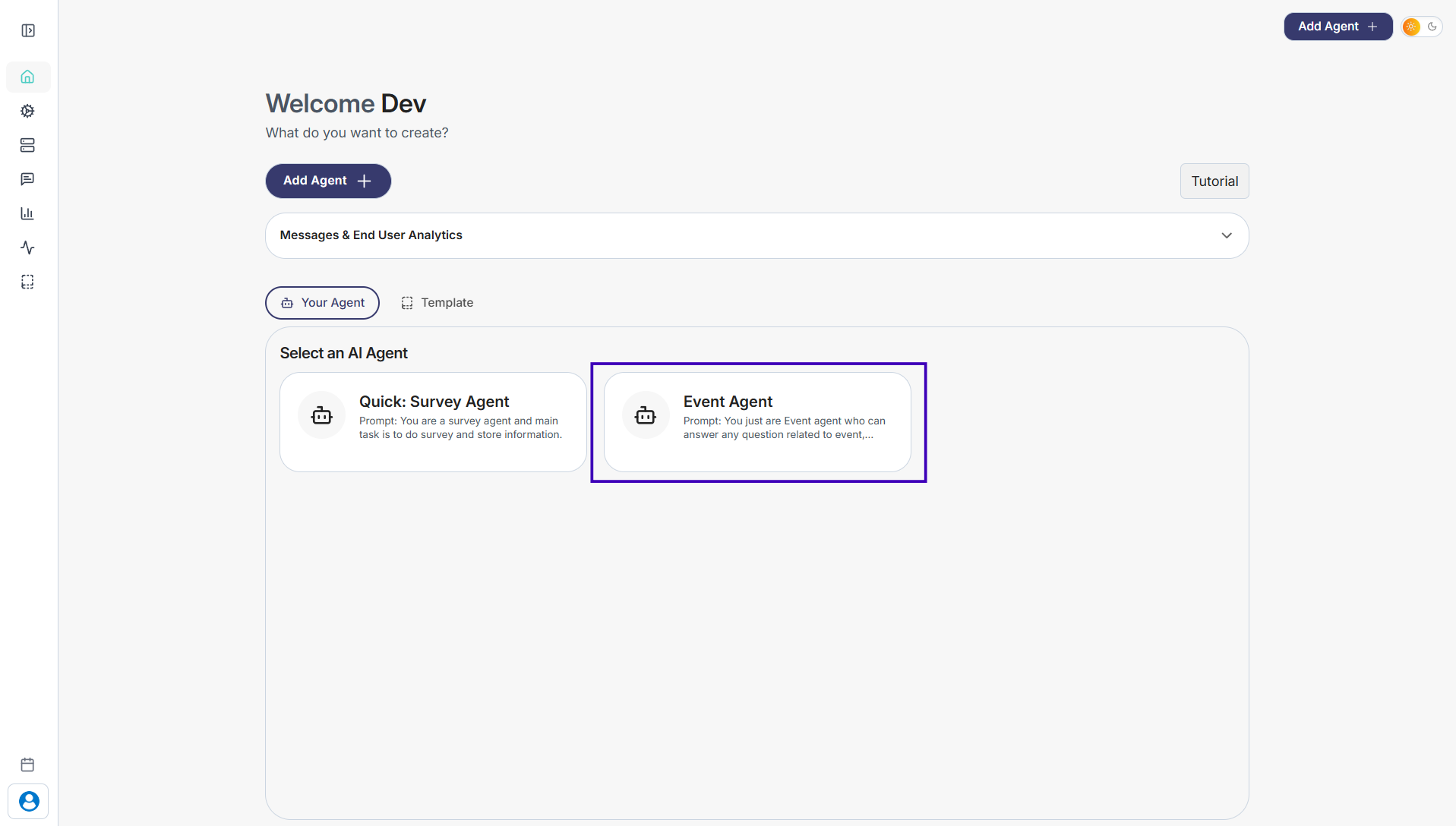
Step 1: Go to Your Agents from the dashboard
Step 2: Select the agent you want to update
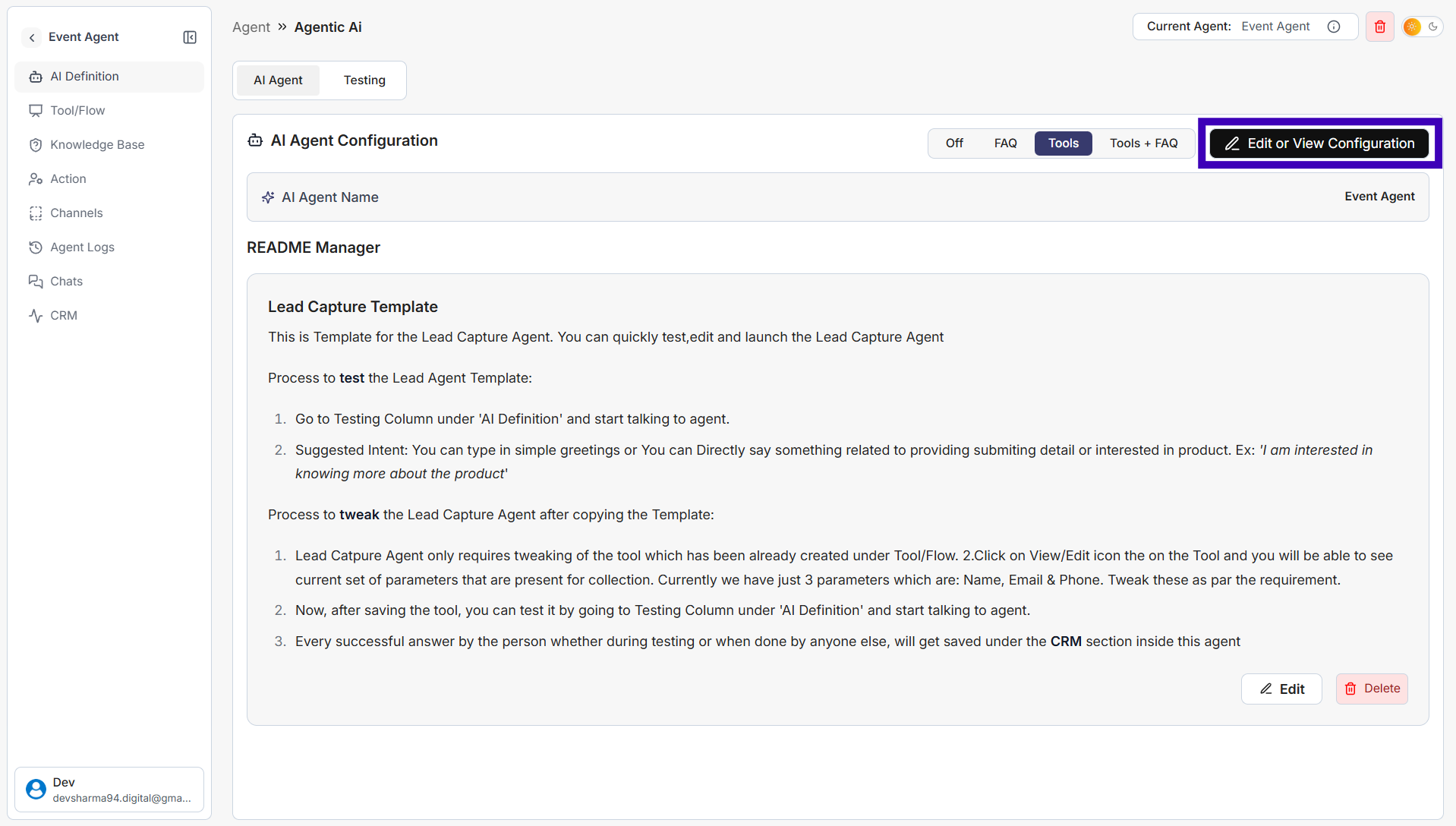
Step 3: Click Edit or View Configuration on the top-right
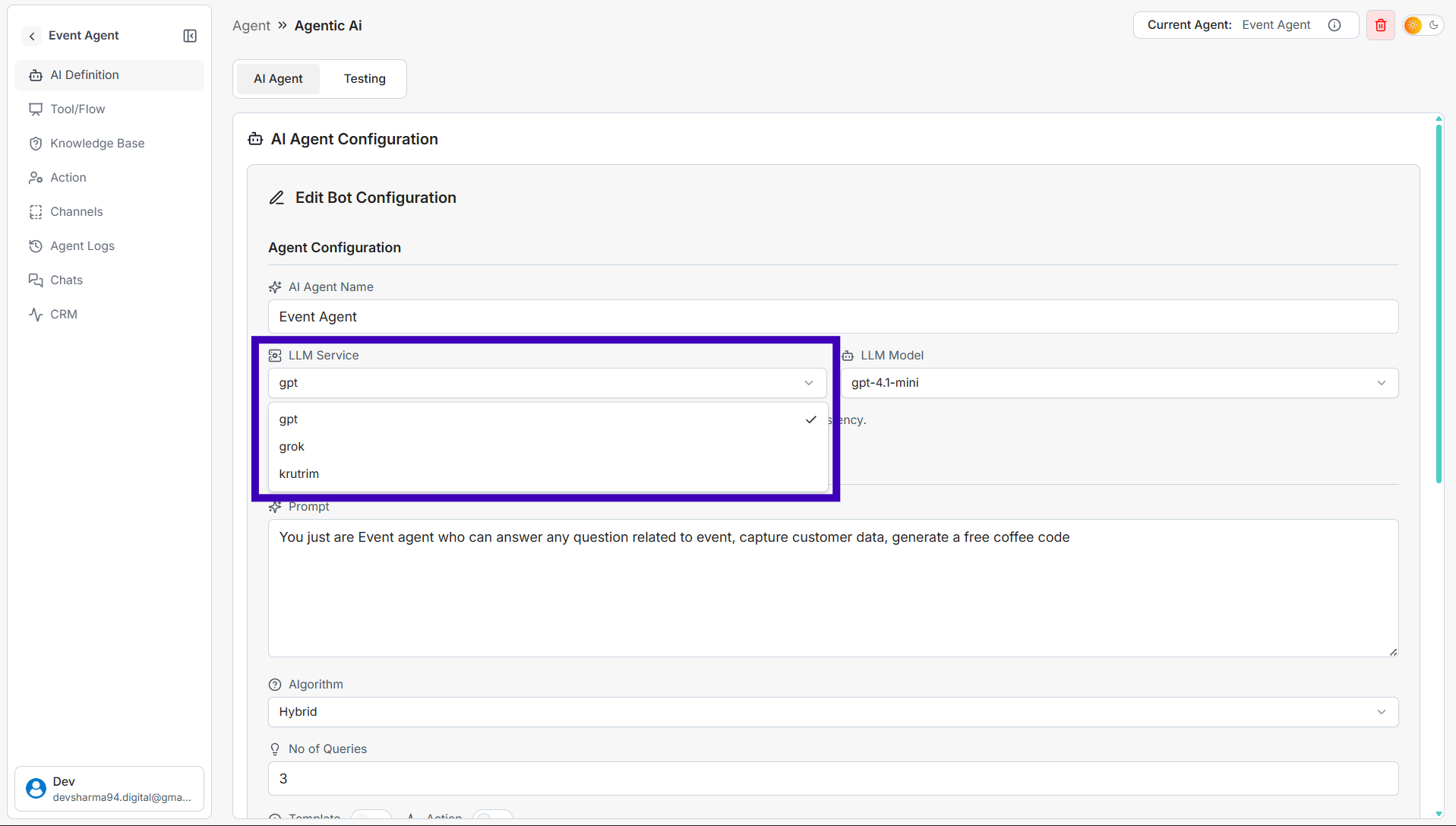
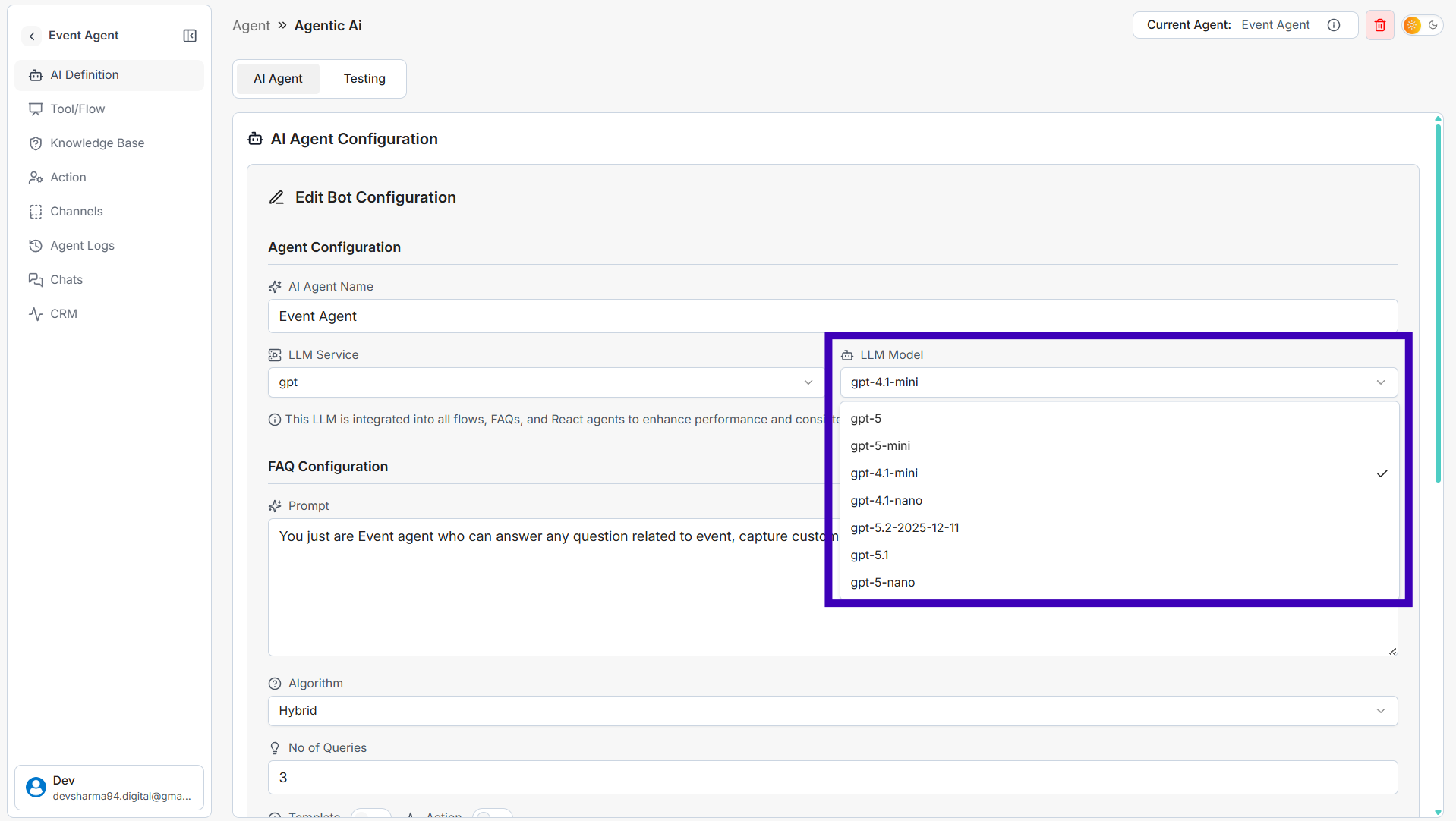
Step 4: In the Agent Configuration section:
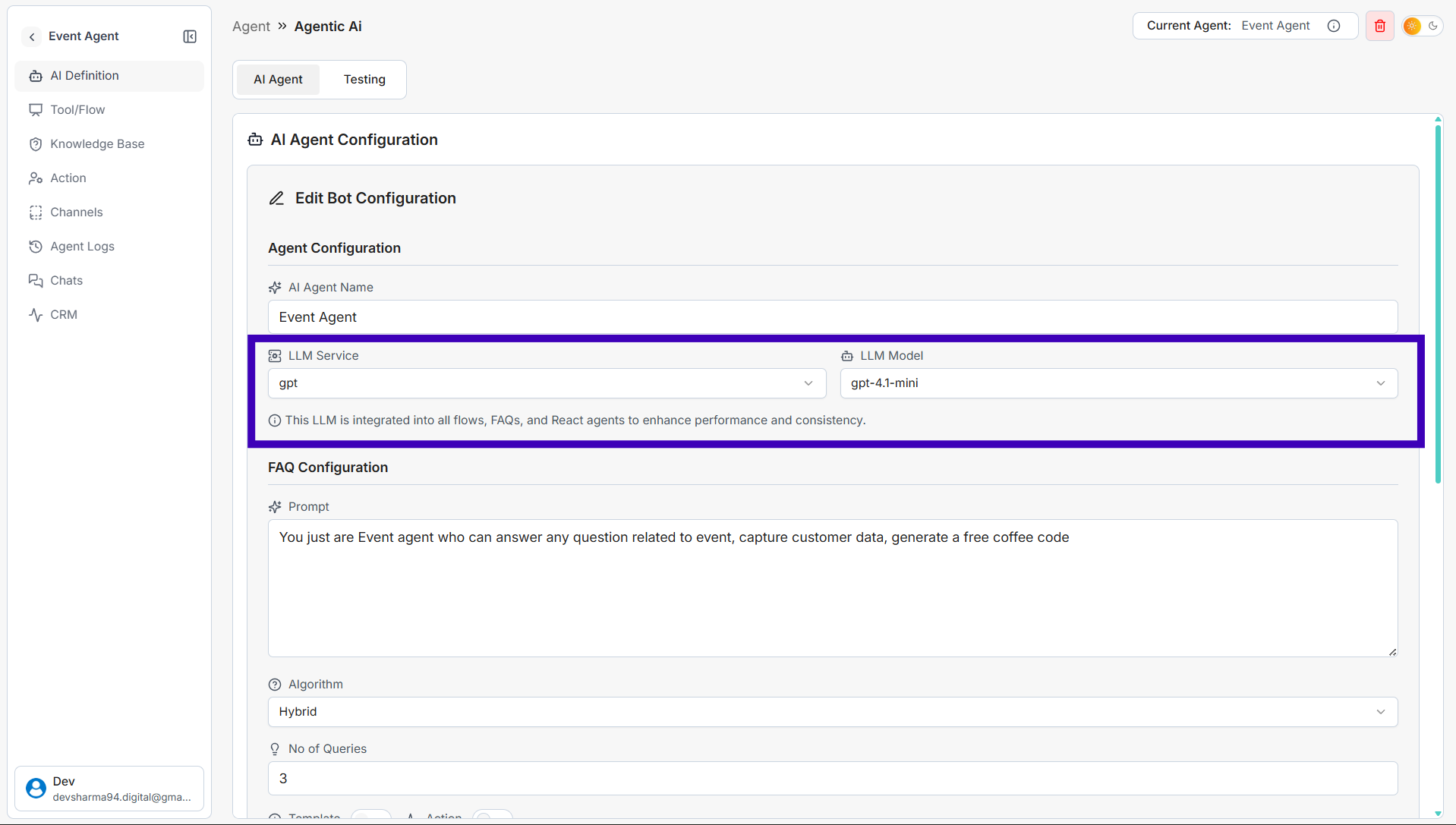
• Select an LLM Service (for example: GPT, Grok, Krutrim)
• Select an LLM Model from the available options
Step 5: Click Save Changes