How to Create Your First Agent
Step 1: From the dashboard, click templates
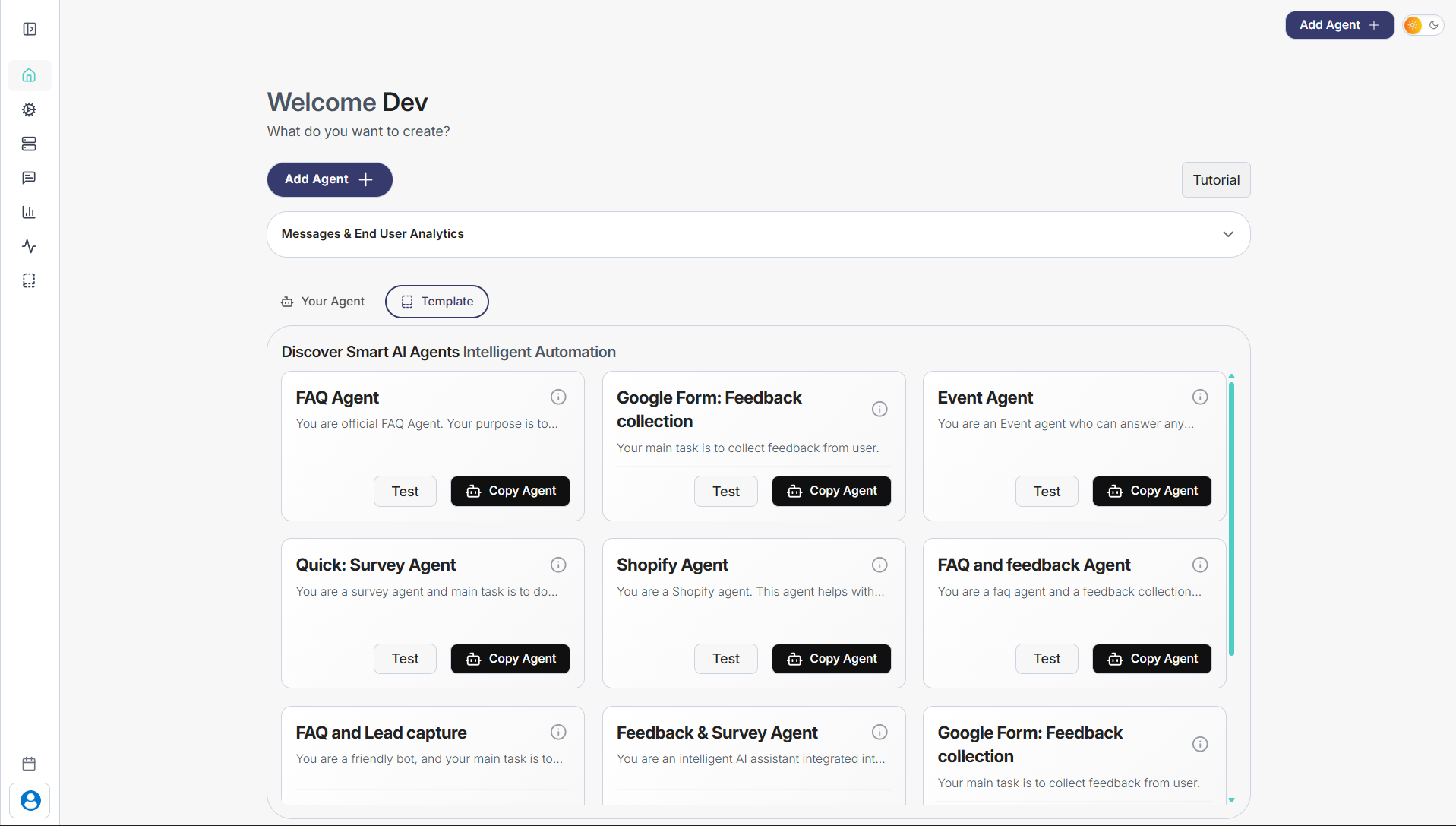
Step 2: Choose the agent type you want (FAQ Agent, Event Agent, Survey Agent, Shopify Agent, etc.)
Step 3: Click Copy Agent on the template you like
Step 4: The agent will be added to Your Agents
Step 5: Open the agent and customize: Agent name Instructions or prompt Knowledge base Tools or actions (if required)
Step 6: Save your changes and start testing or deploying the agent
That’s it. Your AI agent is ready to use.