How to Customize Chatbot Design
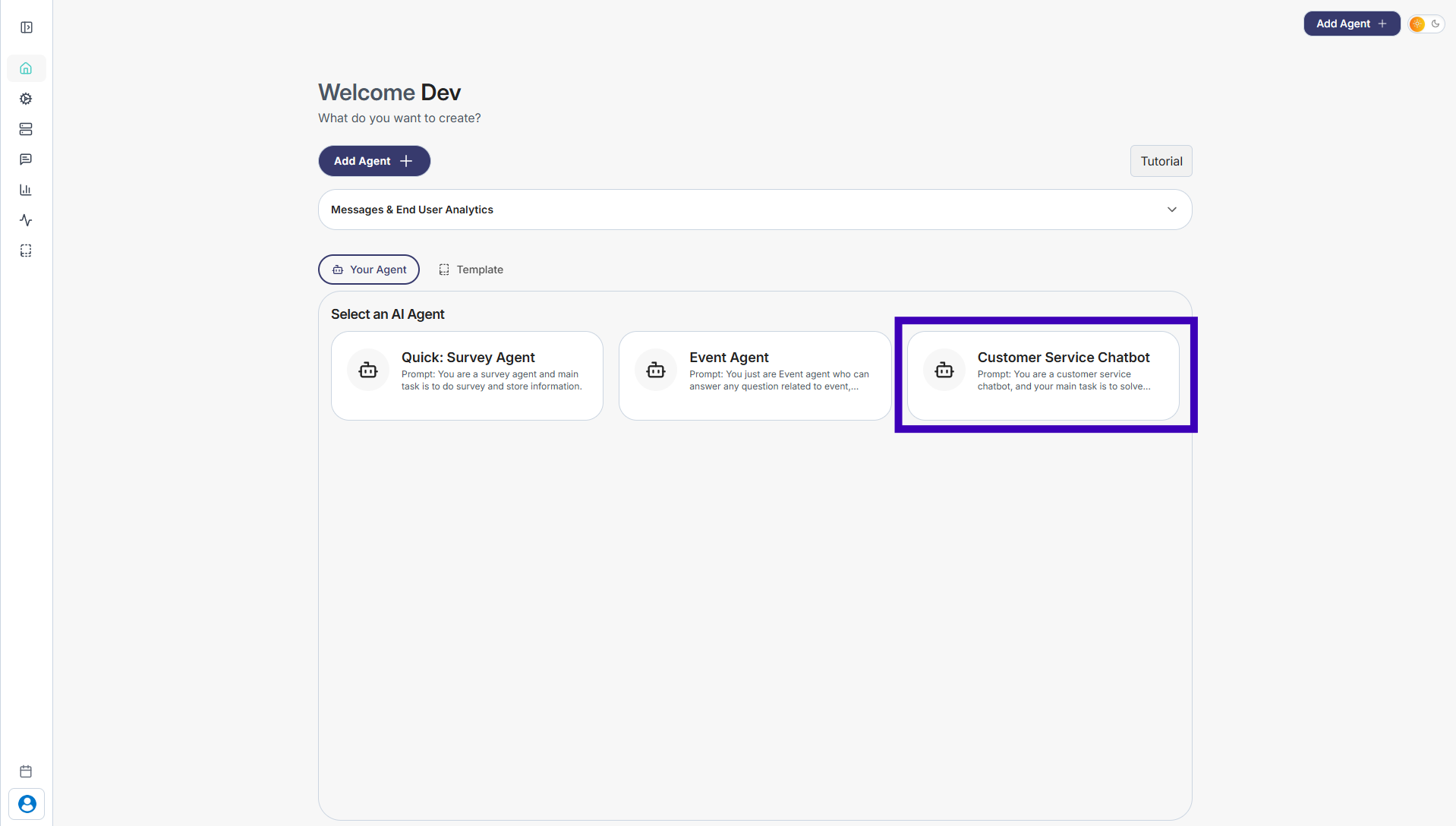
Step 1: Go to Your Agents from the dashboard
Step 2: Select the agent whose chatbot design you want to change
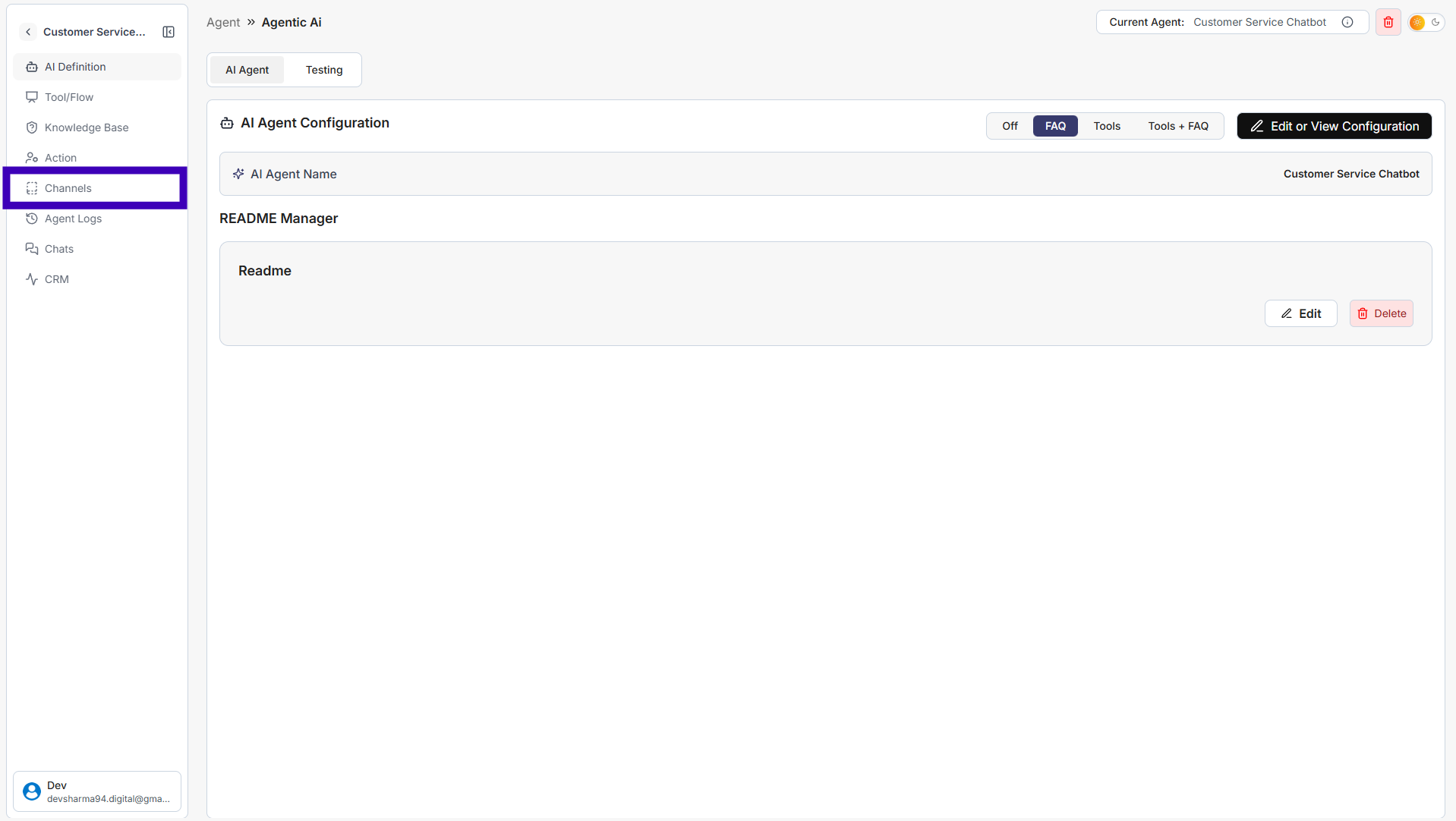
Step 3: From the left sidebar, click Channels
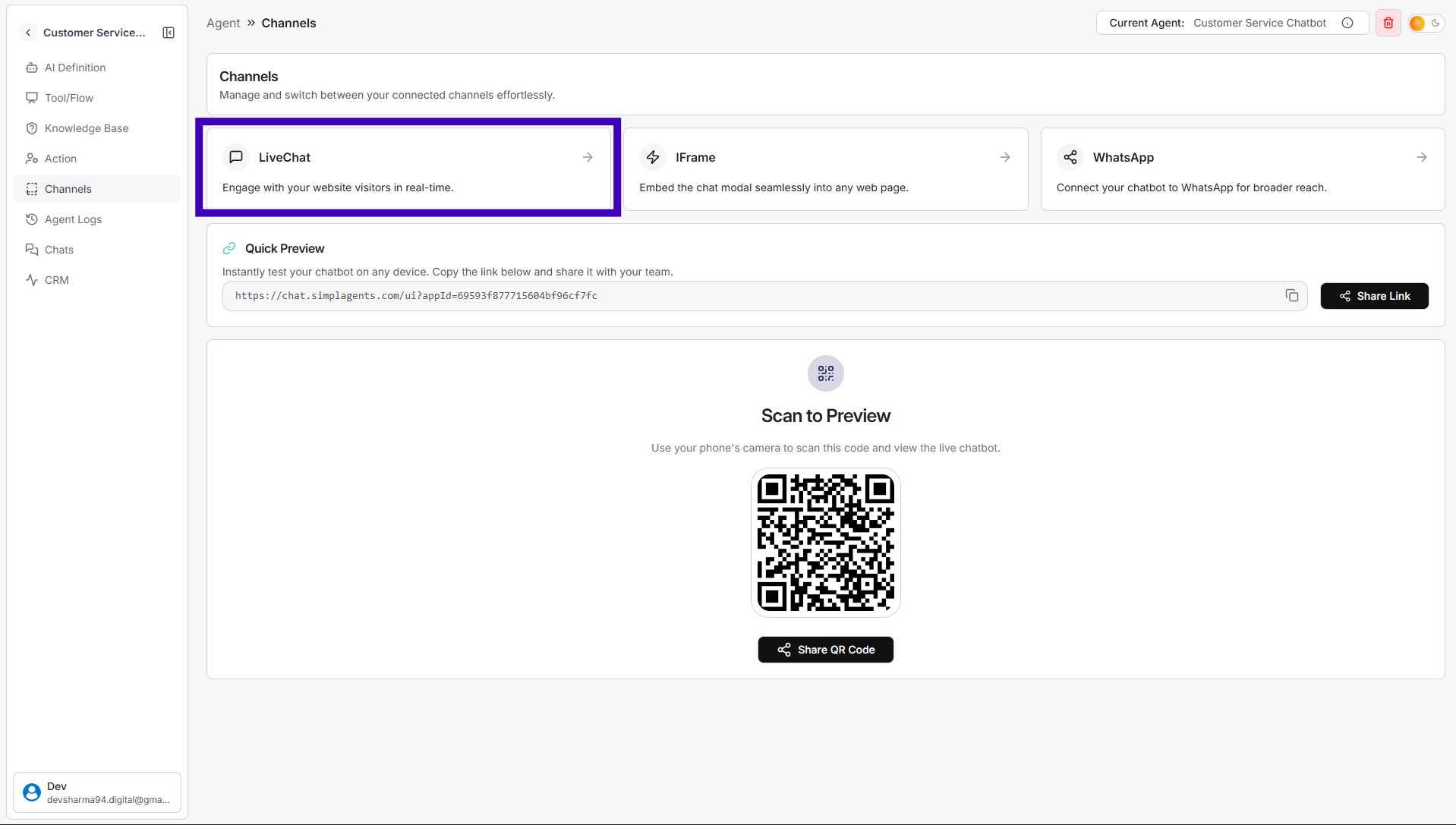
Step 4: Click on Live Chat
Step 5: In the Settings tab, update the design details: • Company Name • Header text and messages • Introduction message • Background, button, and text colors • Logo • User and admin avatars
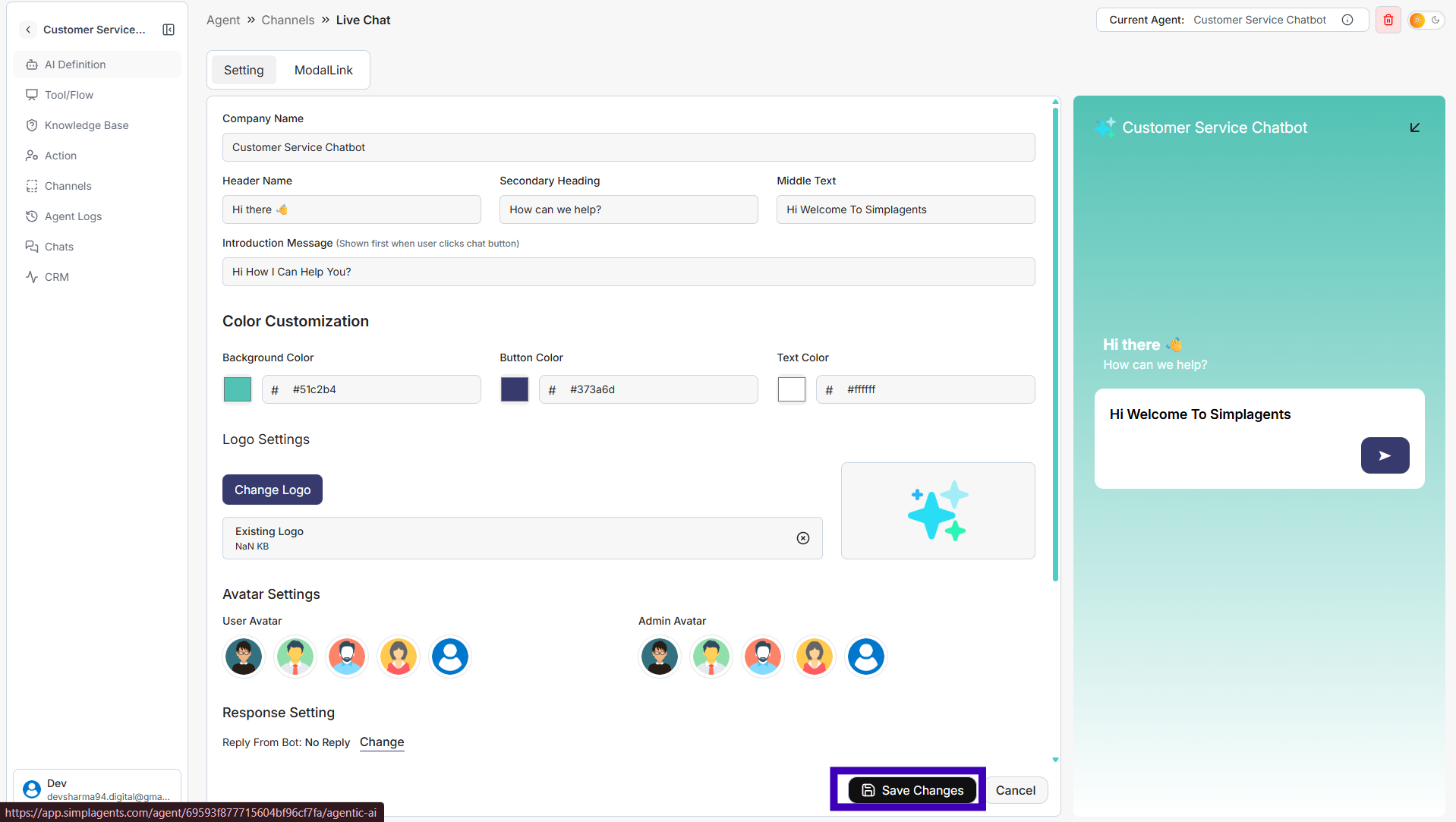
Step 6: Review the live preview on the right side
Step 7: Click Save Changes
Your chatbot design will be updated instantly.