Loading Navbar...
Get Started
How to Disconnect an MCP Safely
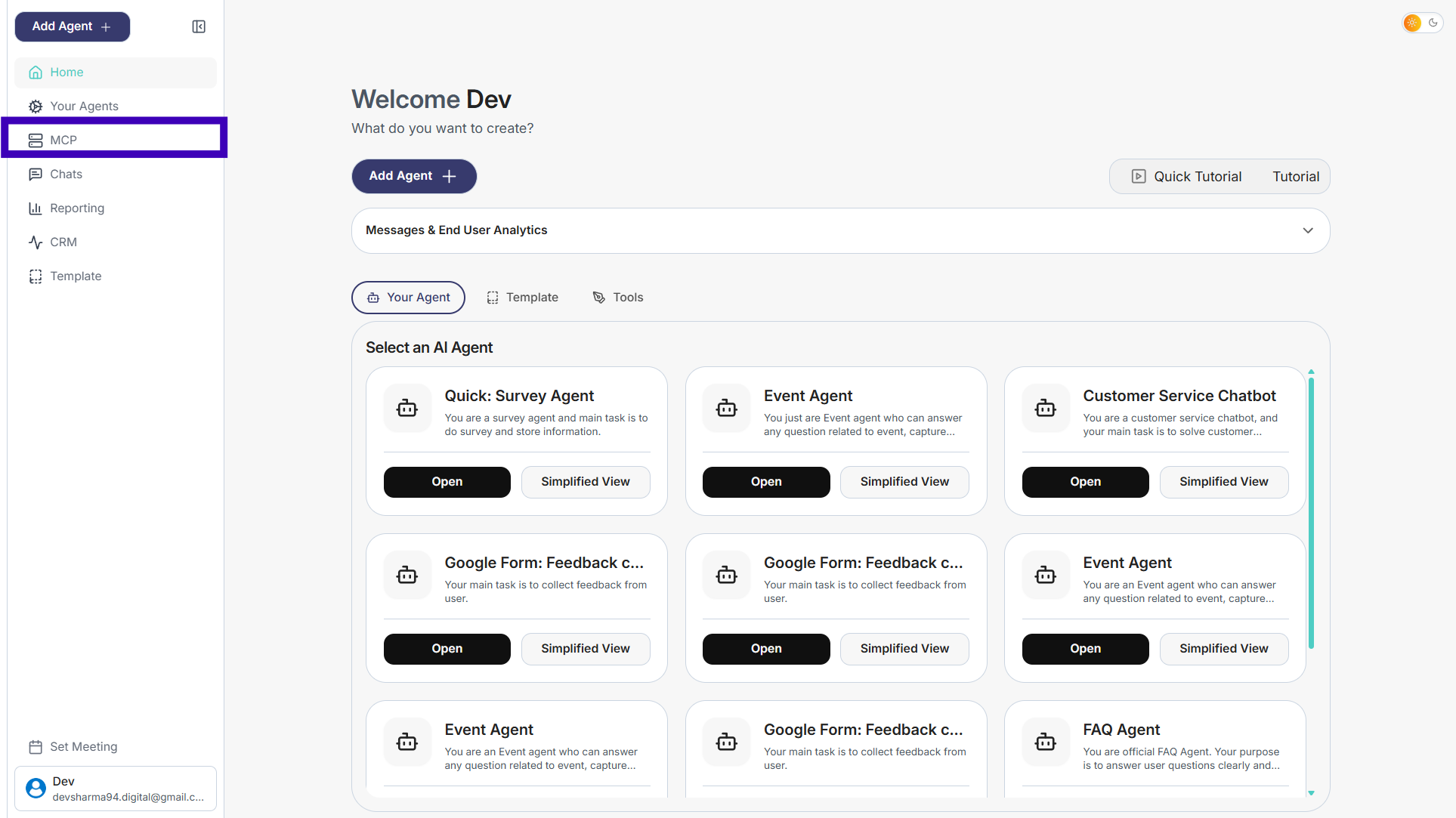
Step 1: From the dashboard, click MCP in the left-side menu
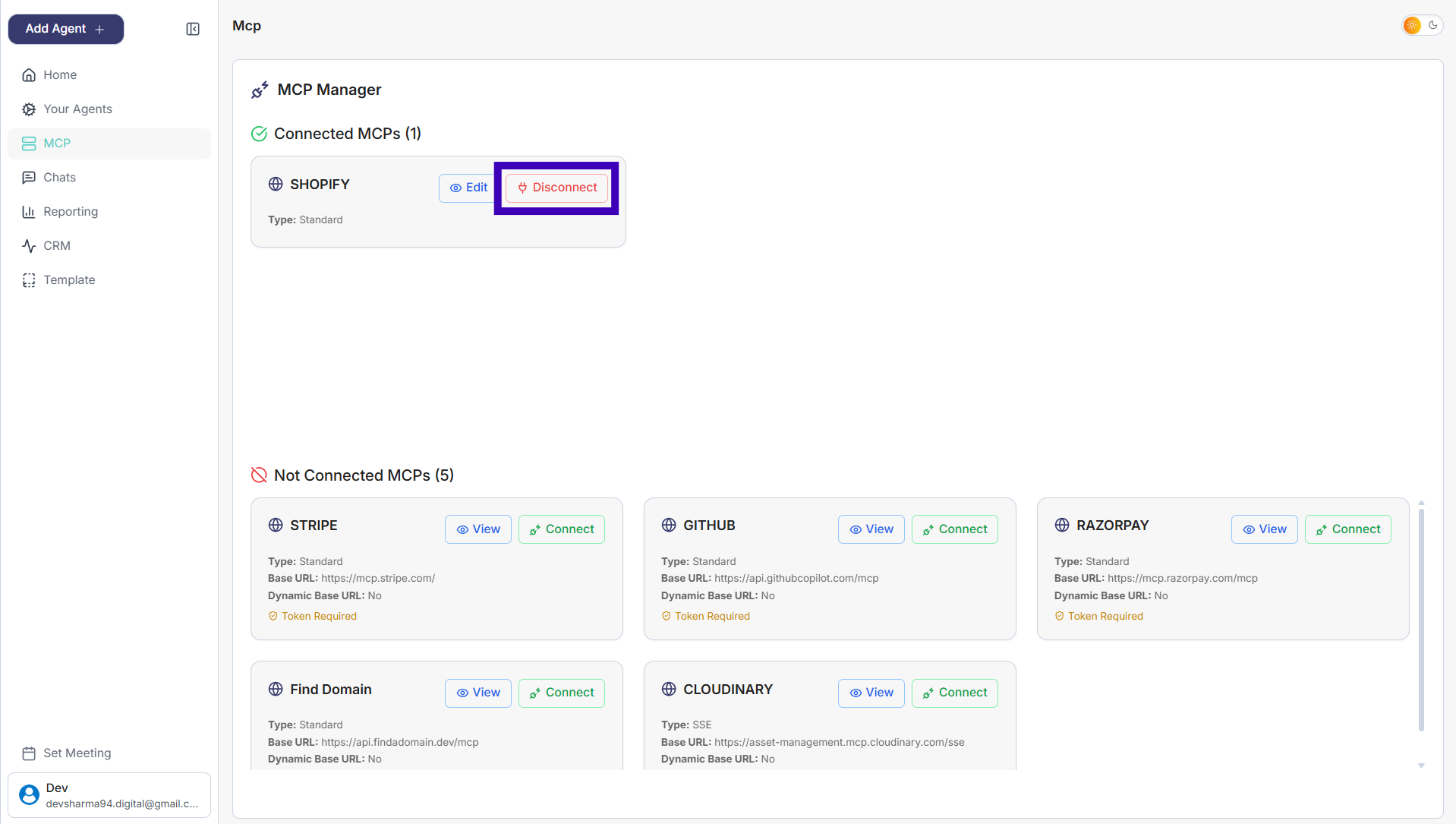
Step 2: You’ll land on the MCP Manager page
Step 3: Under Connected MCPs, find the MCP you want to remove (for example, Shopify)
Step 4: Click Disconnect
Previous
Next
simplagents
Home
Product
Pricing
Resources
Login
Sign Up
simplagents
Home
Product
Technology
Resources
Documentation
Login
Sign Up