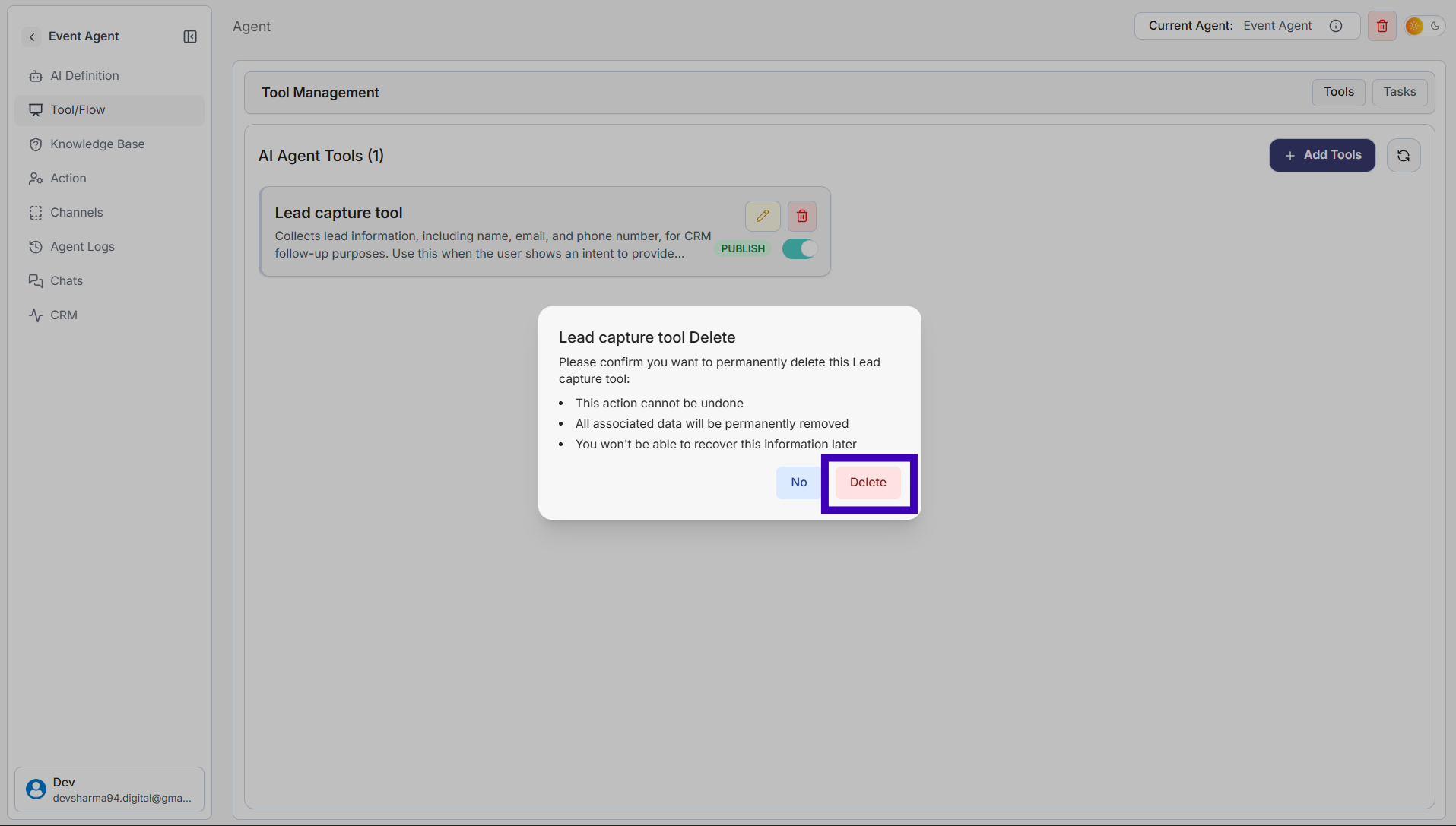
How to Remove a Tool from an Agent
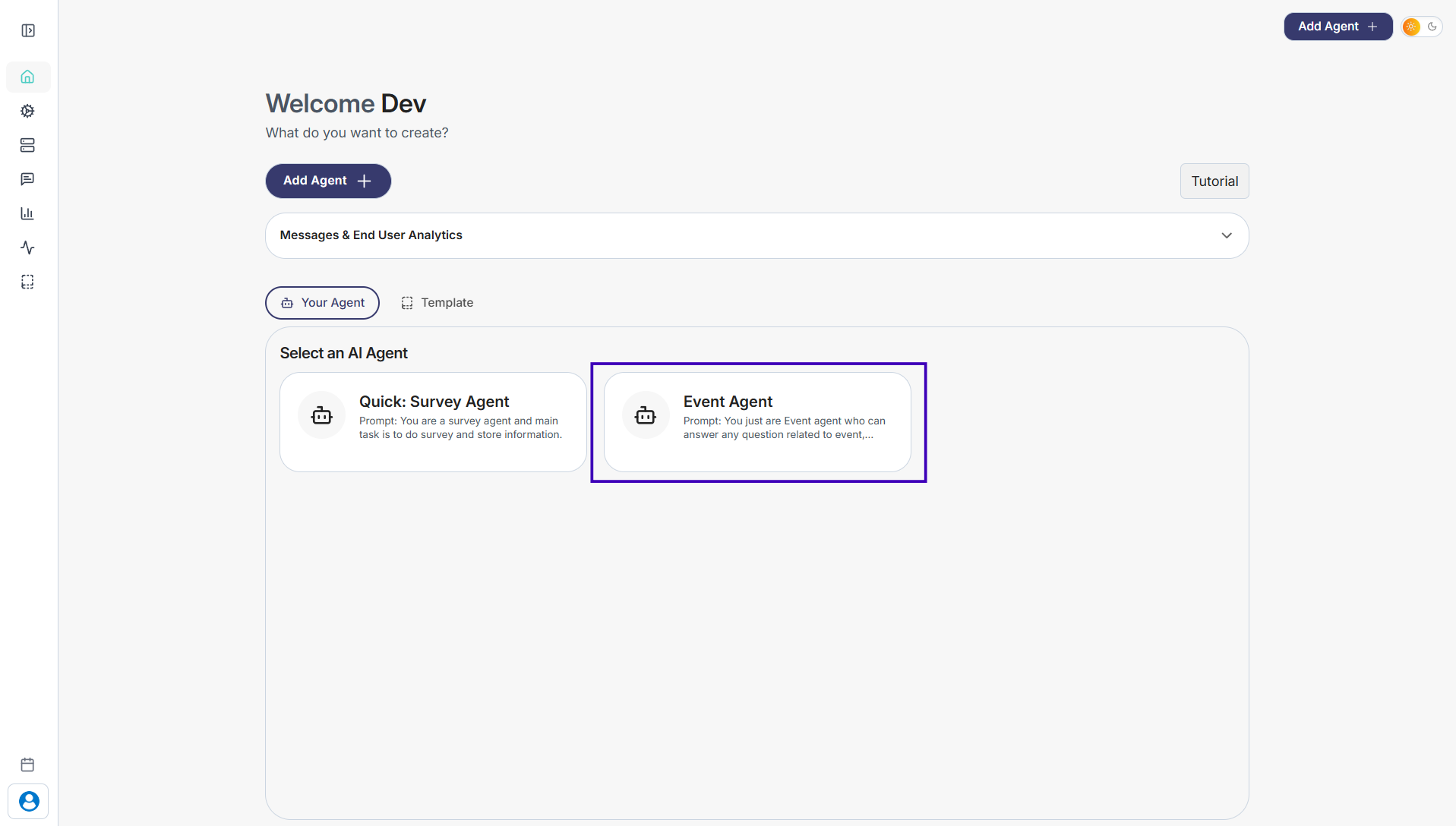
Step 1: Go to Your Agents from the dashboard
Step 2: Select the agent you want to update
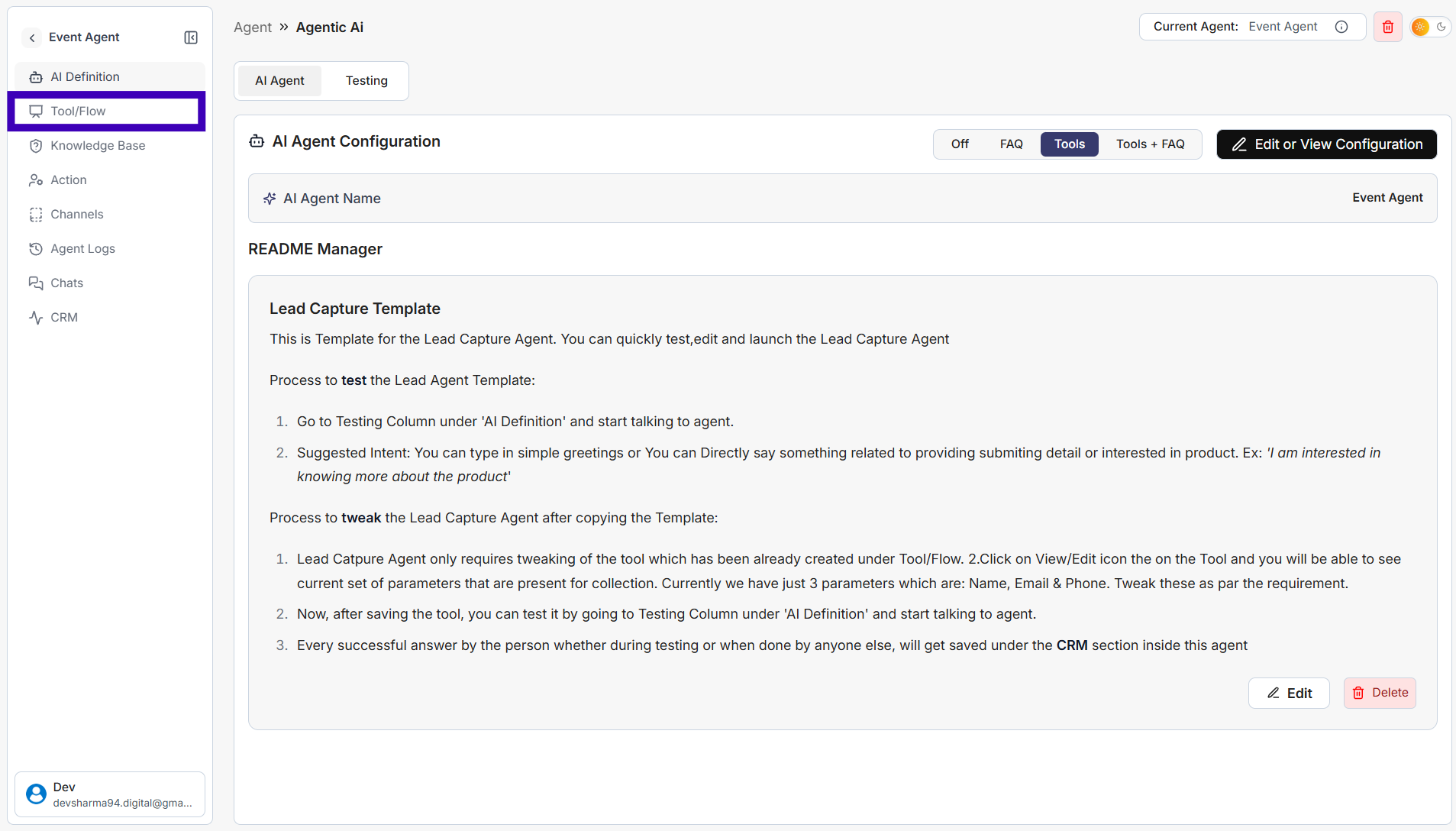
Step 3: In the left sidebar, click Tool/Flow
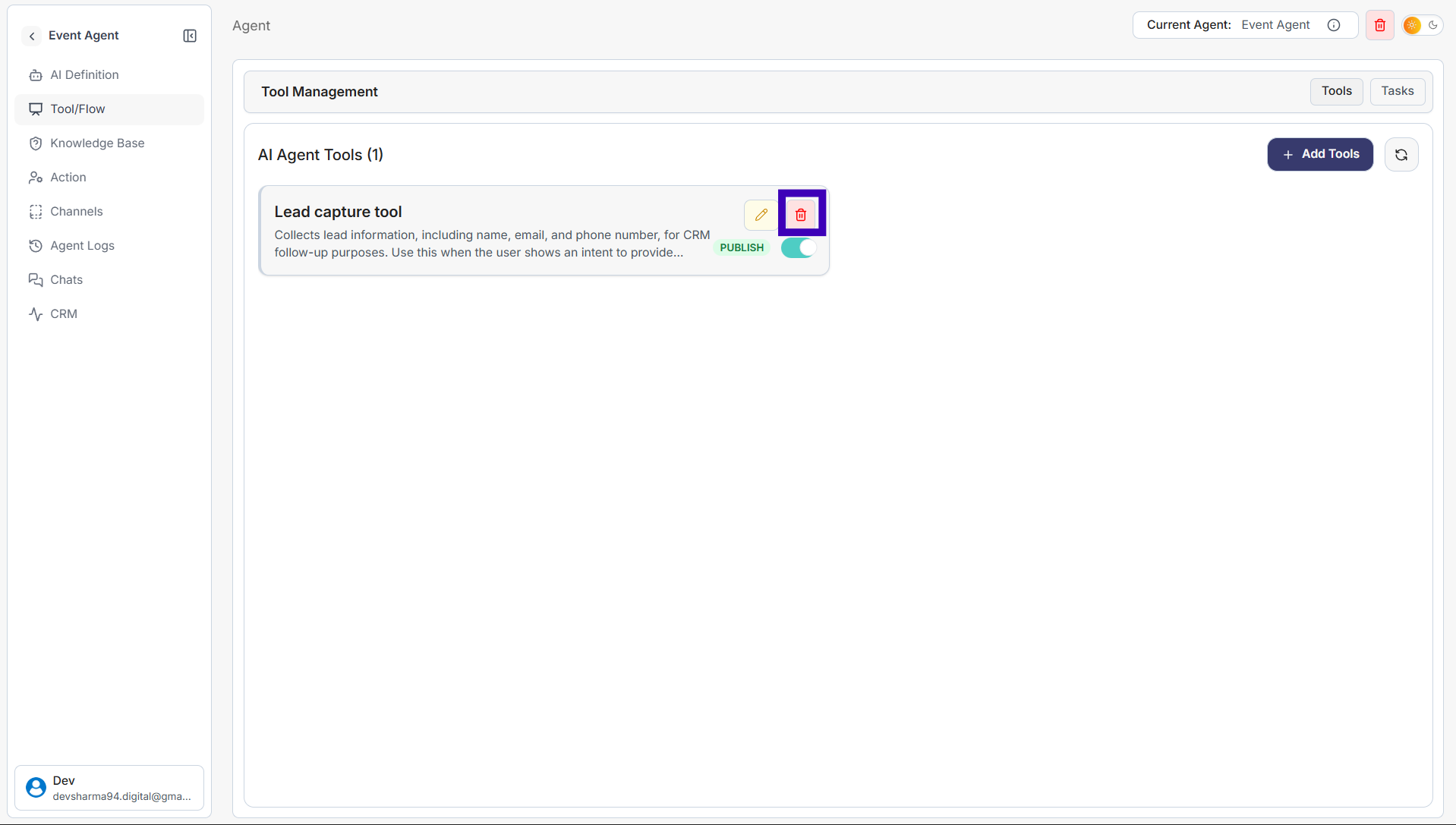
Step 4: Find the tool you want to remove
Step 5: Click the Delete (trash) icon on the tool
Step 6: A confirmation popup will appear and then Click Delete
The tool will be permanently removed from the agent.