How to Test Your Agent
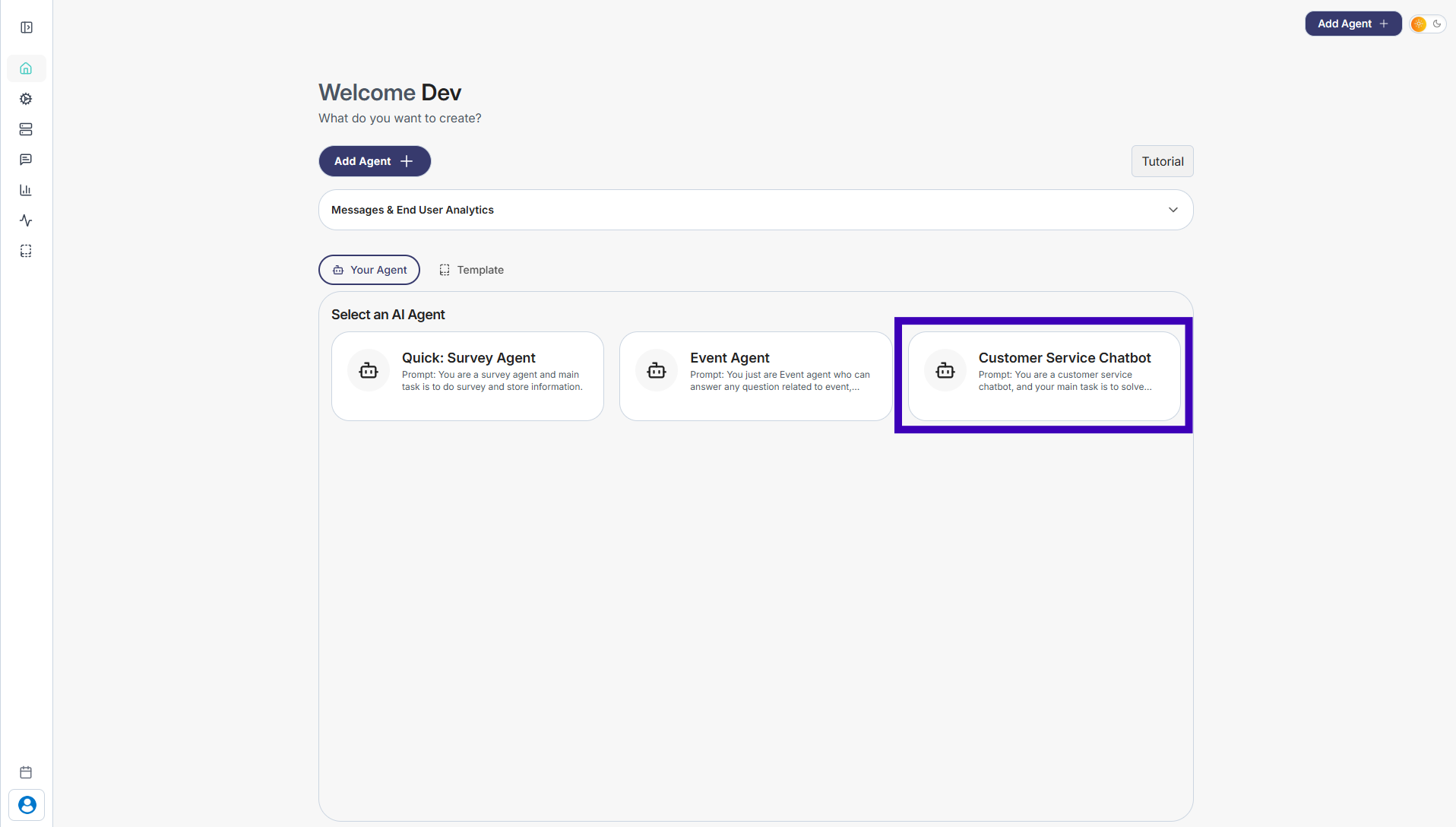
Step 1: Go to Your Agents from the dashboard
Step 2: Select the agent you want to test
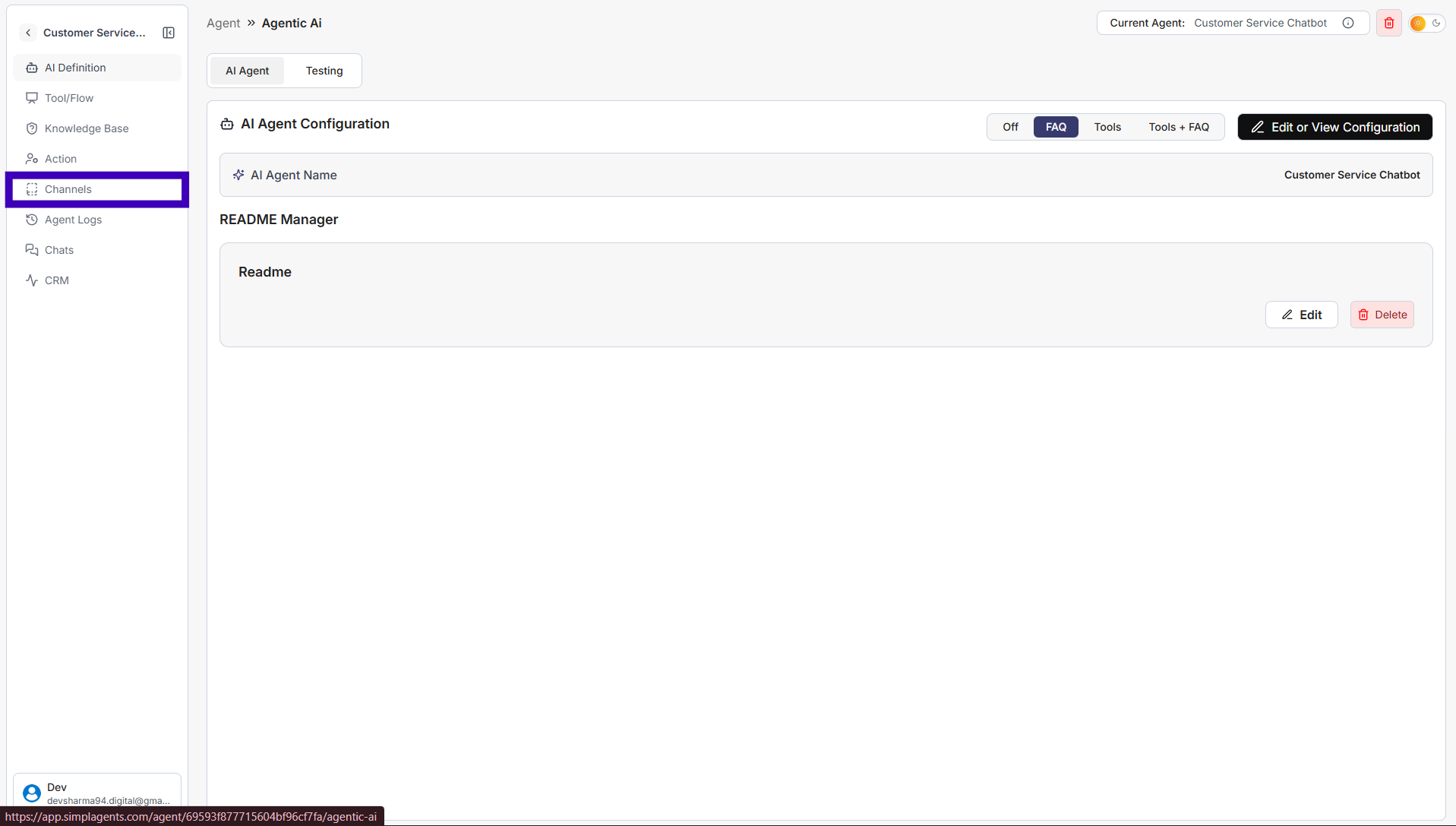
Step 3: From the left sidebar, click Channels
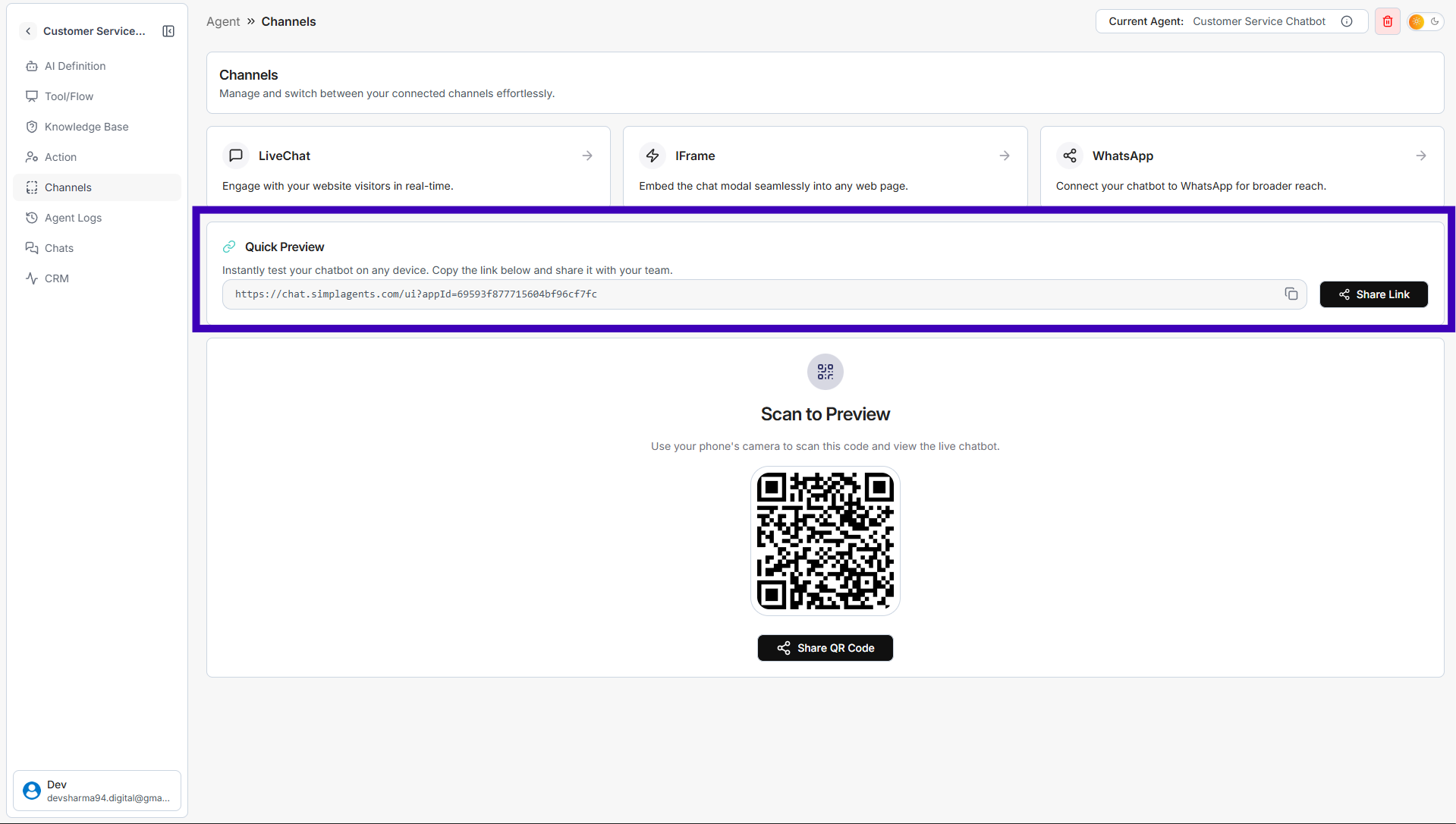
Step 4: Copy link from the Quick Preview section
Step 5: Paste the link into your browser
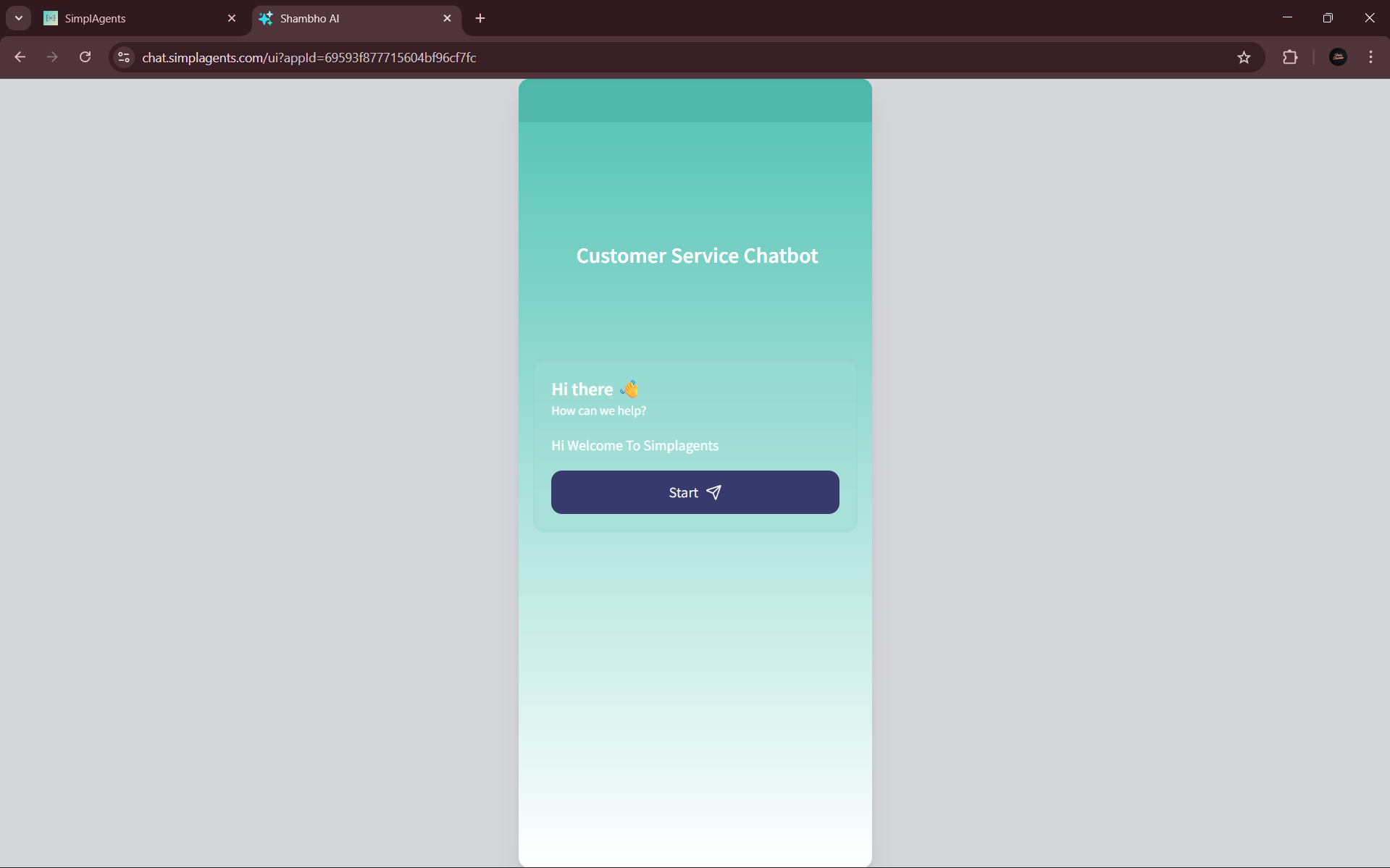
Your agent will open in a new tab, allowing you to chat and test responses in real time.