10 Free AI Tools to Save 10 Plus Hours Every Week (2026)
Created: 30/03/2026
A founder I know spent two hours writing a single email reply. Then another hour thinking of a YouTube title. Then more time creating a form that people never completed.
None of this work was hard. It was repetitive.
That is where small AI tools make a real difference. Not big platforms. Simple tools that do one job fast.
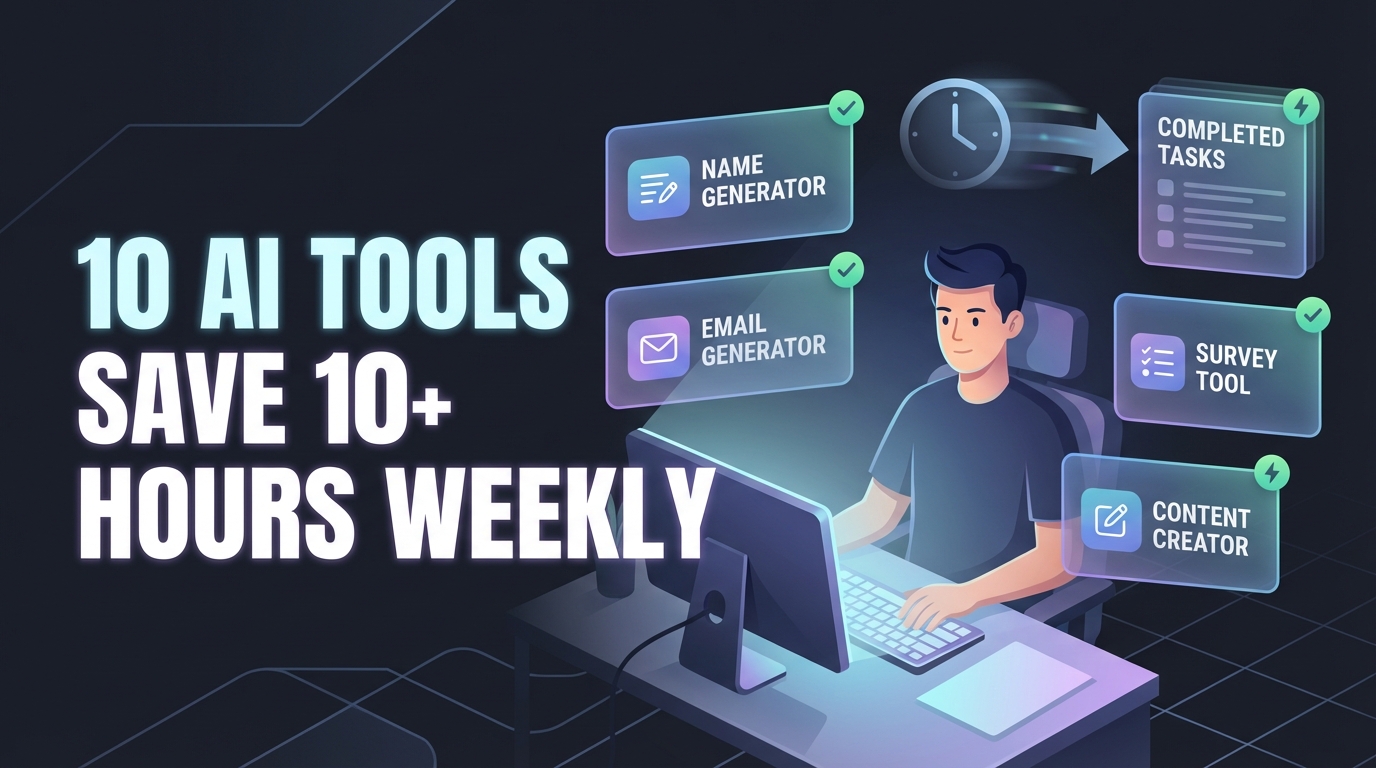
Here are 10 free AI tools that remove busy work from your week.
1. Store Name Generator
Starting a store sounds exciting until you hit the naming block.
You type ideas. Check domains. Repeat.
This tool gives you brandable names in seconds based on your niche.
Where it saves time
• No manual brainstorming
• No back and forth on ideas
• Faster launch decisions
Example
Enter “minimal clothing brand” → get clean, short names ready to use.
2. Restaurant Name Generator
Naming a restaurant is different. It needs memory and vibe.
This tool suggests names based on cuisine and style.
Where it saves time
• Avoids generic names
• Matches tone with your concept
• Helps with branding early
Example
Input “modern cafe, Italian, cozy” → get names that feel like a real place.
3. Survey Question Generator
Writing good questions takes more time than people expect.
Bad questions lead to bad data.
Where it saves time
• Creates structured surveys fast
• Covers edge cases
• Reduces thinking time
Example
Enter your goal like “customer feedback for SaaS” → get ready to use questions.
4. Response Generator
Customer support repeats itself every day.
Same questions. Same replies.
This tool writes clear responses you can send or tweak.
Where it saves time
• Cuts typing time
• Keeps tone consistent
• Reduces mental load
Example
Paste a complaint → get a calm, helpful reply in seconds.
5. Content Rewriter and Expander
You write something once. Then you rewrite it again for email, LinkedIn, or a blog.
This tool handles that.
Where it saves time
• Expands short ideas into full content
• Shortens long text
• Fixes clarity
Example
Turn a rough note into a clean paragraph without starting over.
6. AI FAQ Generator
FAQs take time because you need to think like your user.
This tool builds that list for you.
Where it saves time
• Covers common objections
• Improves website clarity
• Reduces support queries
Example
Enter your product → get questions users are likely to ask.
7. AI Answer Generator
Sometimes you just need a quick answer written clearly.
This tool gives you that without extra steps.
Where it saves time
• Fast explanations
• Clean formatting
• Ready to copy
Example
Use it for internal docs or quick replies.
8. Title Generator Tool
Titles decide clicks. But writing them takes time.
This tool generates multiple options based on your topic.
Where it saves time
• No blank page
• Multiple angles instantly
• Better click potential
Example
Enter “AI chatbot for ecommerce” → get several strong title options.
9. Email Response Generator
Inbox overload is real.
This tool writes replies based on tone and context.
Where it saves time
• Faster replies
• Consistent messaging
• Less thinking per email
Example
Paste an email → choose tone like polite or direct → send.
10. Meme Caption Generator
Content creation is not always serious.
This tool helps you write captions that fit your meme or post.
Where it saves time
• Quick content ideas
• Better engagement
• No overthinking
Example
Upload a meme idea → get multiple caption styles.
Why These Tools Actually Save Time
Most people look for one big tool to do everything.
That rarely works.
Small tools win because:
• They solve one problem fast
• No learning curve
• You use them daily
And over a week, those small wins add up to hours saved.
How to Use These Tools Properly
Do this once and you will see results fast.
1. Identify repeat tasks
Emails, naming, writing, support.
2. Assign one tool per task
Do not mix everything into one workflow.
3. Save your best outputs
Reuse templates instead of starting from zero.
4. Stack tools when needed
Example:
Title Generator → Content Rewriter → Email Generator
Conclusion
Time is not lost in big projects. It is lost in small repeated tasks.
Tools like these remove that friction.
Start with two. Use them daily.
By the end of the week, you will notice the difference.